














How to Print on Acrylic with UV Printer and CO₂ Lasers

Printing on acrylic is one of the most effective ways to create premium products for signage, décor, retail displays, awards, and custom branding. Few materials match acrylic’s clarity, durability, and visual impact—especially when paired with modern UV printing technology.
Unlike traditional printing methods that rely on paper or coated substrates, UV printers can apply full-color designs directly onto acrylic sheets, curing the ink instantly into a durable, scratch-resistant finish. The result is a product that looks professionally manufactured, holds up over time, and commands higher prices.
In this guide, we’ll focus on how to print on acrylic using UV printers, why acrylic is such an ideal material, what tools you need, recommended print modes, workflow tips, safety considerations, and profitable project ideas. We’ll also touch on how CO₂ laser cutting complements acrylic printing when custom shapes are required.
Why Acrylic Is One of the Best Materials for UV Printing
Acrylic is uniquely suited for UV printing for several reasons.
First, it is rigid and non-porous, which allows UV ink to cure cleanly on the surface without bleeding or absorption. This results in extremely sharp details, vibrant colors, and consistent finishes across the entire sheet.
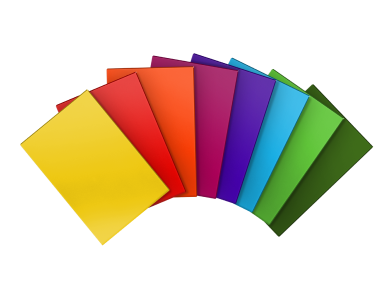
Second, acrylic is available in a wide variety of types—clear, frosted, black, white, and colored—giving businesses creative flexibility. Clear acrylic, in particular, allows for reverse printing on the back side, creating a “glass-like” depth effect where the artwork appears embedded inside the material.
Third, acrylic is durable. UV-printed designs resist moisture, fading, and everyday wear, making them suitable for both indoor and light outdoor use. This durability opens the door to long-lasting signage, branded fixtures, and retail products that maintain their appearance over time.
Finally, acrylic scales well for production. Sheets are consistent, easy to handle, and compatible with batch workflows, which is ideal for small businesses producing multiple units.
Tools You’ll Need for Acrylic Printing
At the center of any acrylic workflow is a UV printer capable of handling rigid materials. Flatbed or hybrid UV printers allow acrylic sheets to be placed directly onto the print bed for direct printing—no transfers, no laminates, no vinyl overlays.
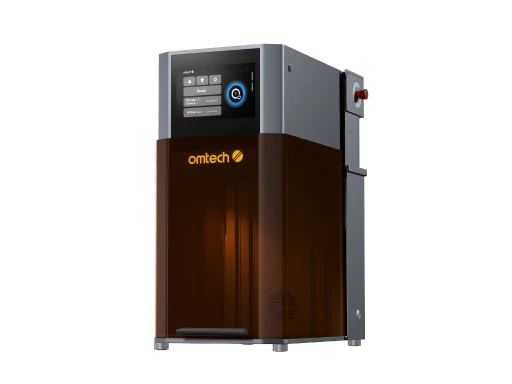
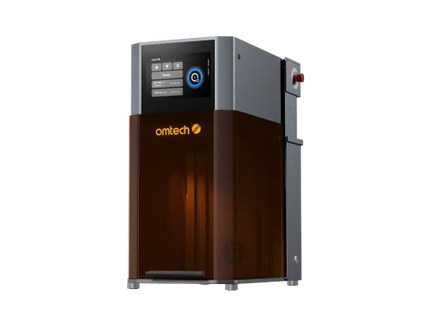
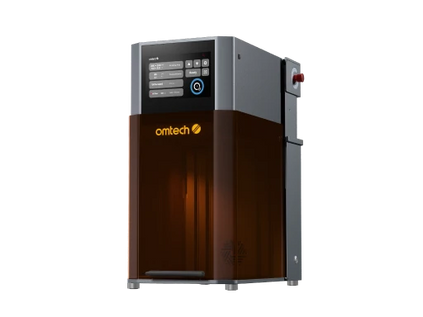
A machine like the OMTech Spectra UV Printer is designed for this type of work, supporting:
-
High-speed printing up to 2.39 m²/h
-
High-resolution output for fine details
-
Automatic cleaning functions for maximum efficiency
Design software such as Adobe Illustrator, CorelDRAW, or similar vector tools is used to prepare artwork. RIP software manages ink layering and print modes, especially important when printing on transparent acrylic.
Basic surface preparation tools—lint-free cloths, isopropyl alcohol, and anti-static wipes—are also essential to ensure proper adhesion and flawless prints.
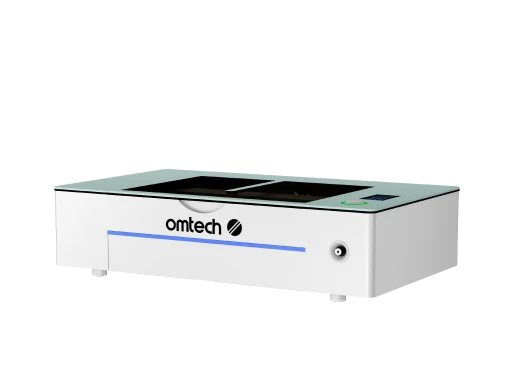
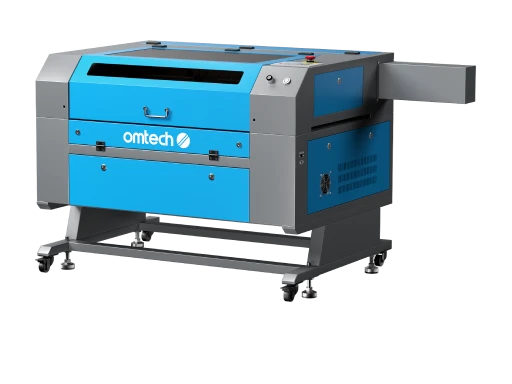
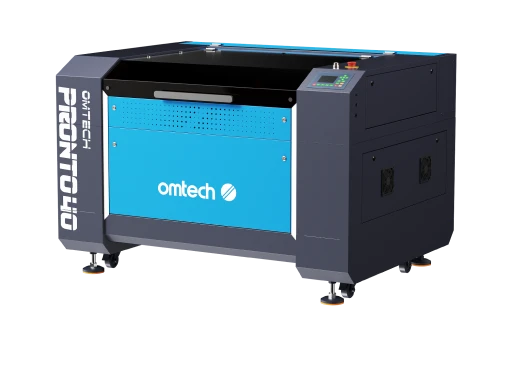
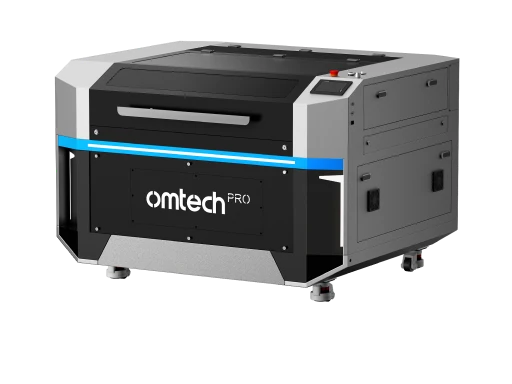
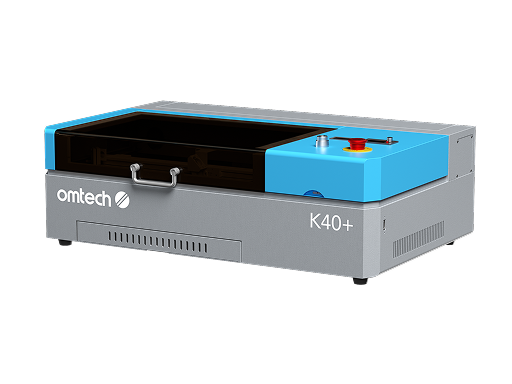
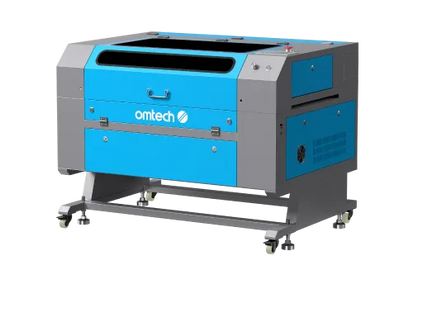
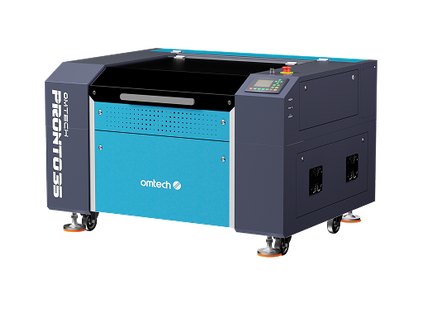
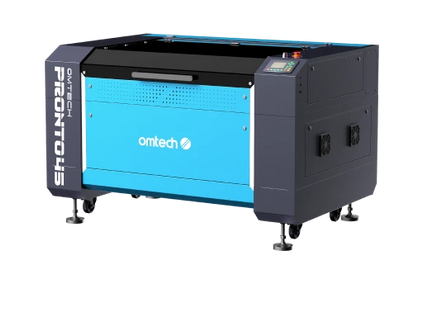
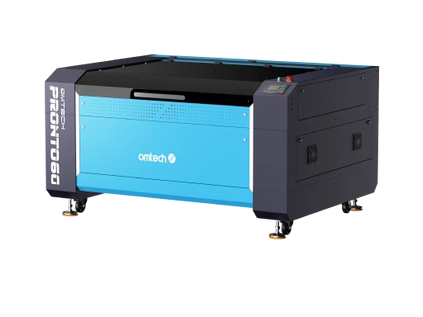
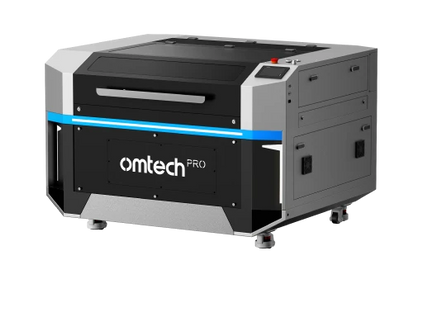
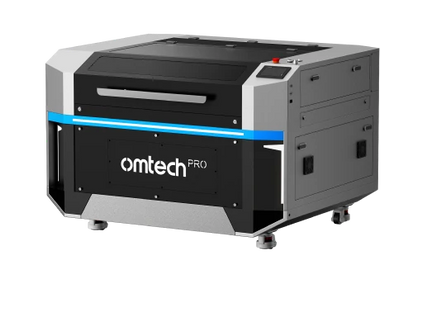
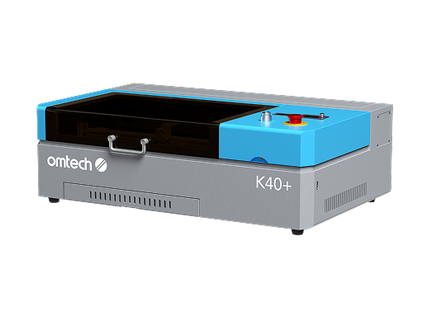
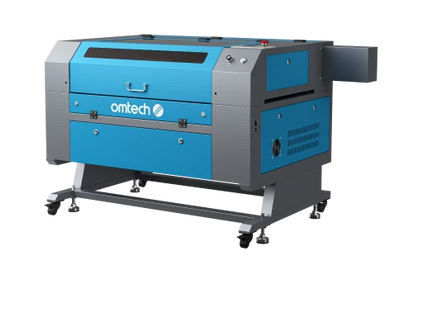
A CO₂ laser cutter is optional but extremely useful when you want to turn printed sheets into custom shapes, lettering, or intricate designs. Acrylic happens to be one of the easiest materials for CO₂ lasers to cut cleanly, which makes it a natural companion tool for shops that produce signage or decorative products.
UV Printing Modes That Matter on Acrylic
One of the biggest advantages of UV printing on acrylic is the ability to control ink layering. Clear acrylic in particular benefits from thoughtful ink sequencing, as the order of layers directly affects how the design appears from the front.
For designs without text, a CMYK + White + CMYK print mode delivers the most vibrant results. In this configuration, the first CMYK layer is printed in reverse on the back of the acrylic, followed by a white ink layer to provide opacity, and then a final CMYK layer. When viewed from the front, the colors appear rich and saturated, with a glass-like depth that’s ideal for artwork, imagery, and decorative panels.
When text is involved, CMYK + White is usually the better choice. This prevents mirrored or reversed lettering while still providing enough opacity for readability. This mode is commonly used for signage, logos, awards, and any application where clarity is more important than visual depth. Modern RIP software handles these layer sequences automatically once the correct mode is selected, making the process accessible even for beginners.
Safety and Best Practices When Working With Acrylic
Safety is an essential part of any acrylic workflow. While UV inks are generally low in VOCs, proper ventilation ensures a clean working environment. Laser cutting acrylic produces fumes that must be exhausted or filtered appropriately, so a dedicated ventilation system or air purifier is strongly recommended.
Handling acrylic carefully also improves results. Fingerprints, dust, and static can all interfere with ink adhesion and final appearance. Cleaning the surface thoroughly before printing and wearing gloves when handling large sheets helps maintain consistency. When laser cutting, it’s critical to confirm that the material is acrylic and not PVC, as PVC releases hazardous gases when cut with a laser.
Acrylic Project Ideas That Benefit From This Workflow
Combining UV printing and CO₂ laser cutting unlocks a wide range of profitable acrylic products, such as:
-
Signs and Wall Art: Business signs, home décor, layered typography
-
Awards and Trophies: Clear or frosted acrylic with UV-printed logos
-
Retail Displays: Price tags, product stands, brand signage
-
Faux Stained Glass: UV-printed color on clear acrylic, laser-cut shapes
-
Custom Gifts: Photo plaques, name signs, desk décor
-
Backlit Panels: UV prints on clear acrylic with LED backlighting
Because both printing and cutting are digital, it’s easy to customize each piece without adding significant labor—an advantage that small businesses can leverage to increase margins.
Why OMTech UV and CO₂ Machines Work Well Together
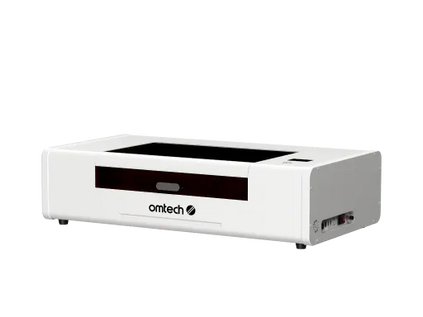
OMTech’s machines are designed with small businesses and makers in mind. CO₂ lasers provide reliable acrylic cutting and engraving, while OMTech Spectra UV Printer brings high-resolution, layered UV printing into a compact, production-ready format. Together, they create a balanced workflow that supports both creative flexibility and operational efficiency.
This combination allows you to move seamlessly from design to finished product without relying on external vendors or manual finishing steps—making it easier to scale, experiment, and deliver consistent results.
Final Thoughts
Printing on acrylic doesn’t have to be complicated. When you combine UV printing for color and durability with CO₂ laser cutting for shape and precision, the workflow becomes faster, cleaner, and far more repeatable. From signage to décor to premium branded products, acrylic is one of the most profitable materials you can add to your lineup.
Ready to elevate your acrylic projects? Explore OMTech’s CO₂ laser engravers today and get ready for the upcoming OMTech Spectra UV Printer—designed to bring professional acrylic printing within reach.





