














Combining UV Printing and Laser Cutting: The Ultimate Workflow
For small businesses and makers, flexibility is often the difference between staying small and scaling successfully. Customers want personalized products, fast turnaround times, and professional quality—without mass-production minimums. This is exactly where combining UV printing with laser cutting becomes so powerful.

Laser cutters and UV printers each solve different production challenges. A laser cutter gives you complete control over shape, engraving, and fine detail. A UV printer adds full-color graphics, white ink, and even raised or glossy textures directly onto rigid materials. When these two tools are used together, small businesses gain the ability to produce custom-shaped products with photo-quality graphics, all in-house, without relying on third-party suppliers.
This production method allows creators to expand into premium products, serve business clients, and build repeatable workflows that scale as demand grows.

Why These Two Technologies Work So Well Together
Laser cutting focuses on precision. It allows you to cut intricate outlines, engrave fine text, and produce consistent shapes across wood, acrylic, leatherette, and other materials. UV printing focuses on appearance and durability. It applies color that cures instantly, resists water, and holds up on non-porous surfaces that traditional inkjet printers cannot handle.
When paired, the laser defines the form while the UV printer defines the visual identity. Instead of offering plain engraved items or flat rectangular prints, businesses can produce products that look like professionally manufactured goods—custom signs, branded merchandise, acrylic décor, drinkware, and promotional items that stand out in crowded markets.
Just as importantly, this combination keeps everything under one roof. There is no need to outsource printing or cutting, which reduces turnaround times, lowers costs, and improves quality control.
A Practical Workflow for Combining UV Printing and Laser Cutting
Combining UV printing and laser cutting is one of the most efficient ways to produce high-quality, full-color parts from materials like acrylic, wood, or coated metals. The key is following the correct order and setup to protect print quality and ensure precise cuts.
1. UV Print Your Design
Start by UV printing your artwork directly onto the full sheet of material (such as acrylic). Printing first gives you cleaner cuts around your designs and allows for maximum efficiency. For best results, clean the surface thoroughly before printing and leave a 1-2 mm safety margin between the artwork and your future cut lines.
2. Load and Align Your Material
Place the printed sheet carefully into your laser bed, keeping it flat and clean. Avoid sliding it across dirty surfaces, which could scratch or contaminate the ink layer. You can use a ruler or the camera preview to confirm the cutting paths match your printed designs.
Modern laser cutters, such as certain OMTech machines, typically have camera systems that help you view and frame materials. The software overlays the cutting path directly on the live image for extremely accurate positioning.
You can also print registration marks along with your designs. The laser software detects these marks and automatically aligns the cutting paths for precise contour cutting. Both these methods allow you to cut complex shapes around printed graphics accurately with minimal setup time.
3. Cut the Sheet
When cutting your materials, make sure to run a test cut first to make sure your edges are clean, without charring or warping. Cutting acrylic or plastic typically requires lower speeds and strong air assist to avoid excessive heat buildup. Too much heat can melt the edges, create a sticky residue, or slightly yellow or peel the UV ink.
Why Printing First Is Better Than Cutting First
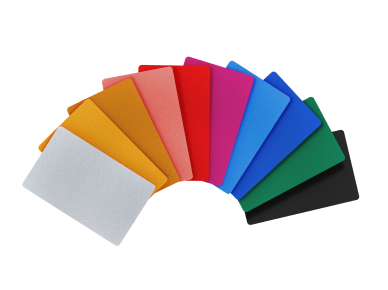
One major advantage of printing first is efficiency. Instead of printing and cutting items individually, you can print dozens of designs in one sheet, align once, and cut everything in one job. This dramatically reduces setup time and increases production speed. Batch products such as keychains, badges, magnets, signs, tags, and promo items are perfect for this.
Cutting before printing does have its pros, but it often causes problems. Laser cutting can create hot smoke and sticky residue, which may stick to the material and prevent the UV ink from adhering properly. Also, framing on a laser engraver is typically easier than a UV printer, making edge-to-edge prints harder when you cut before printing.
When you print before you cut, you can enjoy superior edge aesthetics by cutting slightly into the artwork to ensure that the design goes all the way to the edge. This prevents unwanted white borders and creates clean edges.
Acrylic: The Star Material of UV + Laser Production
Acrylic is arguably the most popular material for combining laser cutting and UV printing, and for good reason. It cuts cleanly, engraves beautifully, and accepts UV ink extremely well.
Clear acrylic is especially valuable. By mirroring artwork and printing on the back side of the piece, businesses can create products where the color appears to float beneath a crystal-clear surface. The front remains smooth and scratch-resistant while the design is protected from wear. This technique is widely used for keychains, ornaments, photo inserts, awards, signage, and suncatchers.
Colored acrylic adds another dimension. Layers of printed graphics combined with engraved outlines create high-contrast decorative products, custom logos, and dimensional signage. For local businesses, house numbers, nameplates, and storefront signs made this way command premium pricing.
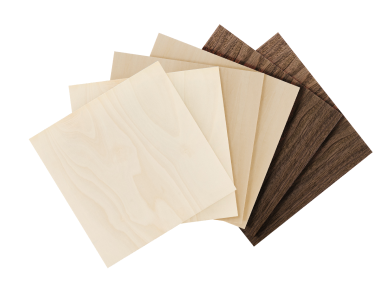
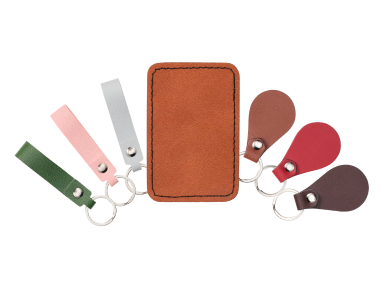
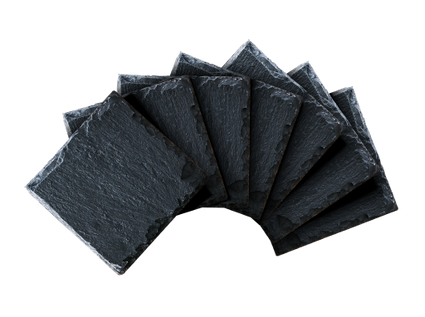
Beyond acrylic, this same workflow works well on wood for rustic décor and signage, leatherette for patches and accessories, coated metals for branding plates, and even glass or slate for awards and corporate gifts. But acrylic remains the easiest entry point due to its reliability and visual impact.
Project Ideas That Sell Well
Once you have both machines working together, the range of products you can offer expands dramatically.
Small items such as acrylic keychains, earrings, pins, and bag tags are ideal for online stores and craft fairs. These products are lightweight, easy to batch, and highly customizable, making them perfect for personalized names, logos, or themed designs.
Seasonal décor is another strong category. Laser-cut and UV-printed ornaments—especially in clear acrylic or wood—are consistent top sellers during the holidays. Many small shops generate a significant portion of their annual revenue in just a few weeks by offering customized ornaments and gift tags.
Home décor and signage also perform well. This includes house numbers, wedding signs, nursery name plaques, desk nameplates, and wall art. Using layered UV printing, businesses can upsell textured lettering, gloss finishes, or color gradients that look premium and justify higher prices.
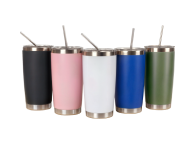
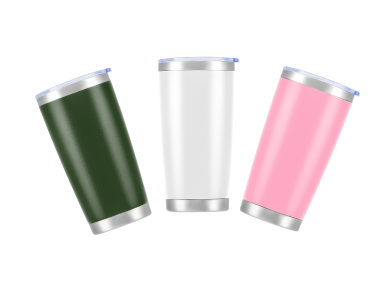
Drinkware and accessories offer repeat business opportunities. Straight tumblers, mugs, and bottles can be UV printed with full-color graphics and personalized further with laser engraving. Phone stands, journals, leatherette patches, and tech accessories are popular add-ons.
For higher-end products, awards and trophies are a reliable niche. Schools, sports teams, and corporate events frequently need engraved and branded plaques, medals, and recognition items. Acrylic awards with layered UV printing look professional and are quick to reproduce in batches.
Business Ideas and Revenue Streams
This combined workflow also opens doors to multiple business models.
One approach is direct-to-consumer sales through Etsy, Shopify, or local markets. Personalized products, wedding décor, and gift items perform especially well online.
Another powerful option is B2B production. Local businesses often need branded signage, promotional items, coasters, menu holders, QR code displays, and employee gifts. These orders tend to be larger, repeatable, and less seasonal than consumer sales.
Event-based customization is another growing opportunity. With portable equipment, businesses can attend trade shows, school events, or festivals and offer on-the-spot personalization for awards, name tags, or souvenirs.
Some workshops also use this setup for rapid prototyping, helping startups create branded samples or product mockups without outsourcing.
The ability to switch between small custom orders and bulk production gives small businesses stability and flexibility, even when market demand shifts.
Business Advantages for Small Workshops
For small operations, this workflow provides real strategic benefits. It enables diversification without outsourcing. It increases perceived product value while keeping production costs manageable. It supports both short runs for retail customers and large batches for corporate clients.
Because UV ink cures instantly, there is no drying delay, which speeds up order fulfillment. Since both machines fit comfortably in small workshops, the setup does not require warehouse space or industrial utilities.
Most importantly, this method allows businesses to respond quickly to trends. New designs can be prototyped and sold the same day, which is essential in competitive online markets.
Build Your Workflow with OMTech
At OMTech, we design machines specifically for creators and growing businesses who want professional results without industrial complexity.
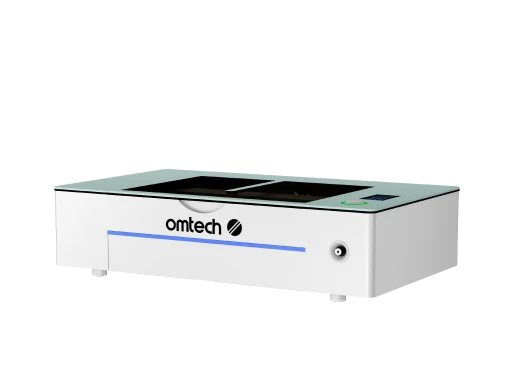
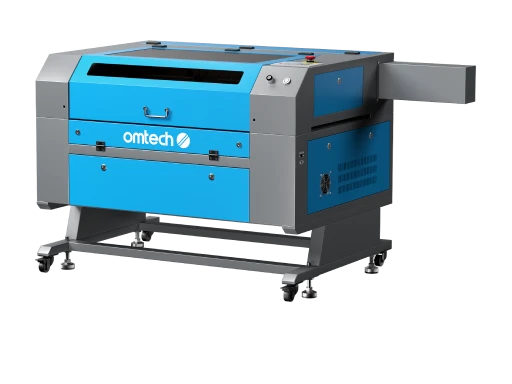
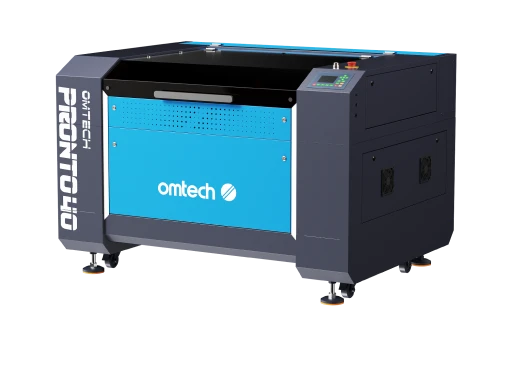
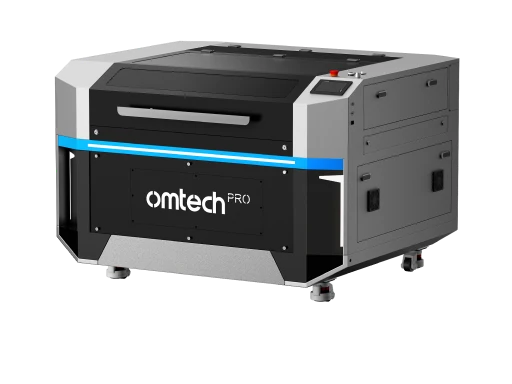
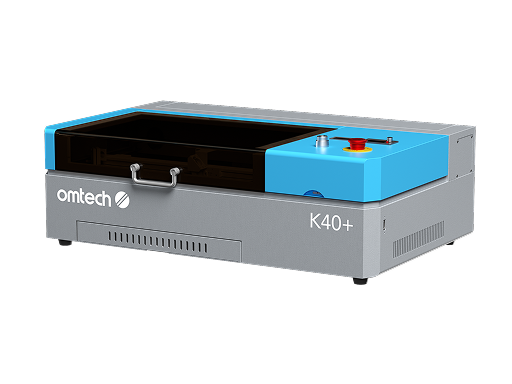
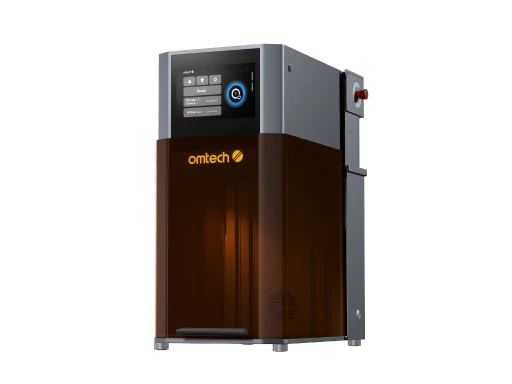
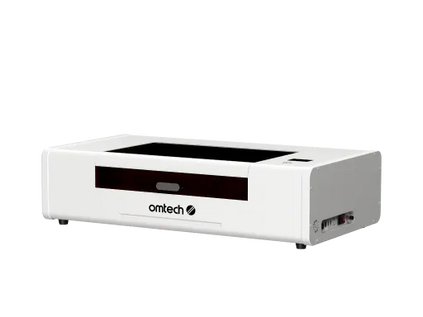
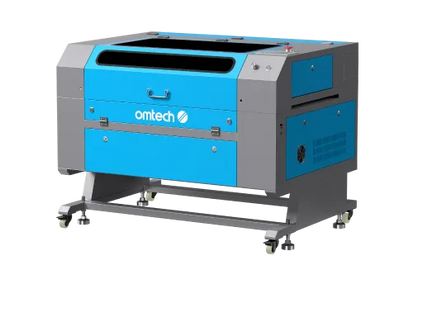
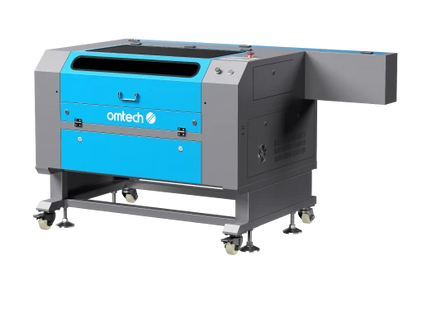
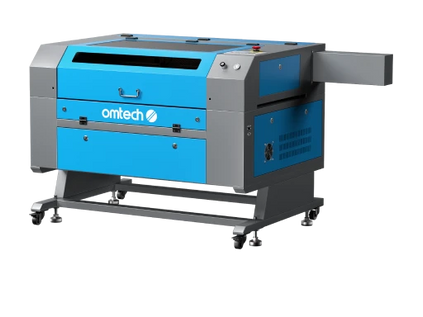
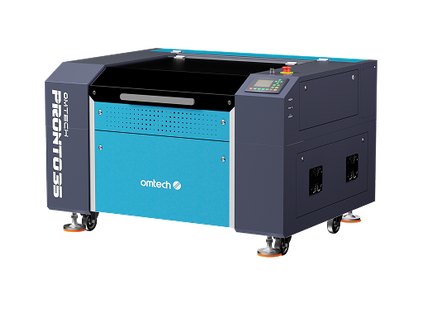
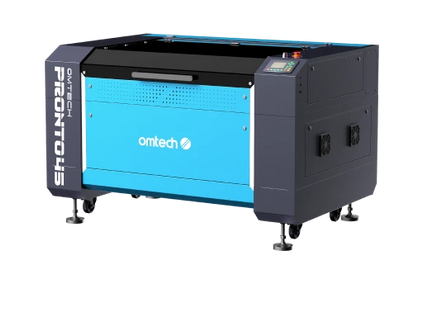
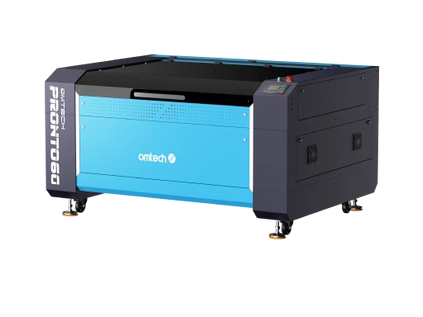
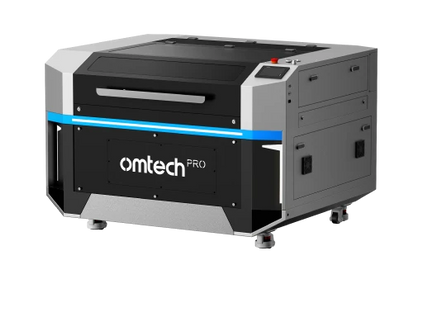
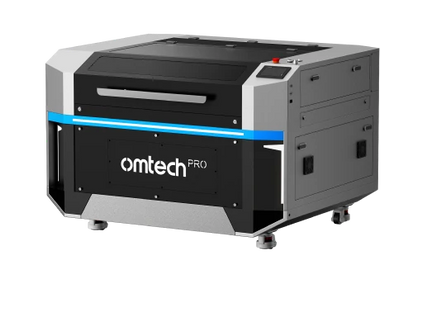
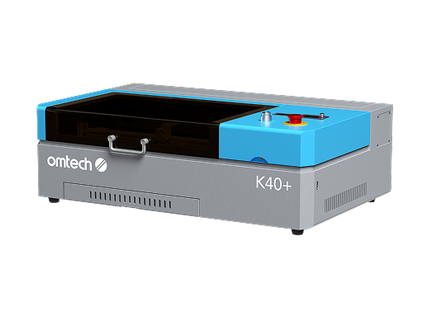
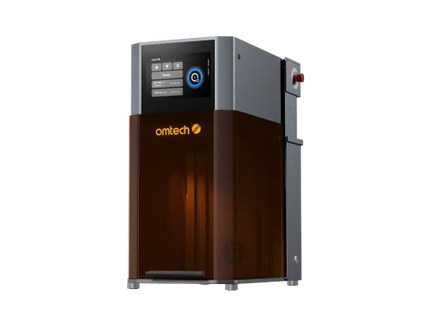
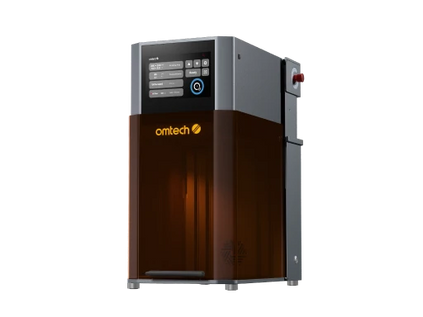
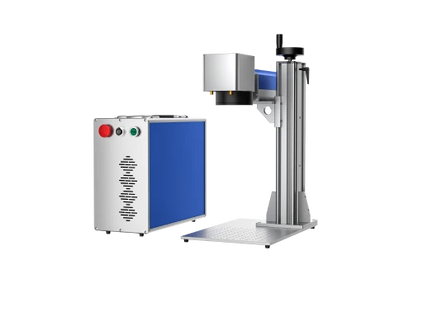
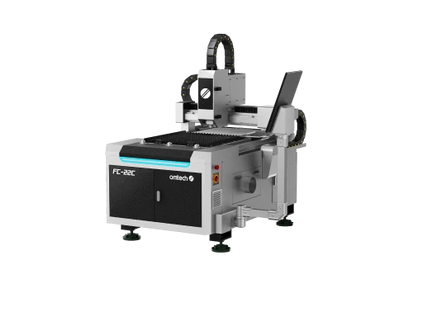
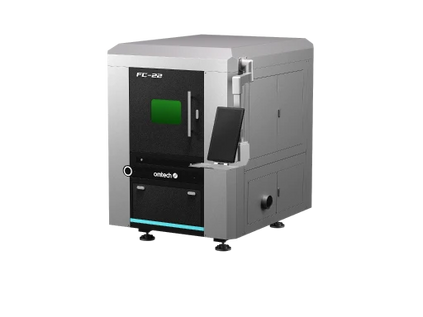
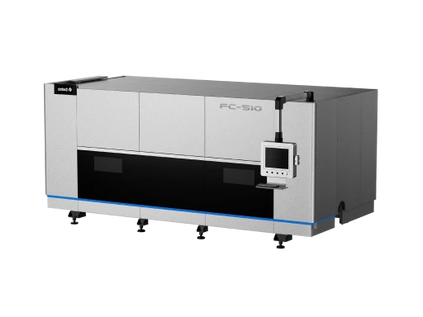
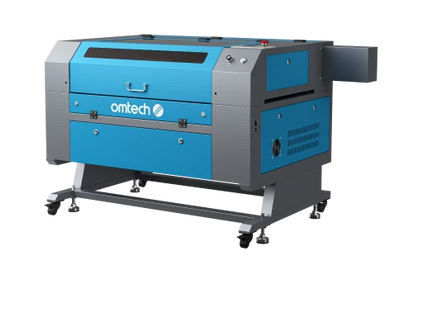
Our CO₂ laser cutters are available in multiple sizes and power levels to handle acrylic, wood, leather, rubber, and more. For UV printing, the upcoming OMTech Spectra UV Printer is engineered for high-precision, small-business production with features such as white ink support, varnish layers, camera alignment, and efficient software-driven workflows.
Together, a laser cutter and a UV printer form the foundation of a modern print-and-cut production system—one that lets you create premium products, expand your catalog, and grow revenue without adding unnecessary overhead.
If you’re ready to move beyond basic engraving or flat printing, explore OMTech laser systems today and prepare for the launch of the Spectra UV Printer to build a smarter, more versatile production workflow.





