














Safe and Creative Laser Projects for K12 Classrooms
A seventh grader in our after-school makerspace cut her first piece on a 55W CO2 laser in October. She had never touched design software before September. By December, she was selling laser-engraved bookmarks at the school holiday fair for $8 each. Her teacher told me that kid had not shown up enthusiastically to class in two years.
That story is not unusual. Laser cutters in K-12 settings have a way of pulling students in -- because the feedback is instant, physical, and genuinely impressive. A student designs something on a screen, and ten minutes later, they are holding it.
This guide covers the best laser cutter projects for beginners in K-12 classrooms -- organized by difficulty, material, and subject area. You will also find guidance on which OMTech CO2 laser engraver machines work best in school settings, and exactly what to prepare before students run their first job.
Why Laser Cutters Work So Well for Beginners

Most creative tools have a gap between effort and result. Laser cutters close that gap in a way that pencils, paint, and even 3D printers do not. The machine handles the precision -- students handle the design.
According to the laser cutting overview on Wikipedia, laser cutting uses a focused beam to cut or engrave materials with high accuracy -- the same fundamental process used in industrial manufacturing. When students use it in a classroom, they are not playing with a simplified version of the technology. They are using the real thing.
That matters to students more than teachers sometimes expect. There is a tangible credibility to the work they produce with a laser cutter that a printed-out design does not carry.
REAL CLASSROOM EXAMPLEA fifth-grade teacher in Austin, Texas introduced laser cutting into a STEAM unit on geometry. Students designed interlocking hexagonal tile patterns, cut them from basswood, and assembled them into wall panels that now hang in the school hallway. The teacher reported that several students who struggled with abstract geometry immediately grasped the concepts once they were cutting physical shapes. The unit has run every year since. |
|
GRADE BAND |
BEST PROJECT TYPE |
BEST MATERIAL |
TYPICAL LESSON TIME |
|
Elementary (K-5) |
Ornaments, name tags, simple shapes |
Cardboard, thin basswood |
45-60 min |
|
Middle School (6-8) |
Keychains, coasters, bookmarks, signs |
Basswood, cork, acrylic |
60-90 min |
|
High School (9-12) |
Enclosures, models, functional parts |
Plywood, acrylic, leather |
90-120 min |
|
Advanced / CTE |
Multi-part assemblies, custom signage |
Thick plywood, dense acrylic, slate |
Multi-session projects |
Materials Every Beginner Should Know
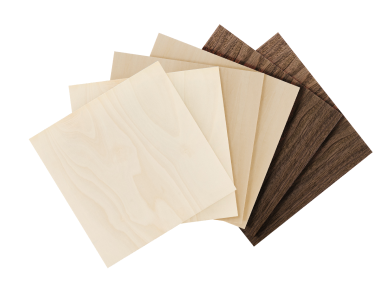
The material choice affects everything -- cut quality, smoke, speed, and how forgiving the job is when settings are not perfect. Starting with the right materials makes the learning curve dramatically gentler.
|
MATERIAL |
BEST FOR |
BEGINNER FRIENDLY? |
NOTES |
|
Basswood (1/8") |
Ornaments, tags, coasters |
Very easy |
Cleanest beginner results; low smoke |
|
Cork |
Coasters, trivets, memo boards |
Very easy |
Almost no smoke; forgiving of settings |
|
Birch plywood (3mm) |
Signs, shelf tags, name plates |
Easy |
Minor flame occasionally; watch speed |
|
Acrylic (3mm) |
Keychains, signs, ornaments |
Easy |
Edges polish cleanly; flame-resistant |
|
Cardboard / MDF |
Prototypes, models, architecture |
Easy |
Cheap for iteration; watch fire hazard |
|
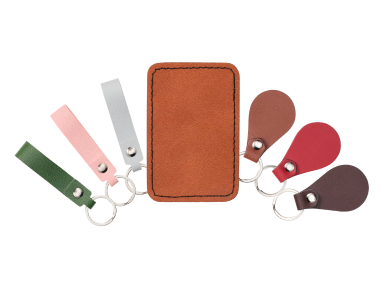
Leather |
Bookmarks, patches, bracelets |
Medium |
Engrave beautifully; avoid chrome-tanned |
|
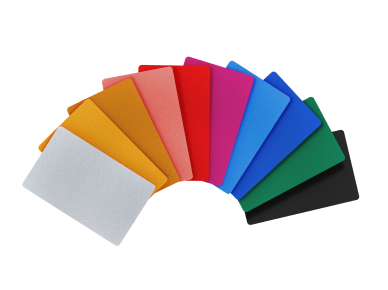
Slate / stone |
Plaques, coasters, signage |
Medium |
Distinctive results; no smoke |
STOCK THESE FIRSTOMTech's laser engraving materials collection includes basswood sheets, cork blanks, acrylic panels, and leather pieces sized for classroom use. Stocking a mix of basswood and cork for first sessions gives students clean results without setting adjustments. |
25 Beginner Laser Cutter Projects for K-12 Classrooms

These projects are organized from simplest to most involved. Each one has been used in real K-12 settings. The difficulty ratings reflect what a first-time student can complete with basic guidance -- not what an experienced maker finds easy.
Tier 1 -- First Session Projects (30-60 Minutes)
Start here. These projects are forgiving of settings, use inexpensive materials, and produce something the student is proud to take home on day one.
|
01 |
Engraved Name TagDifficulty: Beginner | Material: Basswood 1/8" | Time: 30 min Students type their name, pick a font in LightBurn, and engrave it onto a small basswood blank. Simple -- but watching their own name come out of a machine cleanly is a genuinely exciting moment for most students. It also teaches font sizing, bed placement, and the difference between engraving and cutting in one short session. |
|
02 |
Wooden CoasterDifficulty: Beginner | Material: Cork or basswood | Time: 40 min Coasters are the single most-taught beginner project in makerspaces nationally. The flat surface, simple geometry, and forgiving material make them ideal for learning speed/power settings. Students can engrave a logo, a quote, their initials, or a pattern -- and end up with something genuinely useful. |
|
03 |
Holiday OrnamentDifficulty: Beginner | Material: Thin plywood or acrylic | Time: 45 min Ornaments let students experiment with shapes beyond rectangles -- circles, stars, animals, custom silhouettes. The small size means material cost is minimal if they need a second attempt. Seasonal themes give art teachers a natural curriculum hook throughout the school year. |
|
04 |
Wooden BookmarkDifficulty: Beginner | Material: Basswood 1/8" or leather | Time: 40 min Thin basswood bookmarks engrave cleanly and cut out in a single pass at low power. Students can add a quote, a pattern, or a detailed illustration. An English teacher in Portland, Oregon uses these as a cross-curricular project -- students engrave a line from whatever novel the class is reading. |
|
05 |
Custom KeychainDifficulty: Beginner | Material: Acrylic 3mm or plywood | Time: 50 min Keychains introduce cutting out shapes, not just engraving surfaces -- which adds the concept of kerf to the lesson. Students design a shape, add a drill hole for the ring, and cut it out. A clean first project for understanding how cut paths and engrave paths work differently. |
Tier 2 -- Skill Builder Projects (60-90 Minutes)

These projects introduce more design thinking -- layering, alignment, multi-element compositions, or new material types. Best for students who have completed one or two Tier 1 projects.
|
06 |
Classroom Door SignDifficulty: Intermediate | Material: Birch plywood 3mm | Time: 60 min A sign for the classroom door or makerspace is a high-visibility outcome that motivates students. They design text, a logo, and potentially a border or icon -- then cut the whole thing in one job. Art and design classes use this as an introduction to layout and negative space. |
|
07 |
Science Model -- Atom or MoleculeDifficulty: Intermediate | Material: Acrylic (mixed colors) | Time: 75 min Cut acrylic pieces in different colors and assemble them into an atom model or molecular structure. Chemistry and physics teachers have found that cutting the physical model helps students understand spatial relationships that textbook diagrams do not convey. Multiple acrylic colors make electron shell structures visually clear. |
|
08 |
Architectural Scale ModelDifficulty: Intermediate | Material: Cardboard or thin MDF | Time: 90 min Architecture and engineering students design a simple building in CAD or Inkscape, export to LightBurn, and cut cardboard panels that fold and slot together. The iteration speed is the main learning point -- if the proportions are wrong, they change the file and cut again in minutes. |
|
09 |
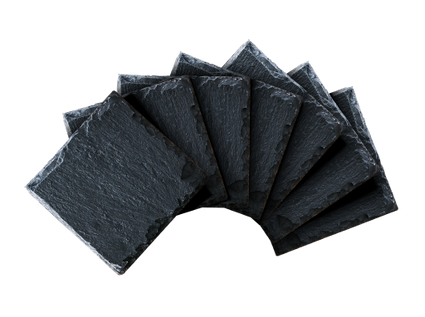
Engraved Slate Coaster or PlaqueDifficulty: Intermediate | Material: Slate tile | Time: 60 min Slate engraves with striking contrast -- white marks on dark stone. Students create a simple design and learn that stone requires different settings than wood. A good project for science classrooms linking material properties to laser behavior. Slate coasters also make popular items for school fundraisers. |
|
10 |
Laser-Cut PuzzleDifficulty: Intermediate | Material: Birch plywood 3mm or acrylic | Time: 90 min Students design a puzzle -- based on a map, a geometric pattern, or an image -- and cut interlocking pieces. This teaches them about tolerance: the laser removes a thin line of material, and pieces need to account for that to fit properly. A natural introduction to engineering precision. |
Tier 3 -- Curriculum-Integrated Projects (Multi-Session)

These projects span two or more class periods and connect directly to a curriculum subject. They work best when the laser cutter is used as a tool inside a larger lesson, not as the lesson itself.
|
11 |
State or Country Map CutoutDifficulty: Intermediate | Material: Plywood or acrylic | Time: 2 sessions Social studies classes use map cutouts to study geography, capitals, and terrain. Students draw or import a state outline, engrave geographic features or labels, and cut the shape. A Texas teacher used a class set of state maps as physical quiz tools -- students labeled rivers and cities directly onto their laser-cut maps. |
|
12 |
Geometry Manipulatives SetDifficulty: Intermediate | Material: Acrylic or plywood | Time: 2 sessions Math teachers cut full sets of geometric shapes in exact dimensions for hands-on geometry lessons. Laser cutting ensures every shape in the set is accurate, unlike commercially manufactured plastic manipulatives that often have small inconsistencies. Students are more engaged handling pieces they watched being made. |
|
13 |
Electronics EnclosureDifficulty: Advanced | Material: Acrylic 3-5mm | Time: 3+ sessions High school engineering students designing an Arduino or Raspberry Pi project cut a custom enclosure that actually fits their PCB. This is the project that produces the most real confidence in upper-division tech classes. Students learn tolerances, joint design, and the relationship between 2D files and 3D assemblies. |
|
14 |
Engraved Award or TrophyDifficulty: Intermediate | Material: Acrylic or wood | Time: 2 sessions Let students design the end-of-year awards for their own class -- best project, most improved, most creative. A makerspace teacher in Colorado reported that students spent twice as long on award designs as on projects made for themselves. The investment in the work was noticeably different when the outcome mattered to someone else. |
REAL BUSINESS EXAMPLEMeadowbrook Middle School in Georgia turned their makerspace into a small cottage business. Eighth graders ran a laser engraving service for parents and teachers -- custom keychains, engraved bookmarks, personalized ornaments. In one academic year, the student group raised $2,400 for classroom equipment. The school now runs the program every year, and the business skills students learn are deliberately woven into the math and economics curriculum. |
Which OMTech Machine Works Best for K-12 Beginners

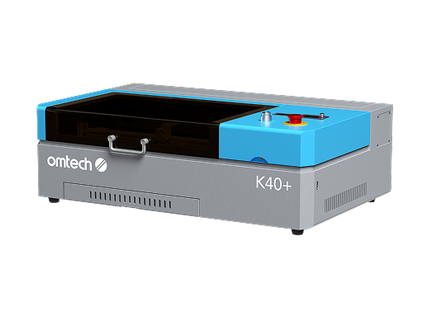
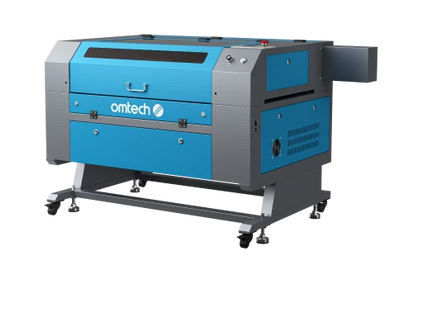
The right machine depends on how often the lab runs, what grades use it, and whether it is a primary tool or a supplementary one. Here are the three OMTech machines most commonly used in K-12 settings:
|
FEATURE |
POLAR LITE 55W |
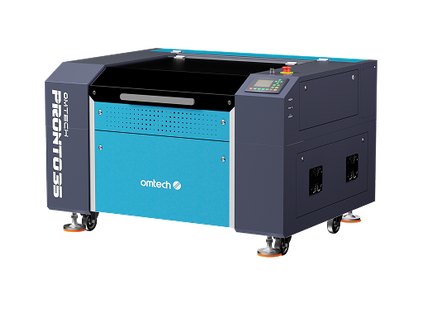
PRONTO 35 60W |
AF2028-60 60W |
|
Laser Power |
55W CO2 |
60W CO2 |
60W CO2 |
|
Work Area |
19.7" x 11.8" |
16" x 24" |
20" x 28" |
|
Speed |
500 mm/s |
600 mm/s |
600 mm/s |
|
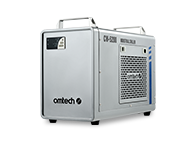
Water Chiller |
Built-in |
External req. |
External req. |
|
Autofocus |
Yes |
Yes |
Yes |
|
Enclosed |
Yes |
Yes |
Yes |
|
LightBurn |
Yes |
Yes |
Yes |
|
Best Grade Band |
Elementary + Middle |
Middle + High |
High + CTE |
|
Price |
~$1,799 |
~$1,999 |
~$2,099 |
|
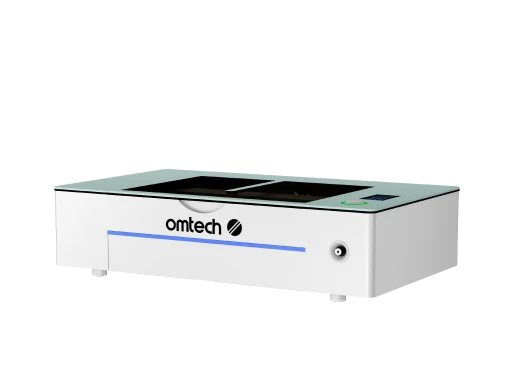
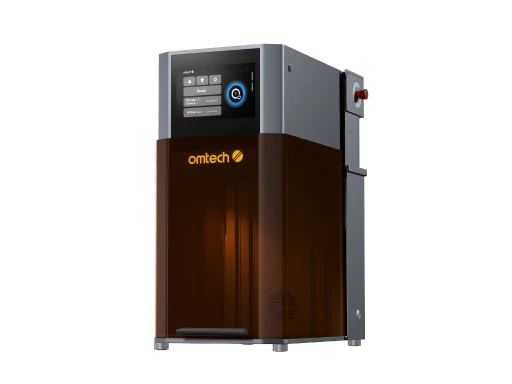
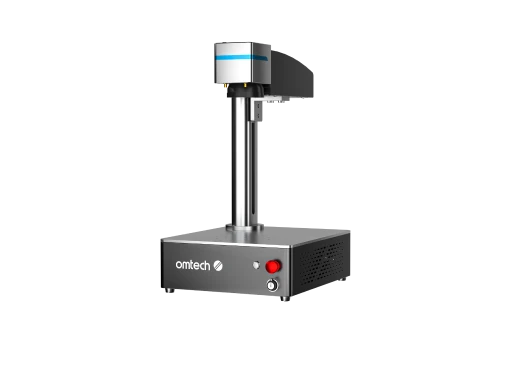
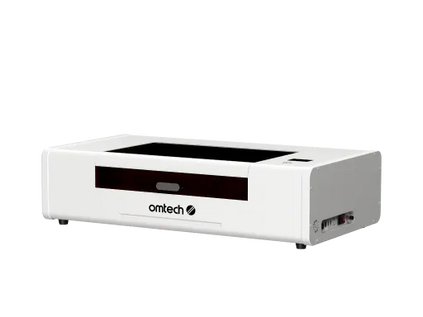
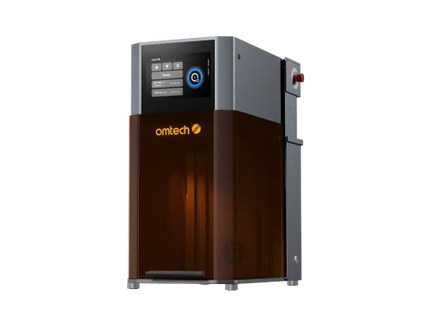
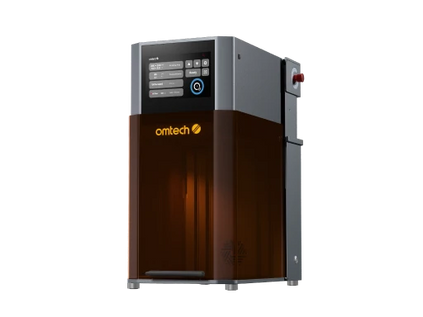
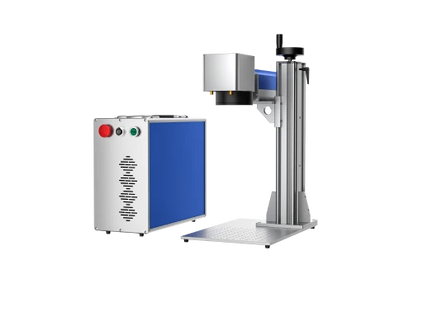
Polar Lite 55W — Elementary & Middle School • Art & STEAM Labs The built-in water chiller is the key feature for a classroom where no one is dedicated to machine maintenance. Students do not need to manage coolant levels -- they turn it on and work. The fully enclosed design and compact footprint make it ideal for smaller makerspaces or rooms where the laser shares space with other activities. |
|
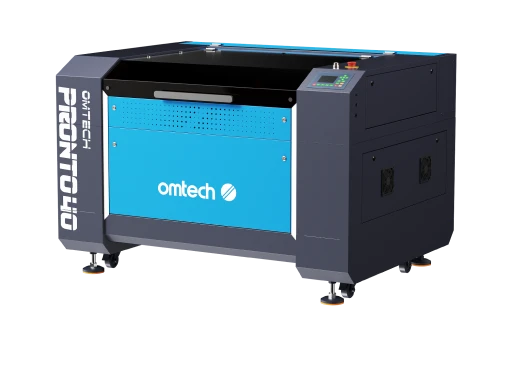
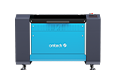
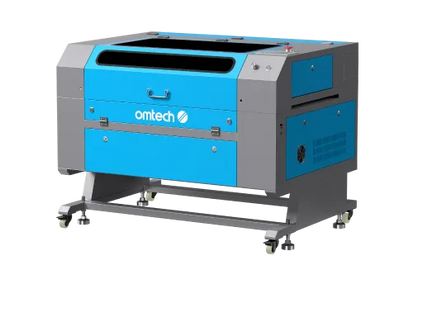
Pronto 35 60W CO2 — Middle & High School • STEM Labs • Design Classes At 60W with autofocus, the Pronto 35 handles everything from thin basswood bookmarks to 1/4" plywood sign boards without dramatically changing settings. The 16" x 24" bed fits most student project sizes, and the LightBurn-compatible workflow means students learn software they will encounter professionally. Design and tech teachers rate this machine highly for its balance of capability and ease of use. |
|
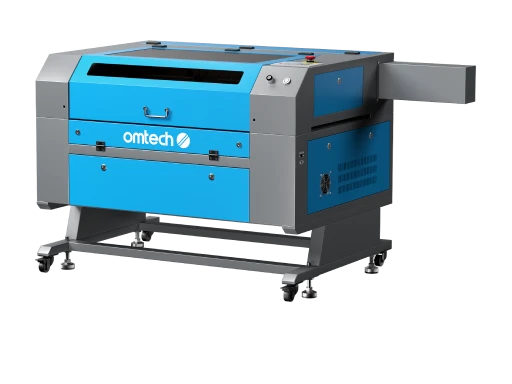
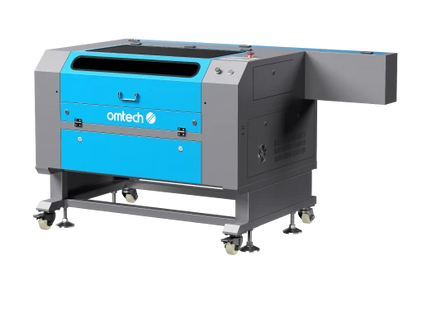
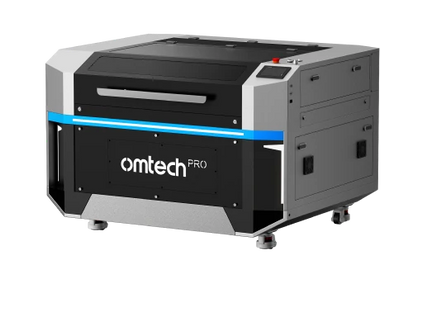
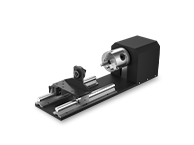
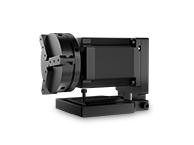
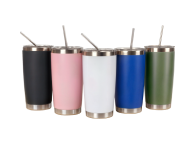
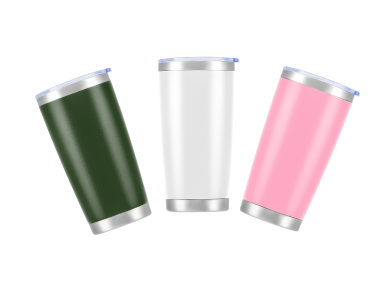
AF2028-60 60W CO2 — High School • CTE Programs • Engineering Labs The 20" x 28" bed handles large student project formats -- full signage panels, architectural models, and multi-piece assemblies. Camera preview lets students position designs precisely before cutting, reducing material waste significantly when stock comes out of a shared classroom budget. The rotary attachment compatibility also means students can engrave cylindrical objects like tumblers. |
Getting Started: What to Prepare Before Students Run Their First Job
The first time a student runs a job is the highest-anxiety moment in any new laser lab program. Most issues that come up during that first session are entirely avoidable with 30 minutes of setup beforehand.
-
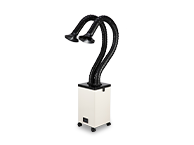
Test ventilation before day one -- Run the machine empty for 5 minutes with exhaust connected. If you can smell the exhaust outside the room, the extraction is working correctly.
-
Run a material test file -- Cut a simple grid of squares at varying speed and power settings on your starting material. This gives you a reference card that students can consult for any project.
-
Set up a safety station -- Print a one-page SOP, mount it near the machine, and require every student to read and sign it before operating. Include the emergency stop location and what to do if a flame appears.
-
Prepare a LightBurn file template -- Create a file with a correctly-sized artboard, a sample text layer, and a sample cut layer. Sharing this template means students skip the setup errors that cause most first-session frustration.
-
Stock enough materials for two attempts -- Students use more material on first sessions than expected. OMTech's DIY Craft Kits and laser engraving accessories include starter supply sets sized for classroom projects.
-
Book installation support -- OMTech's professional laser setup support includes on-site installation and initial teacher training. Getting this right on day one saves weeks of avoidable problems.
Ready to equip your K-12 makerspace? |

Frequently Asked Questions
What are the best laser cutter projects for beginners?
Wooden coasters, engraved name tags, bookmarks, simple keychains, and holiday ornaments are the most reliable first projects. They use inexpensive materials, produce clean results on standard settings, and take less than an hour to complete -- including design time.
What materials are safest for K-12 laser cutting?
Basswood, cork, birch plywood, and acrylic are the safest and most beginner-friendly materials. Avoid PVC plastic, chrome-tanned leather, and any material you cannot confirm the composition. Always run ventilation during and after every job.
How does a laser cutter work for beginners?
A student creates a design in software, sends it to the machine, and the laser traces the design path -- either engraving the surface or cutting all the way through, depending on the power and speed settings used. LightBurn is the standard software used in most K-12 labs.
What software do beginners use with a laser cutter?
LightBurn is the industry standard and works on Windows and Mac. It is intuitive enough for middle school students to learn in a single session. Inkscape is a free alternative for creating designs before importing to LightBurn. A perpetual LightBurn license costs around $60.
Is a laser cutter safe for K-12 students?
Yes, when using Class 1 enclosed machines with proper ventilation and a written safety protocol. Students should complete a safety orientation before operating the machine. OMTech enclosed CO2 machines include automatic shutoffs if lids open during operation.
What is the easiest material to laser engrave for beginners?
Cork and thin basswood are the easiest materials to start with. They engrave cleanly at conservative settings, produce minimal smoke, and forgive small errors in speed and power without burning or failing the job completely.
How long does a beginner laser project take?
Simple projects like name tags and coasters typically take 30-45 minutes including design and setup. More complex projects like puzzles or scale models run 60-90 minutes. Multi-part assemblies like electronics enclosures typically span two or more class sessions.
Can students sell laser-cut projects?
Yes -- and many do. Etsy shops run by high school students selling engraved coasters, bookmarks, and personalized keychains are common. Laser-cut items perform well at school markets and fundraising events. The most popular items are personalized pieces with names, quotes, and custom logos.
What OMTech machine is best for a K-12 classroom?
The Polar Lite 55W is the most classroom-friendly model -- fully enclosed, built-in water chiller, compact footprint, and LightBurn compatible. For larger programs and higher school levels, the Pronto 35 60W and AF2028-60 offer more bed size and throughput for active design and engineering labs.





