














OMTech vs Glowforge: Which Laser Engraver Wins in 2026?

The OMTech vs Glowforge debate comes up constantly among makers, Etsy sellers, and small business owners shopping for a CO2 laser engraver. Both brands make desktop machines for wood, acrylic, leather, and similar materials but they take fundamentally different approaches to hardware, software, and pricing.
This comparison covers the real technical differences between the two brands across seven key categories, using current 2026 specs and pricing. By the end, you'll know exactly which machine type fits your workflow, budget, and growth plans.
OMTech vs Glowforge: Brand Overview
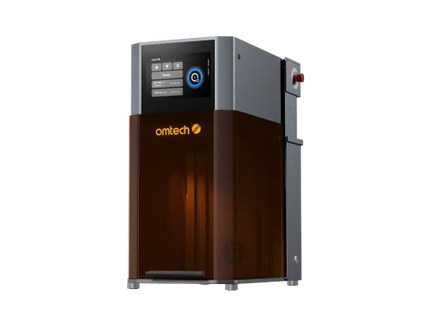
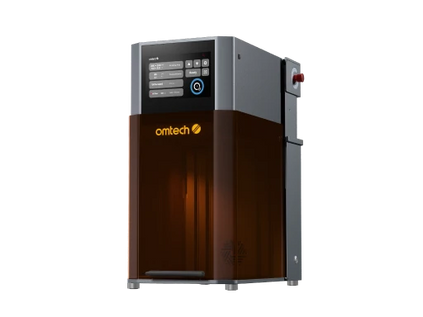
Glowforge is a Seattle-based company that launched in 2015. Their machines are designed to be accessible to complete beginners the software is cloud-based and runs in a browser, setup is minimal, and their Proofgrade materials come with pre-set parameters that remove manual dialing of settings.
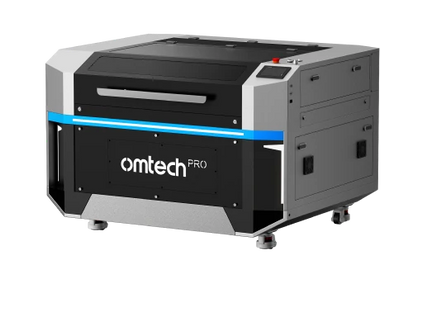
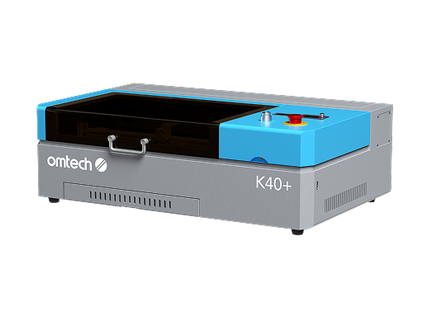
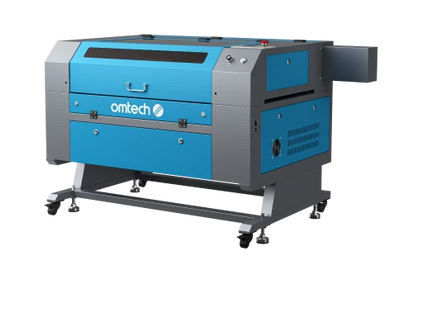
OMTech serves a wider audience that includes hobbyists, Etsy sellers, sign makers, small manufacturers, and production shops. Their CO2 laser engraver machines span entry-level desktop units to industrial-grade floor models. They run open-standard software like LightBurn, giving operators full manual control over every parameter.
Both brands compete for the same entry-to-mid range buyer, but represent different philosophies: Glowforge prioritizes ease of use; OMTech prioritizes capability and value per dollar.
Etsy Seller Scaling Beyond Hobby Level
Sarah started her Etsy shop selling engraved wedding signs using a beginner-friendly machine. At first, the simplicity worked — she could upload designs, click print, and ship small orders.
But during peak wedding season, things changed. Orders jumped from 5 per week to 30+.
Her biggest bottlenecks:
-
Small work area (had to engrave signs one at a time)
-
Cloud-based workflow slowing production
-
Limited power increasing engraving time
After switching to a higher-wattage OMTech machine with a larger bed, she could:
-
Batch 6–8 signs per run instead of 1–2
-
Cut thicker wood in a single pass
-
Run jobs offline without waiting on uploads
Result: She reduced production time by nearly 60% and doubled monthly revenue within 3 months.
Full Specs Comparison: OMTech vs Glowforge
Glowforge Current Lineup (2026)
|
Model |
Laser |
Cutting Area |
Key Feature |
Approx. Price |
|
Glowforge Aura |
6W diode |
~12 sq in |
Compact craft laser |
~$599 |
|
Glowforge Plus |
40W CO2 |
11" × 19.5" |
Class 1, internal cooling |
~$4,995 |
|
Glowforge Pro |
45W CO2 |
11" × 19.5" |
Passthrough, solid-state cooling |
~$6,995 |
|
Glowforge Pro HD |
45W CO2 |
11" × 19.5" |
Enhanced optics, Preview Mode |
Premium |
OMTech Comparable Lineup (2026)
|
Model |
Laser |
Work Area |
Key Feature |
Price |
|
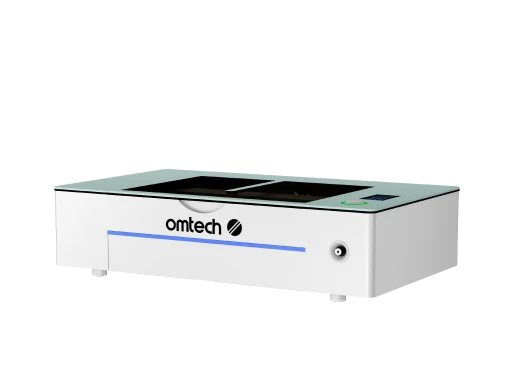
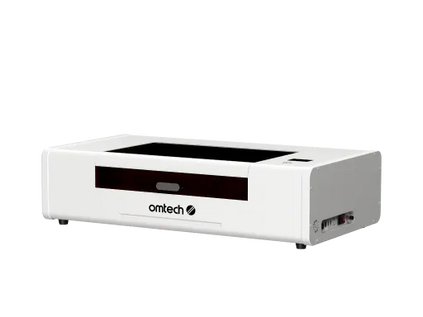
OMTech Polar Lite 55W |
55W CO2 |
20.1" × 11.8" |
Built-in cooling, autofocus, Wi-Fi |
$1,999.99 |
|
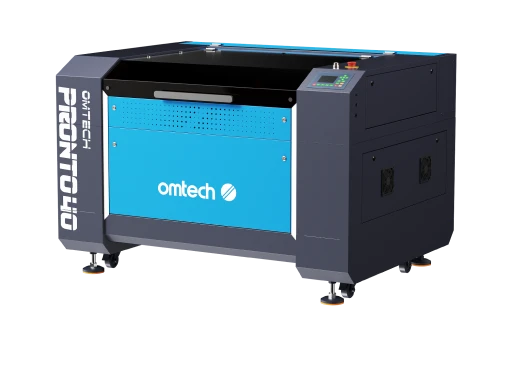
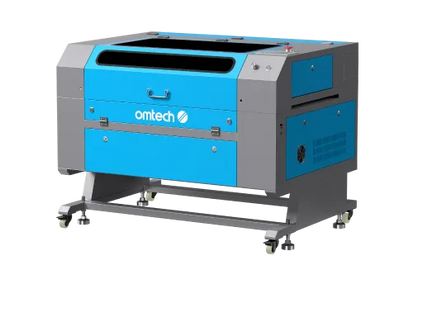
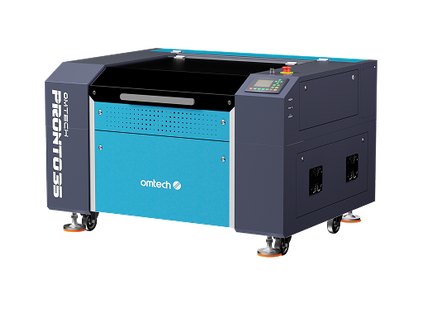
OMTech Pronto 35 60W |
60W CO2 |
28" × 20" |
Autofocus, 1,000 mm/s |
$4,199.99 |
|
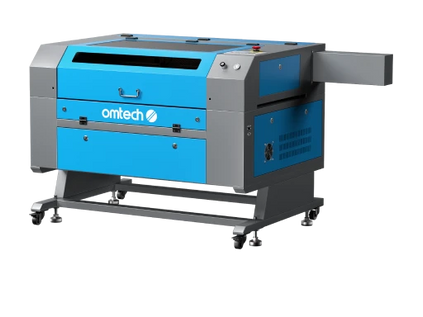
OMTech Maker 90W |
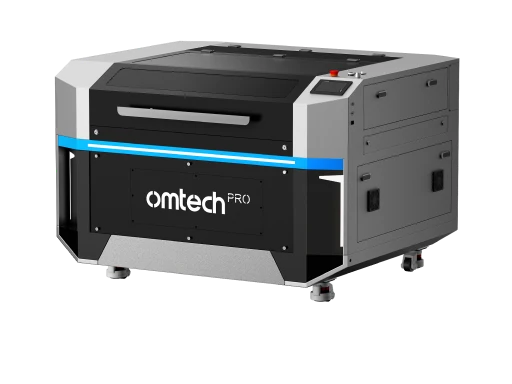
90W CO2 |
20" × 28" |
Autofocus, large work area |
$3,499–$3,999 |
|
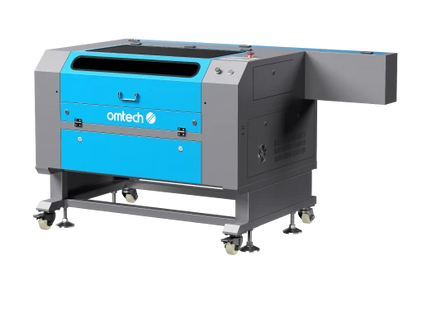
OMTech Pro 2440 100W |
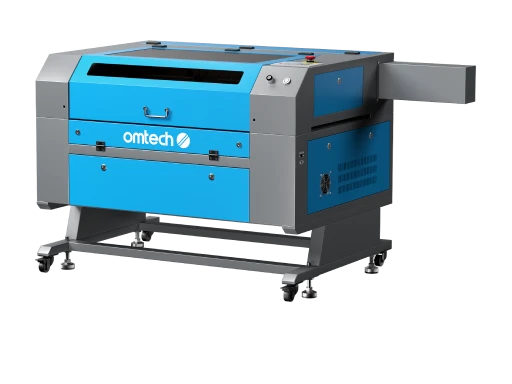
100W CO2 |
24" × 40" |
Built-in chiller, 1,200 mm/s |
$5,999–$6,999 |
Head-to-Head: 7 Key Comparison Categories
1. Laser Power

Advantage: OMTech
The Glowforge Pro runs a 45W CO2 laser. The Glowforge Plus runs 40W. The OMTech Polar Lite at $1,999 runs 55W 22% more power than the Glowforge Pro at roughly 29% of the price. The OMTech Pronto 35 runs 60W. The Maker and Pro series go to 90W and 100W respectively.
More wattage means faster cutting speeds on thick materials, cleaner single-pass cuts on dense hardwoods and acrylic, and more headroom when you're running production volume. The Glowforge's 40–45W tubes are competitive for hobbyist use but fall behind OMTech's lineup at any equivalent price point.
2. Work Area
Advantage: OMTech
|
Machine |
Cutting Area |
|
Glowforge Plus / Pro |
11" × 19.5" (214.5 sq in) |
|
OMTech Polar Lite 55W |
20.1" × 11.8" (237 sq in) |
|
OMTech Pronto 35 60W |
28" × 20" (560 sq in) |
|
OMTech Maker 90W |
20" × 28" (560 sq in) |
The Glowforge Plus and Pro share the same cutting area 11" × 19.5". That's a meaningful constraint for sellers running signs, awards, cutting boards, or any flat product larger than a sheet of paper.
The OMTech Polar Lite already beats the Glowforge's footprint at its $1,999 price point. Moving up to the Pronto 35 or Maker 90W gives you 2.6× more usable bed area than either Glowforge Performance model.
Glowforge does offer a Passthrough slot on the Pro model, which allows feeding long material through the machine for extended projects. OMTech machines also include front and rear pass-throughs on most mid-range and professional models.
3. Software and Workflow

Glowforge advantage: Ease of use OMTech advantage: Flexibility and offline capability
This is the most significant practical difference between the two brands. Glowforge uses a proprietary, cloud-based interface. Every print job is processed through Glowforge's servers meaning the machine requires an active internet connection to operate. The interface is browser-based (Mac, PC, tablet, phone) and does not require installation. Proofgrade materials auto-configure settings, which reduces the learning curve substantially for new users. It supports JPG, PNG, SVG, and PDF formats; DXF requires a Glowforge Premium subscription.
OMTech runs on open-standard hardware and is compatible with LightBurn, the industry-standard CO2 laser control software. LightBurn runs locally no internet connection required, no subscription fees beyond the one-time $60–$80 license. It supports more file formats, offers finer control over speed, power, layering, and vector paths, and is the preferred tool among professional engravers and production shops worldwide.
The trade-off: Glowforge's cloud system is more beginner-friendly on day one. LightBurn has a steeper learning curve but delivers meaningfully more control and is preferred by experienced operators.
Key software comparison:
|
Feature |
Glowforge |
OMTech (with LightBurn) |
|
Software type |
Cloud, browser-based |
Local desktop app |
|
Internet required |
Yes |
No |
|
Software cost |
Free (basic) / subscription (Premium) |
~$60–$80 one-time |
|
LightBurn compatible |
No |
Yes |
|
DXF support |
Premium only |
Yes (standard) |
|
Offline operation |
No |
Yes |
|
Manual parameter control |
Limited |
Full control |
4. Price vs. Value
Advantage: OMTech significantly
This is where the comparison becomes most clear-cut.
|
What You Get |
Glowforge |
OMTech |
|
$2,000 budget |
Glowforge Aura (6W diode) |
Polar Lite 55W (55W CO2) |
|
$4,000–$4,500 budget |
Glowforge Plus (40W CO2, 11"×19.5") |
Pronto 35 60W (60W CO2, 28"×20") |
|
$6,000–$7,000 budget |
Glowforge Pro (45W CO2, 11"×19.5") |
Pro 2440 100W (100W CO2, 24"×40") |
At every price point, OMTech delivers more laser power, a larger work area, and open software compatibility. The Glowforge Pro at ~$6,995 gets you 45W and 214 sq in of cutting area. The OMTech Pro 2440 at ~$6,699 gets you 100W and 960 sq in of cutting area with a built-in water chiller.
The Glowforge price premium reflects its design polish, beginner-friendly experience, and ecosystem not raw hardware capability.
5. Materials Compatibility
Comparable, with nuances
Both brands handle the same core CO2-compatible materials:
|
Material |
Glowforge |
OMTech |
|
Wood (plywood, MDF, hardwood) |
✓ |
✓ |
|
Acrylic (cast and extruded) |
✓ |
✓ |
|
Leather and faux leather |
✓ |
✓ |
|
Fabric |
✓ |
✓ |
|
Glass (engraving only) |
✓ |
✓ |
|
Stone and slate |
✓ (engraving) |
✓ (engraving) |
|
Coated / anodized metal |
✓ (engraving) |
✓ (engraving) |
|
Bare metal (stainless, aluminum) |
✗ |
✗ (requires fiber laser) |
|
Clear acrylic |
Pro/Plus only |
✓ |
Notable difference: Glowforge Aura (diode laser) cannot cut clear acrylic, white acrylic, or glass. The CO2-based Glowforge Plus and Pro handle these materials. All OMTech CO2 machines handle clear acrylic and glass engraving without restriction.
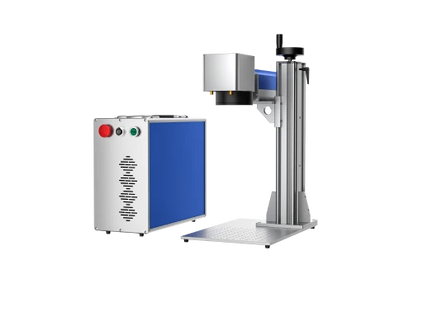
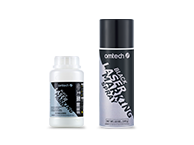
For bare metal marking, neither CO2 platform can do it without marking compound. A separate fiber laser engraving machine is required for permanent marks on stainless steel, aluminum, and brass.
6. Support and Warranty
|
Factor |
Glowforge |
OMTech |
|
Warranty |
12 months |
24 months |
|
Support type |
Email, chat, community forum |
Phone, email, live chat, demo rooms |
|
Phone support |
No |
Yes (Mon–Fri, 7am–7pm PT) |
|
Virtual setup sessions |
Not included |
2 free sessions included |
|
Demo rooms |
No |
50+ US locations |
|
Repair / service |
Ship back to manufacturer |
Parts shipped; community support |
OMTech's 2-year warranty doubles Glowforge's 12-month coverage. The included virtual technical support sessions are a real differentiator for new operators having a technician walk through machine setup and calibration live removes a significant barrier for first-time buyers.
7. Production Capacity and Business Use

Advantage: OMTech
Glowforge machines are well-designed for hobbyists and light-volume Etsy sellers. The cloud-dependent workflow, single machine size across the Plus/Pro line, and 40–45W power ceiling make them suitable for making one to five items per session not batch production.
OMTech's Polar Series and Maker Series are built for production use. The larger beds let you run multiple pieces simultaneously. Higher wattage reduces per-item machine time. LightBurn's tiling and array features let you lay out and batch dozens of identical jobs with one setup.
For a seller running 20–50 personalized items per day, the throughput difference between a 45W Glowforge and a 60W–100W OMTech is significant both in items per hour and in the physical size of products you can produce.
OMTech vs Glowforge: Who Should Choose Which
Choose Glowforge if:
-
You are completely new to laser engraving and prioritize minimal setup
-
You primarily make small crafts, gifts, and hobby projects
-
You want a machine that works immediately without learning design software
-
You value an active community catalog with thousands of ready-to-print designs
-
You don't need LightBurn compatibility or offline operation
-
Budget is not a primary concern
Choose OMTech if:
-
You are starting or growing a laser engraving business
-
You need more power, a larger work area, or higher throughput
-
You want LightBurn compatibility and full parameter control
-
You need offline operation (no internet dependency)
-
You want a 2-year warranty and phone support
-
You want more machine for your dollar at every price tier
-
You plan to scale from one machine to a larger production setup
Summary Comparison Table
|
Category |
Glowforge Pro |
OMTech Polar Lite 55W |
OMTech Pronto 35 60W |
|
Laser power |
45W |
55W |
60W |
|
Work area |
11" × 19.5" |
20.1" × 11.8" |
28" × 20" |
|
Max speed |
Not published |
500 mm/s |
1,000 mm/s |
|
Software |
Cloud only |
LightBurn / RDWorks |
LightBurn / RDWorks |
|
Offline use |
No |
Yes |
Yes |
|
Autofocus |
Yes |
Yes |
Yes |
|
Warranty |
12 months |
24 months |
24 months |
|
Price |
~$6,995 |
$1,999.99 |
$4,199.99 |
Home-Based Hobbyist Prioritizing Simplicity
James works a full-time job and runs laser engraving as a weekend side hustle. He mainly creates:
-
Personalized gifts
-
Small acrylic ornaments
-
Custom coasters
He chose a Glowforge because:
-
Setup took less than 30 minutes
-
No need to learn complex software
-
Built-in presets removed guesswork
For his needs:
-
Low volume (5–10 items/week)
-
No pressure for speed
-
Limited workspace at home
Glowforge’s simplicity outweighs its limitations.
In this case, Glowforge is the better fit — not because it’s more powerful, but because it removes friction for beginners.
Local Shop Owner Running Daily Production
A small sign shop owner, Ahmed, produces:
-
Business signage
-
Acrylic logos
-
Bulk engraved nameplates
He initially considered Glowforge but quickly realized:
-
The 11" × 19.5" bed was too limiting
-
Production volume required batch processing
-
Internet dependency wasn’t reliable in his area
He invested in an OMTech 90W system instead.
With OMTech:
-
He runs 20–30 pieces per batch
-
Uses LightBurn to automate layouts
-
Handles large signage without resizing or splitting files
Result: His machine runs 6–8 hours daily, something Glowforge isn’t optimized for.
OMTech dominates in real production environments
Creative Studio Selling Premium Custom Work
A small creative studio focuses on high-end personalized gifts:
-
Engraved leather journals
-
Custom packaging
-
One-off luxury items
They value:
-
Clean workflow
-
Visual accuracy (camera preview)
-
Client-friendly design process
Glowforge’s interface helps them:
-
Quickly position designs
-
Show previews to clients
-
Reduce setup errors
Even though it’s slower, their pricing is higher — so speed matters less than presentation.
Glowforge works well for premium, low-volume creative businesses.
Frequently Asked Questions
Is OMTech better than Glowforge?
For most business use cases, OMTech delivers more laser power, a larger work area, offline operation, LightBurn compatibility, and a longer warranty at a lower price. Glowforge's advantage is its beginner-friendly cloud software and polished setup experience. For hobbyists prioritizing simplicity, Glowforge may suit better.
Can OMTech run the same software as Glowforge?
No Glowforge uses a proprietary cloud system that is not compatible with LightBurn or other open-standard laser software. OMTech machines run LightBurn and RDWorks. LightBurn is the preferred professional software for CO2 laser engravers and offers substantially more control than Glowforge's browser interface.
Does Glowforge require an internet connection?
Yes. All Glowforge machines require an active Wi-Fi connection to operate. Jobs are processed through Glowforge's cloud servers. OMTech machines with LightBurn or RDWorks run entirely offline.
How much more powerful is OMTech compared to Glowforge?
The Glowforge Pro runs 45W. The OMTech Polar Lite starts at 55W, the Pronto 35 runs 60W, and mid-range Maker machines go to 90W–100W. At equivalent price points, OMTech offers roughly 22%–120% more laser wattage than Glowforge's Performance Series models.
Can both brands engrave metal?
Both CO2 laser platforms can engrave coated and anodized metals using marking compounds. Neither can permanently mark bare stainless steel, aluminum, or brass without a marking compound.
Which machine is better for an Etsy business?
For an Etsy business producing 10+ items per day, OMTech is the practical choice. The larger work area, higher wattage, offline LightBurn workflow, and lower machine cost per watt all contribute to better per-item economics. Glowforge's smaller bed and cloud dependency become real constraints at production volume.





