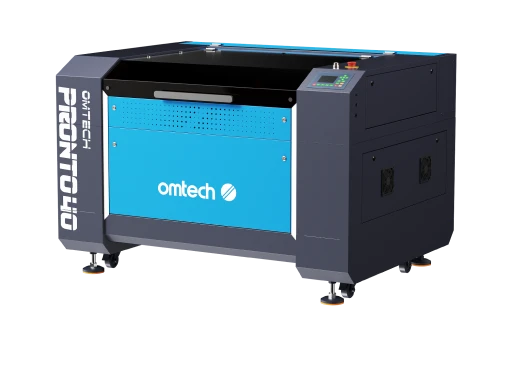
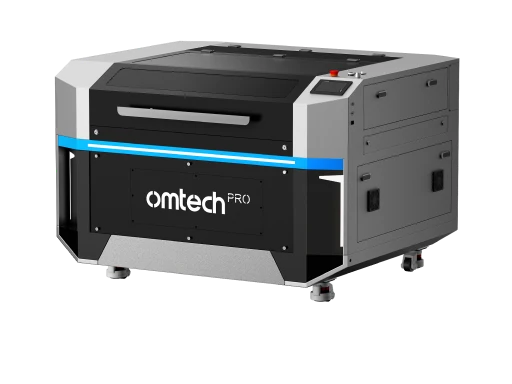
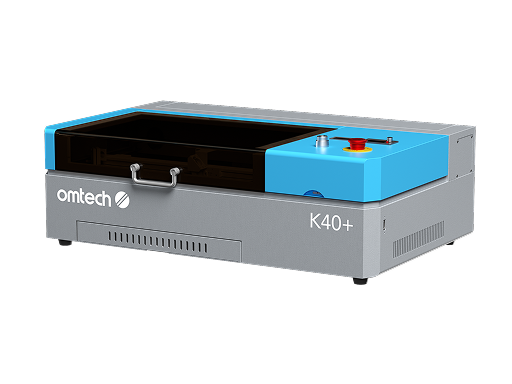

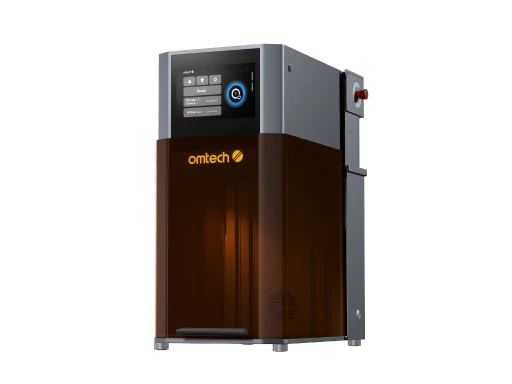
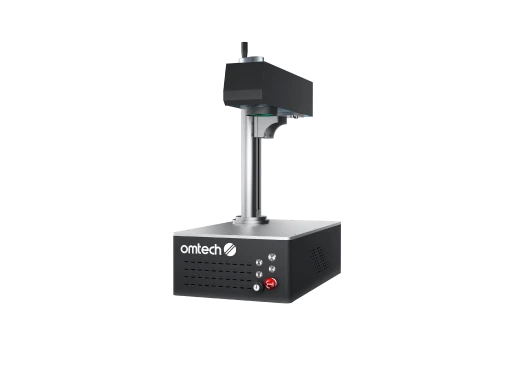
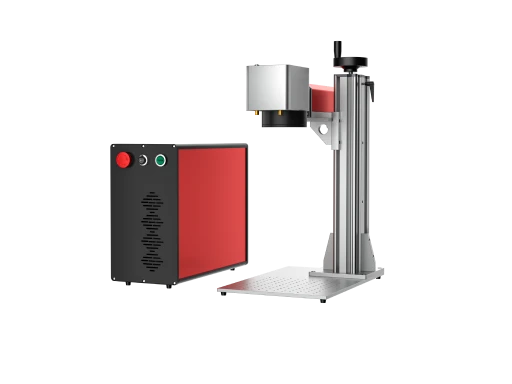
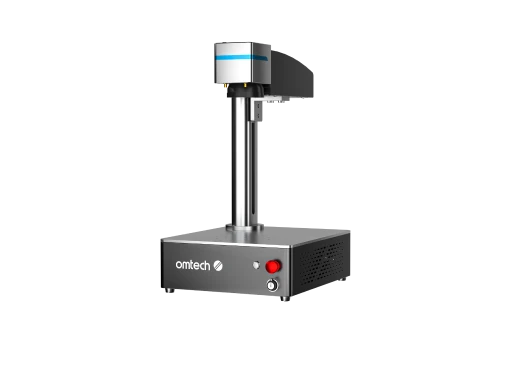

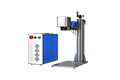
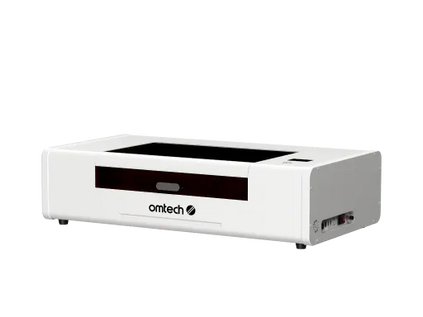
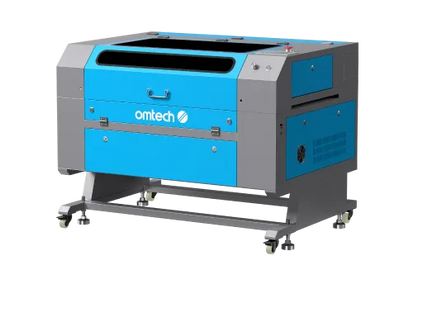
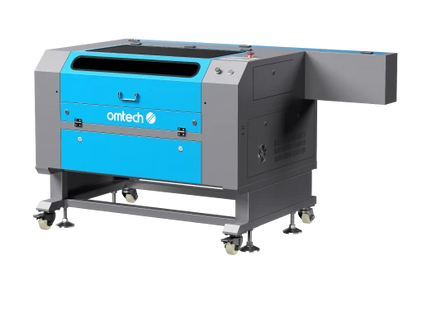
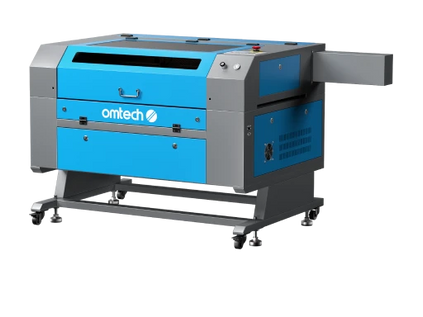
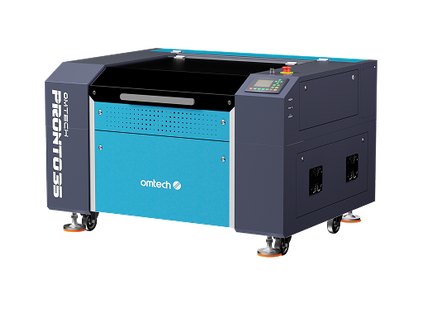
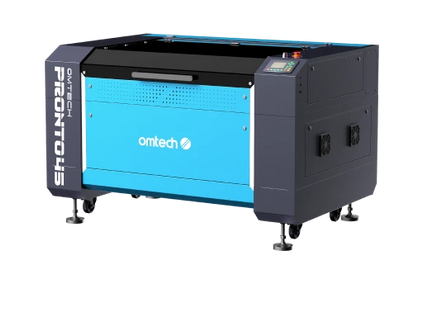
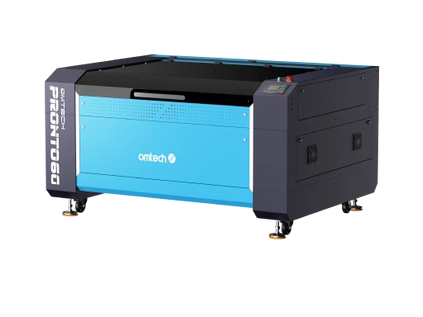

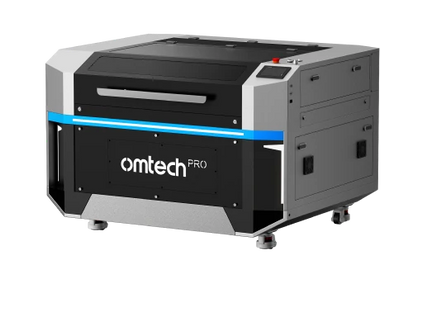
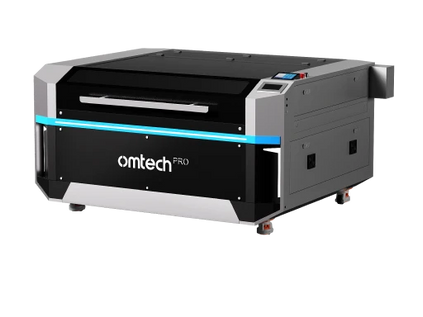
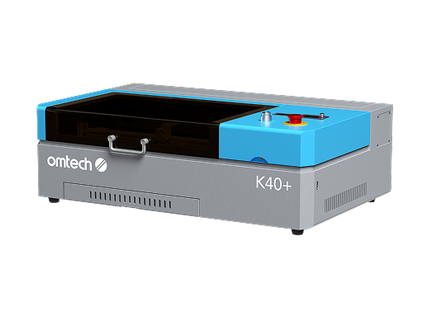

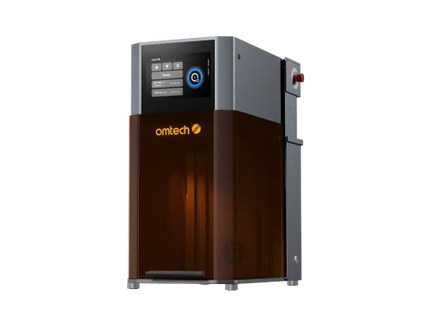
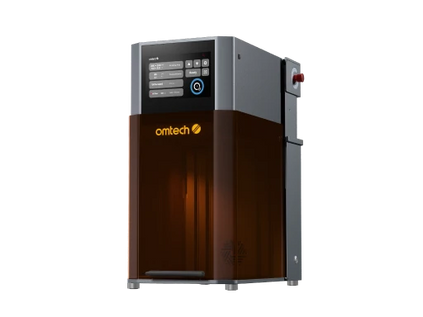
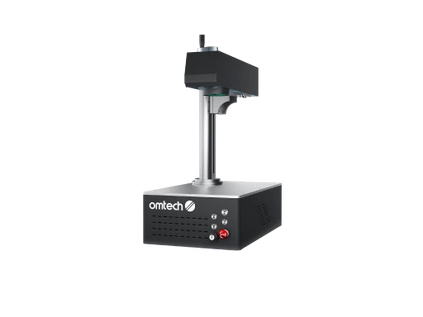
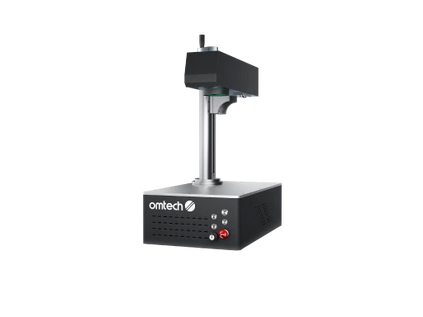
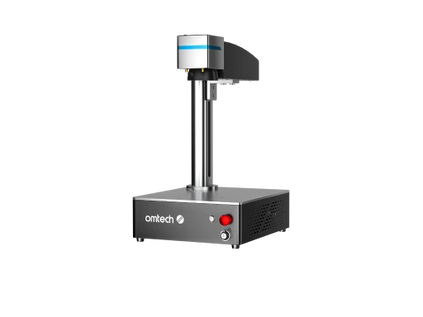
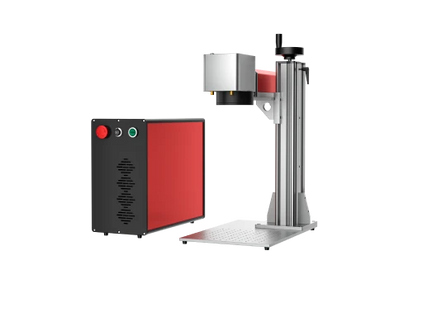
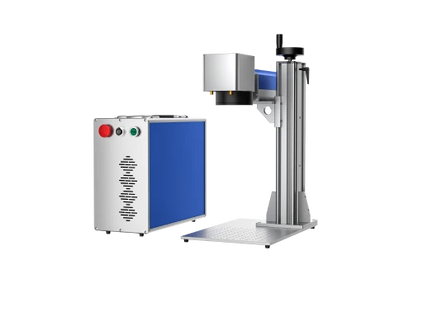

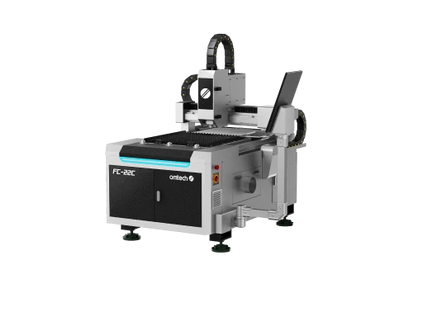
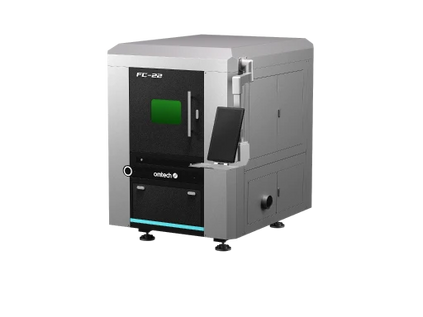
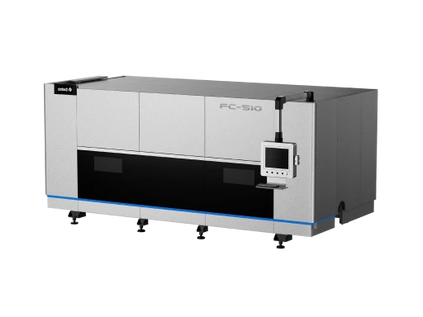
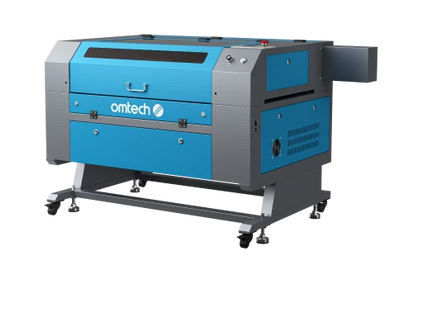
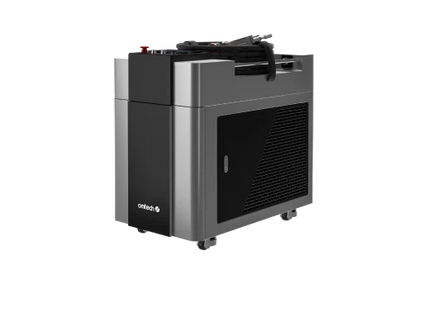
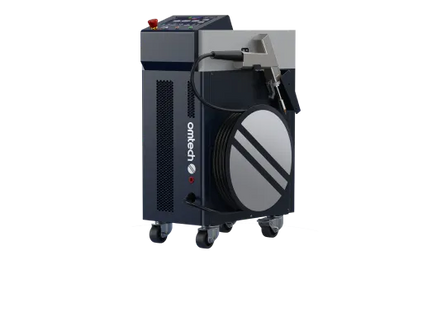


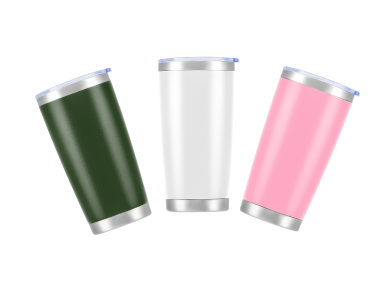
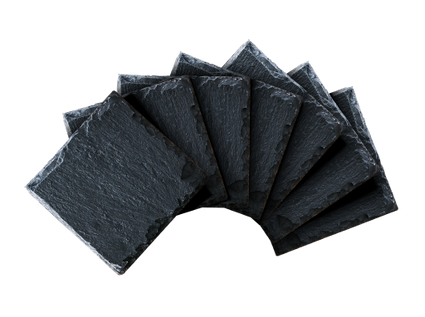


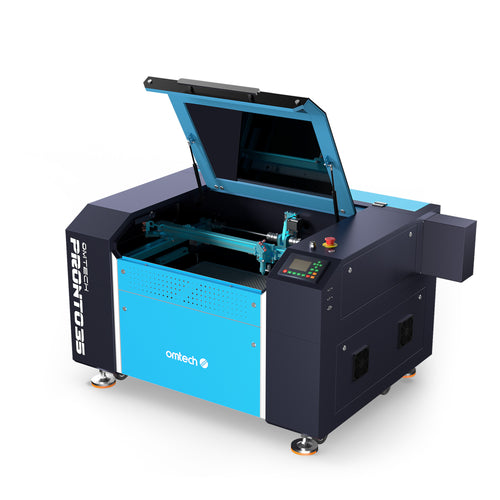
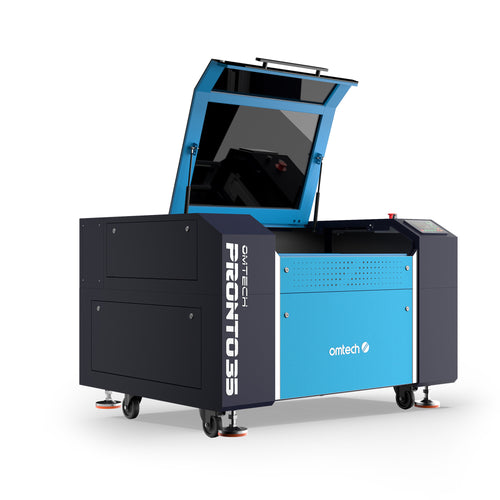
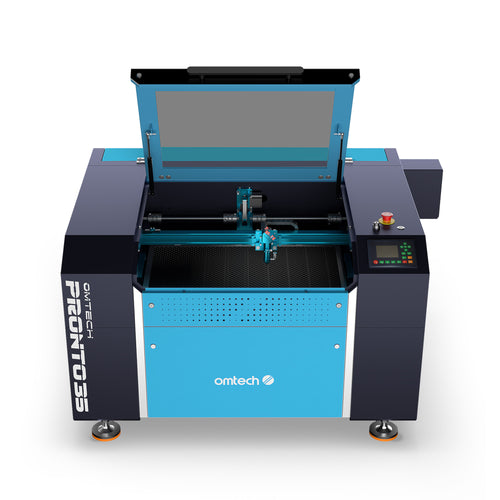
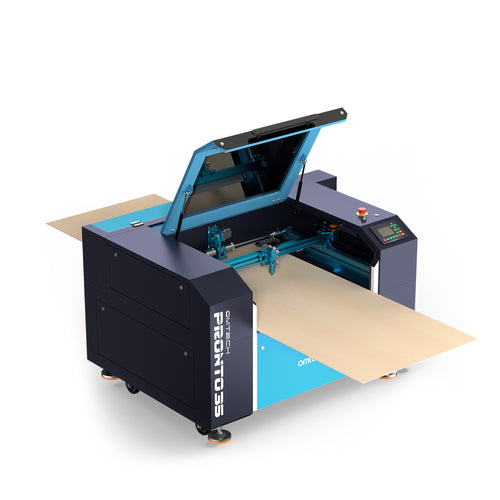
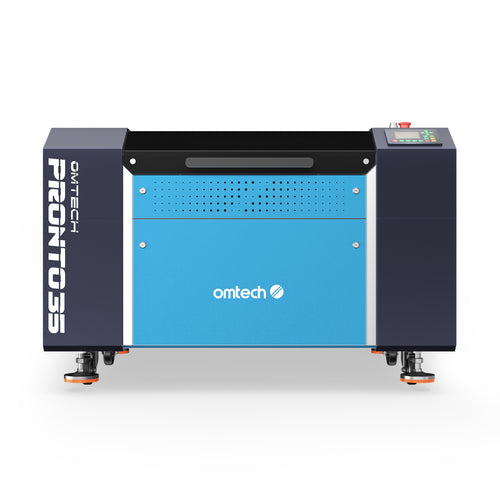
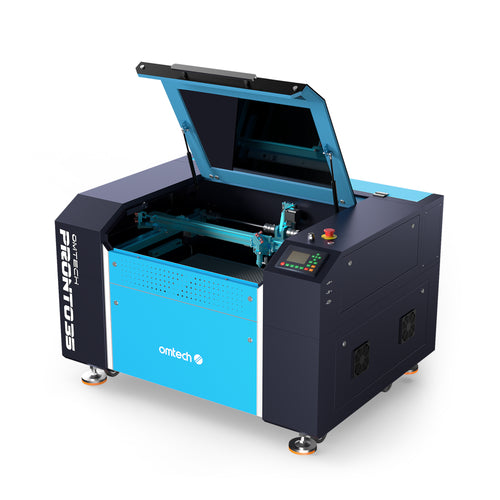
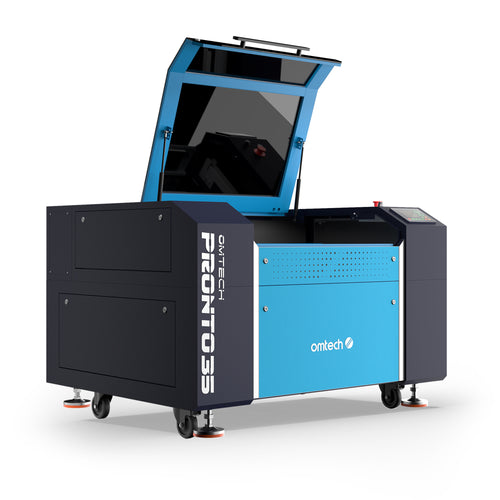
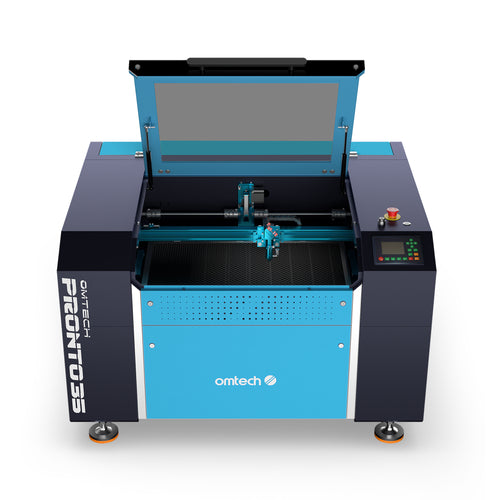
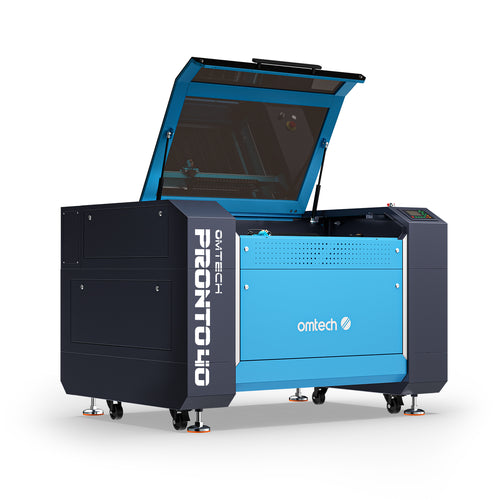
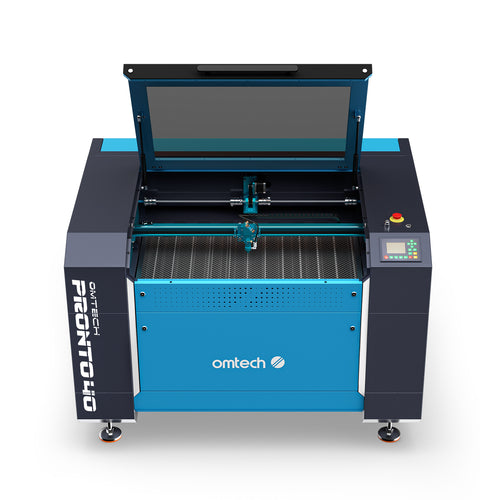
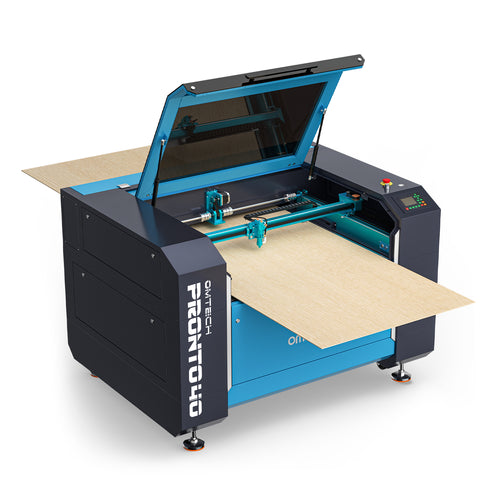
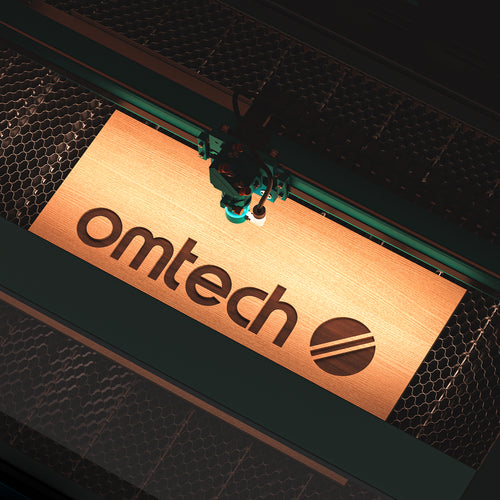
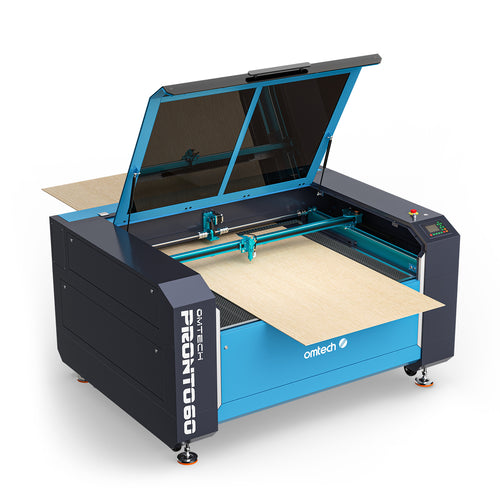
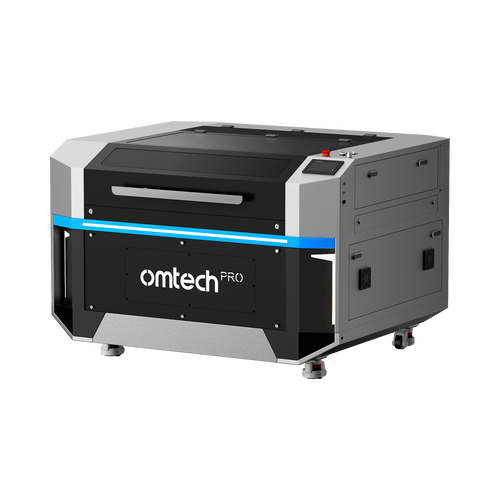
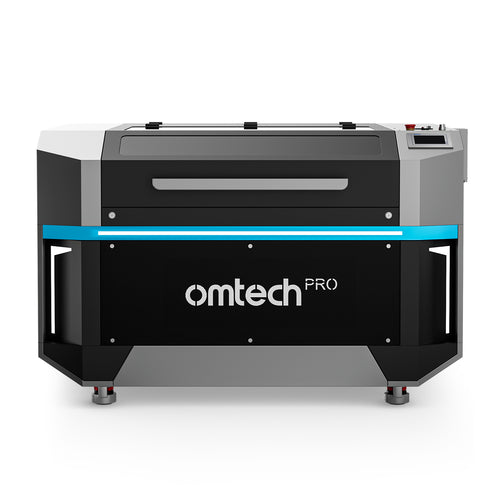
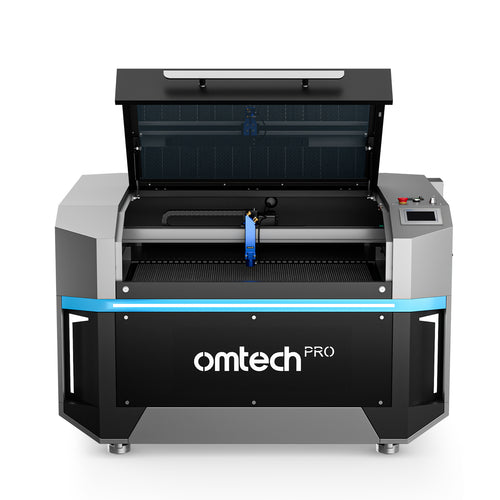
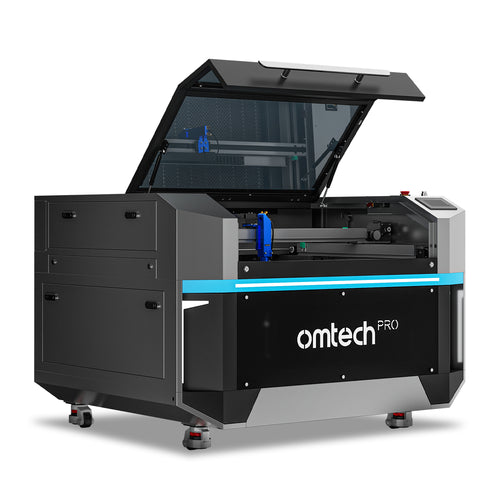
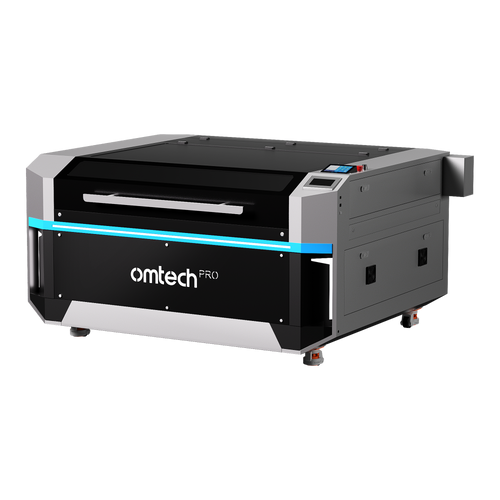
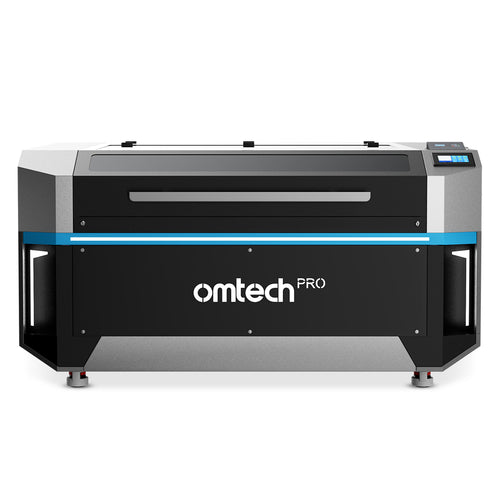
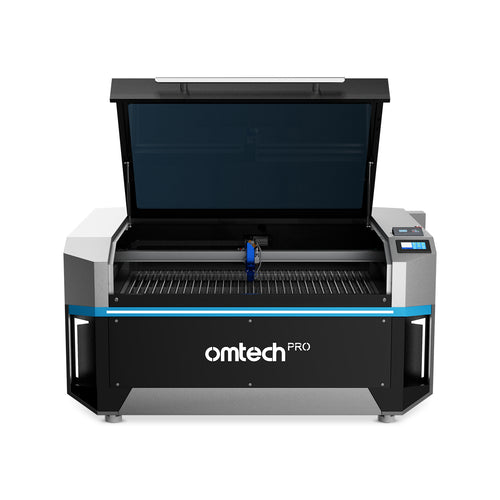
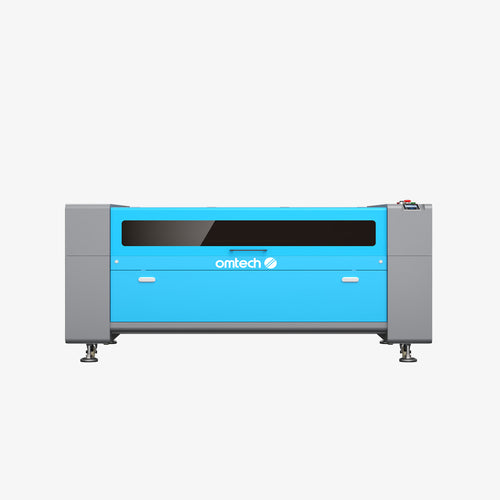
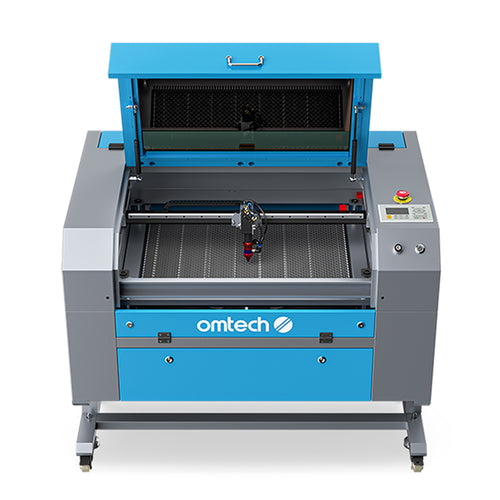
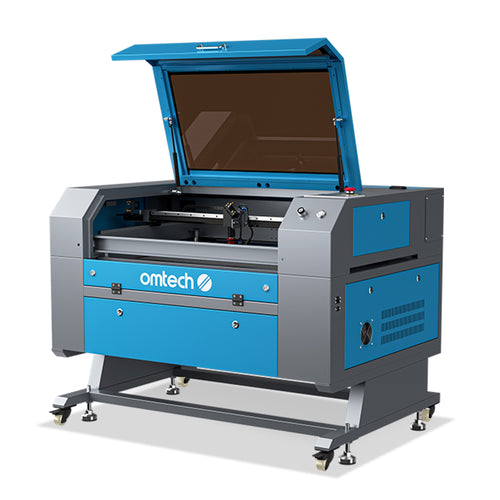
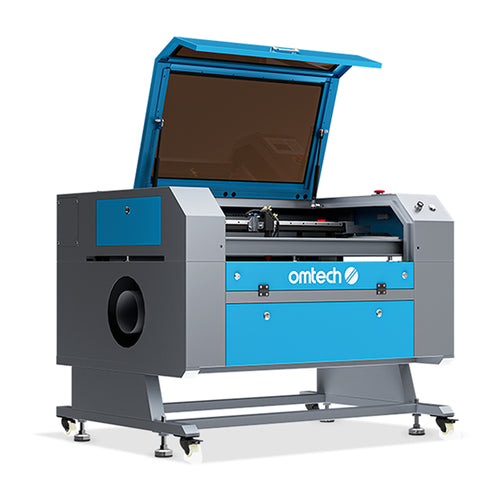
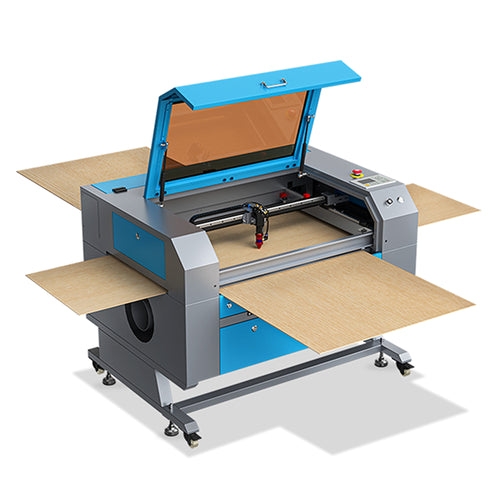
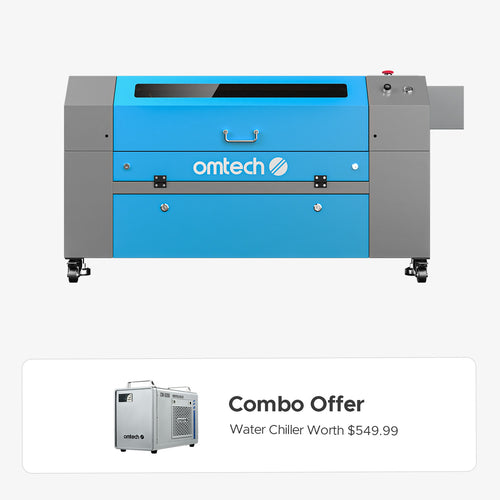
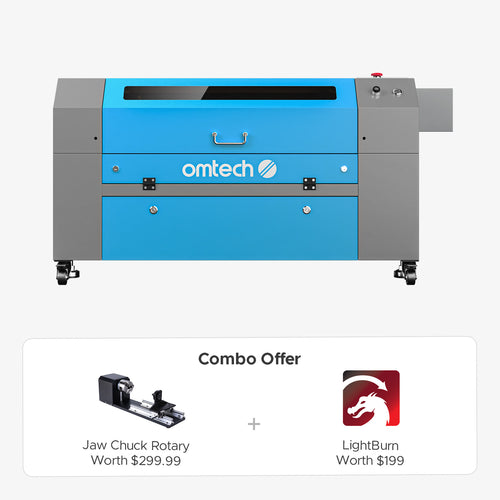
Browse our wide collection of laser cutters and engravers! From CO2 laser engravers and cutters to the best fiber laser engravers for metal marking, find your laser machine here at OMTech Laser. Whether you are scaling a small business or looking for a high-precision CO2 laser cutting machine, our industrial-grade systems deliver unmatched accuracy.
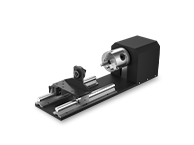
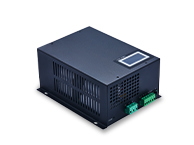
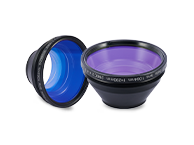
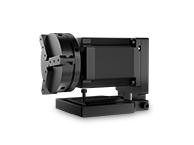
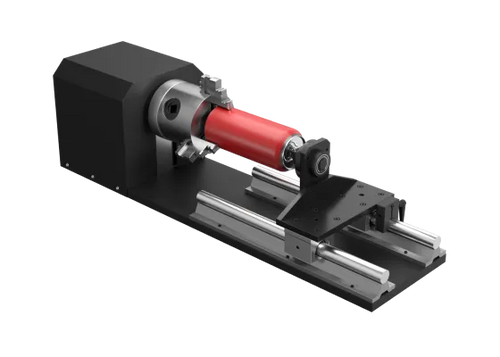
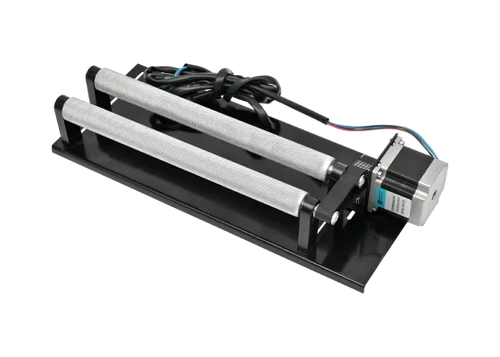
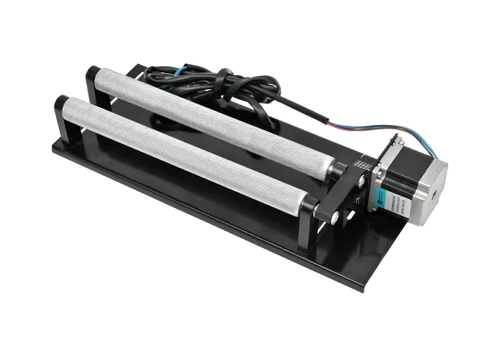
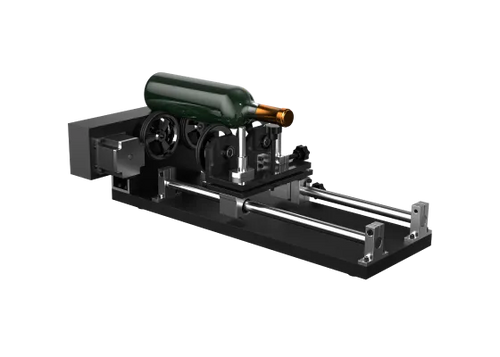
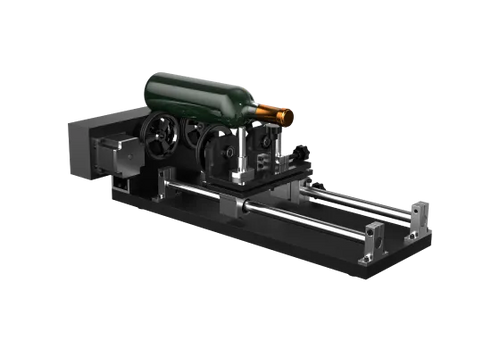
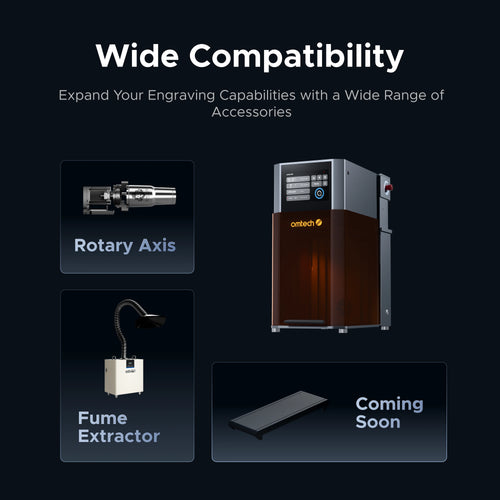
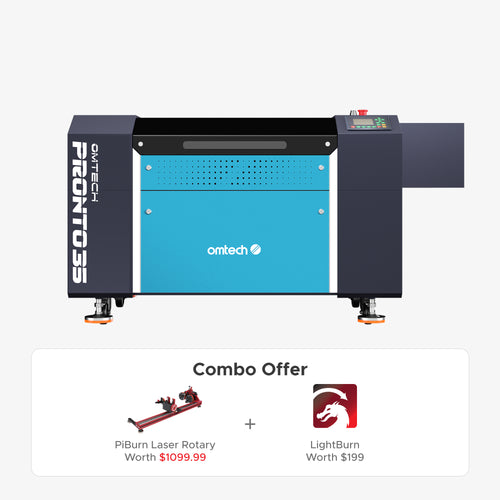
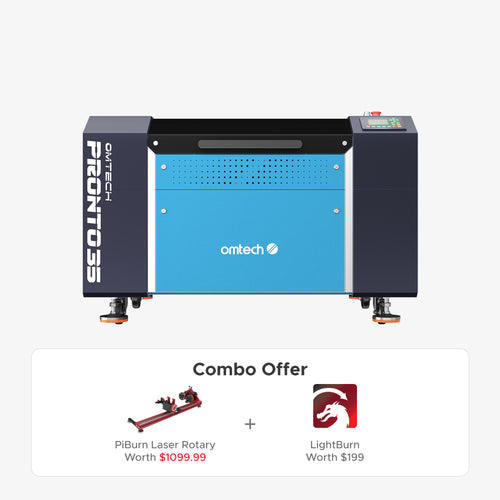
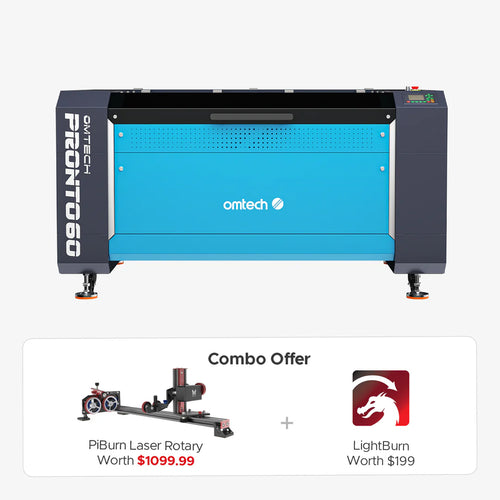
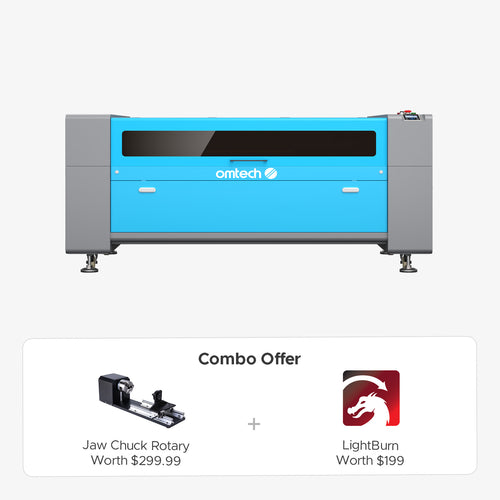
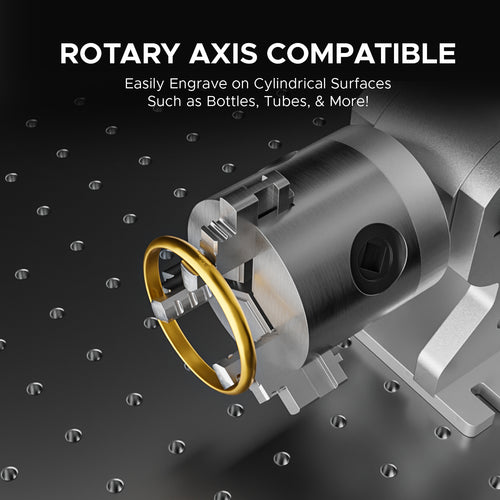
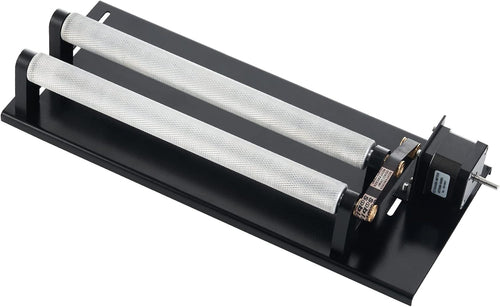
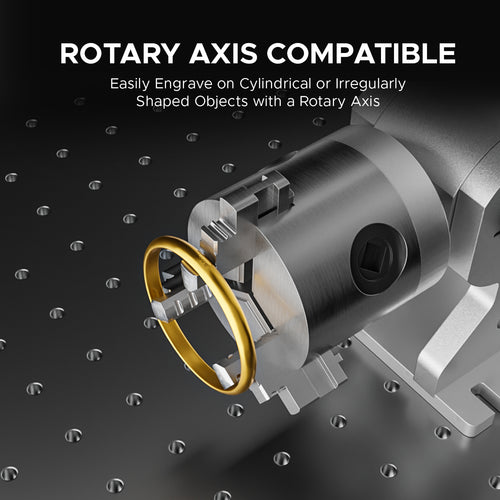
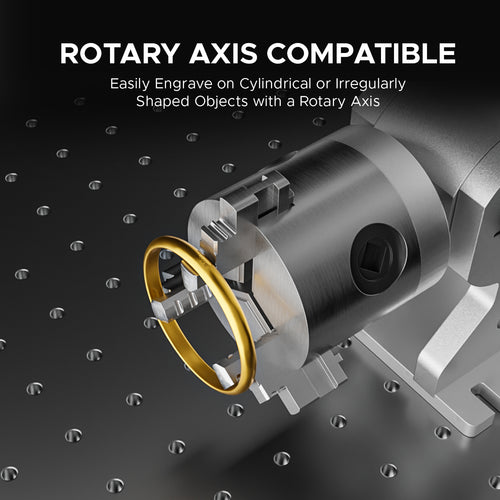
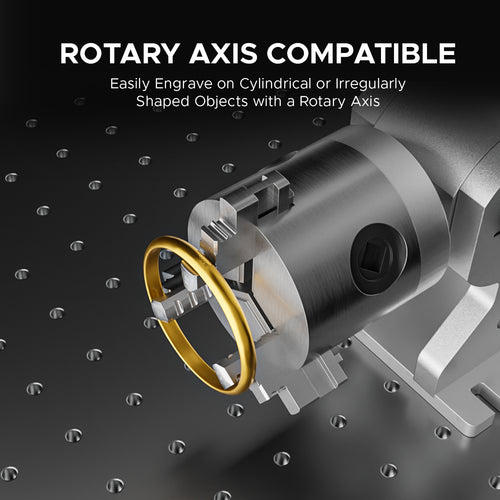
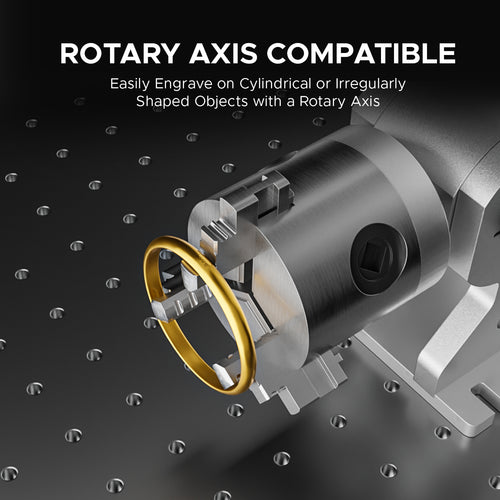
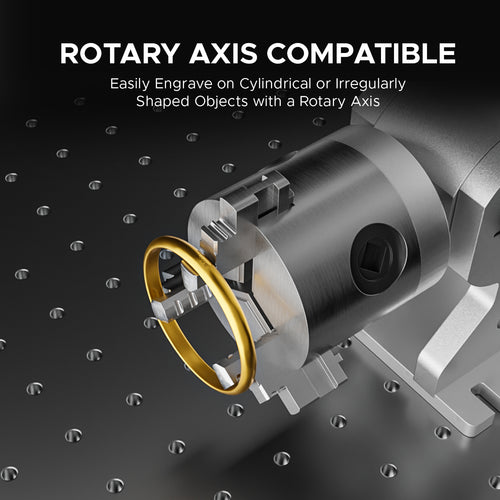
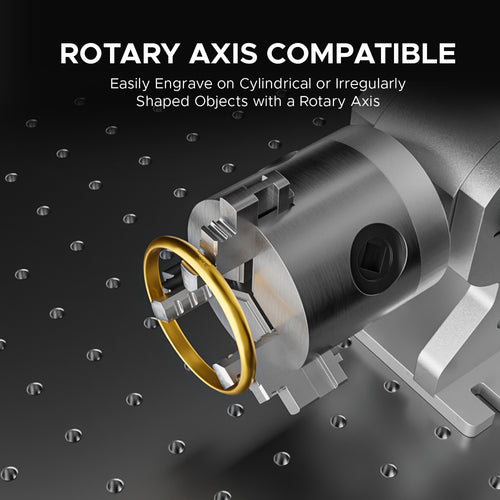
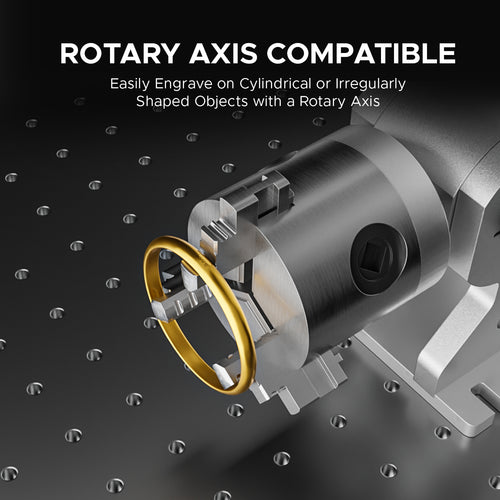
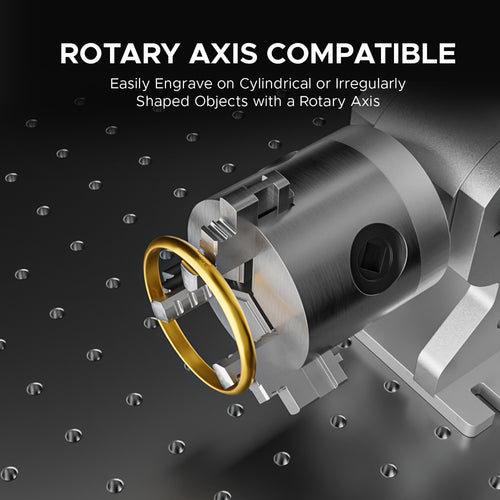
Discover our most popular laser engravers, engineered for precision and versatility, perfect for both hobbyists and professionals alike. Explore our CO2 laser accessories and fiber laser accessories to start your laser journey. Check out these laser parts for your laser cutting and engraving machine. Expand your capabilities with a laser rotary, designed to engrave cylindrical and conical objects.
If you are interested in our industrial line for metal fabrication, please check out our fiber cutting machines.










































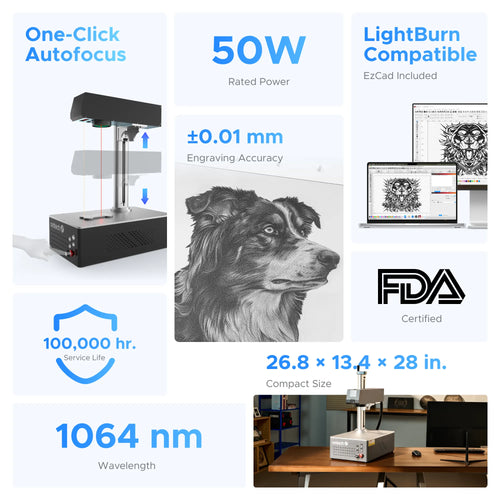
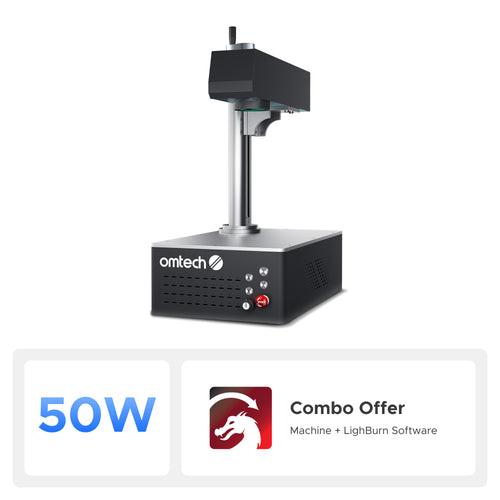


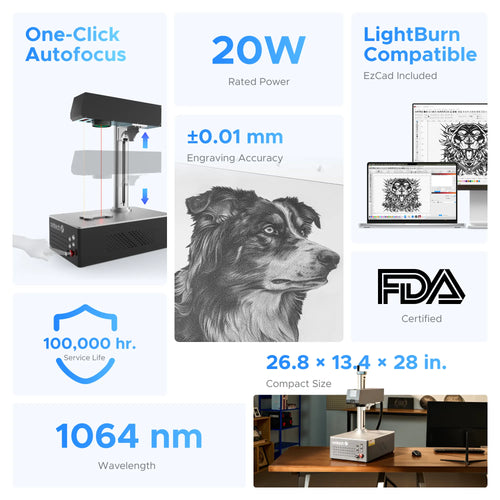
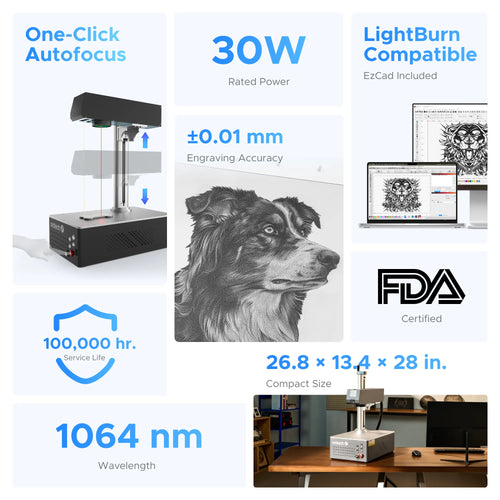




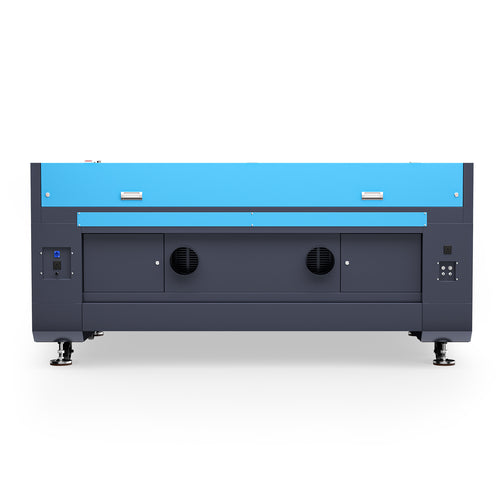
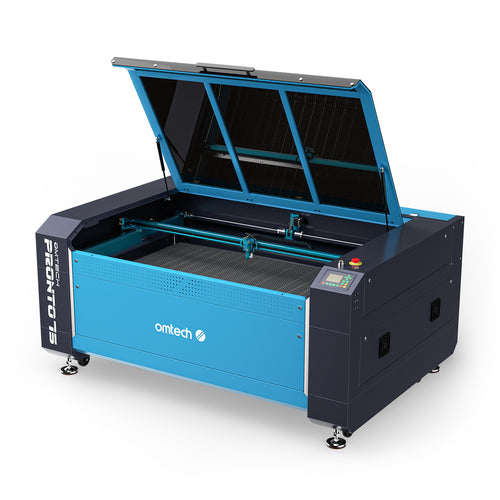
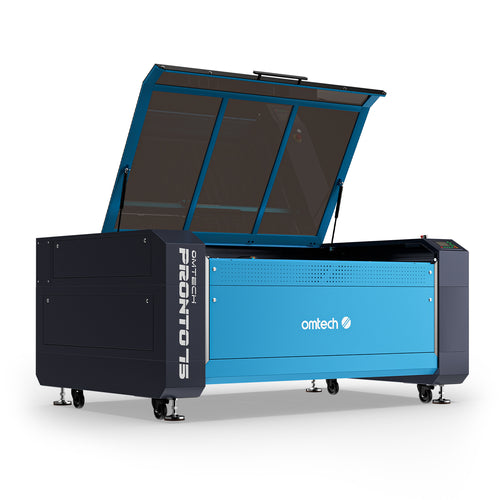
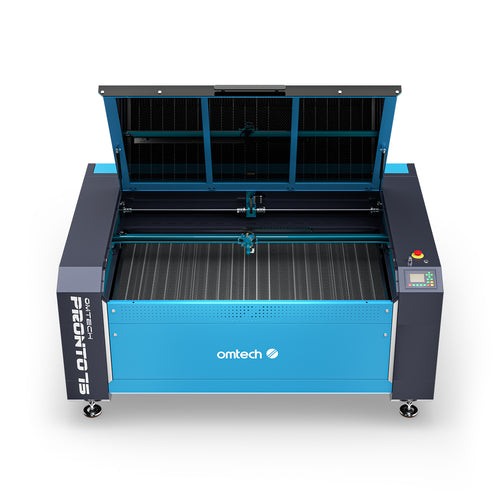


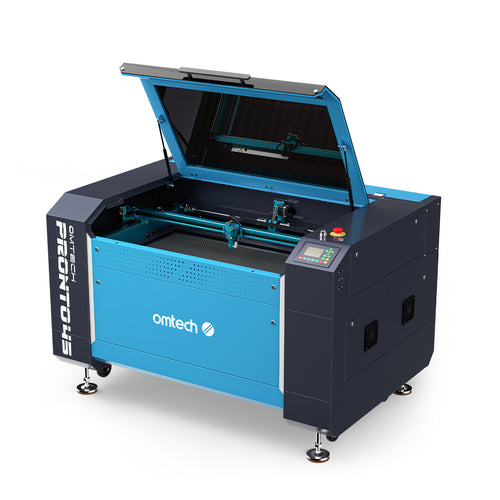
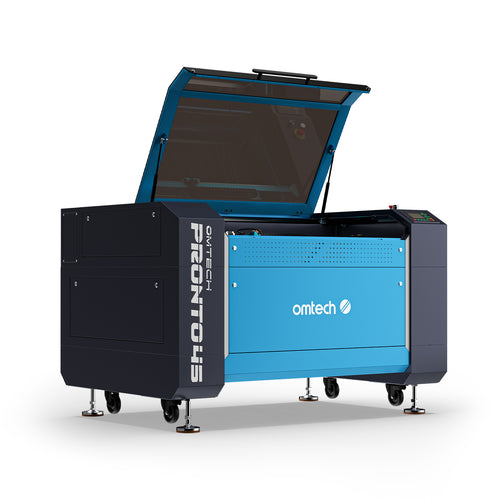
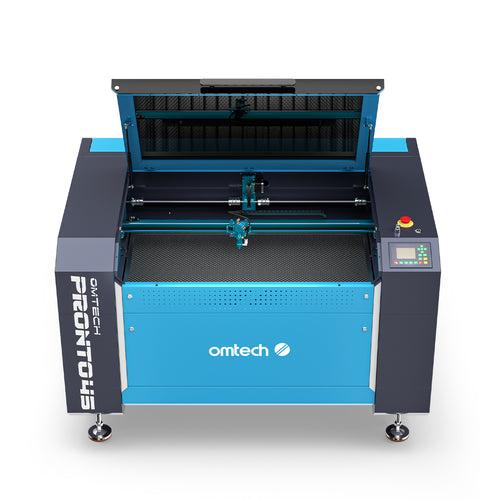
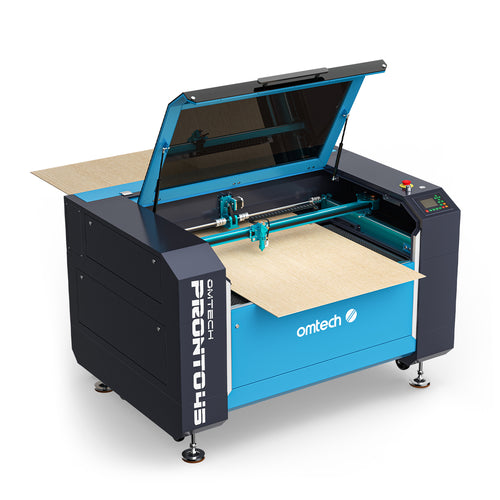



























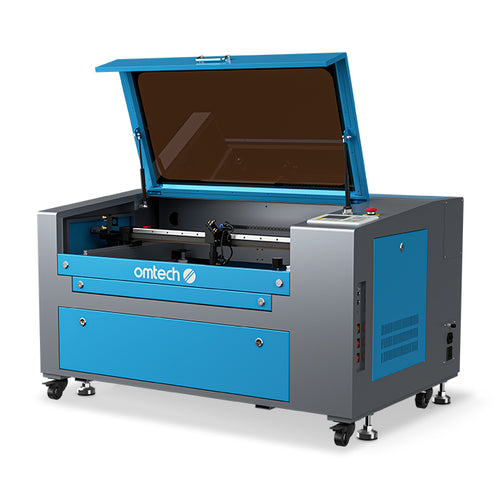
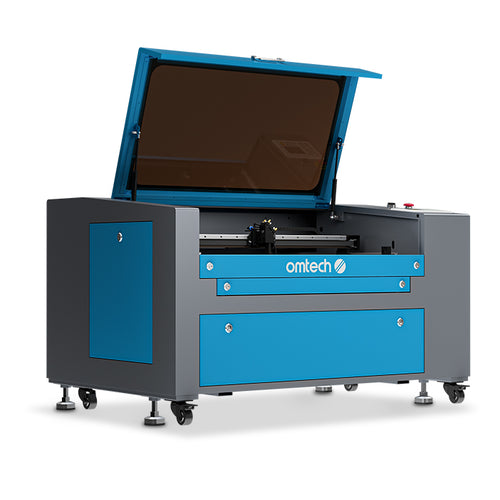
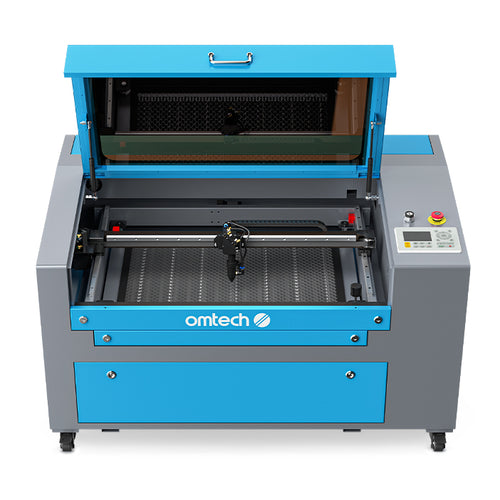
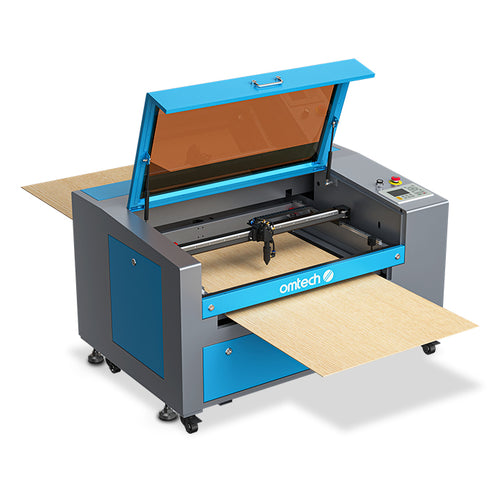



































FAQ
The thickness of metal a laser can cut depends entirely on the type of laser technology and its wattage. Standard gas-based CO2 lasers under 150W—which are typical for most small businesses and workshops—cannot cut raw metal at all, regardless of its thickness. They can only engrave or markcoated or treated metal surfaces. To actually slice through sheet metals, an industrial-grade high-power Fiber Laser Cutter is required. The thickness capabilities scale dramatically with wattage:
- A entry-level 1,000W (1kW) industrial fiber laser can cleanly cut through carbon steel up to roughly 10mm (about 3/8") and stainless steel up to 4mm to 5mm.
- Scaling up to a 3,000W (3kW) or 4,000W (4kW) industrial system allows manufacturers to cut through thick carbon steel up to 20mm and stainless steel up to 10mm to 12mm.
If your goal is industrial metal fabrication, you will need to look at dedicated high-wattage fiber cutting systems, while standard low-power galvo fiber markers should be reserved strictly for surface engraving.
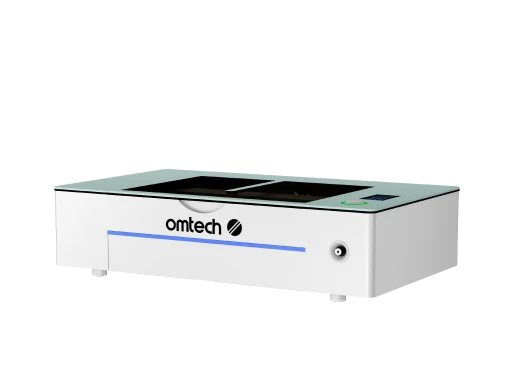
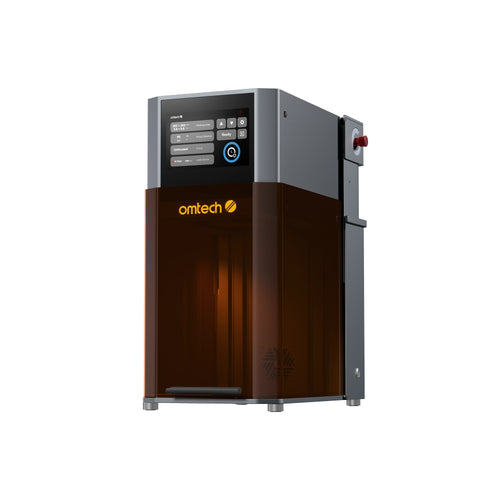
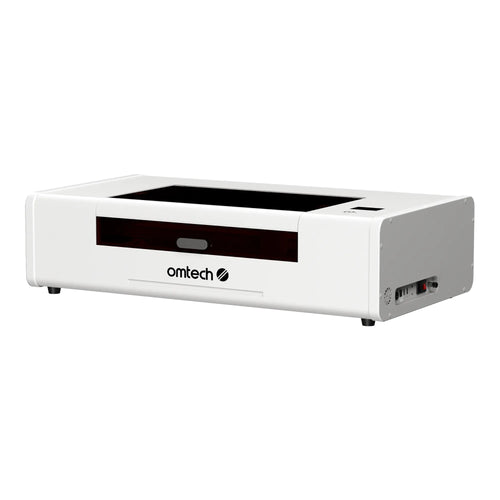
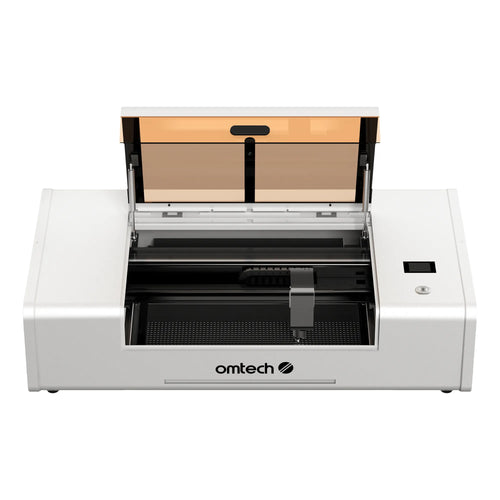
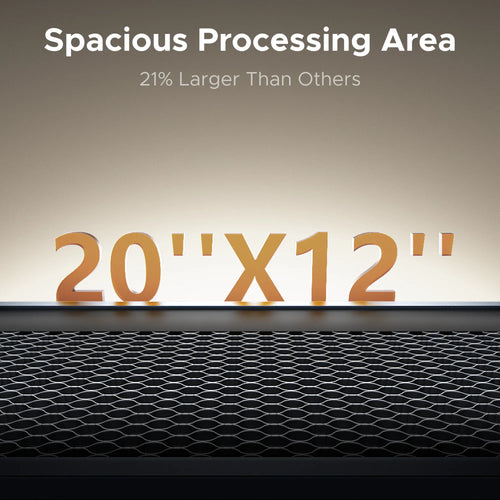
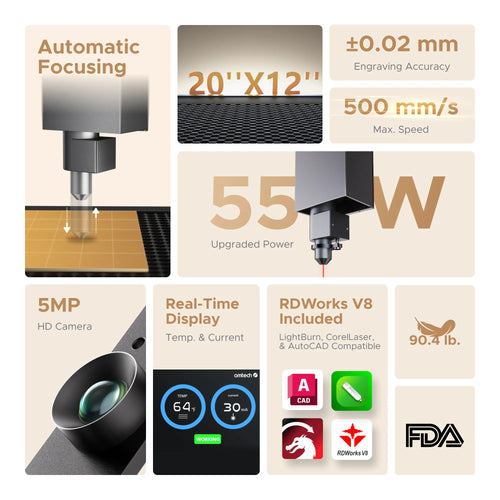
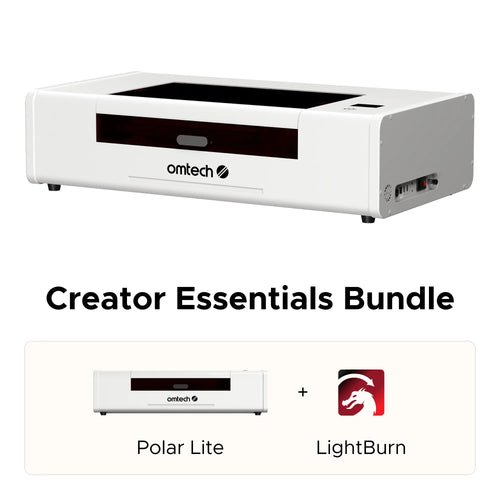
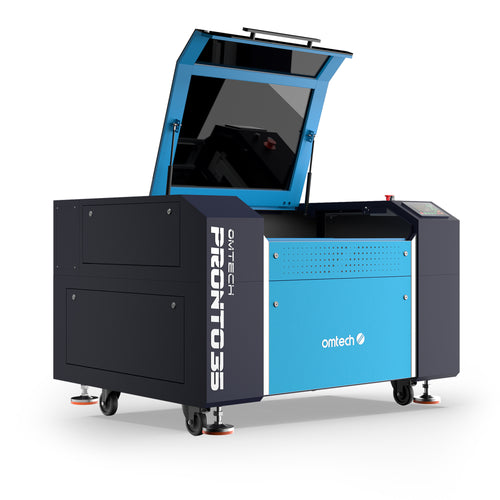
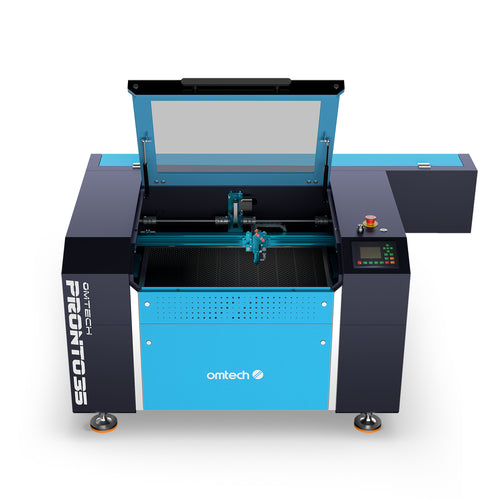
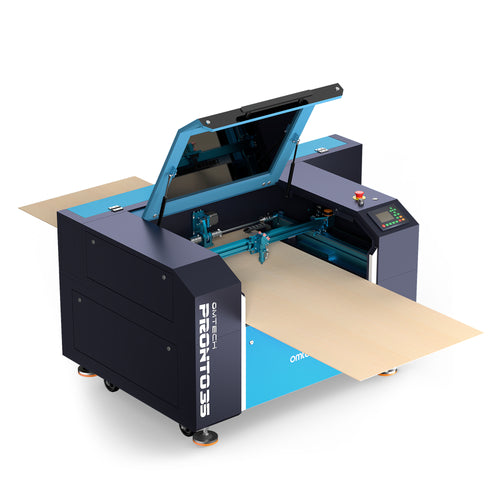
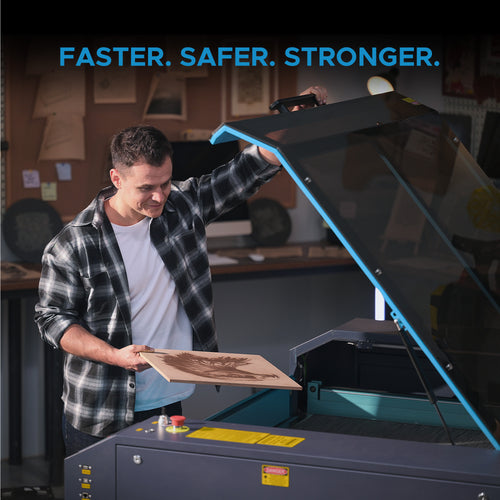
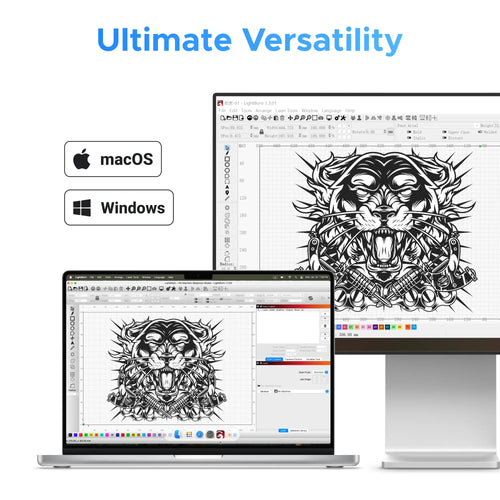
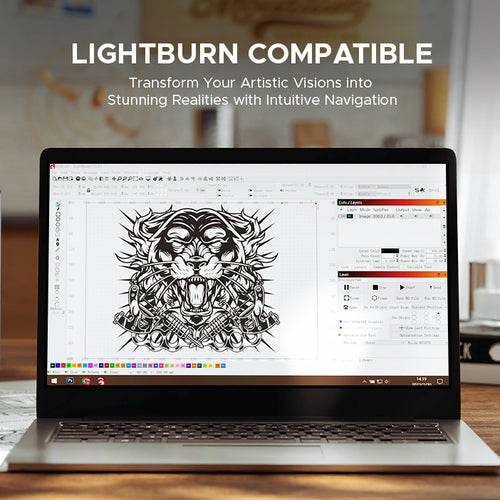
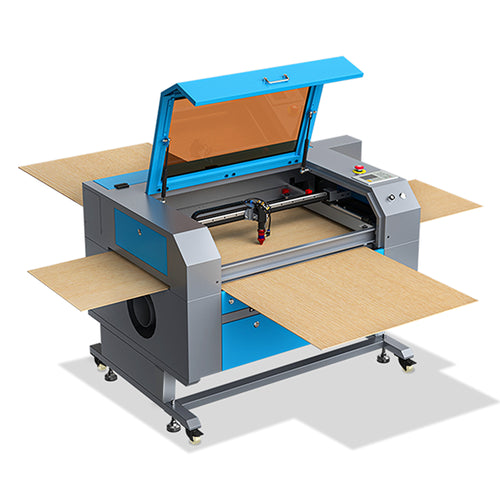
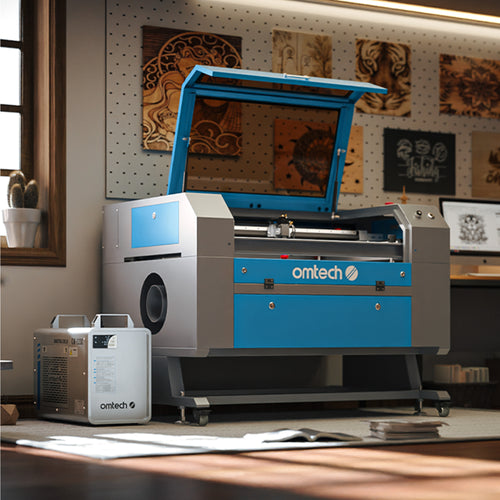
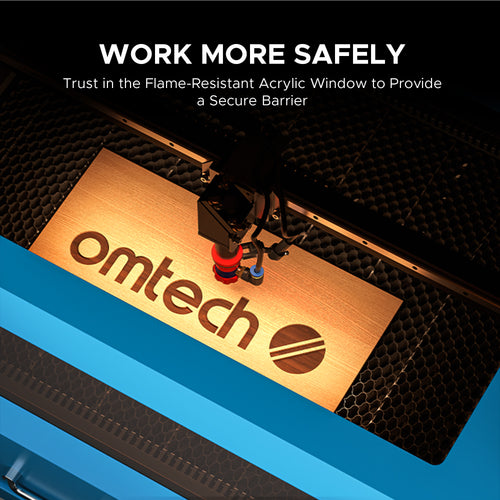
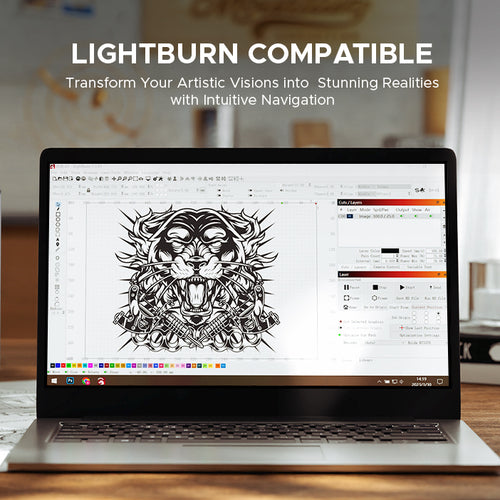
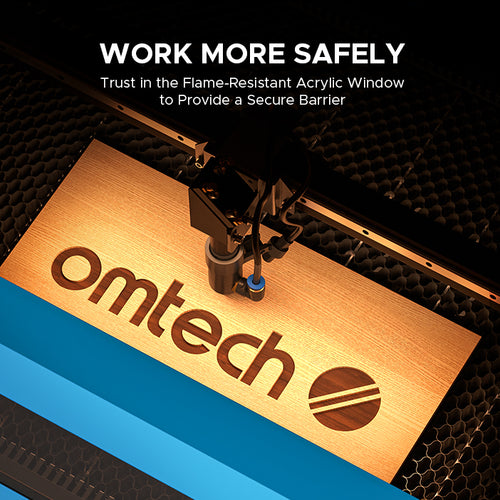
The best laser cutter for home use balances safety, size, and versatility. For most home workshops, garages, or craft rooms, a fully enclosed desktop CO2 laser cutter (typically in the 40W to 55W range) is the ideal choice. A home-friendly machine should feature a compact footprint that fits onto a sturdy workbench while still offering a decent-sized workbed (such as 12" x 20") to handle common crafting sheets. Safety is paramount when working near family or pets, so look for a model with a completely enclosed chassis, a safety-tinted viewing window, and an automatic shut-off lid sensor that instantly stops the laser if the machine is accidentally opened during operation. Additionally, home users should prioritize machines that offer seamless, plug-and-play compatibility with user-friendly software like LightBurn, which works perfectly on both Mac and Windows operating systems.
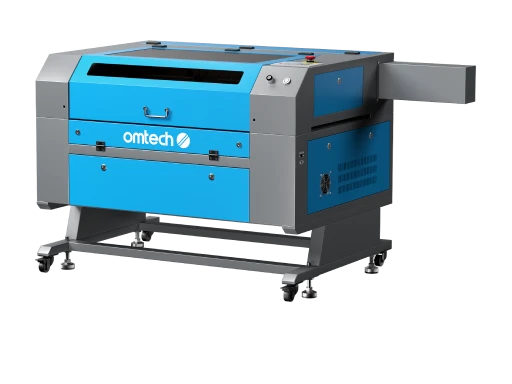
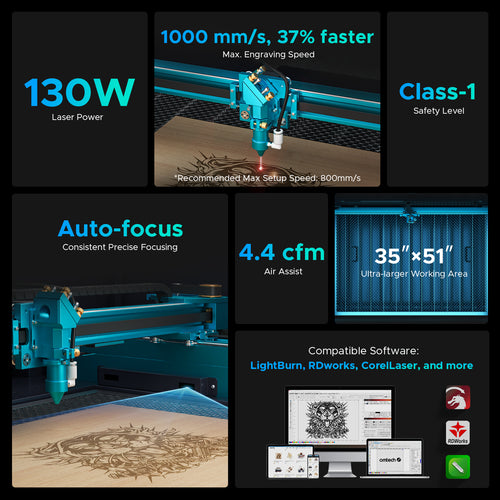
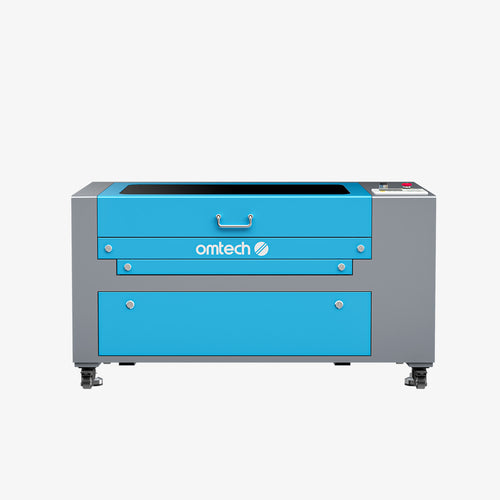
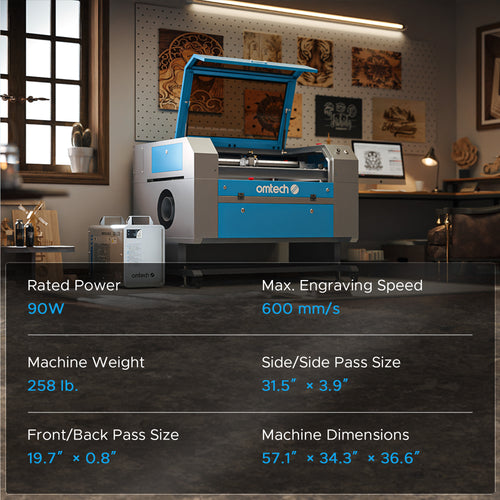
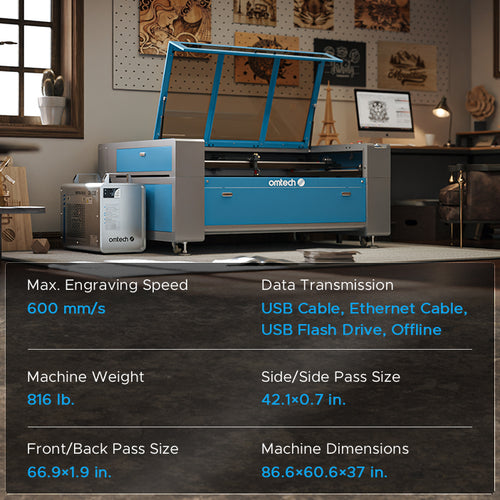
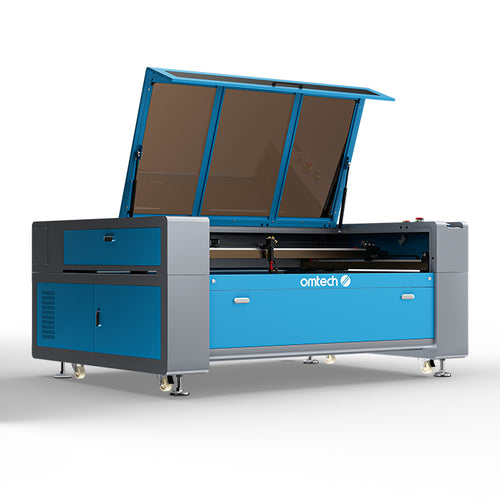
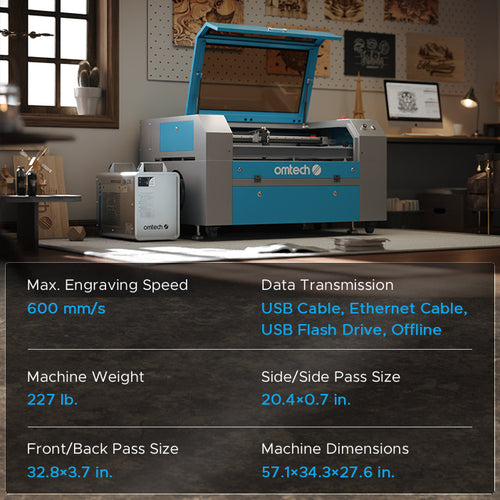
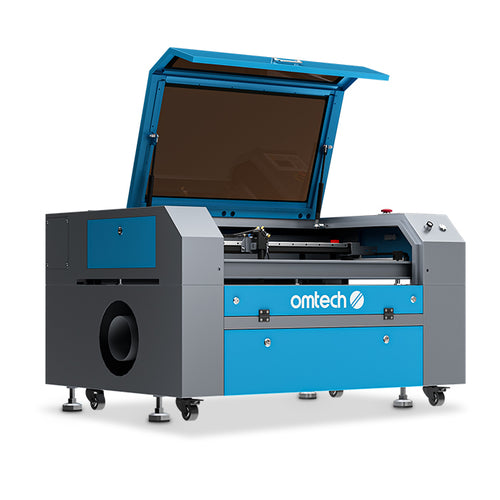
Choosing the right machine comes down to evaluating three main things: your primary materials, your production volume, and your available workspace. First, look at what you want to make. If you are strictly working with wood, plastics, leather, and fabric, a CO2 laser is your best path. If you only want to engrave metal parts, a fiber laser is what you need. Second, consider your volume and thickness needs. A hobbyist making occasional gifts will be perfectly fine with a 40W to 55W desktop machine. However, if you are running a business where time is money, or if you need to cut through thick, dense materials regularly, you will want a cabinet-style machine boasting 80W, 100W, or even 130W of power to maximize your cutting speed and output.
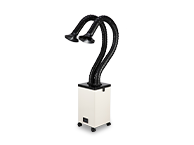
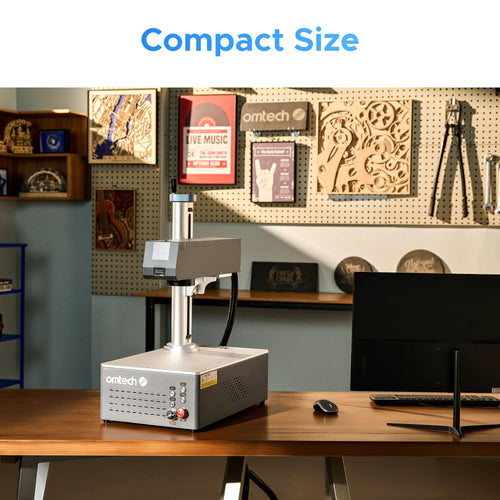
Lastly, check your workshop footprint. Measure your space to ensure you have enough room not just for the machine's physical size, but also for proper ventilation accessories like an external exhaust duct or a dedicated fume extractor.
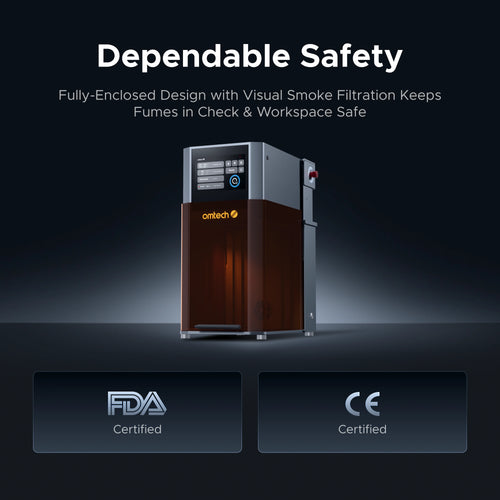
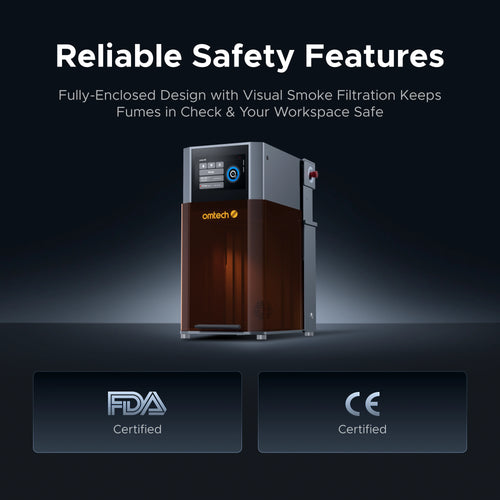
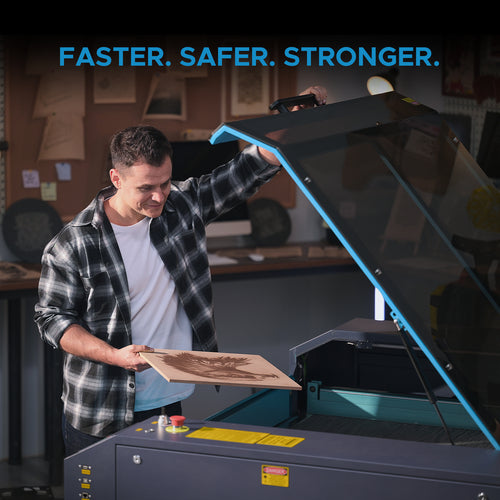
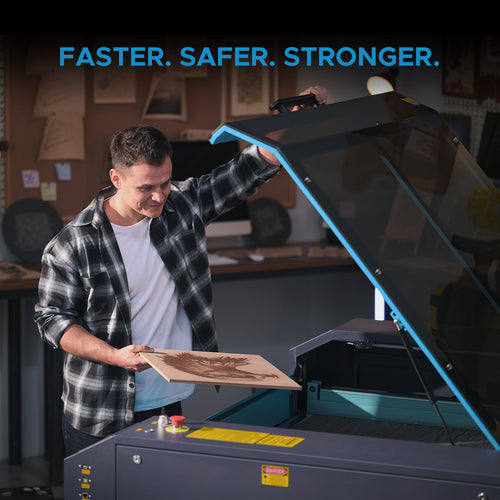
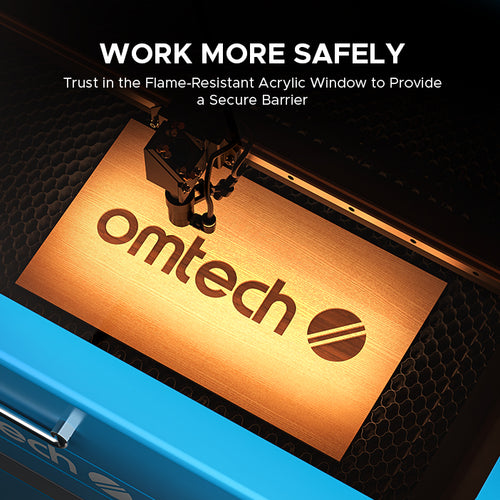
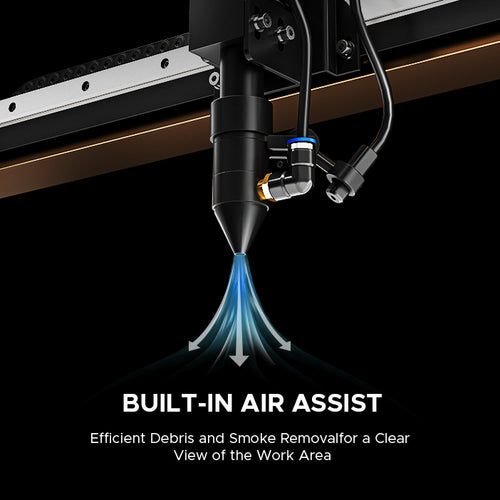
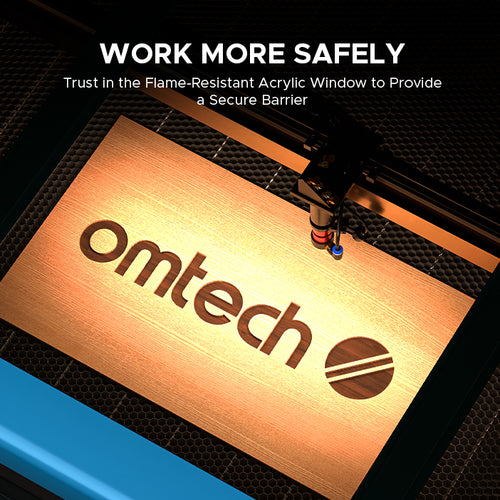
Safety is paramount in laser processing. You should always wear wavelength-specific laser safety glasses. Additionally, because cutting materials like acrylic or wood produces smoke and fumes, a proper exhaust ventilation system or a dedicated OMTech Fume Extractor is highly recommended to maintain clean air in your workspace.
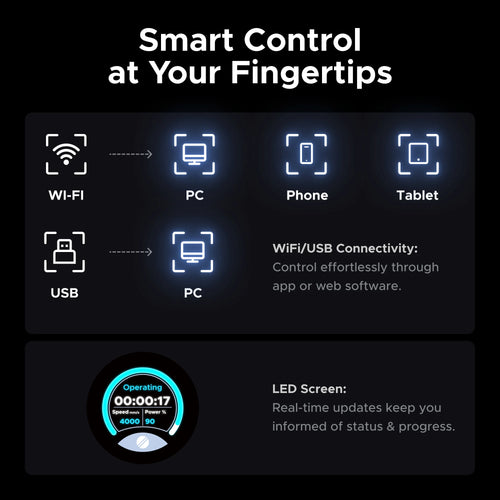
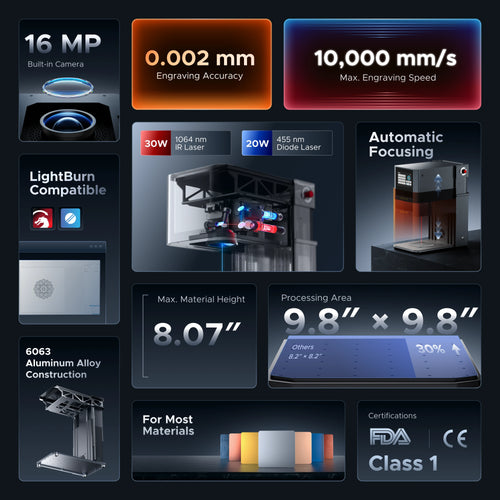
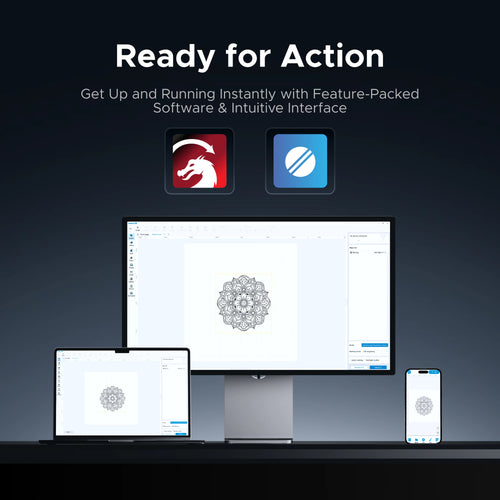
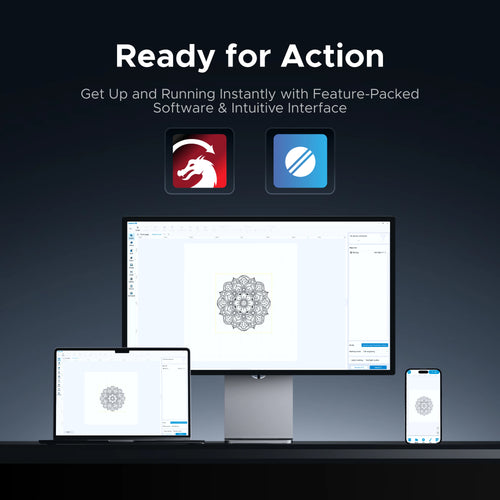
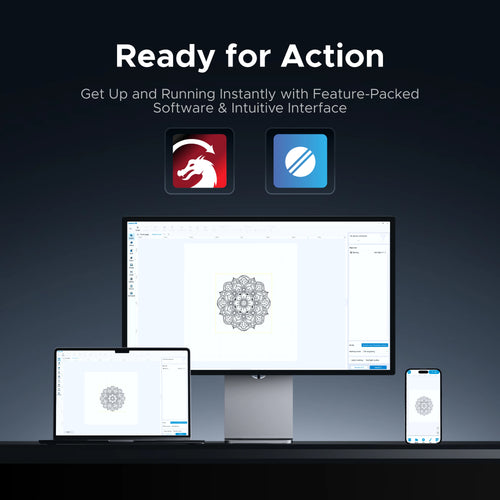
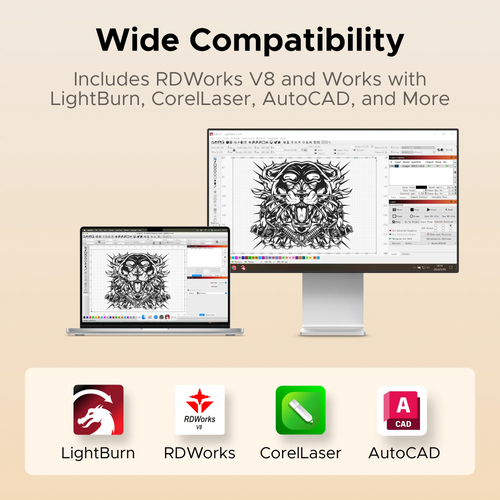
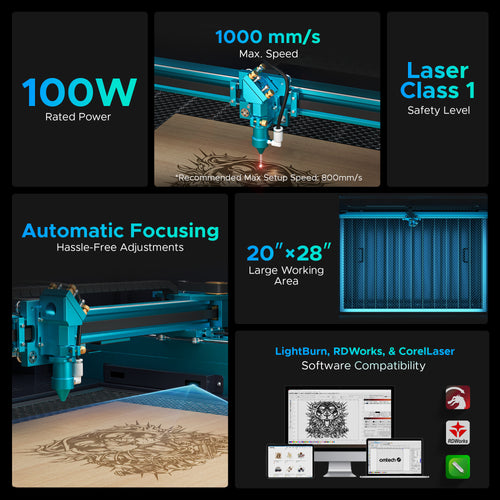
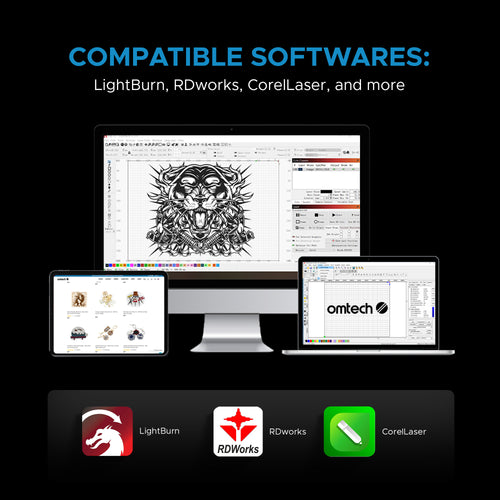
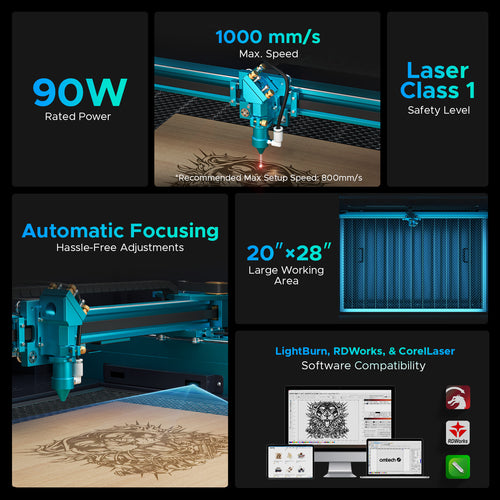
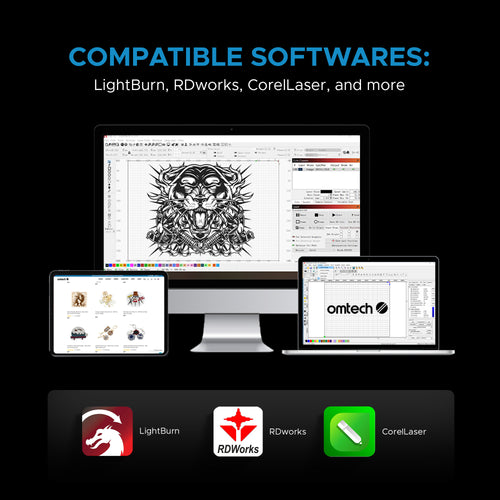
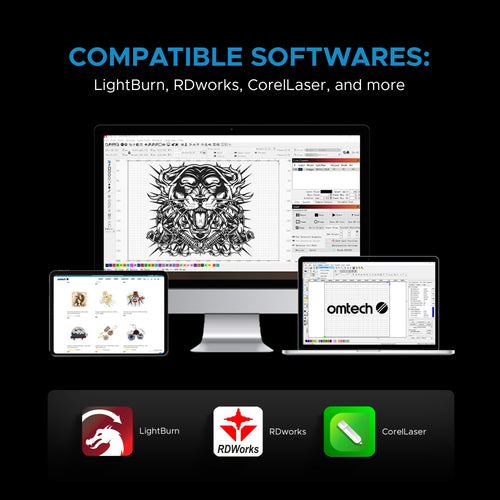
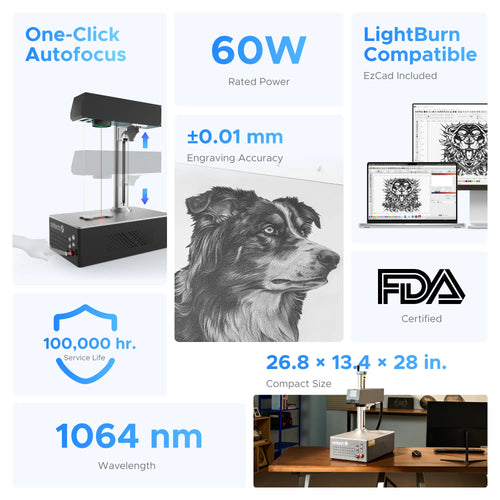
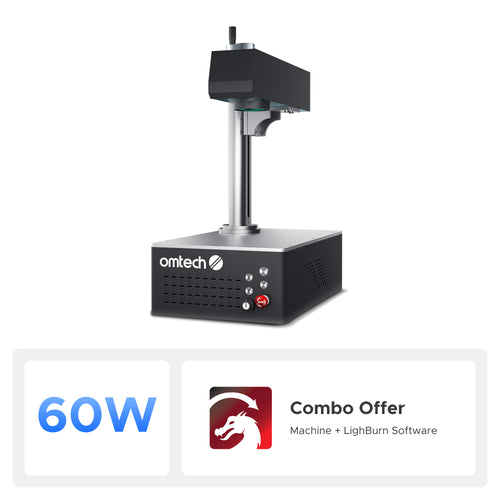
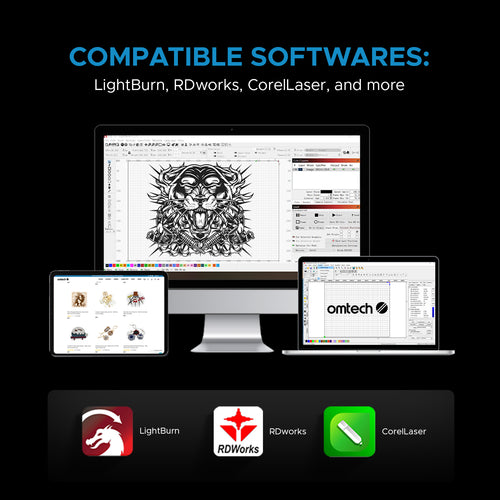
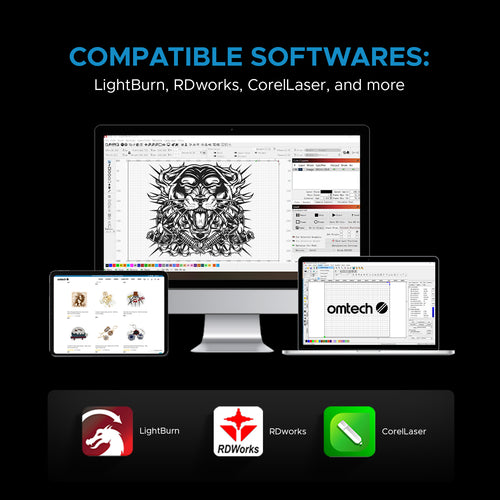
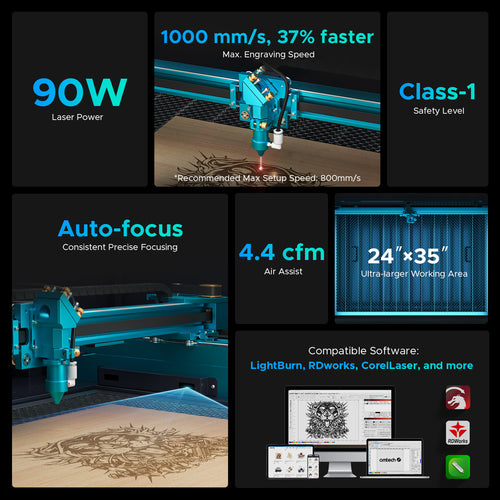
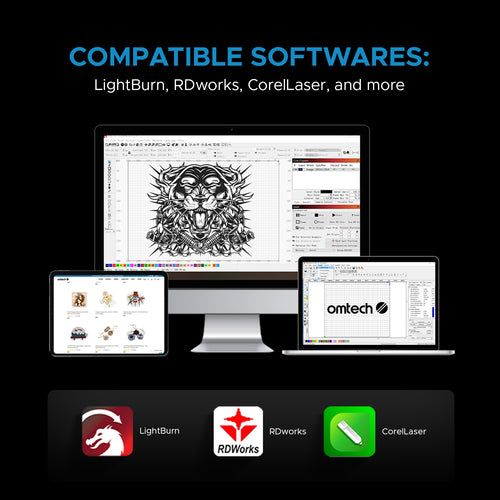
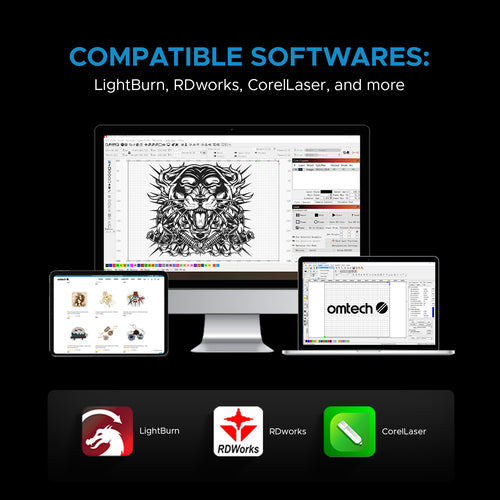
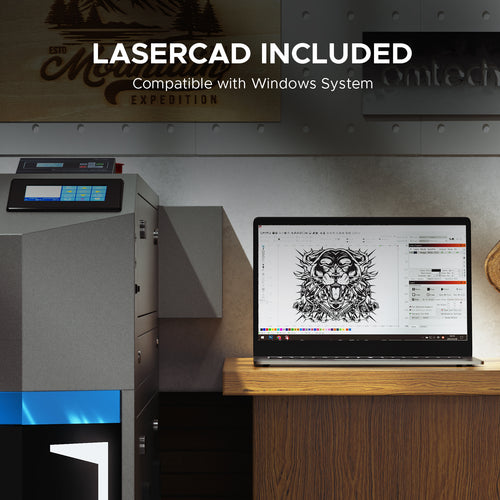
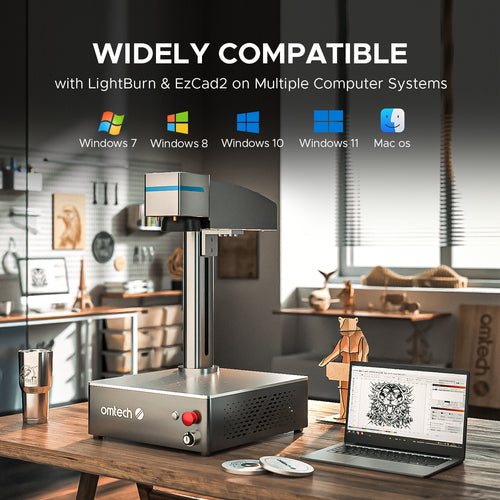
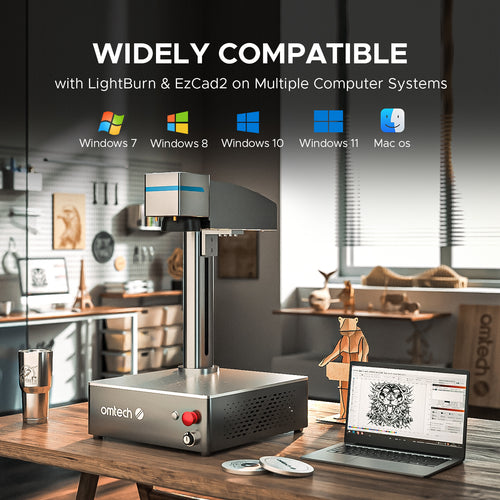
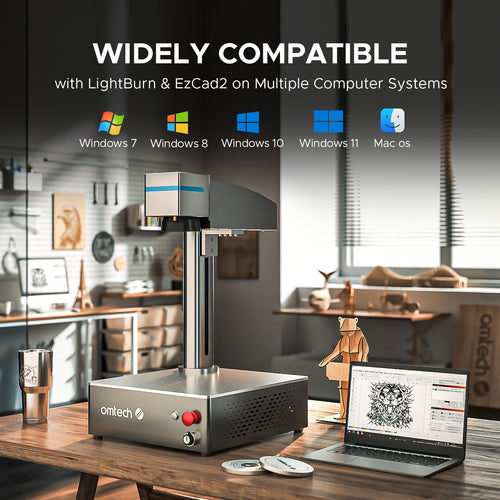
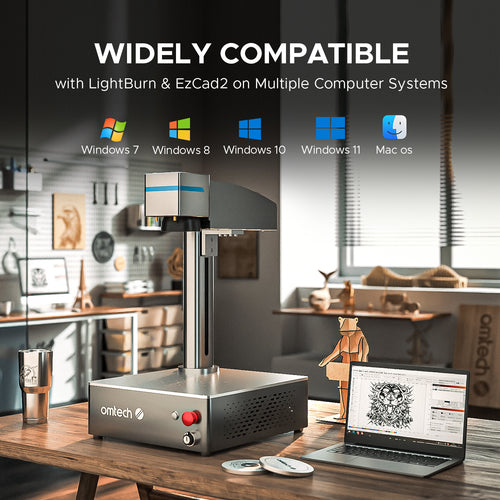
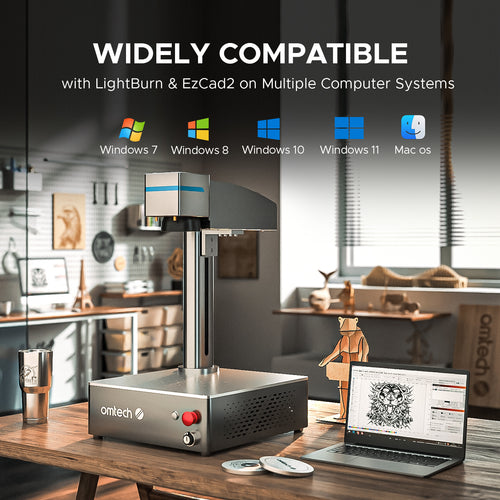
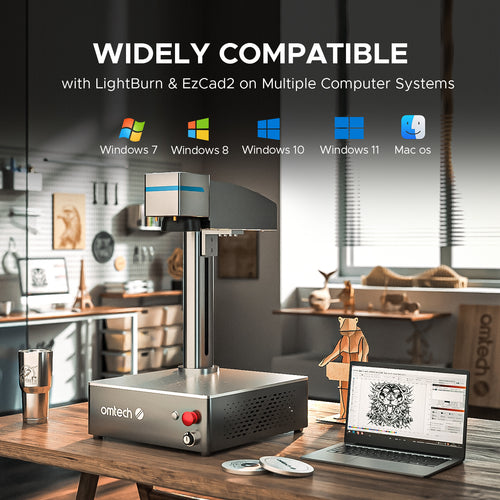
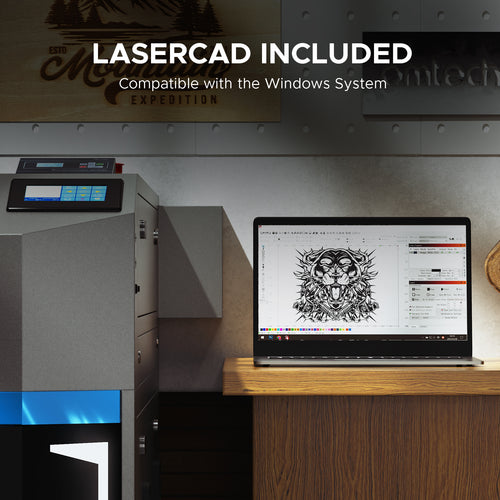
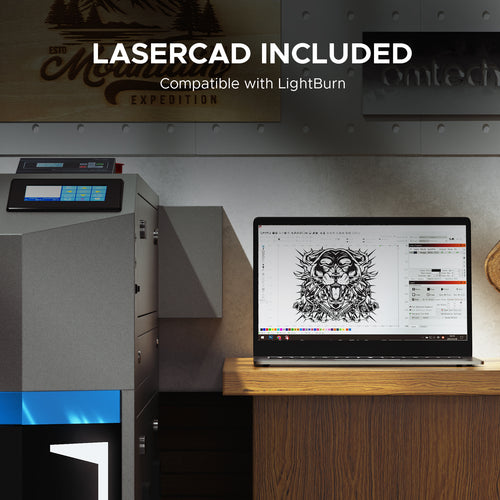
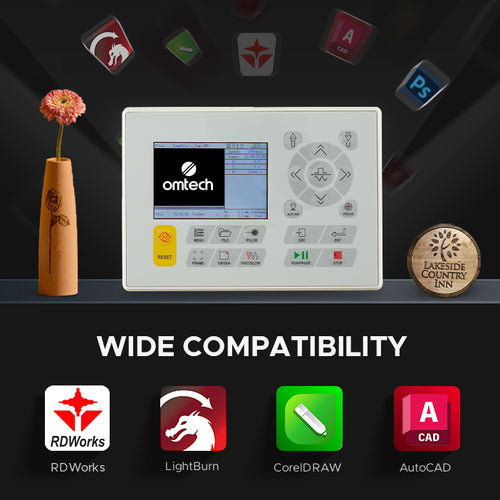
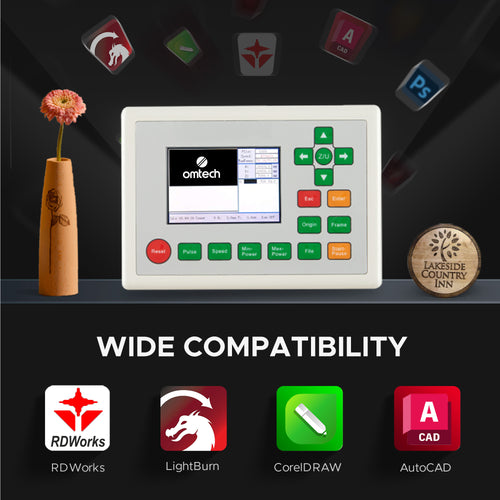
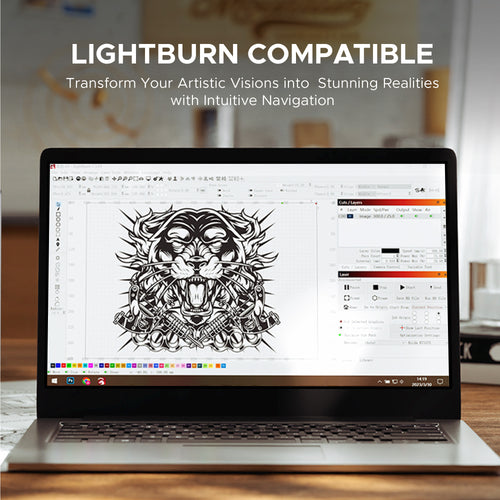
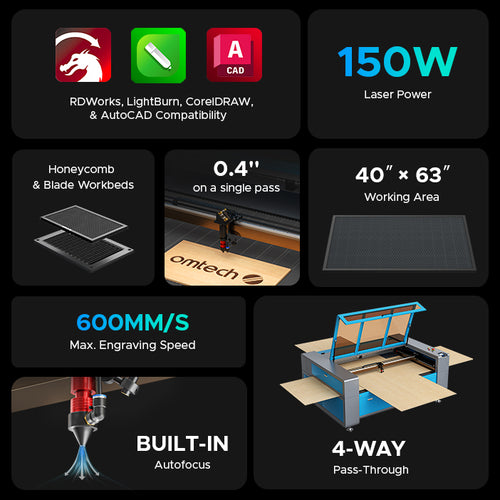
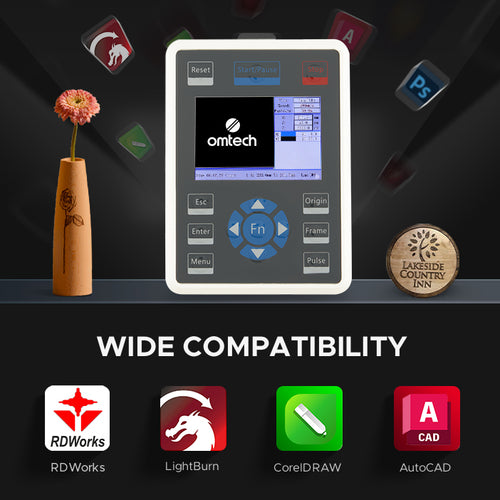
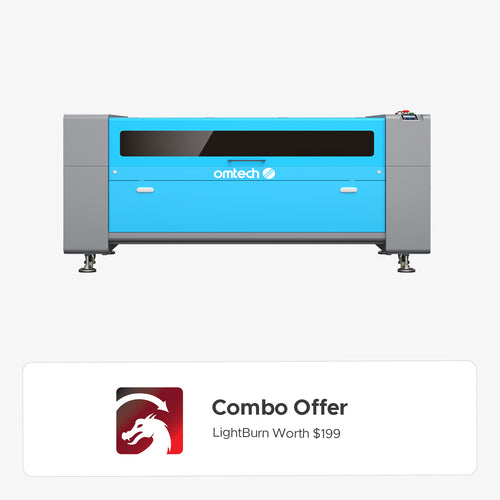
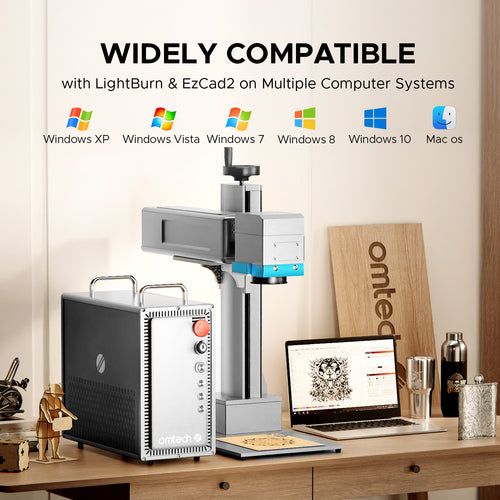
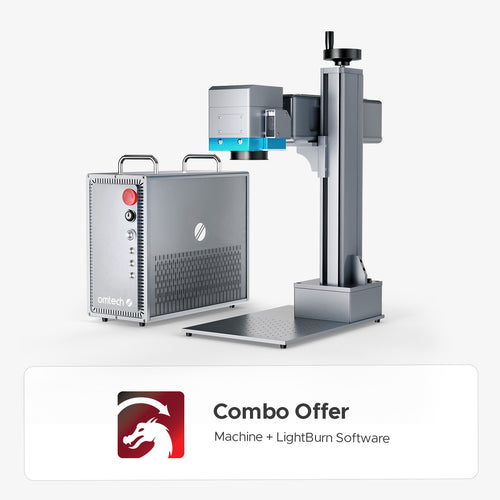
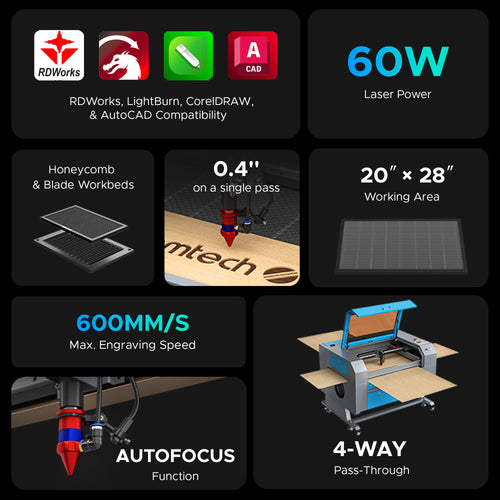
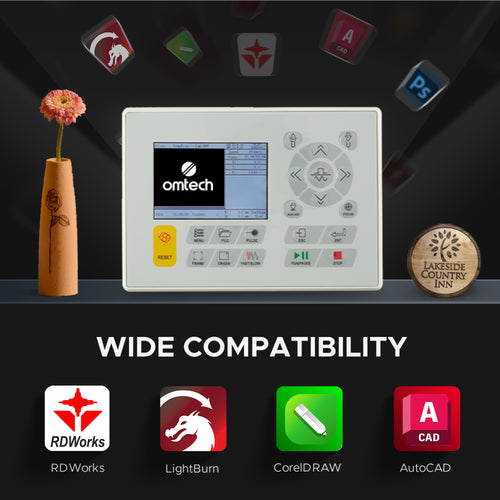
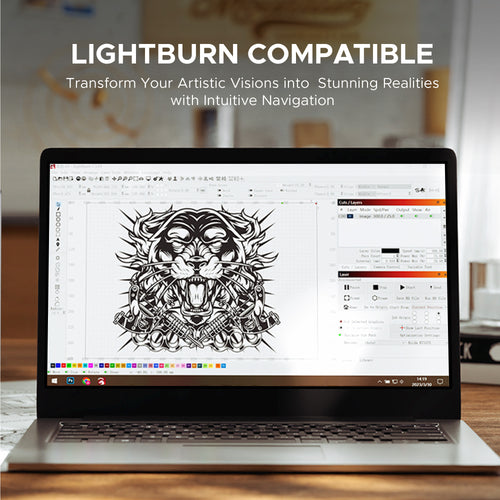
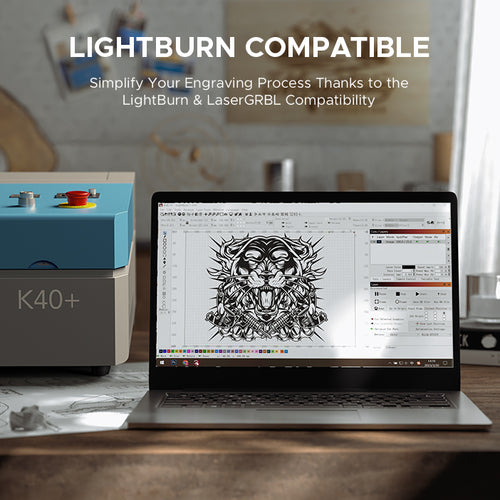
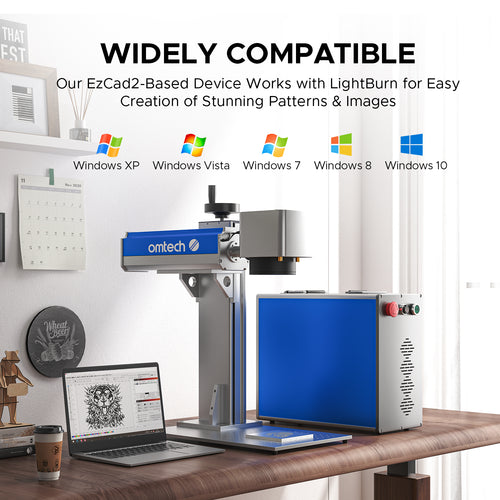
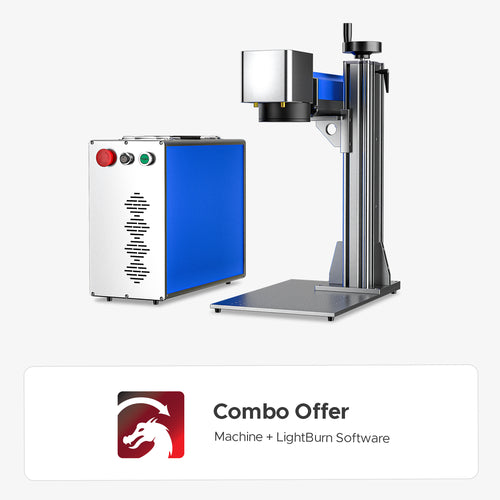
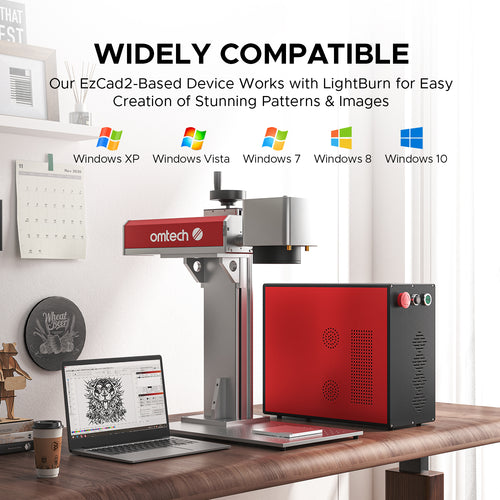
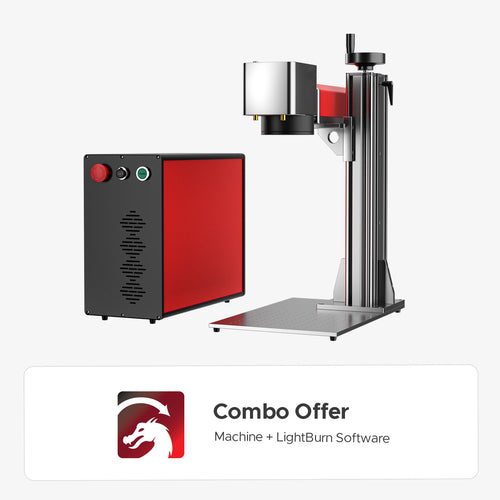
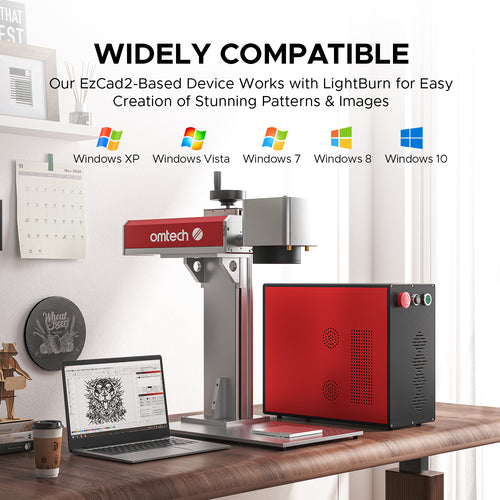
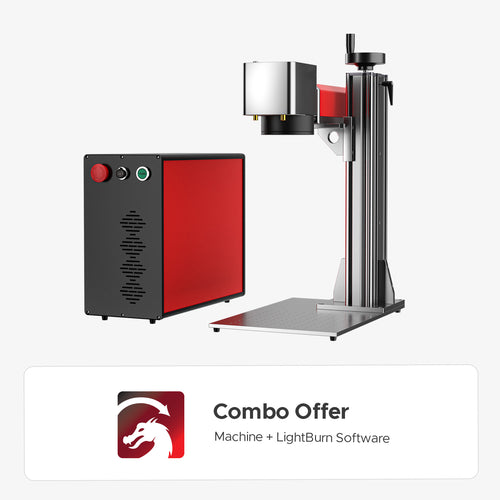
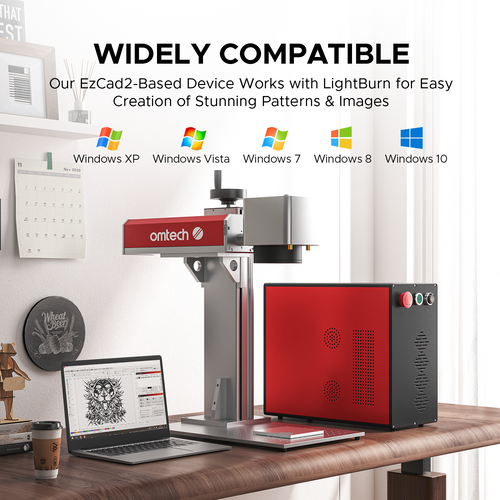
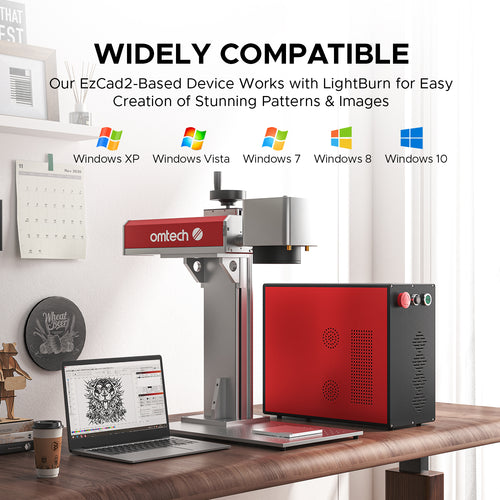
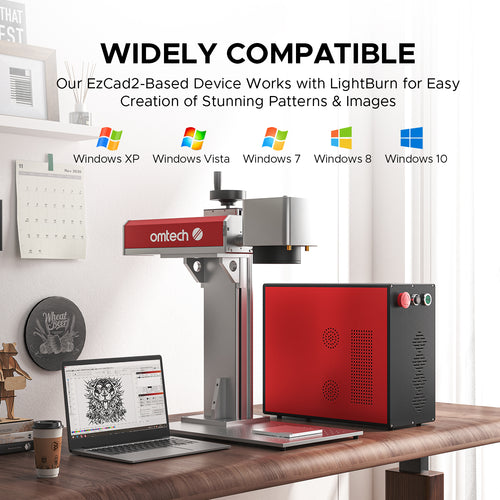
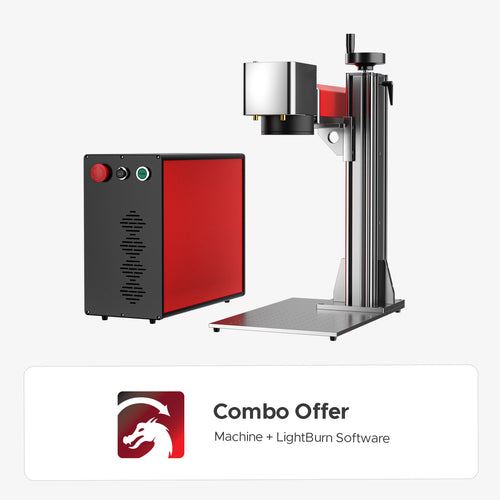
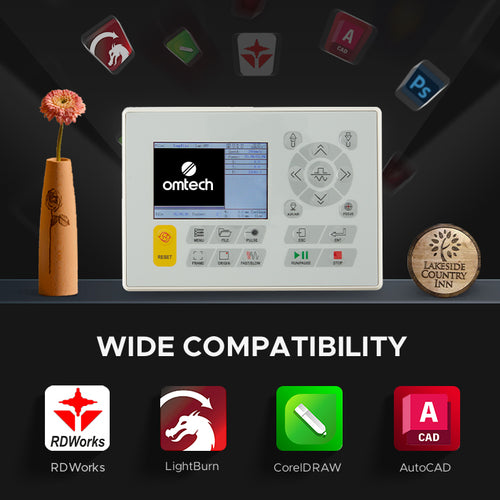
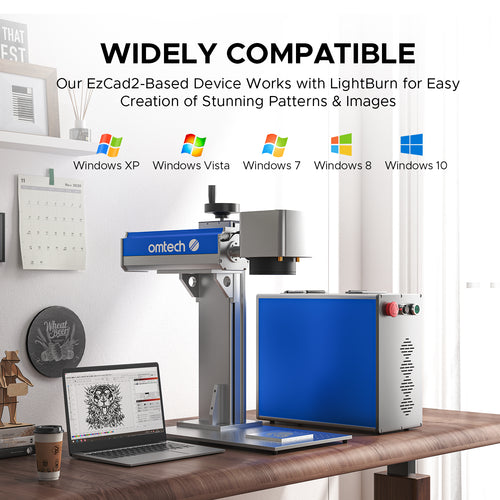
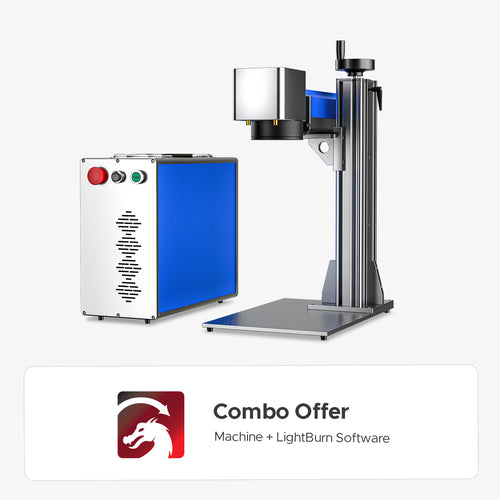
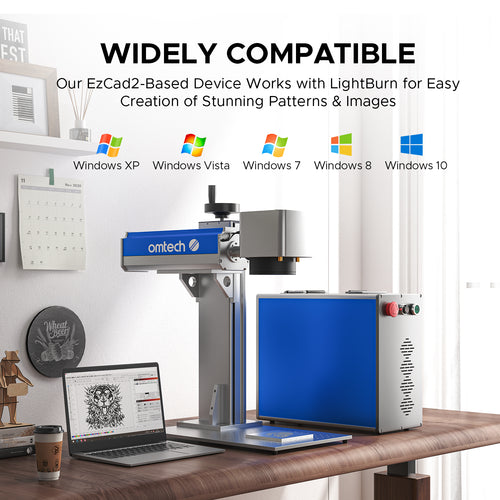
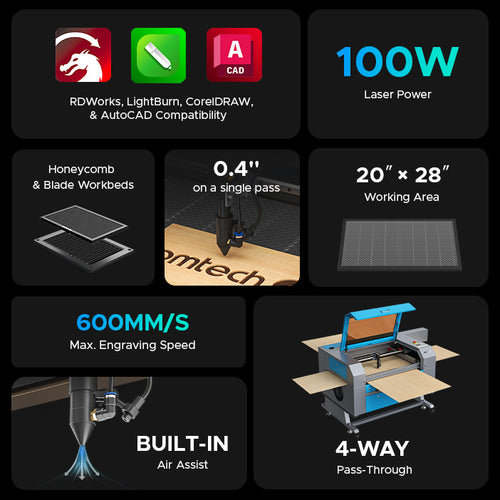
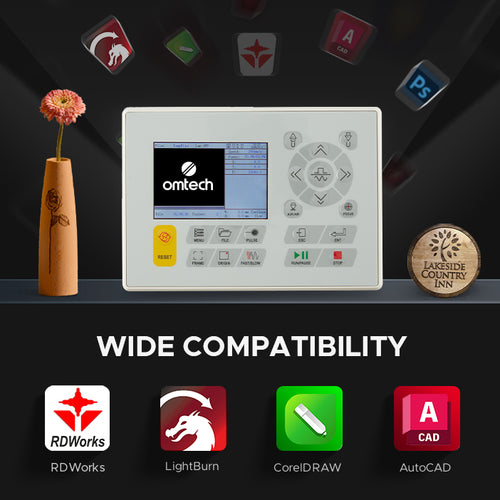
Most of our mid-to-high power CO2 laser cutters feature Ruida controllers, making them fully compatible with industry-standard software such as LightBurn and RDWorks. Our desktop models and fiber lasers operate seamlessly with LightBurn, ensuring an easy learning curve for designers using Mac or Windows.
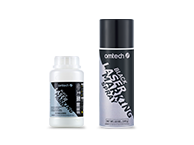
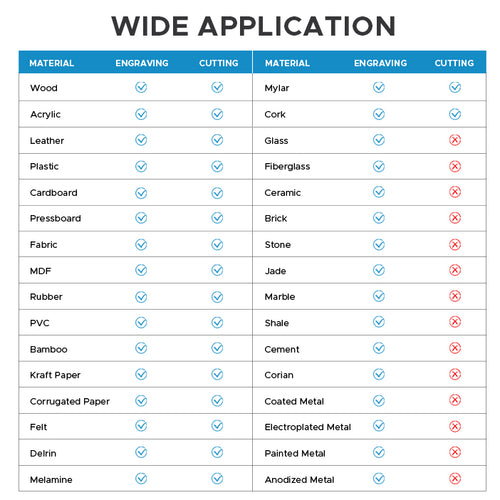
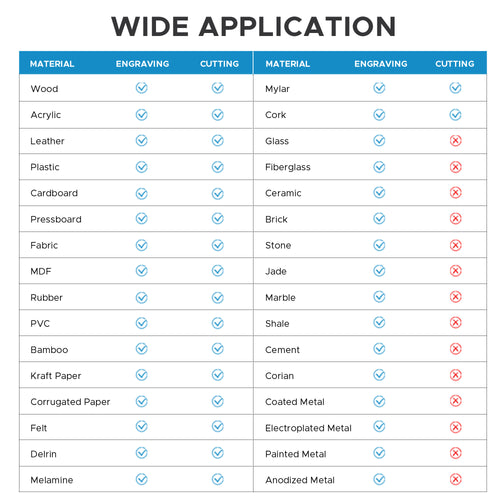
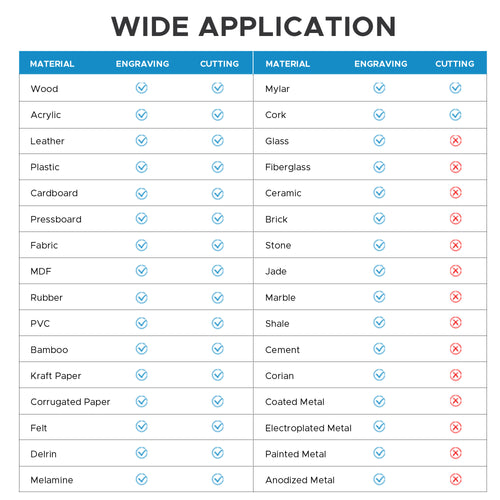
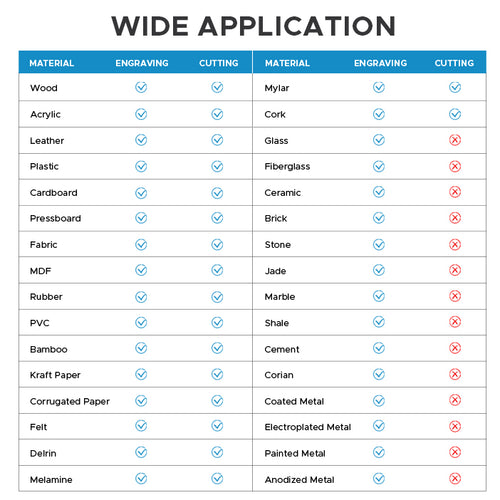
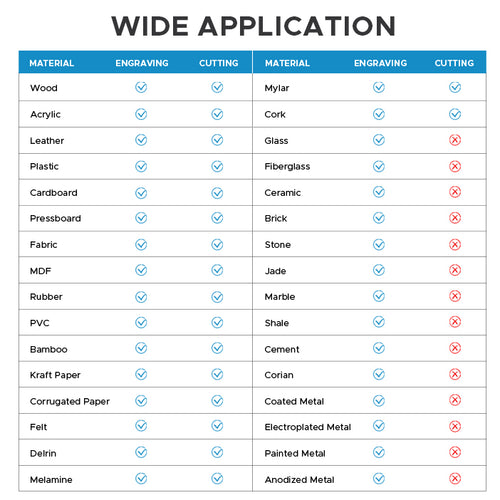
Standard CO2 lasers operating under 150W cannot cut through raw metals because metals highly reflect the CO2 laser’s wavelength. However, you can use an OMTech CO2 laser to engrave or mark metals if they are anodized, powder-coated, or pre-treated with a laser marking spray like LaserBond.
While the terms are often used interchangeably, the primary difference lies in the outcome and laser power settings. A laser cutter uses a high-powered, focused beam to pierce entirely through a material. A laser engraver uses lower power to vaporize the surface layer of a material, leaving a permanent, detailed mark or shallow indentation without cutting through.
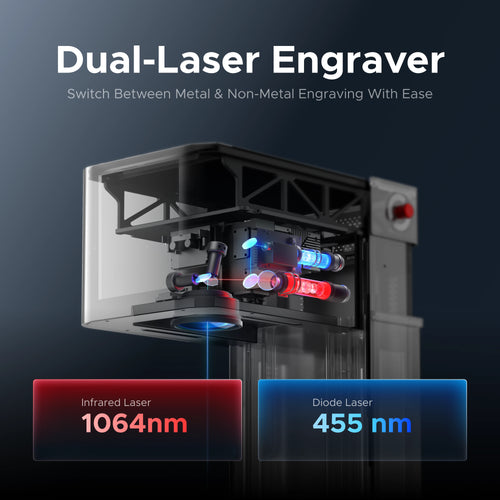
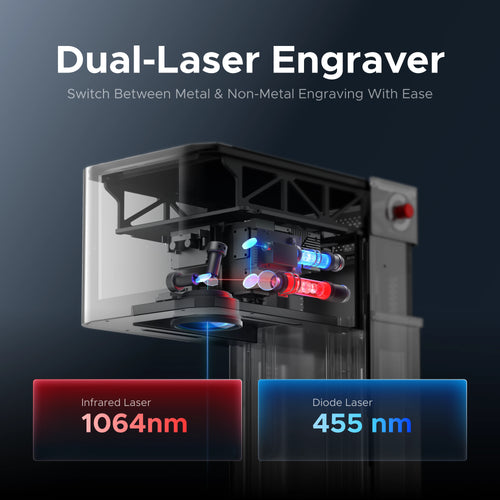
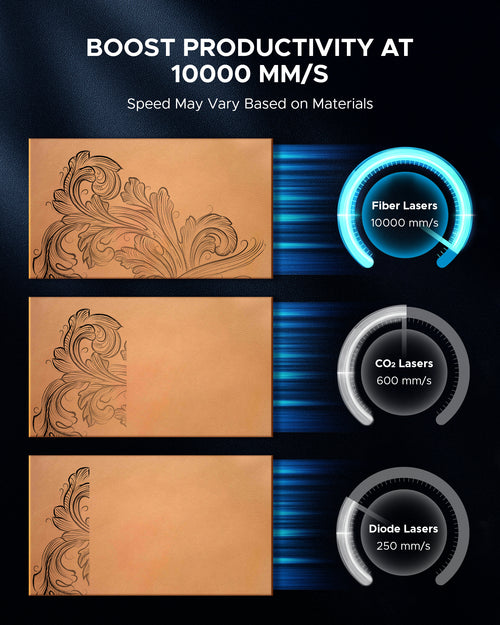
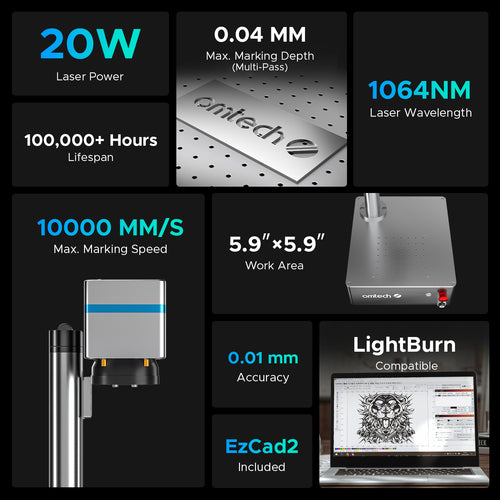
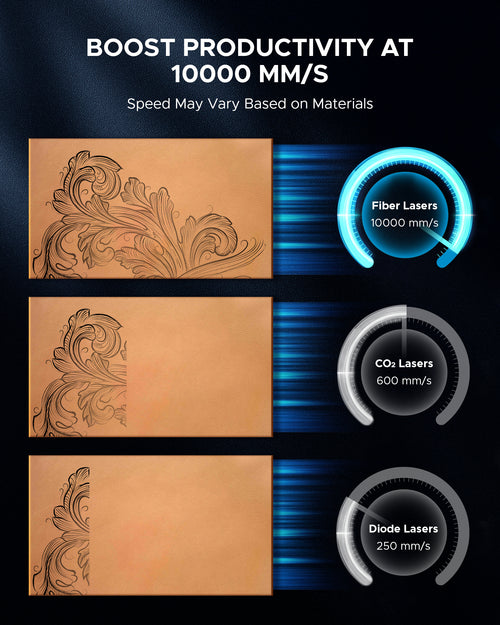
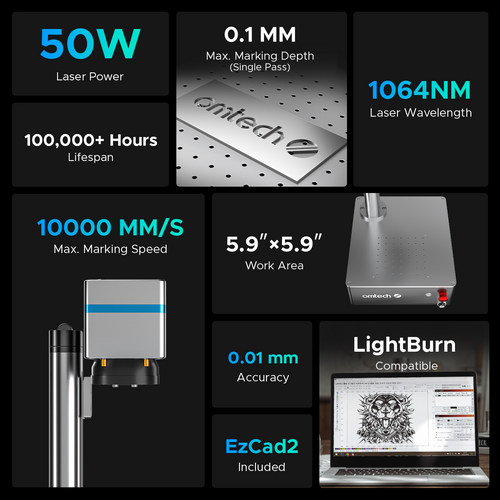
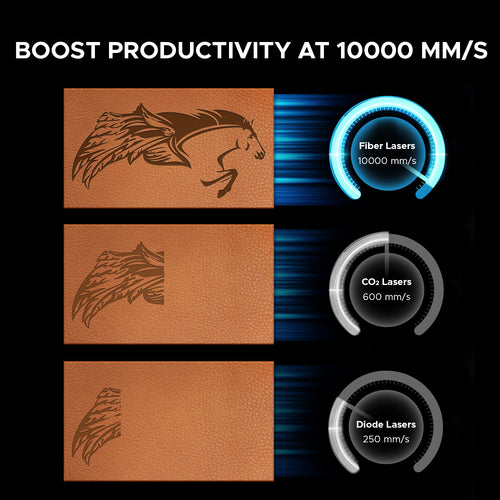
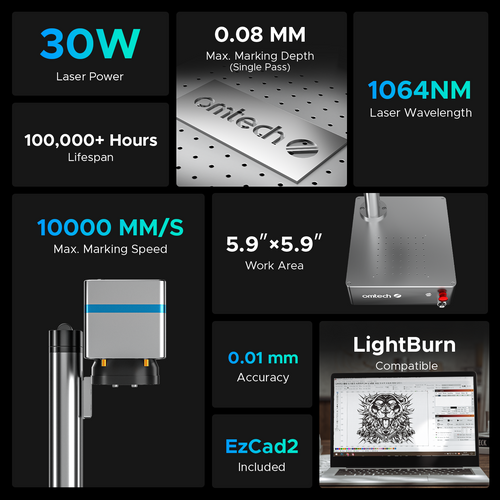
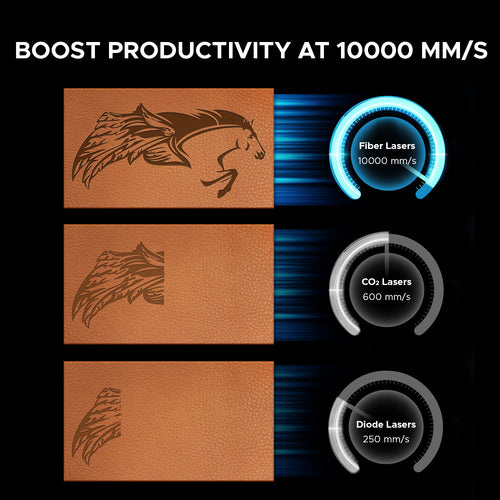
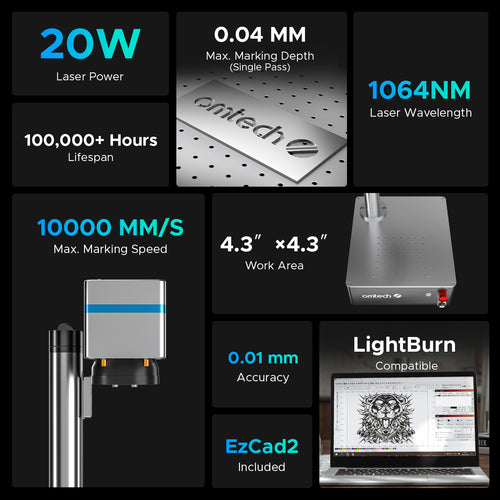
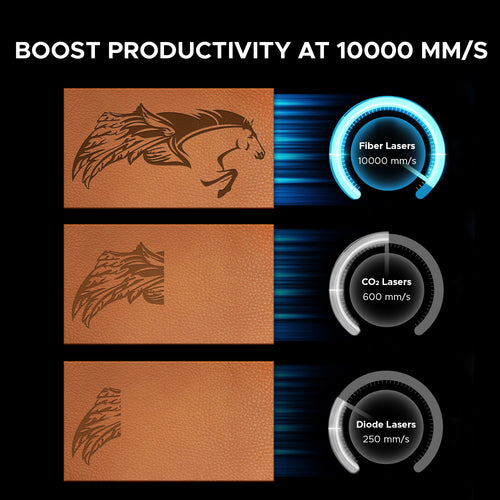
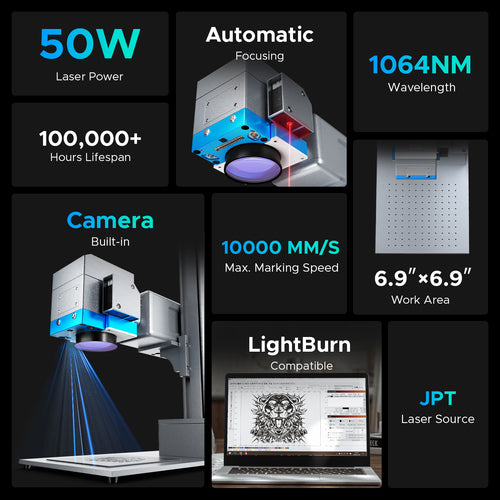
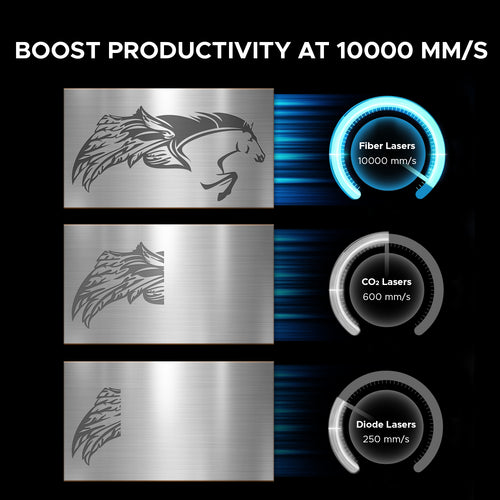
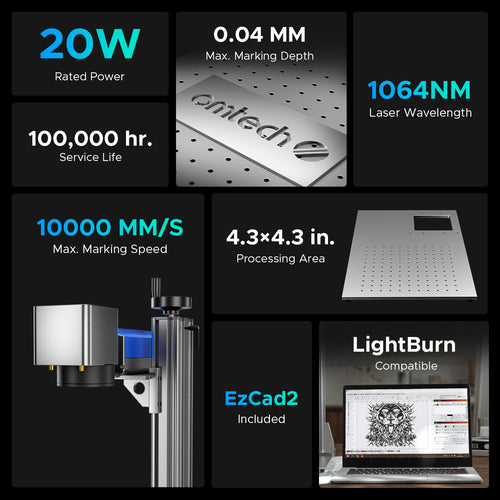
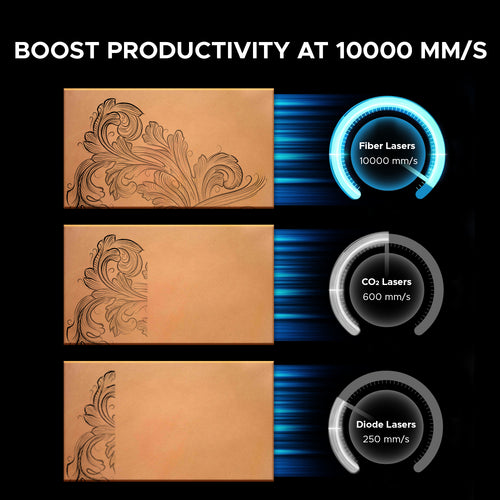
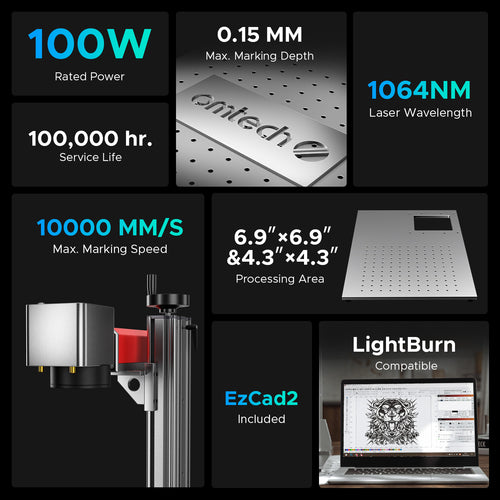
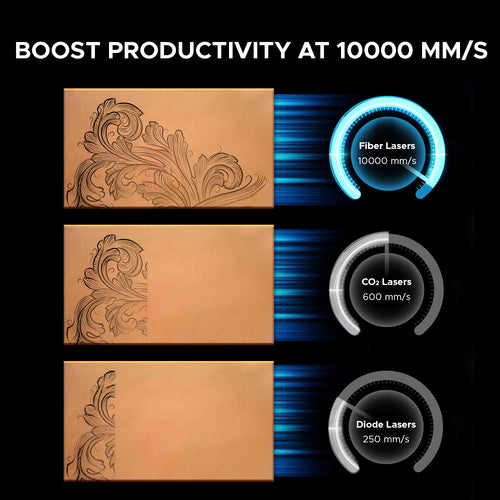
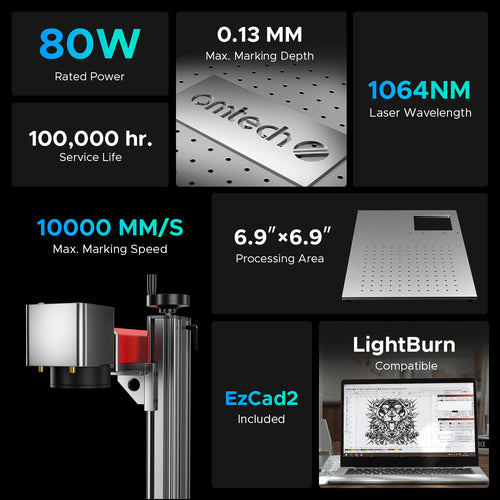
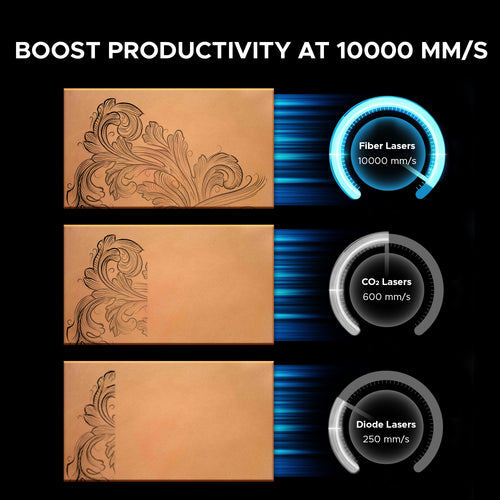
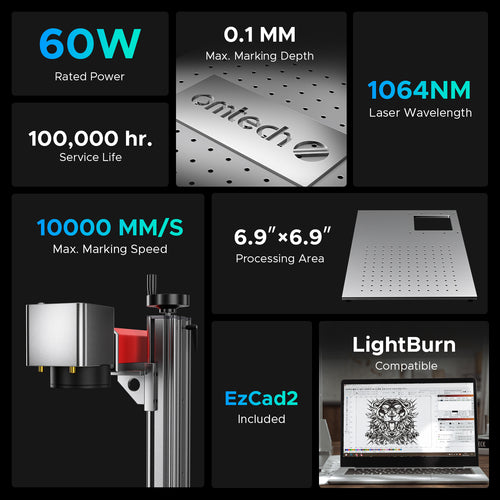
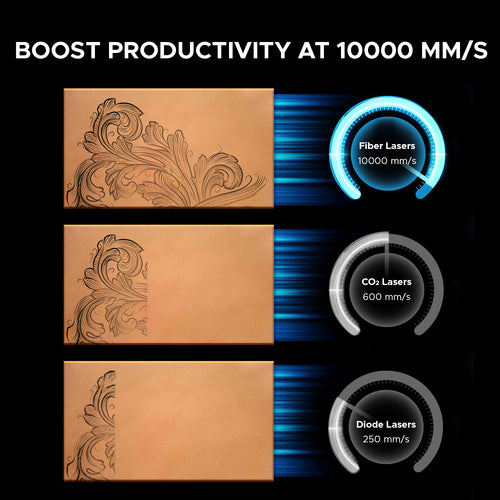
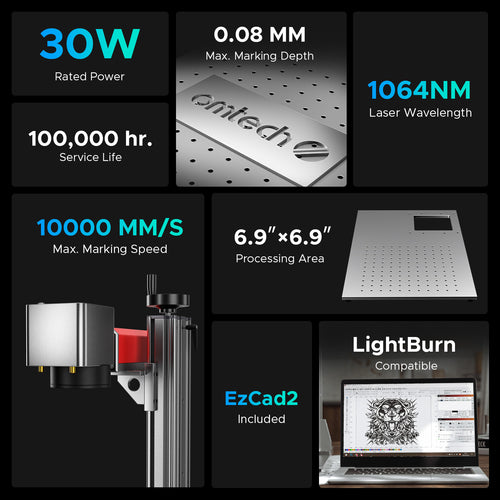
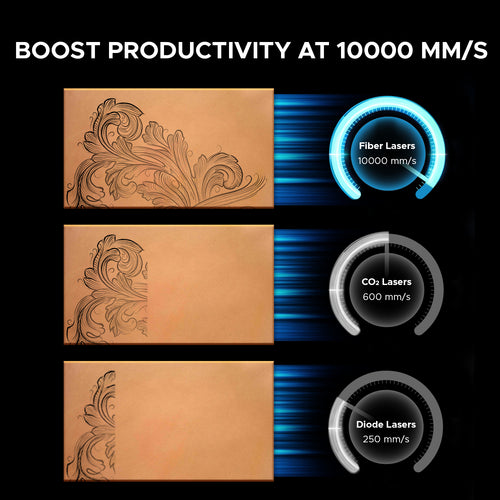
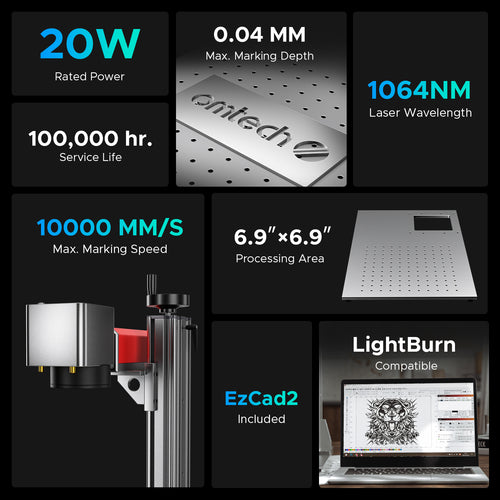
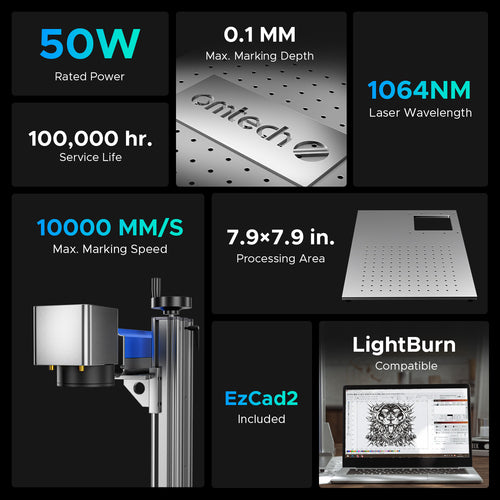
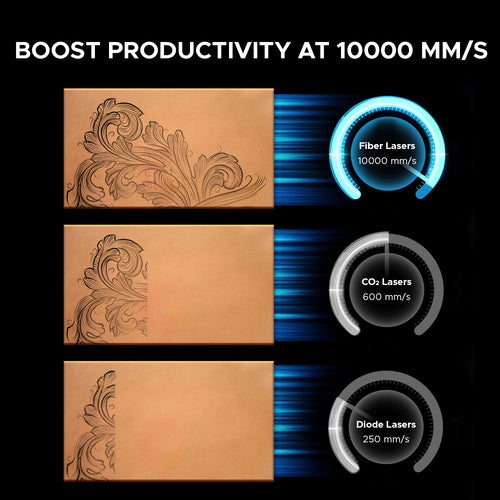
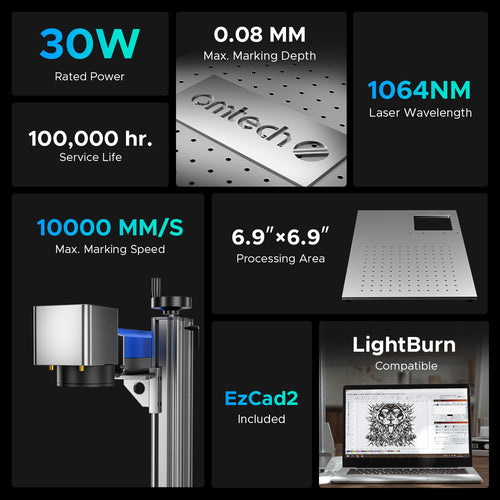
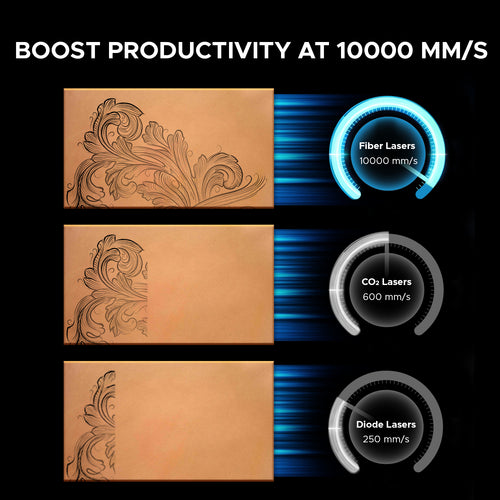
CO₂ lasers use a gas mixture to produce a beam at a 10.6 µm wavelength, excelling at cutting and engraving non-metals like wood, acrylic, and paper. Fiber lasers generate a 1.064 µm wavelength, ideal for marking and engraving metals with high precision and speed, and can cut thinner metals efficiently. Fiber lasers generally offer lower operating costs and less maintenance.
Read this article for more information.
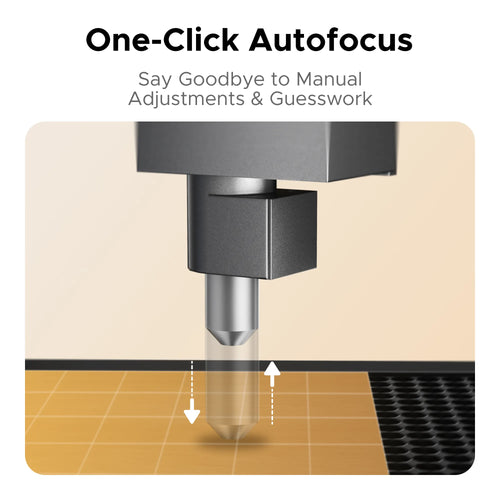
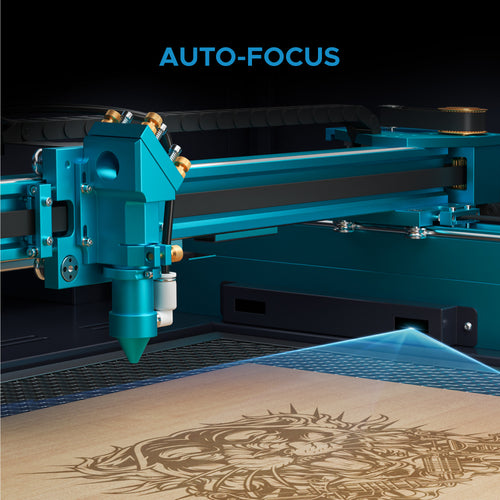
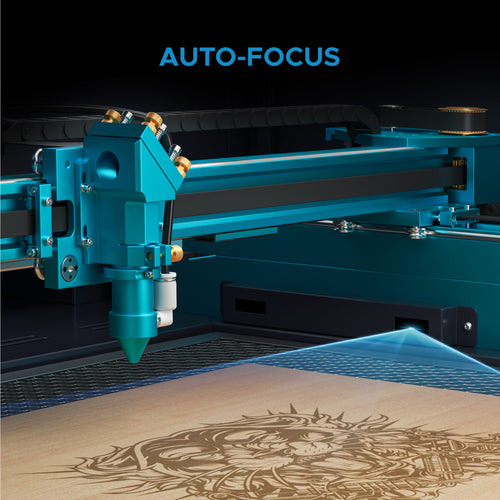
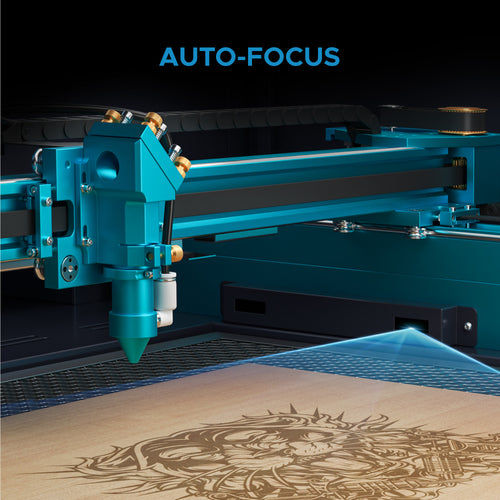
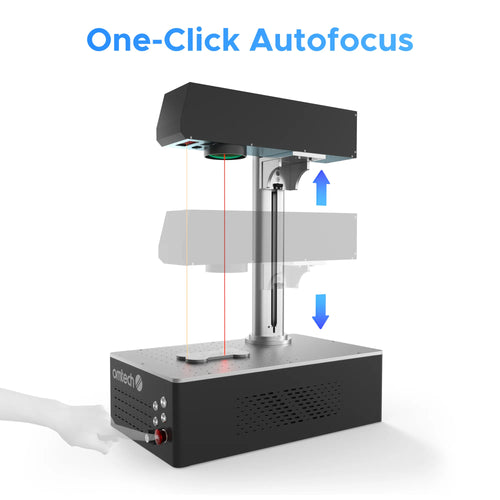
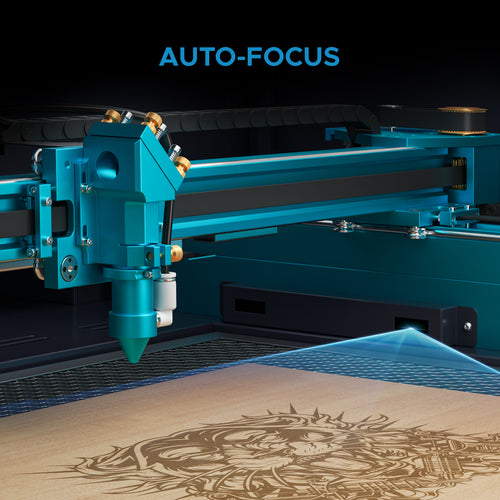
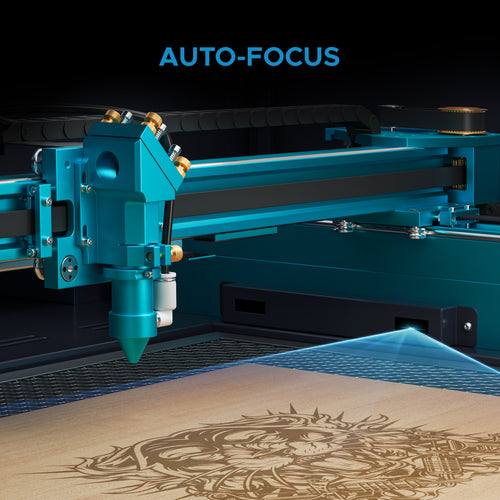
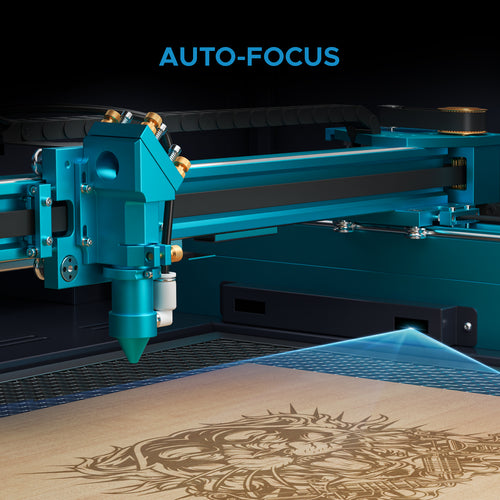
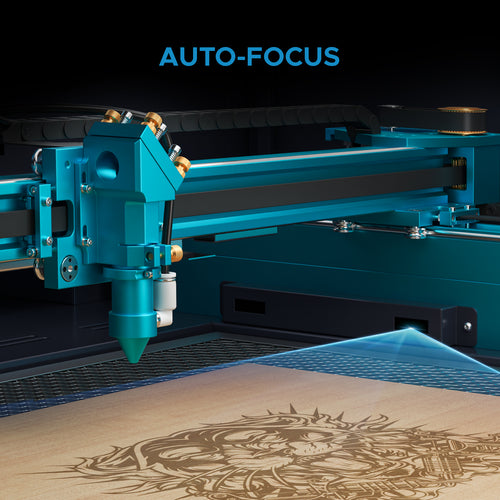
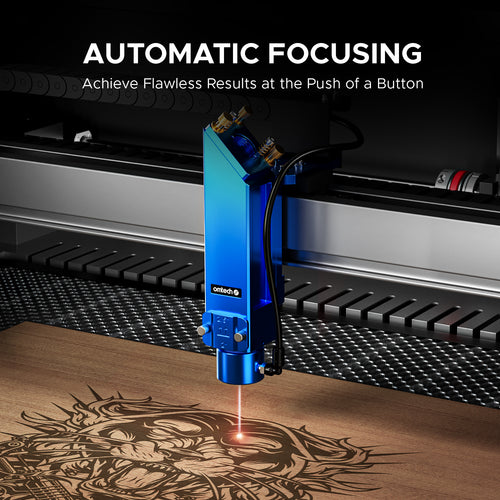
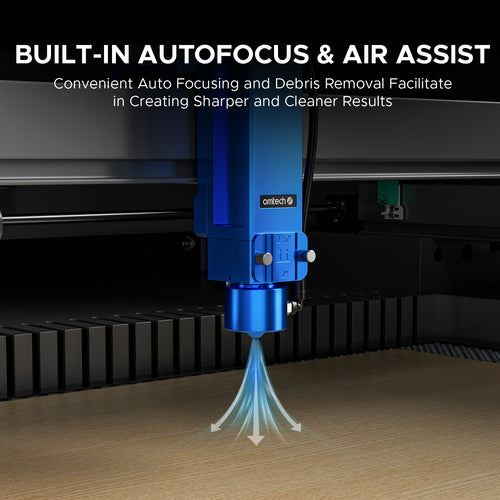
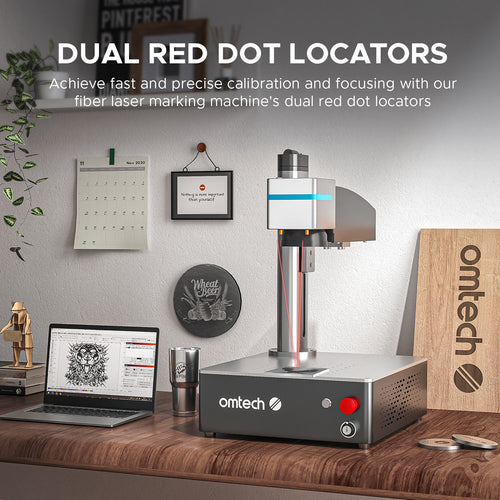
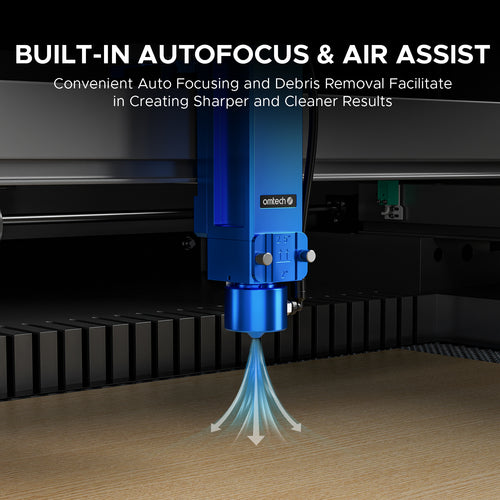
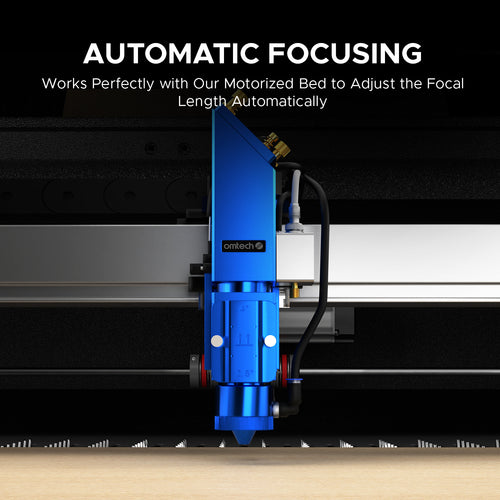
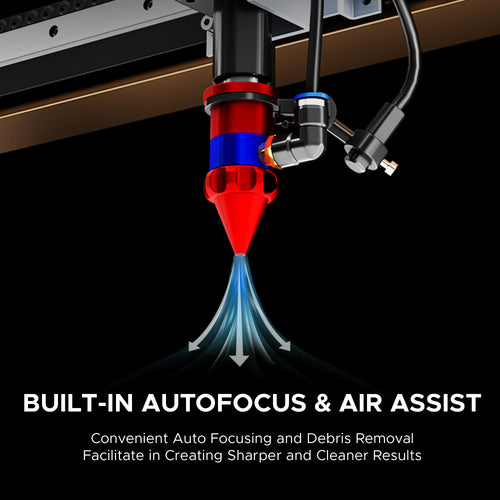
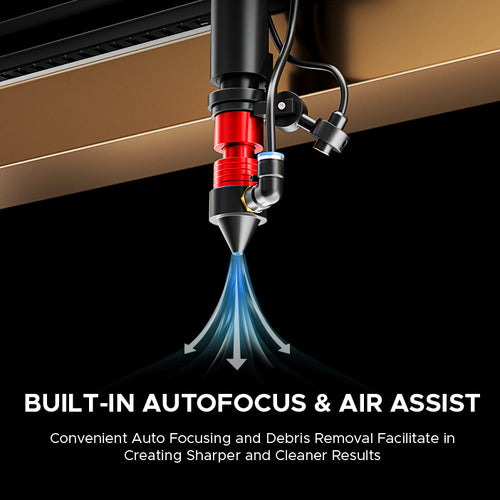
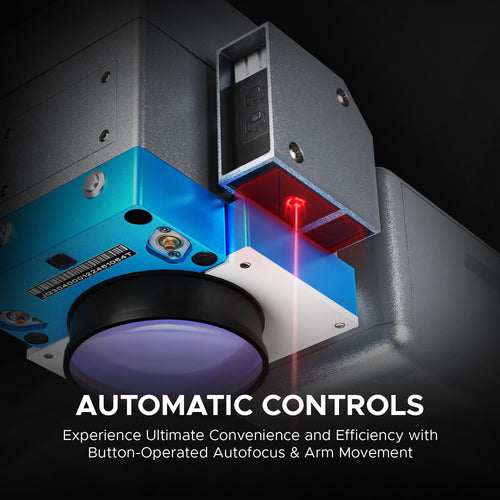
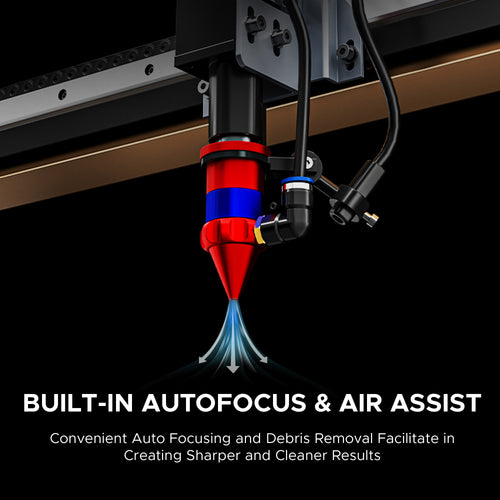
Focusing a laser is a breeze, but it can feel daunting at first. If the idea of manual focus makes you nervous, autofocus is a great choice. However, even with autofocus, learning manual focus can be a valuable skill down the line. Just like photography, there are many techniques you can use, like manually adjusting the focus. To know more about autofocus and manual focus, please read this article.
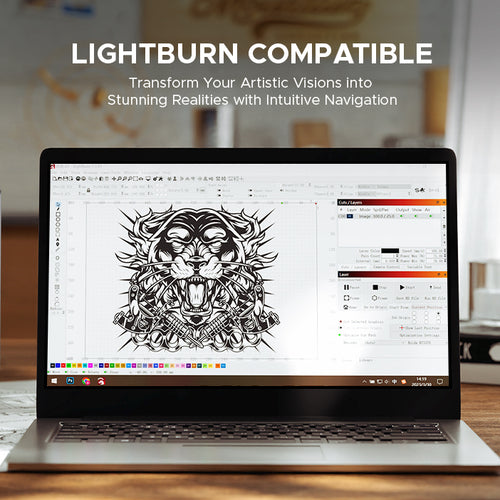
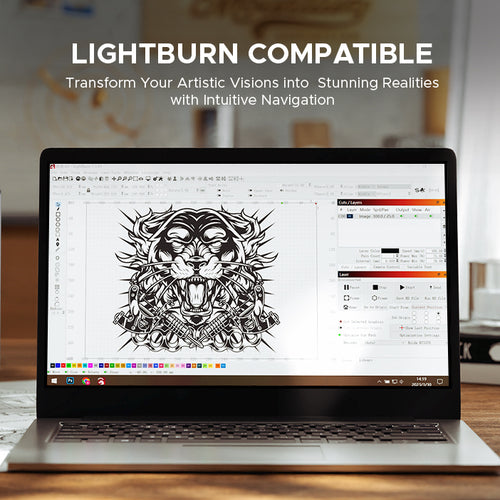
Most of our CO2 and Fiber machines are compatible with LightBurn, which is widely considered the most intuitive and powerful laser software. Beginners can usually handle basic engraving within a few hours of practice. We also offer extensive video tutorials to help you master the setup.
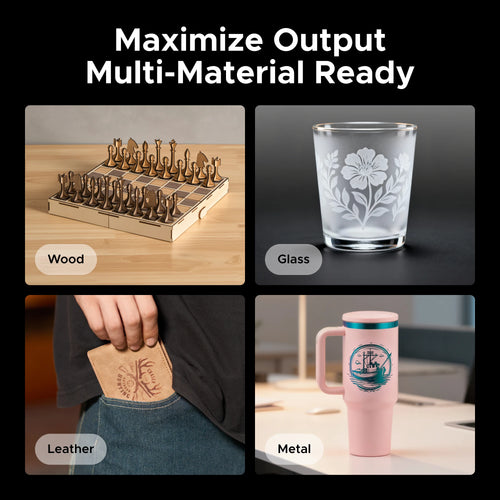
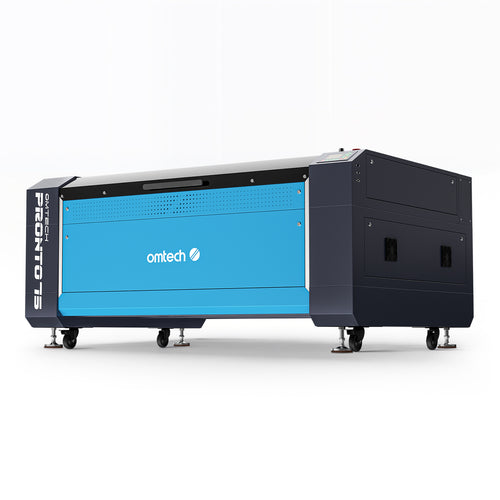
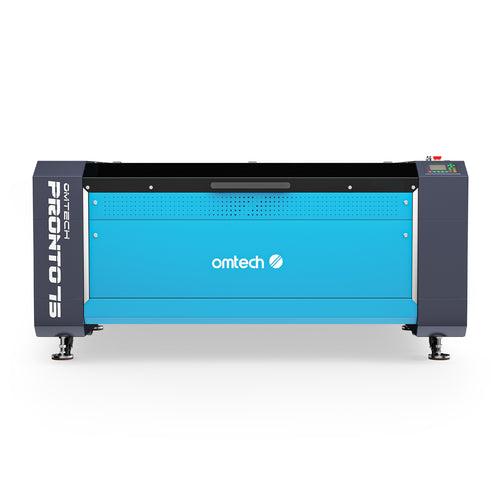
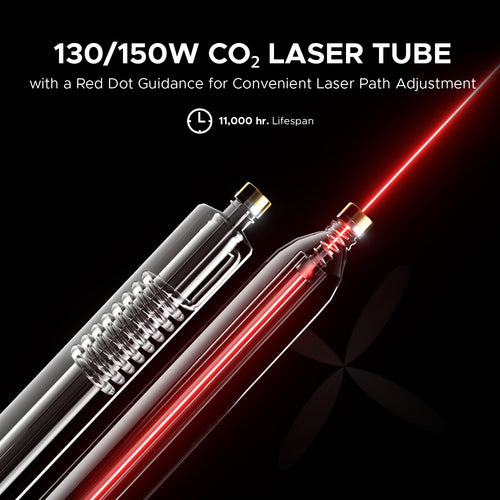
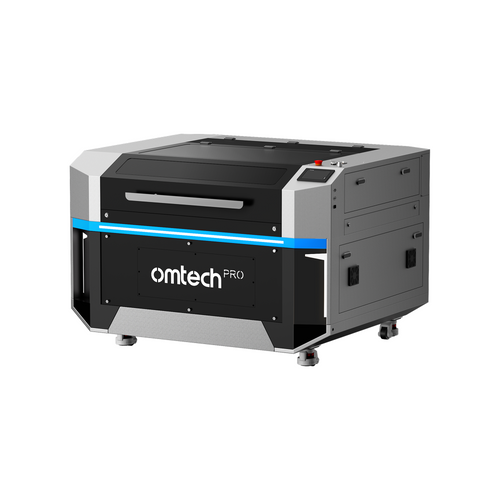
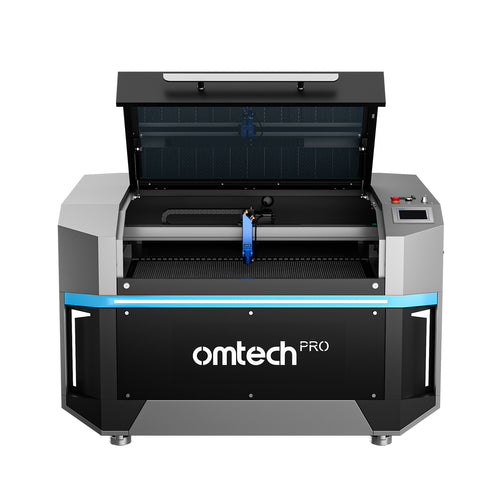
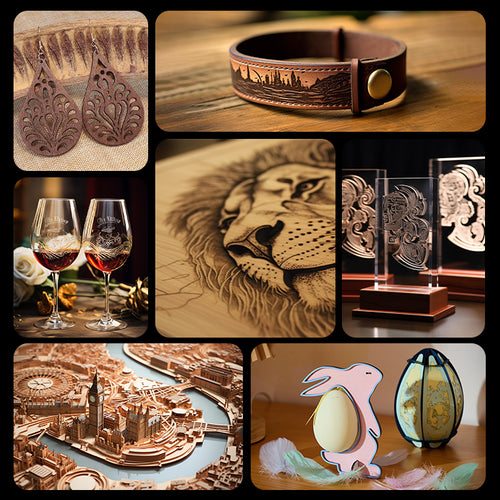
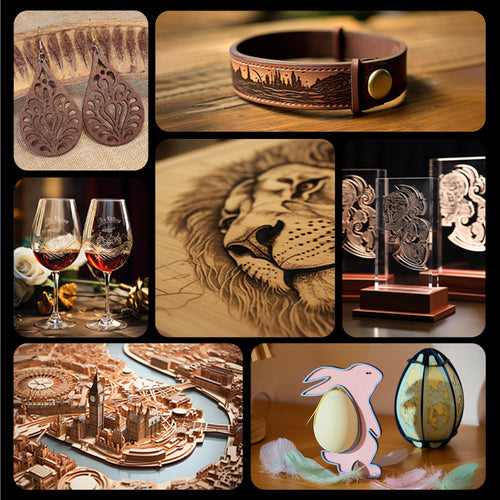
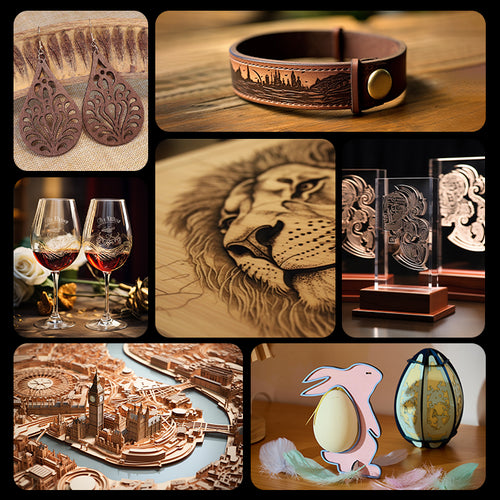
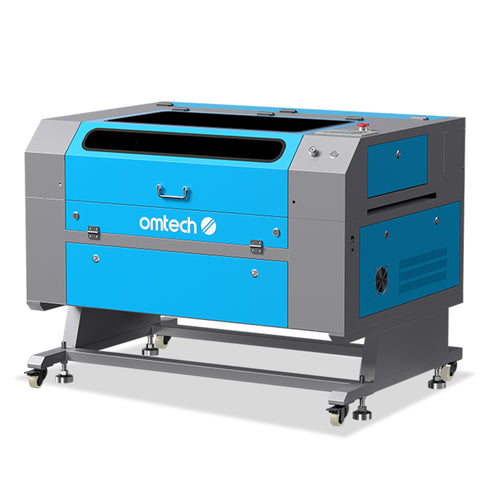
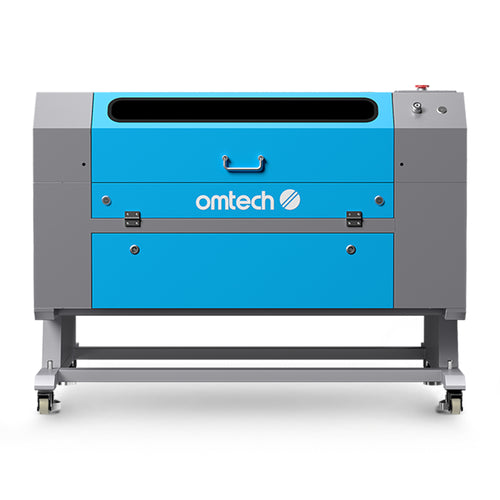
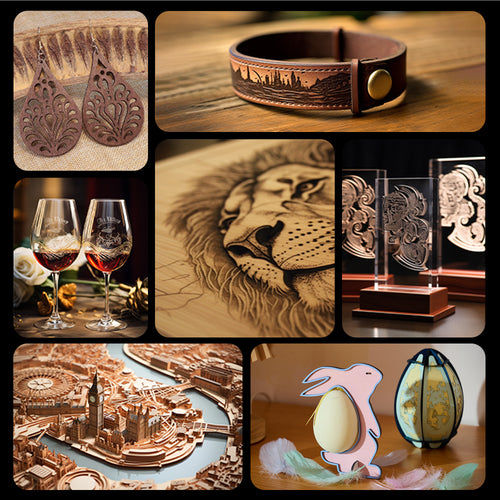
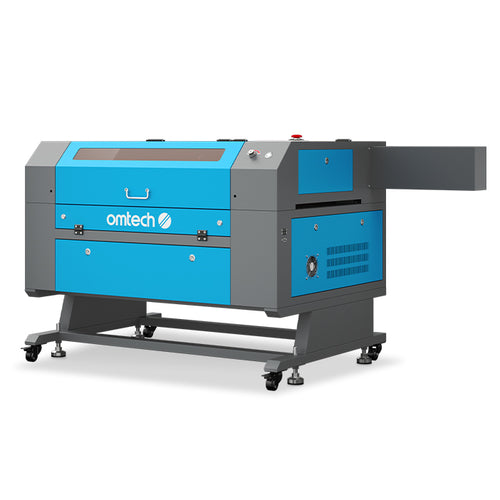
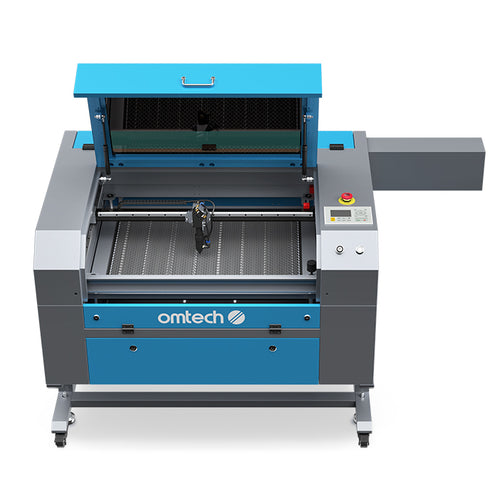
A CO₂ laser engraver and cutter uses a focused beam to precisely cut, engrave, and mark various materials like wood, acrylic, paper, leather, glass, etc. It can also engrave metal in some cases. Read this article for more information.
It excels at intricate designs, offers high speed and accuracy, and is computer-controlled for versatility in prototyping, manufacturing, and creative projects.
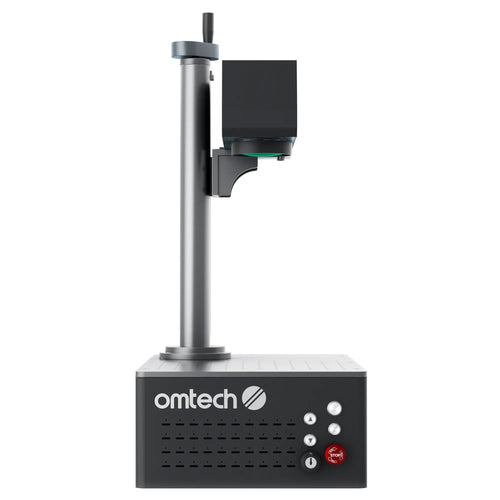
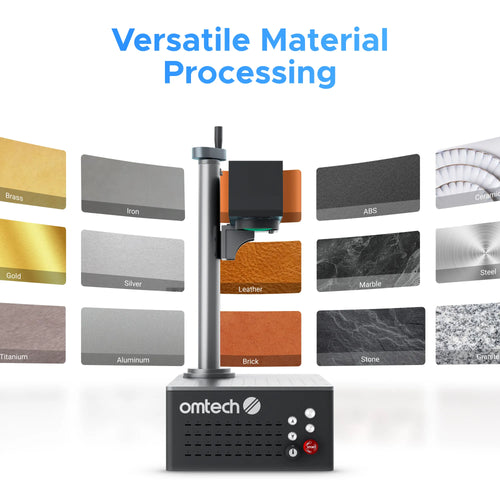
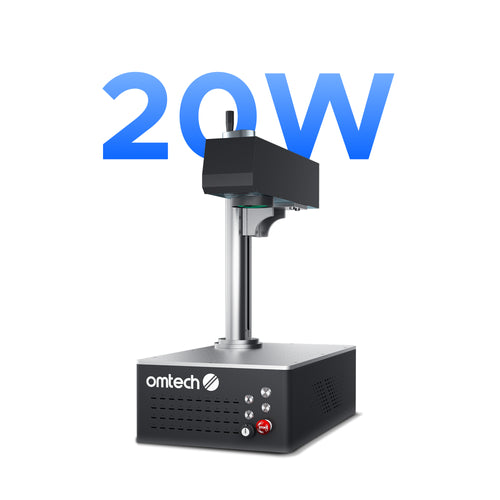
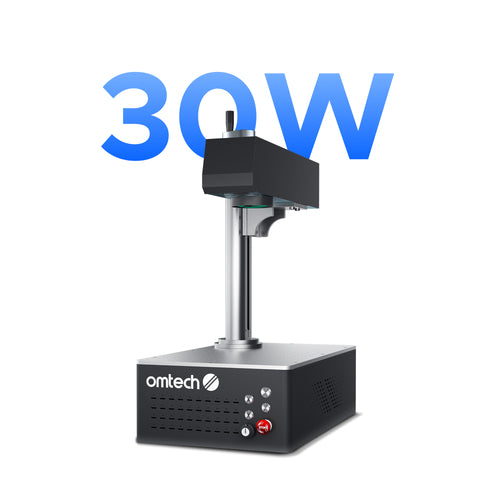
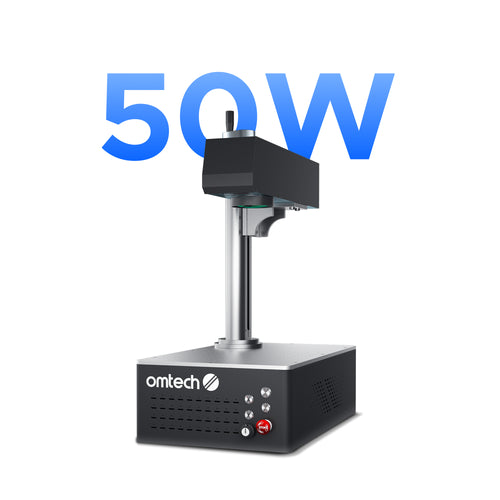
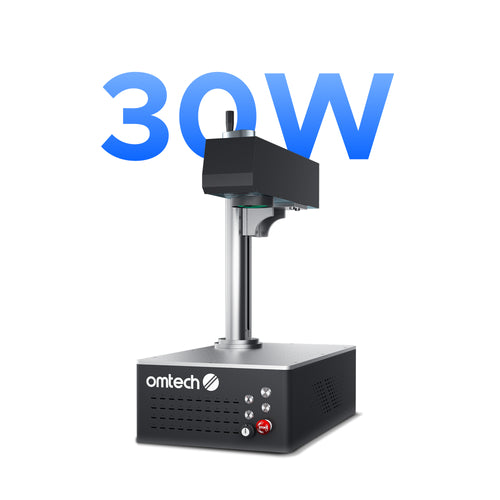
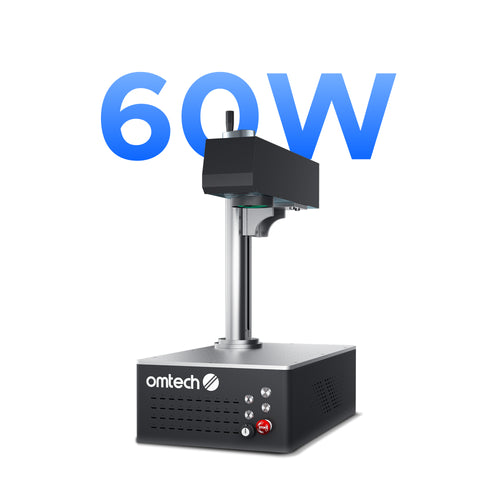
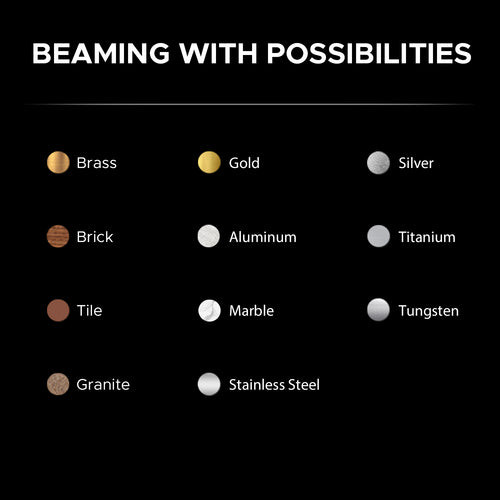
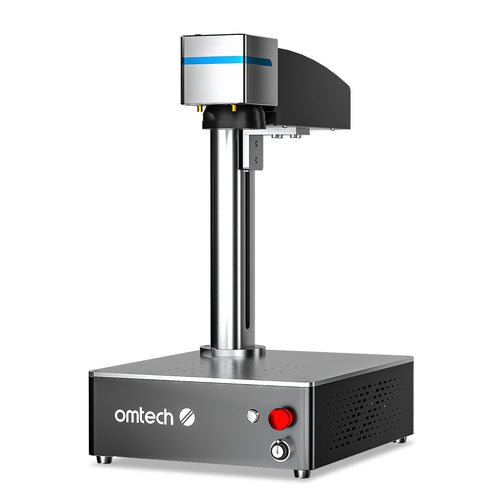
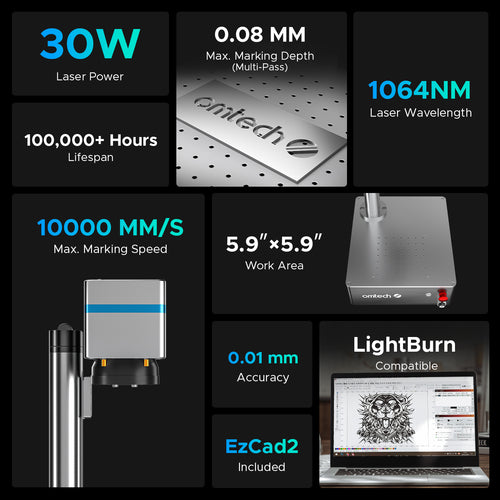
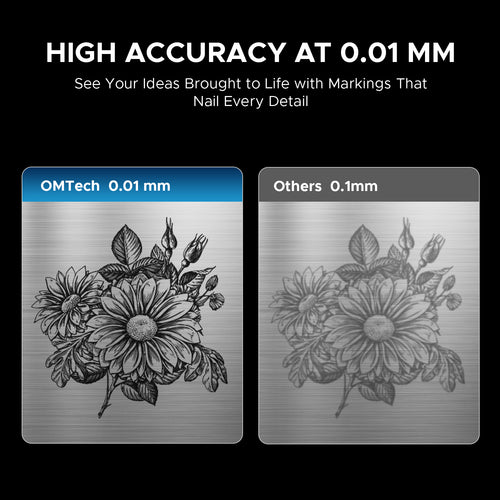
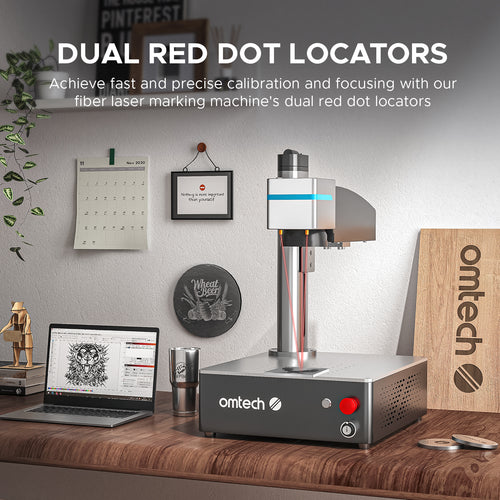
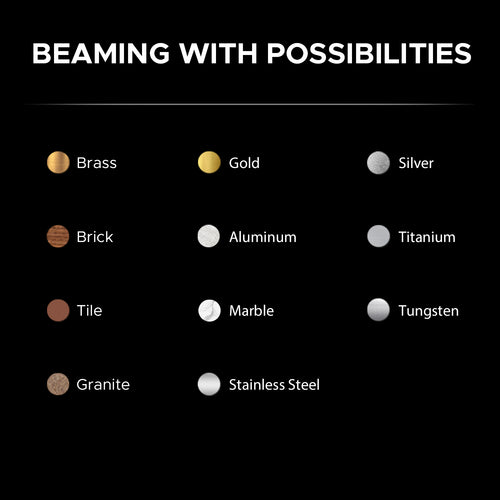
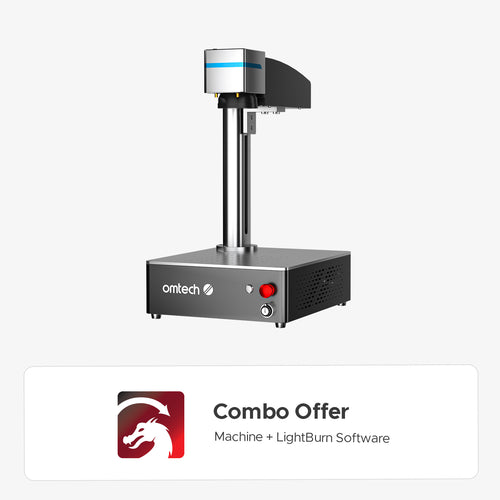
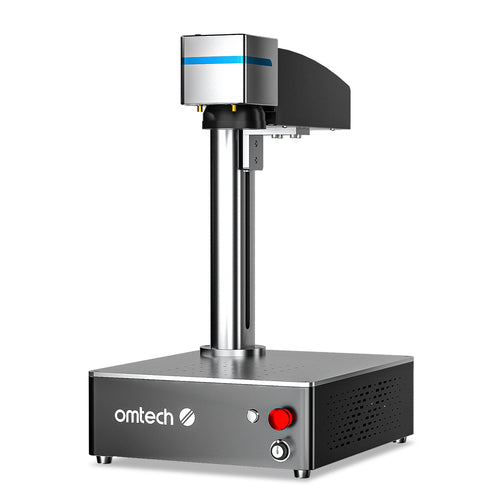
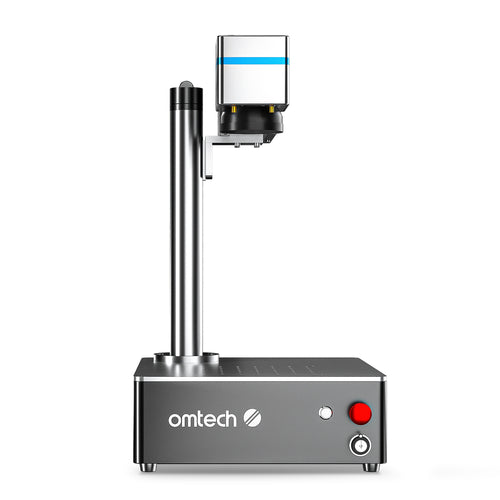
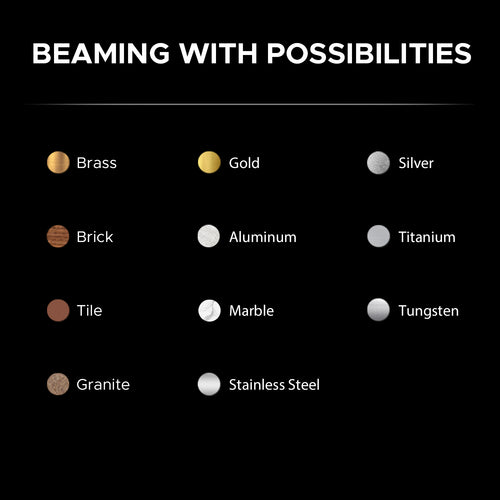
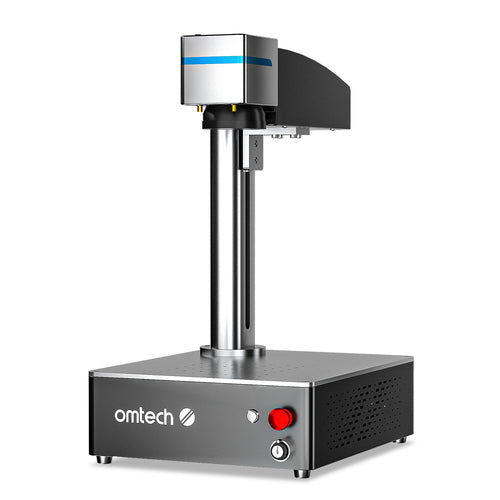
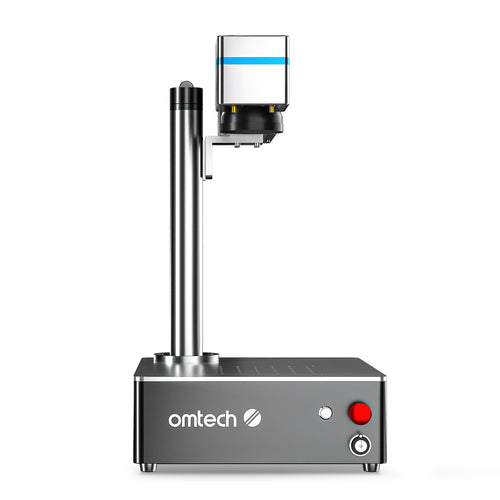
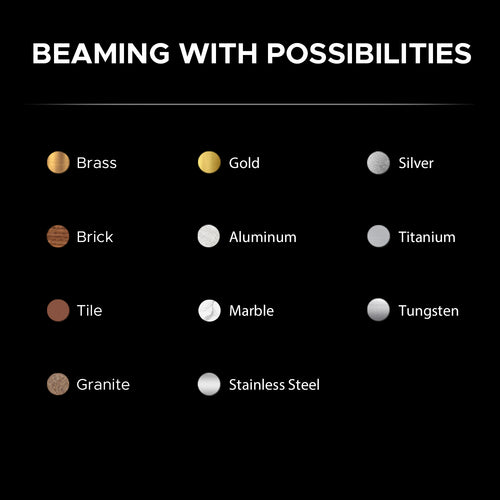
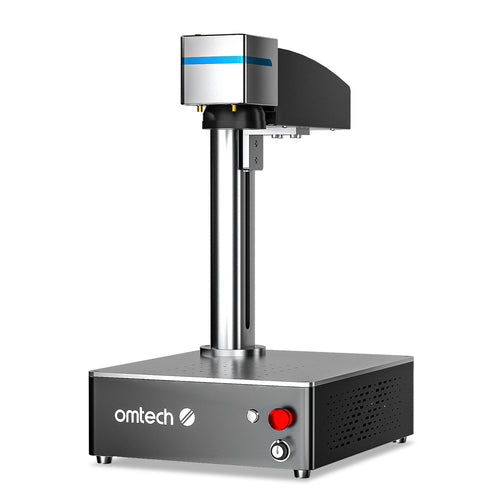
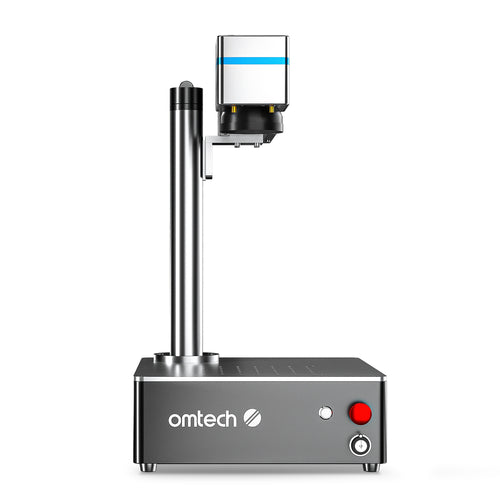
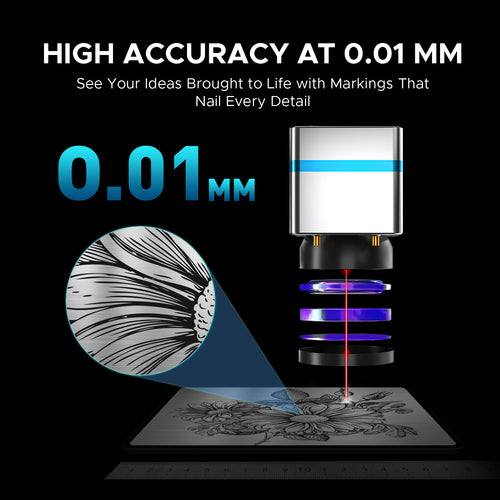
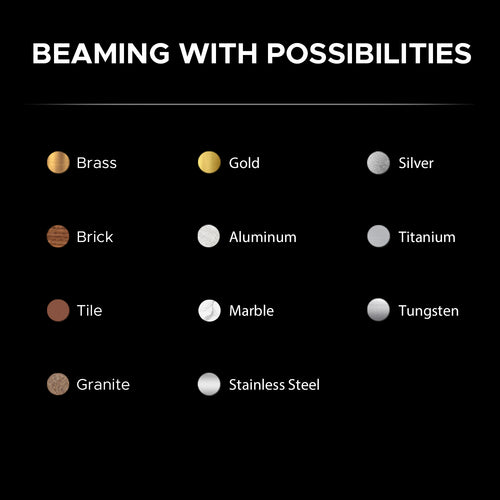
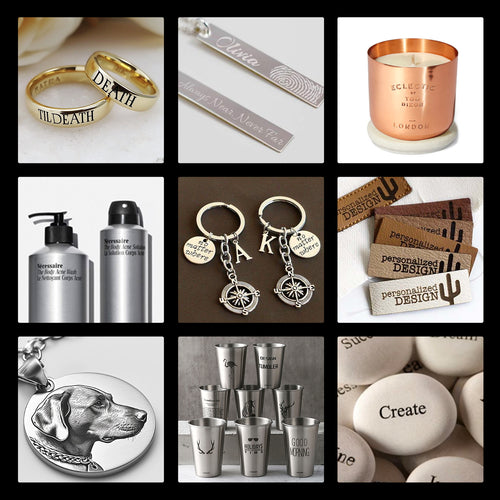
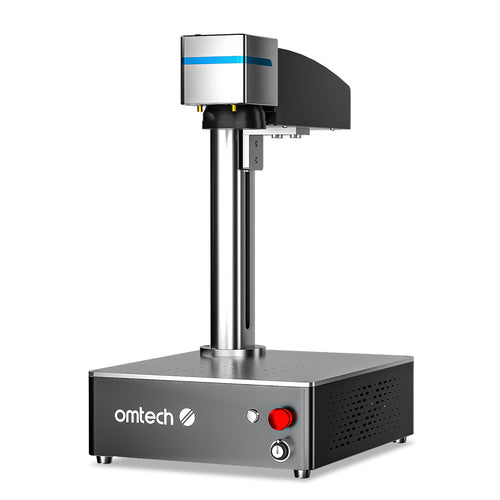
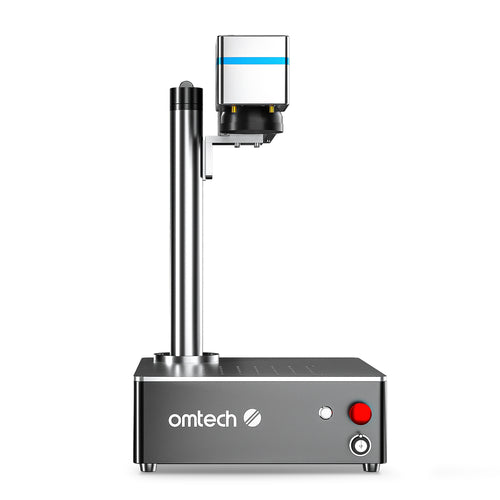
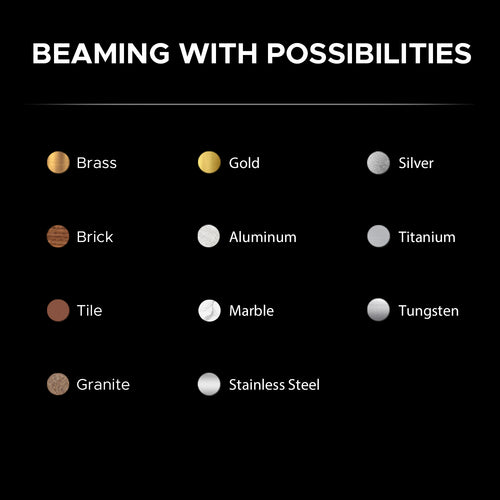
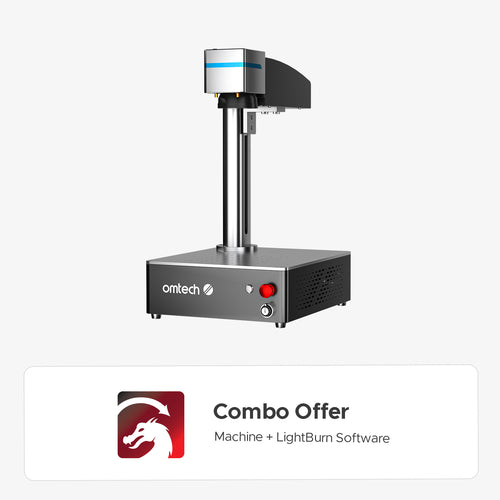
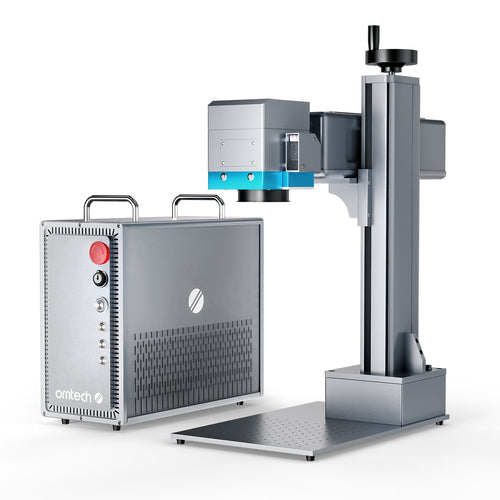
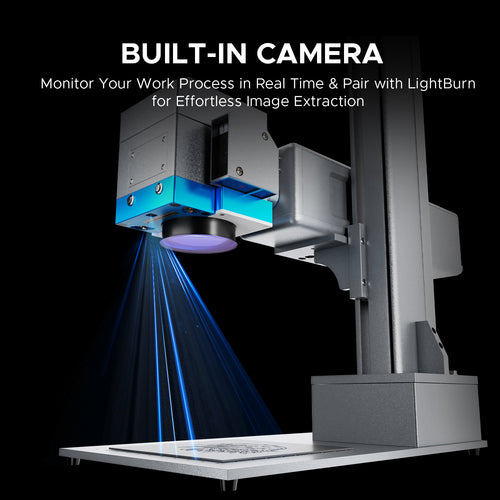
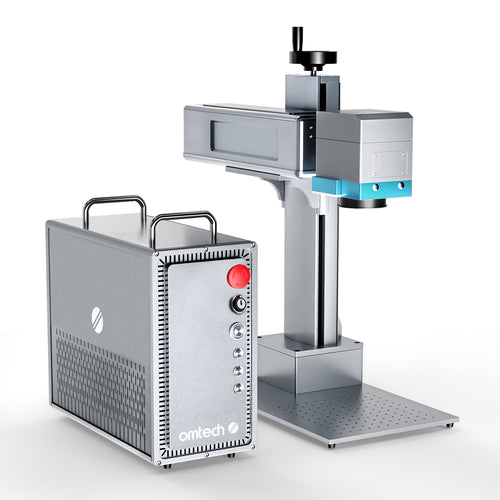
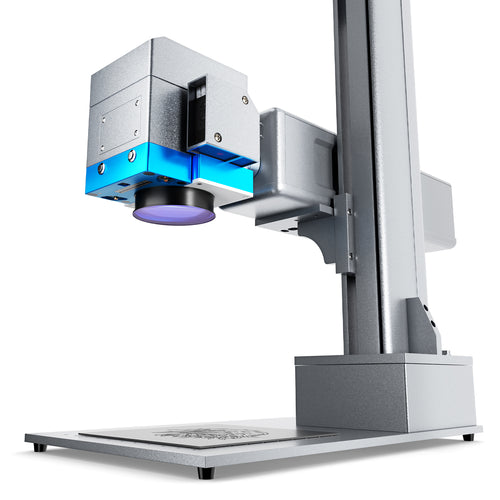
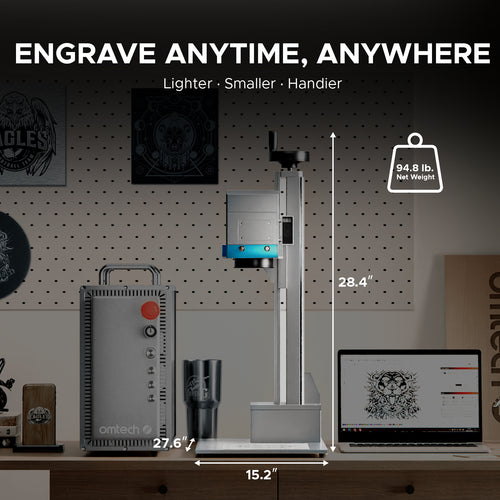
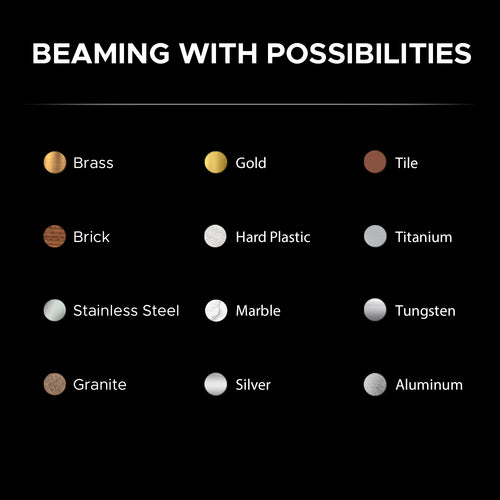
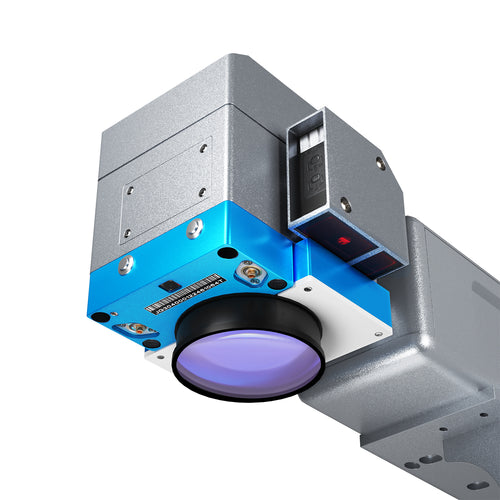
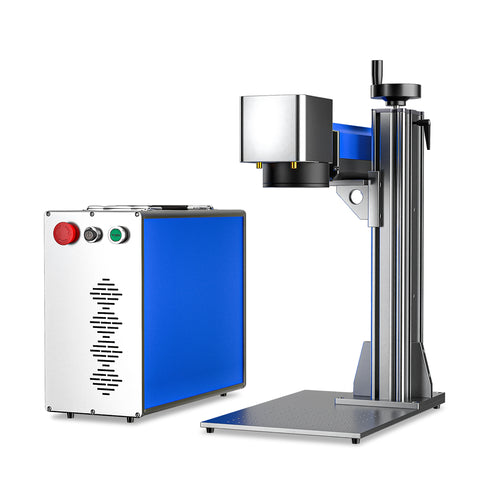
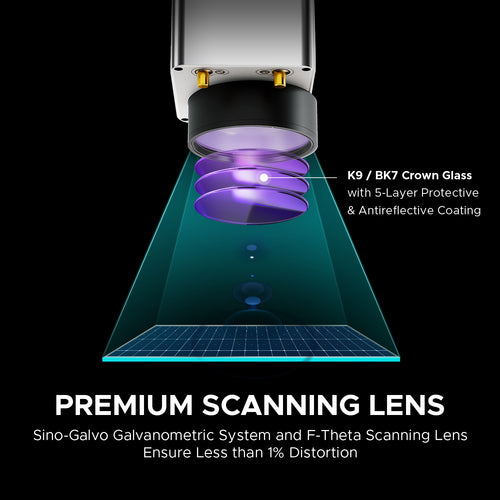
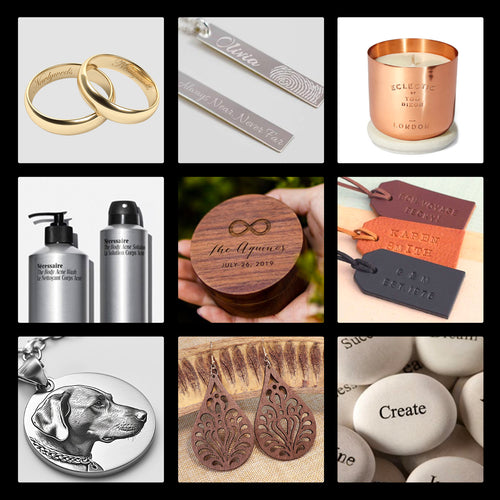
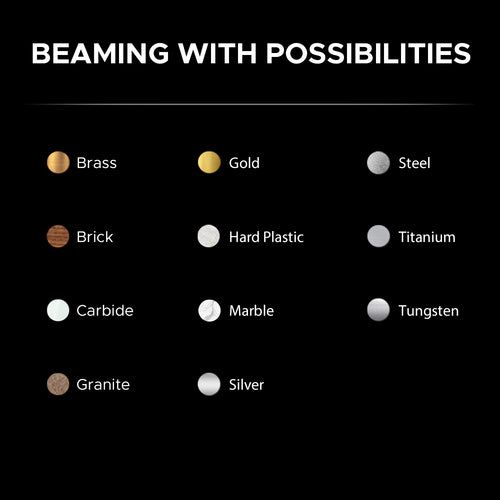
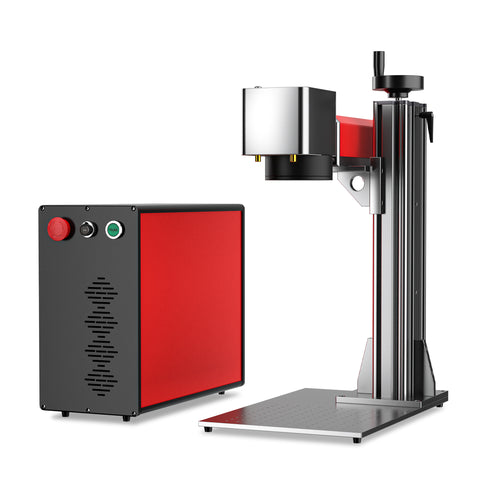
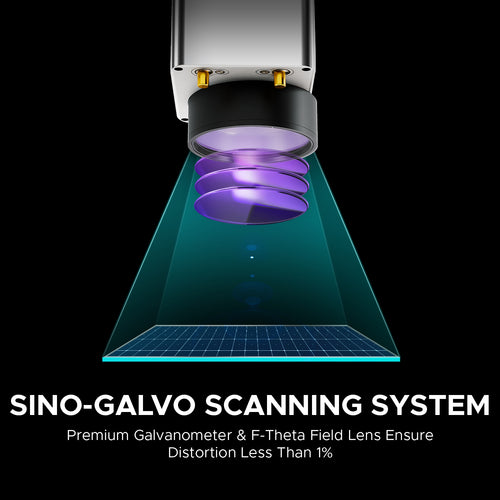
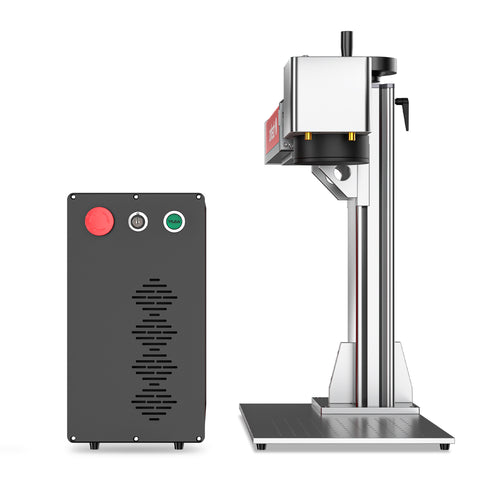
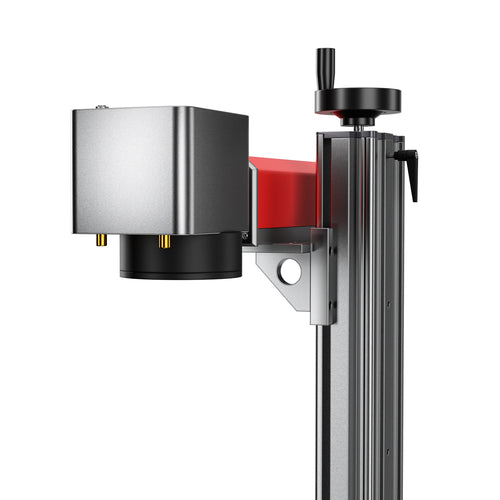
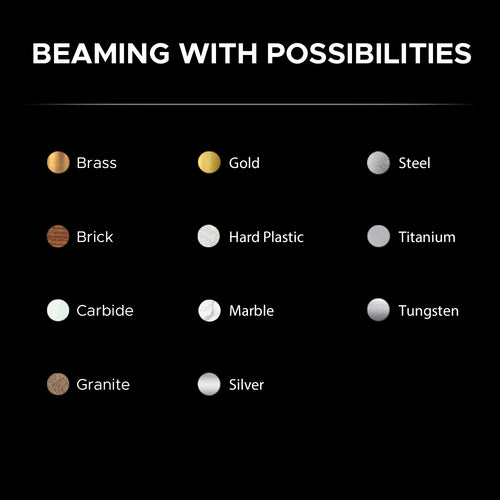
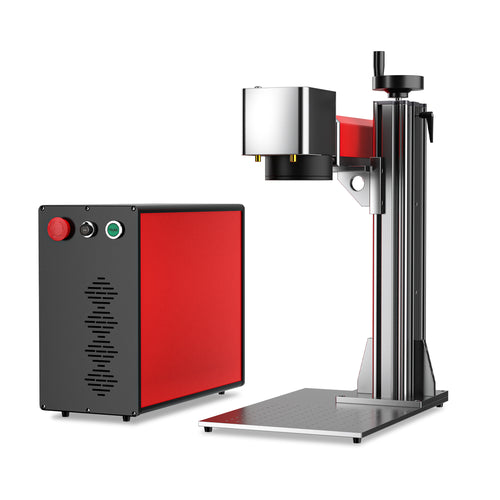
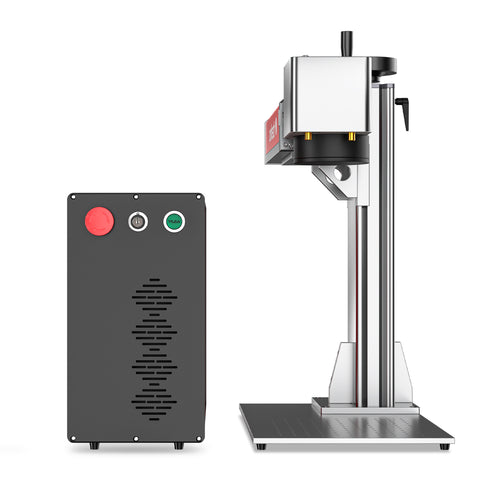
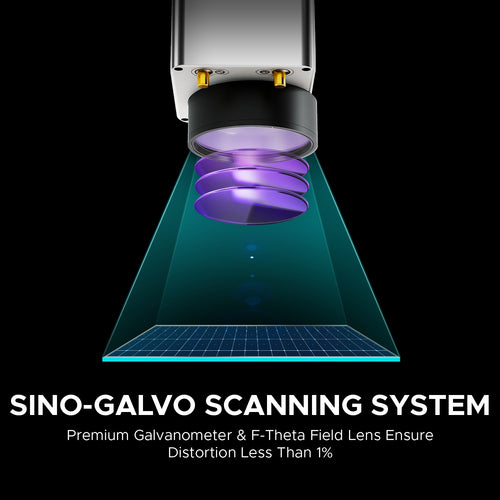
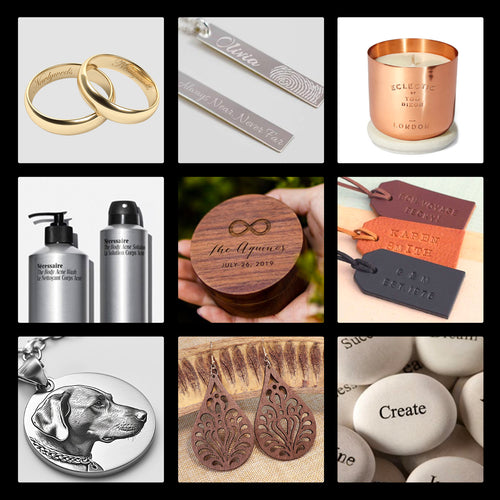
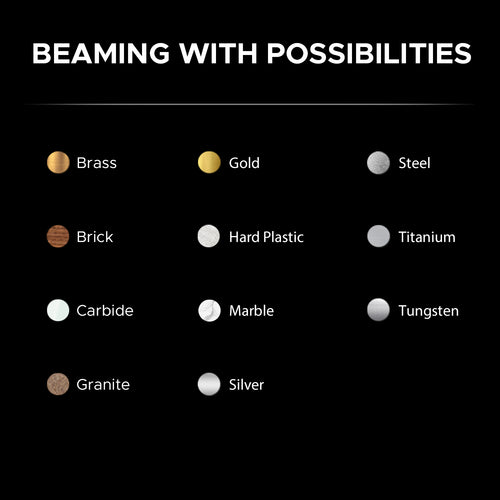
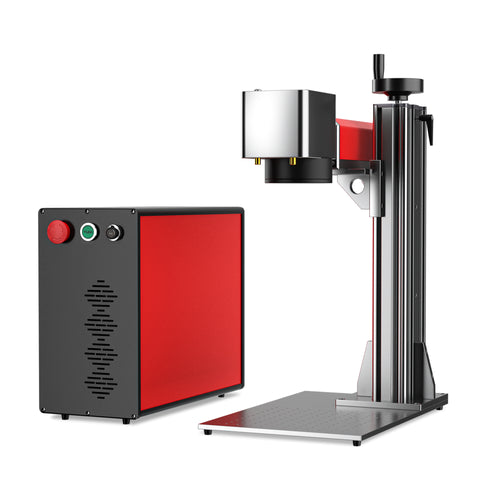
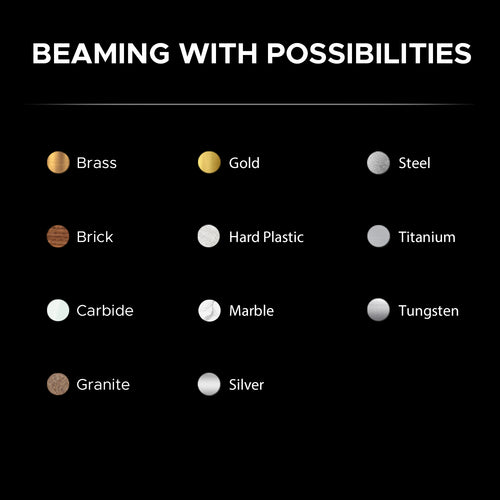
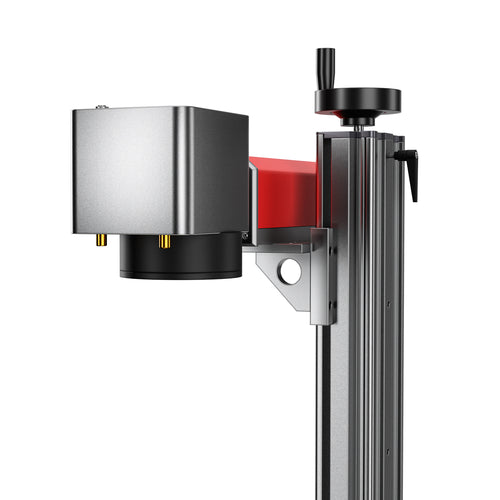
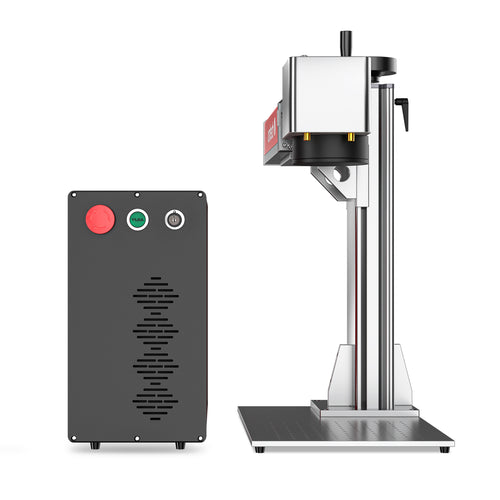
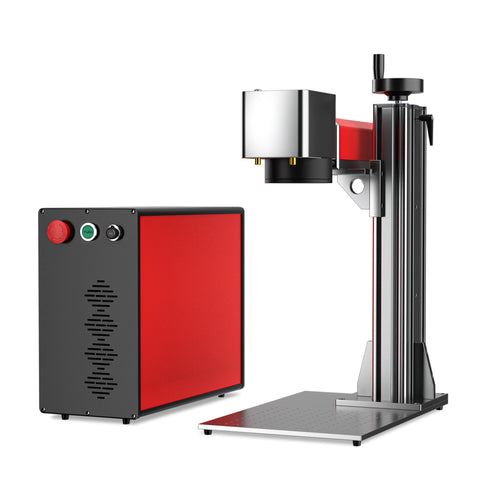
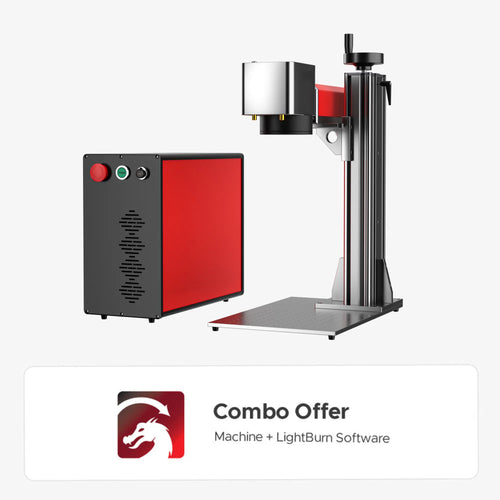
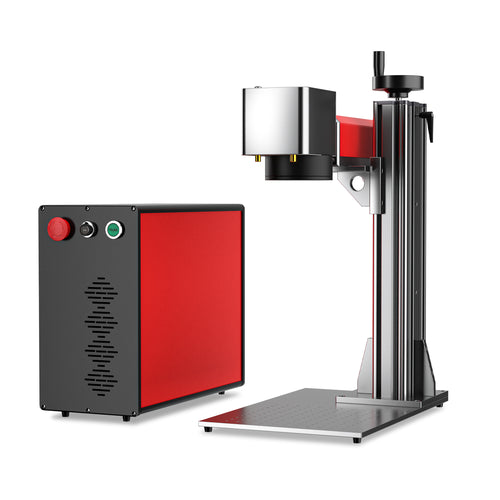
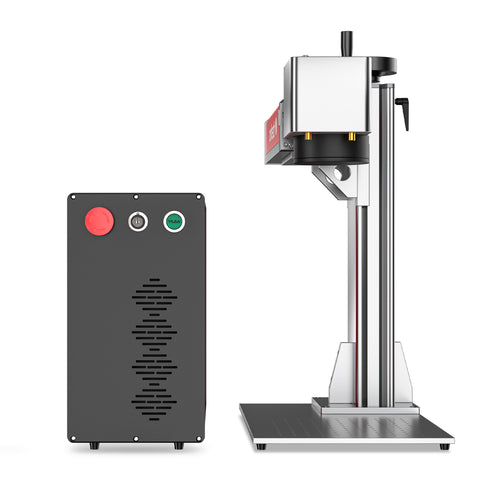
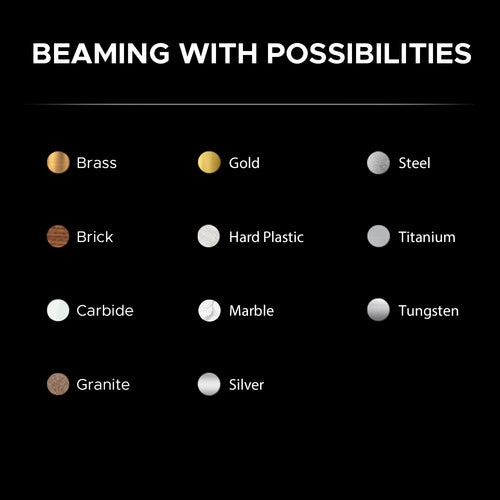
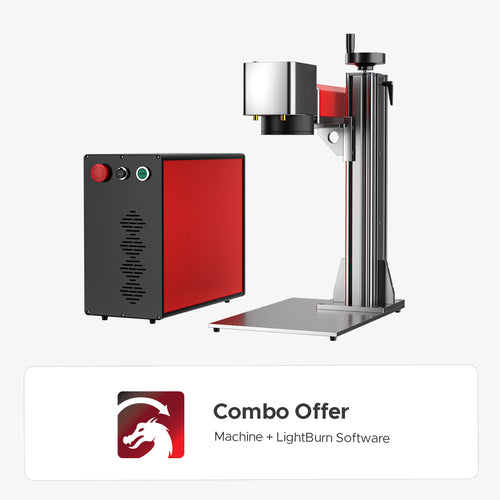
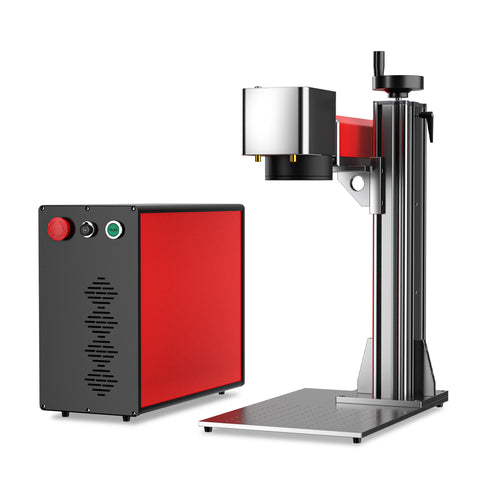
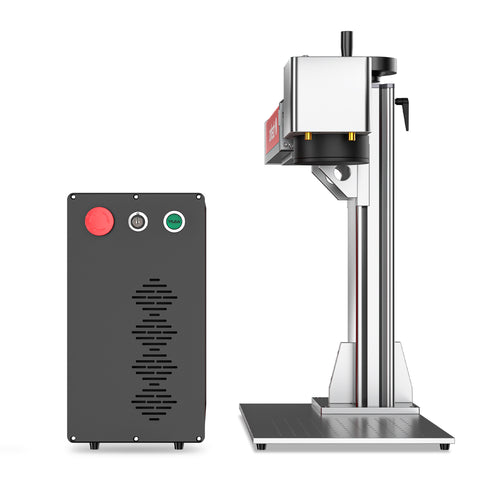
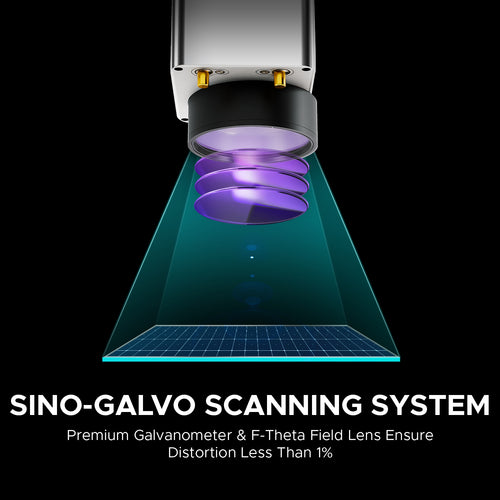
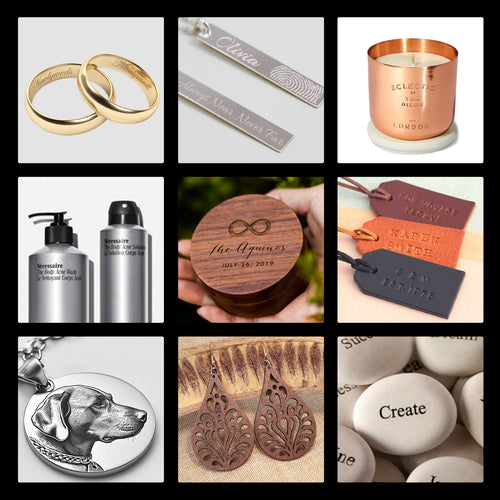
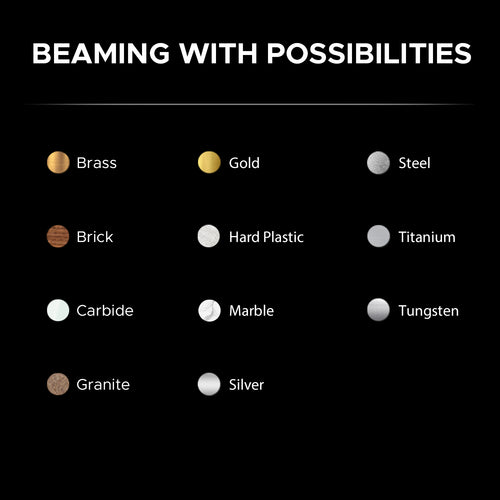
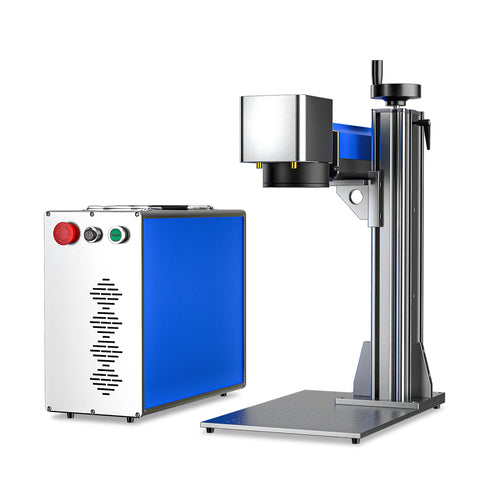
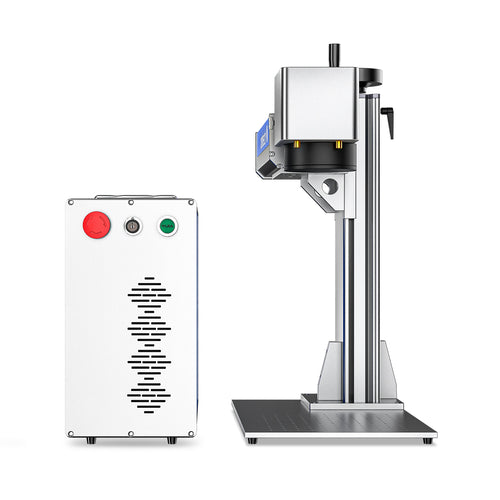
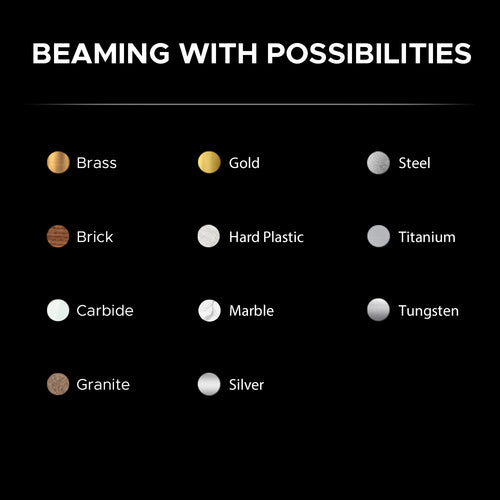
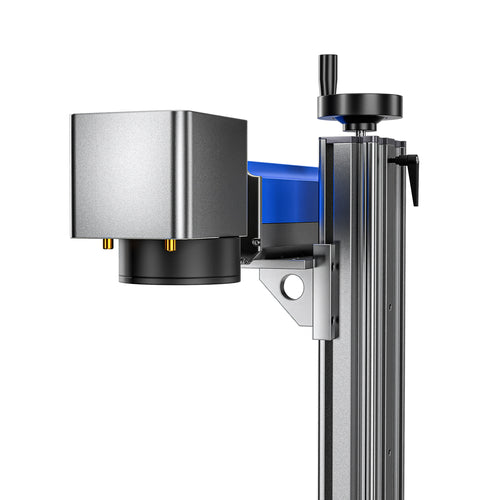
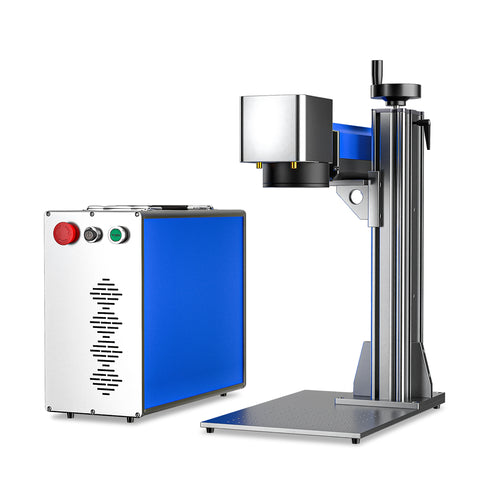
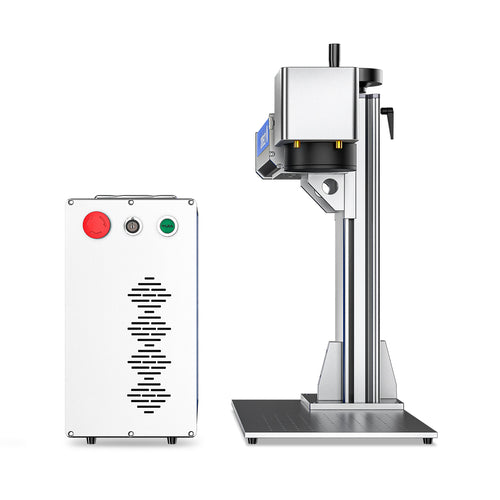
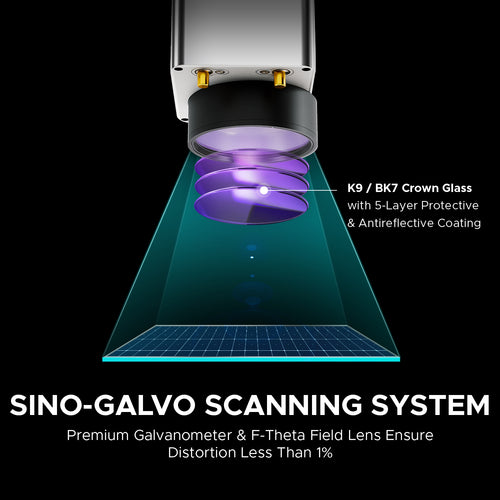
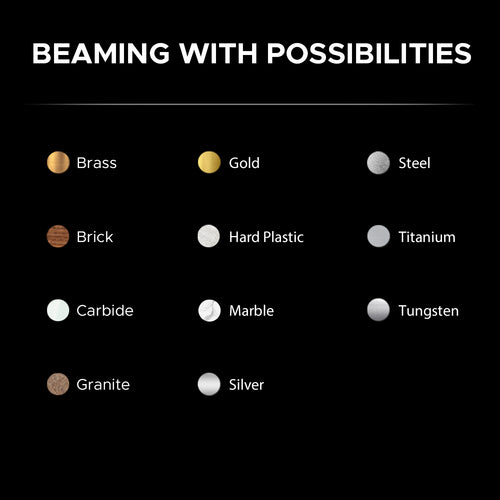
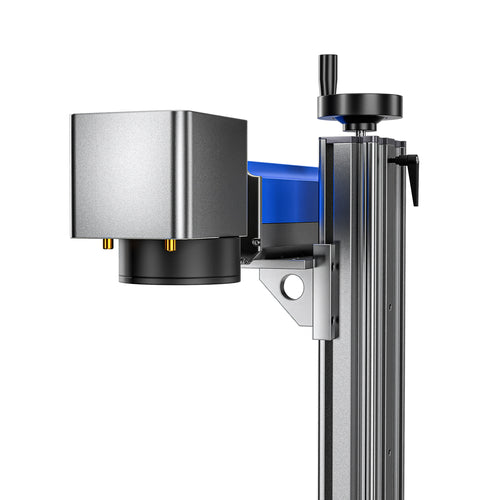
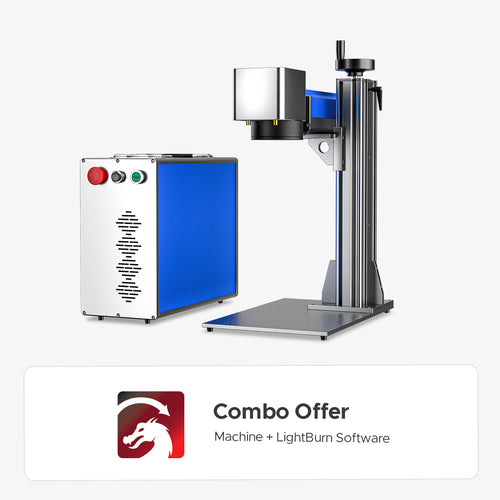
A fiber laser engraver utilizes a focused, high-intensity beam to permanently mark various materials, particularly metals like steel, brass, and titanium, with high speed and precision.
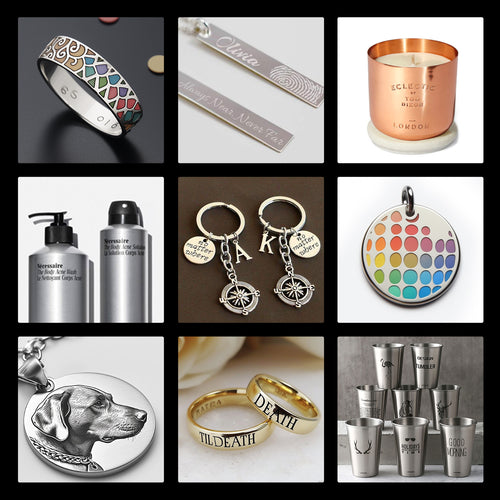
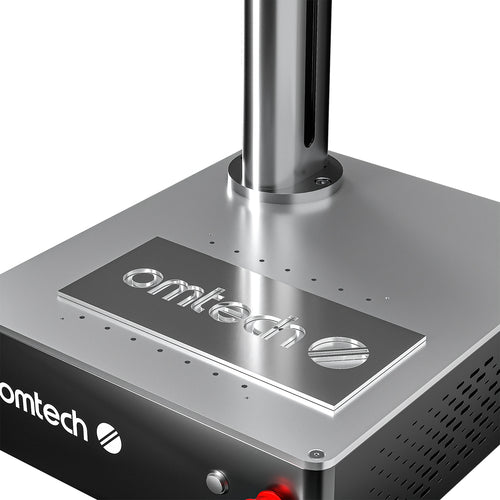
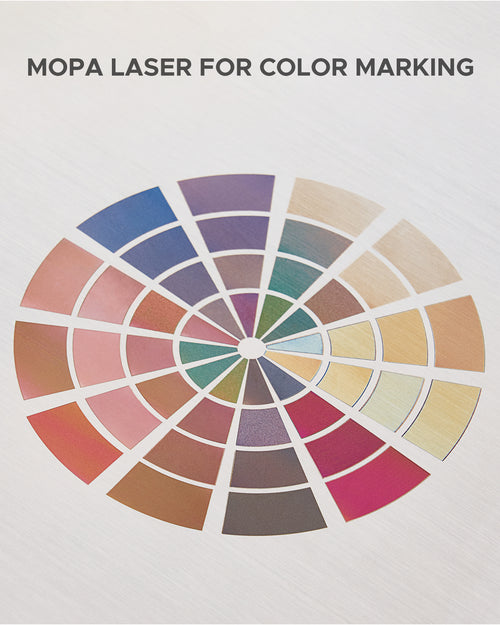
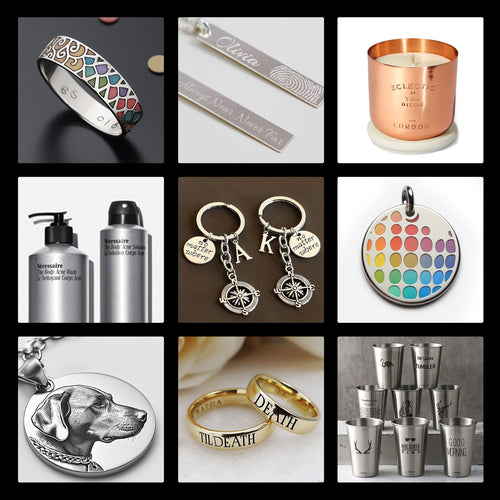
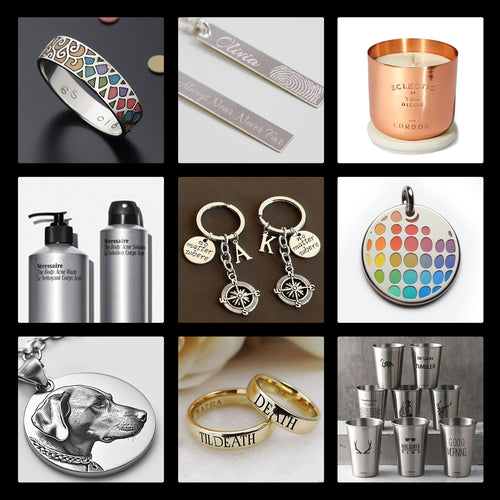
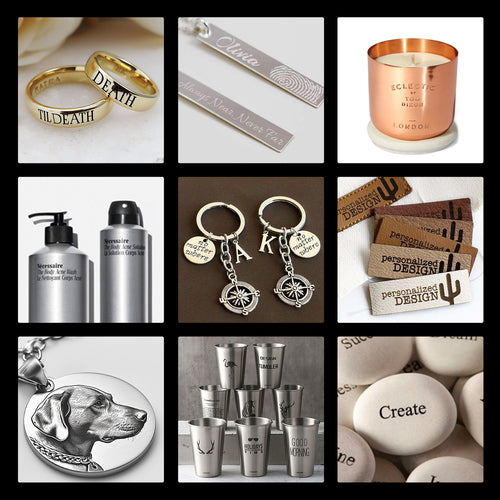
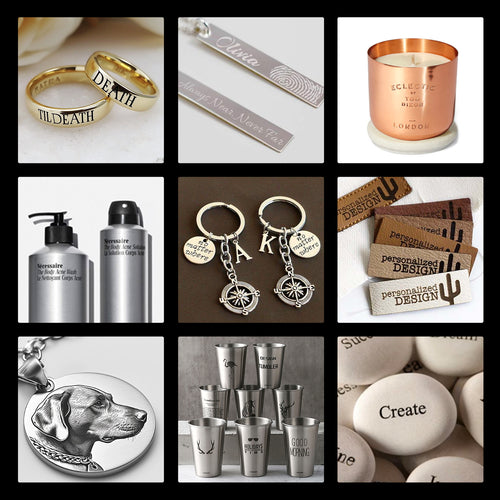
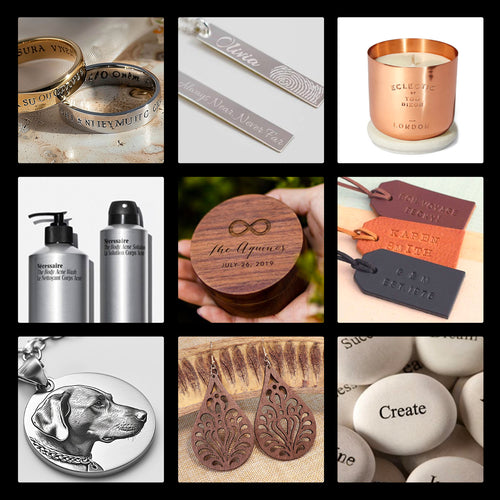
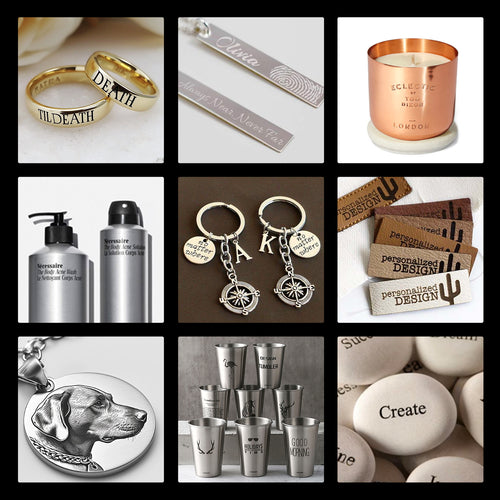
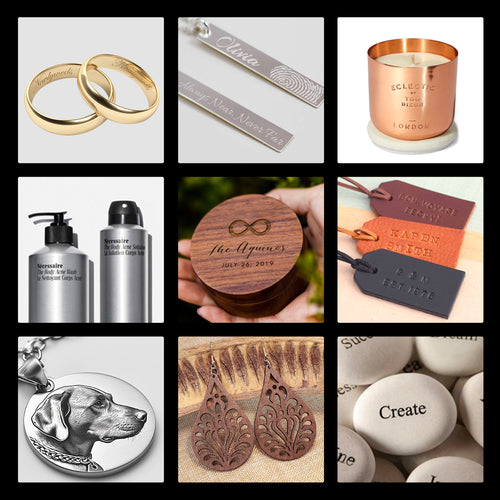
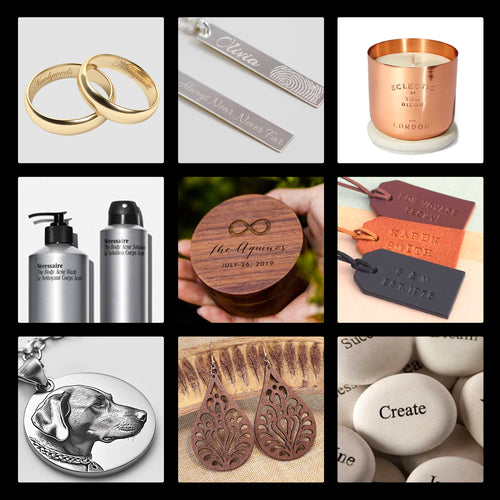
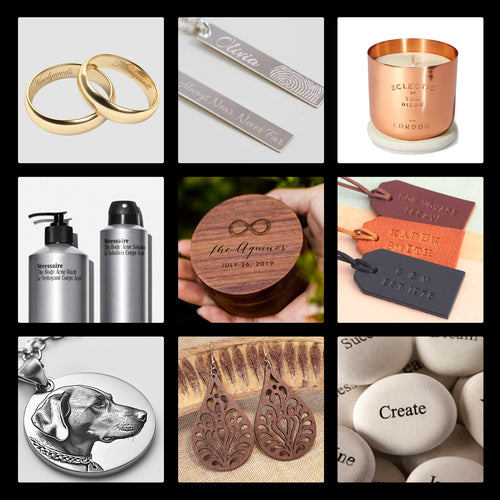
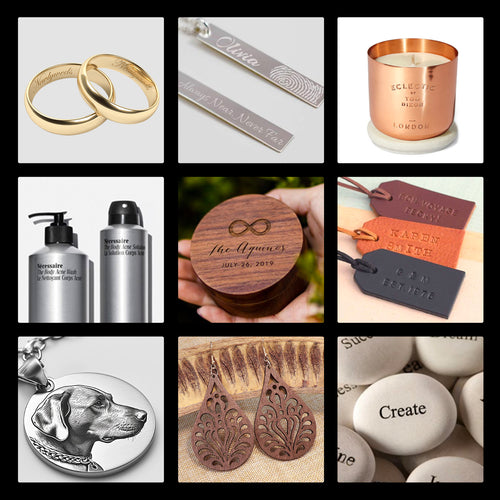
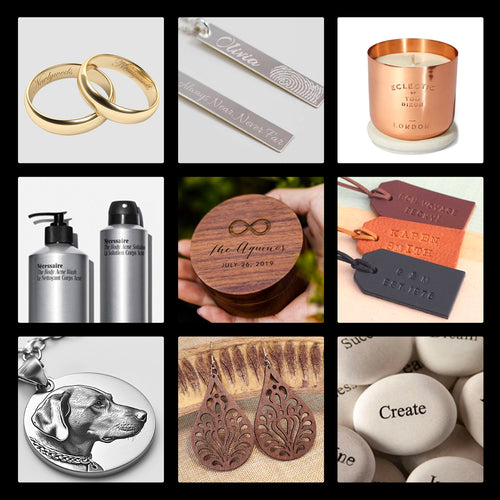
It can etch intricate designs, text, serial numbers, barcodes, and logos for identification, personalization, and functional marking across diverse industrial and artistic applications. While excelling on metals, some fiber lasers can also mark certain plastics and other materials.
Avoid laser cutting and engraving leather containing chromium, polyvinyl chloride (PVC), or polyvinyl butyral (PVB). Additionally, do not engrave polytetrafluoroethylene (PTFE), beryllium oxide, or materials containing halogens, epoxy, or phenolic resins.
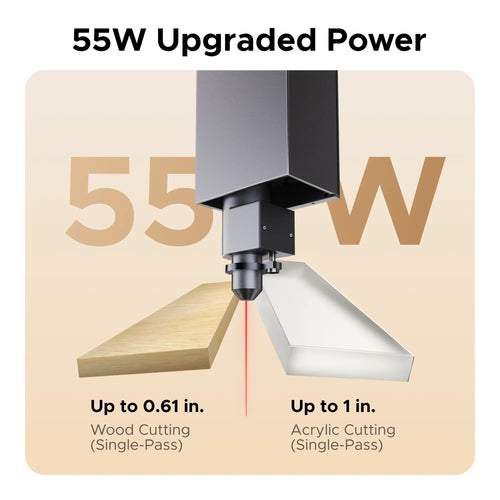
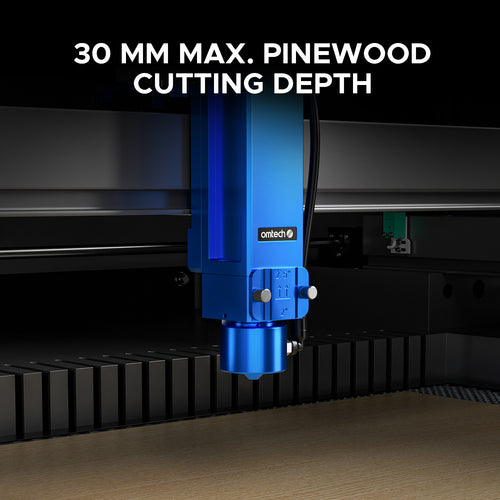
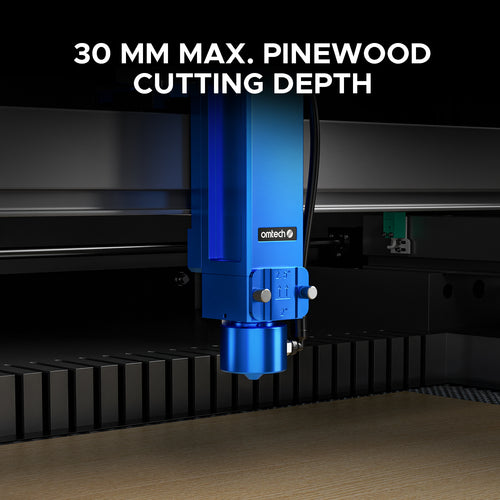
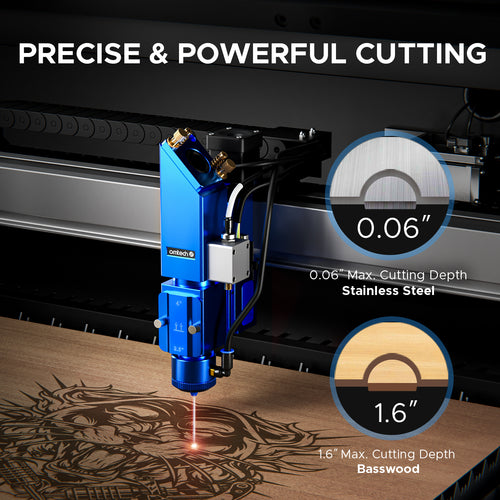
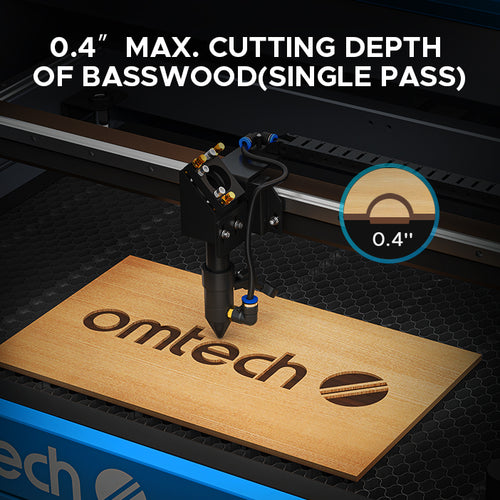
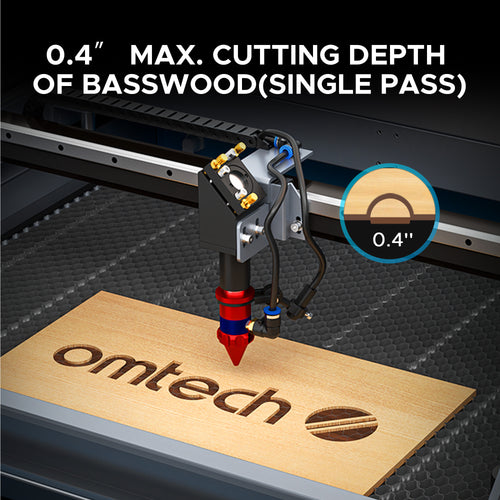
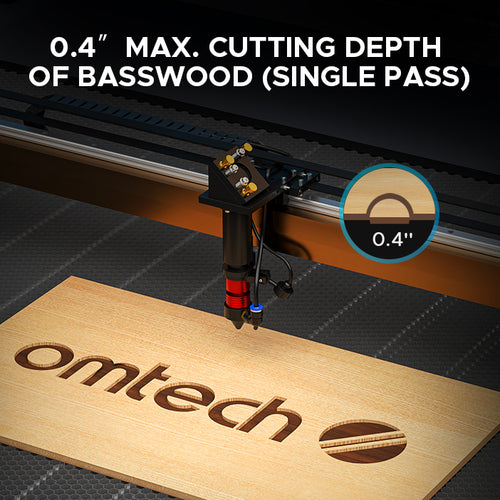
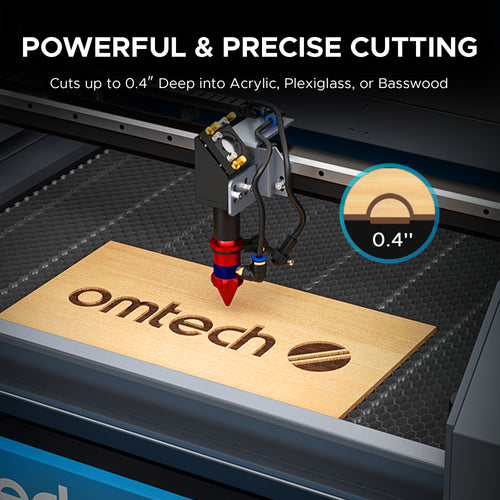
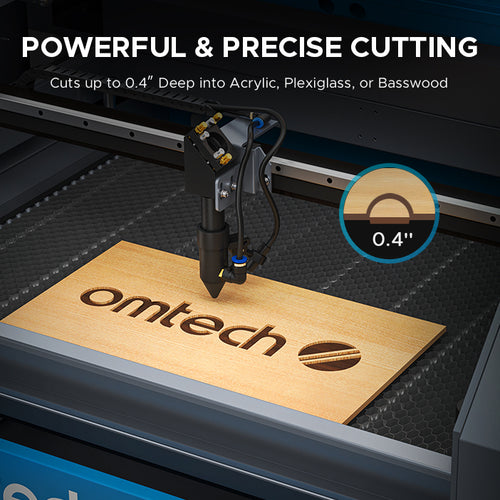
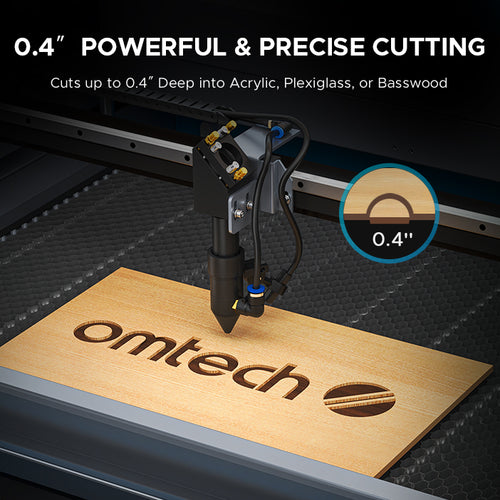
It depends on the model and the material. For example, with wood on OMTech CO₂ lasers, the maximum cutting thickness ranges from 3 mm (1/8") with a 40W laser up to 30 mm (1.2") with a 150W laser.
To find the specific cutting depth for a particular model, please click on its product listing above to view the details page.