
















Integrating Laser Cutting Into STEM Curriculum: A Guide for Teachers
I set up a laser cutter in my technology classroom three years ago with a $2,000 grant and zero experience running one. The first month was rough — wrong settings, smoke alarms going off, one very confused fire marshal.

By month three, my students were producing work that blew the end-of-year exhibition crowd away. That experience is why I wrote this guide the way I did. You don't need a perfect setup or a massive budget to bring a laser cutter for schools into your program. You need the right machine for your space, a clear safety protocol, and a basic understanding of how these tools fit into real classroom learning.
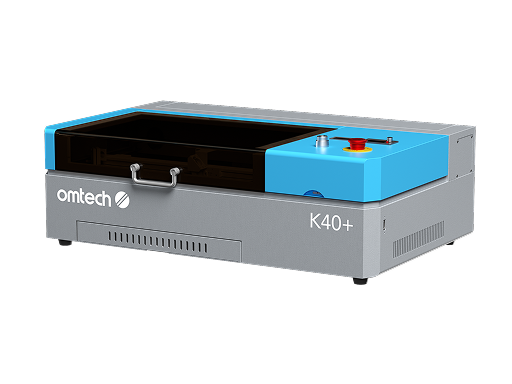
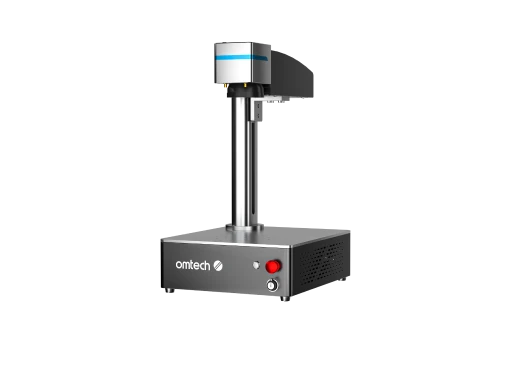
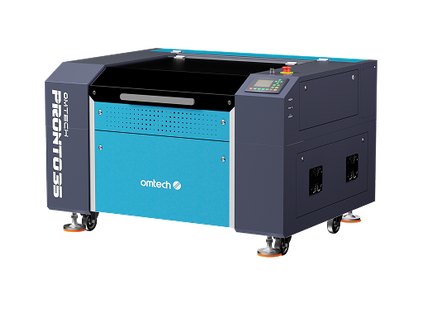
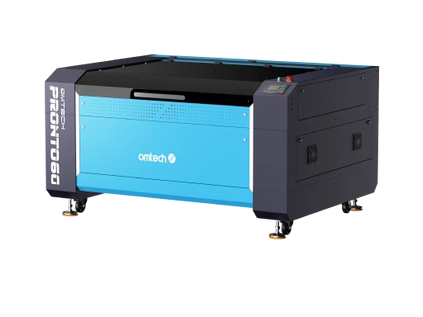
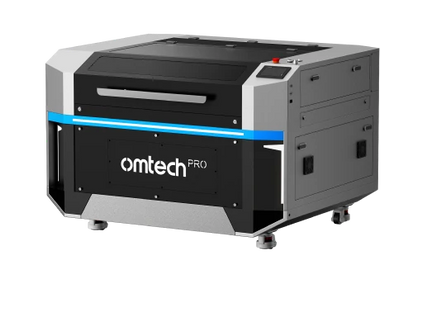
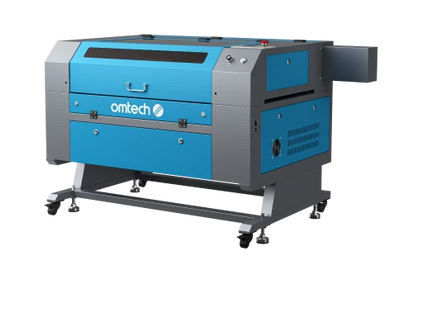
OMTech's CO2 laser engraver machines are used in professional workshops and school makerspaces across the country. This guide covers everything — safety requirements, cost breakdowns, curriculum ideas, setup steps, and which machines actually work in a school environment.

Why Schools Are Adding Laser Cutters to Their Programs
Walk into any well-funded STEM program in the US today and you'll likely find a laser engraver running in the corner. That's not a coincidence.
Laser cutters give students something most classroom tools don't: an immediate, physical result. A student designs a part in software, sends it to the machine, and holds a finished piece in their hands in minutes. That fast feedback loop builds confidence and teaches design iteration faster than any worksheet.
According to STEM education initiatives from the U.S. Department of Education, hands-on learning tools are a key driver of student engagement and career readiness. Laser cutting maps directly to that — covering digital design, material science, safety protocols, and engineering principles all in one project.

|
🏫 REAL CLASSROOM EXAMPLE A technology teacher at Oak Ridge High School in Tennessee introduced a 60W CO2 laser cutter into a design class mid-semester. Within eight weeks, students were producing custom brackets for robotics competitions, engraved signage for the school lobby, and prototype housings for electronics projects — all designed by students, cut in-house. The machine funded itself through project materials in one semester. |
What Type of Laser Cutter Works Best in a School Setting
Not every laser is classroom-ready. The machine needs to be safe for students, simple enough for beginners, and capable enough to handle real projects without constant maintenance stops. Here's a quick breakdown of the main types:
|
LASER TYPE |
BEST FOR |
TYPICAL SCHOOL USE |
|
CO2 Laser |
Wood, acrylic, leather, glass, paper |
Most versatile — ideal for STEM, art, and design classes |
|
Diode Laser |
Wood, leather, some plastics |
Budget entry option for light or occasional use |
|
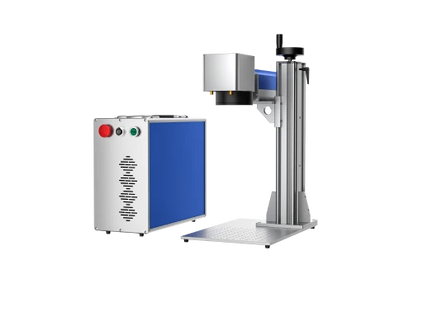
Fiber Laser |
Metal marking, industrial materials |
Advanced CTE and fabrication programs |
|
MOPA Fiber |
Color engraving on metal, precision marking |
College-level or professional-track programs |
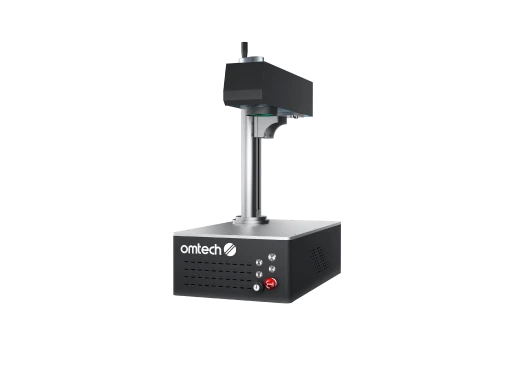
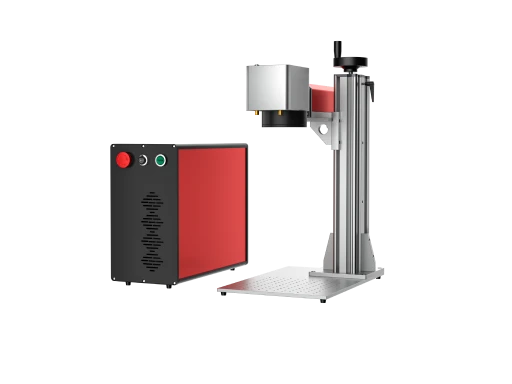
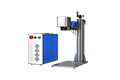
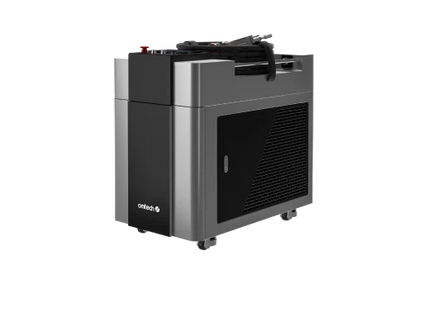
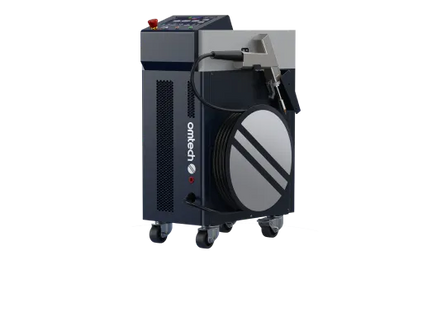
For most K–12 programs, a CO2 laser cutter is the right choice. It handles the widest range of materials without specialized knowledge. If your school runs an advanced manufacturing or metals program, a fiber laser opens up marking on steel, aluminum, and titanium — the same technology used in aerospace and automotive industries.
|
⚠️ CLASS RATING MATTERS Laser machines are rated Class 1 through Class 4. Class 1 is the only appropriate rating for a school. This means the machine is fully enclosed, has interlock sensors on all doors, and stops automatically if a lid opens mid-job. Never bring a Class 4 open-beam machine into a classroom environment. |
Key Factors to Evaluate Before You Buy
Every teacher who has been through a school purchasing process knows it takes more than finding a good machine. You need to justify the cost, check safety requirements, and confirm the setup physically works in your room. Here are the five factors that matter most:
1. Safety Classification
Choose Class 1 only. These machines have enclosed workspaces, lid interlock sensors, and automatic shutoff if a door opens mid-operation. OMTech's enclosed CO2 machines include safety interlocks and emergency stops as standard — not optional upgrades.
2. Ease of Use for Students
Students should be able to set up and run a job with minimal teacher intervention after the first few sessions. Look for:
-
LightBurn software compatibility — the industry standard, intuitive enough for students to pick up quickly
-
Autofocus — removes the most common beginner setup error in the field
-
Camera preview — students see exactly where their design will cut before running the job
3. Work Area Size
A desktop machine with a 12" × 8" bed works for individual projects. For a class sharing one machine, a larger bed — 20" × 28" or bigger — reduces setup resets and handles more throughput per session.
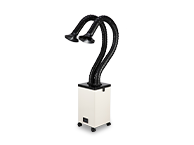
4. Ventilation and Fume Extraction
Every laser produces fumes when cutting. This is non-negotiable for classroom safety. You need one of these two setups:
|
EXTRACTION OPTION |
SETUP COST |
NOTES |
|
Inline fan + ducting to exterior |
$150 – $400 |
Requires accessible exterior wall or HVAC duct |
|
Standalone filtered unit (basic) |
$800 – $1,500 |
Sits next to machine, no exterior duct needed |
|
Standalone filtered unit (premium) |
$1,500 – $2,500 |
Higher capacity for busy labs or multiple daily sessions |
5. Support and Warranty
Downtime in a school is a real program cost — not just for the teacher but for the program's credibility. Choose a manufacturer with US-based technical support, a clear warranty, and accessible replacement parts. OMTech provides US-based support and professional laser setup support including on-site installation — something most budget laser brands don't offer.
Laser Cutter for Schools Cost: What to Budget
One of the most common questions from department heads is: what does this actually cost, all in? Here's an honest budget breakdown — including the full totals, not just the machine price:
|
BUDGET LEVEL |
MACHINE TYPE |
COST |
BEST FOR |
|
Entry |
40–55W desktop CO2 |
$800 – $1,599 |
Art rooms, light makerspace use |
|
Mid-Range |
60–100W CO2 |
$1,799 – $3,299 |
Active STEM labs, engineering classes |
|
Advanced |
100–150W CO2 or Fiber |
$3,500 – $7,000+ |
Full fabrication labs, CTE programs |
Don't forget to add to your total:
-
Fume extraction system: $150 – $2,500 depending on setup
-
LightBurn software license: ~$60 one-time perpetual license
-
Consumables (laser tubes, lenses): $100 – $300/year
-
Laser engraving materials for student projects: ongoing supply budget
|
💡 USED LASER CUTTERS FOR SCHOOLS If your budget is tight, OMTech's pre-owned laser machines include inspected, tested units at significantly lower prices. These are returned or traded-in machines with minor wear — a practical way to get professional-grade hardware into a classroom at entry-level cost. |
Grant funding options to explore:
-
CTE (Career and Technical Education) Perkins grants — capital equipment eligible
-
NSF STEM education equipment grants — for qualifying programs
-
Local community foundation grants — often underused by schools
-
Corporate STEM sponsorships — technology companies in particular
-
PTA and booster club fundraising for makerspace equipment
|
⚠️ GRANT WRITING TIP Budget the full system cost — machine + extraction + software + materials + training. Grant reviewers expect a complete line-item breakdown, not just the machine price. Under-budgeting is one of the most common reasons schools can't finish a makerspace setup after funding is approved. |
How to Integrate a Laser Cutter Into Your STEM Curriculum
The machine alone doesn't make the program. Here are practical ways to bring laser cutting into different subject areas — drawn directly from real classroom use:
|
ENGINEERING & DESIGN
|
ART & DESIGN
|
SCIENCE
|
MATH
|
The National Science Teaching Association has documented how project-based fabrication tools improve student retention in STEM concepts compared to lecture-based instruction. Laser cutting is one of the most accessible ways to deliver that.
|
🏫 A COLORADO TEACHER'S APPROACH She runs a "product design sprint" each quarter. Student teams sketch a product idea, model it in Inkscape, and cut a physical prototype in one class period. By the end of the sprint, every student has a portfolio piece they built start-to-finish — and a working understanding of the design-to-production process that shows up in college applications. |
Best OMTech Laser Cutters for Schools
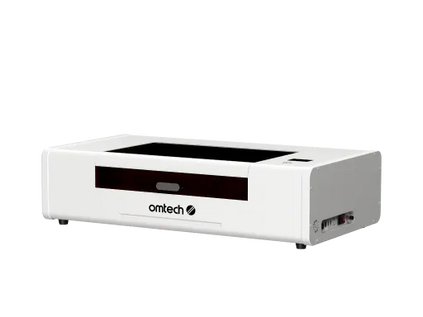
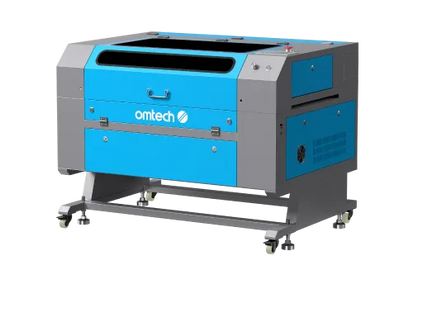
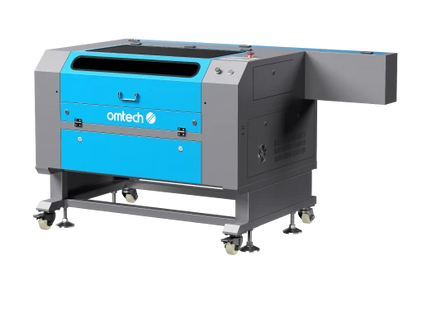
Here are three OMTech machines that work well in educational environments, matched to different program sizes and budgets:
|
FEATURE |
POLAR LITE 55W |
AF2028-60 60W |
PRONTO 45 100W |
|
Laser Power |
55W CO2 |
60W CO2 |
100W CO2 |
|
Work Area |
19.7" × 11.8" |
20" × 28" |
18" × 24" (dual) |
|
Engraving Speed |
500 mm/s |
600 mm/s |
1,000 mm/s |
|
Autofocus |
✓ Built-in |
✓ Built-in |
✓ Built-in |
|
Water Chiller |
✓ Built-in |
External req. |
External req. |
|
Enclosed |
✓ Yes |
✓ Yes |
✓ Yes |
|
LightBurn |
✓ Yes |
✓ Yes |
✓ Yes |
|
Best For |
Art rooms, light labs |
Active STEM labs |
CTE / fabrication |
|
Price Range |
~$1,799 |
~$2,099 |
~$3,099 |
|
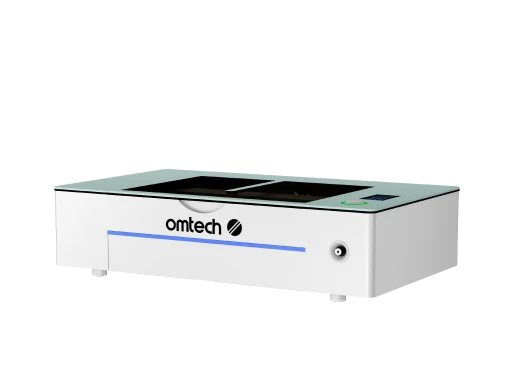
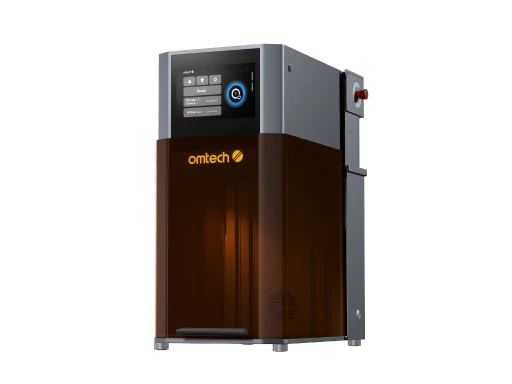
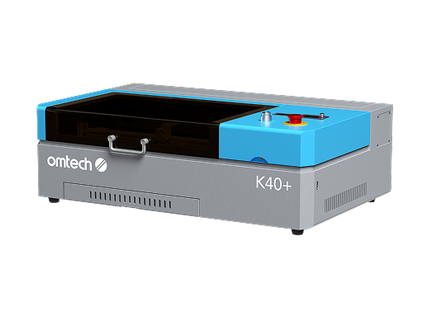
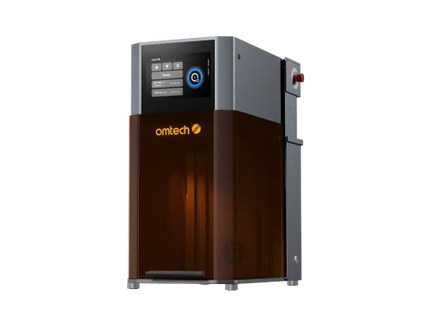
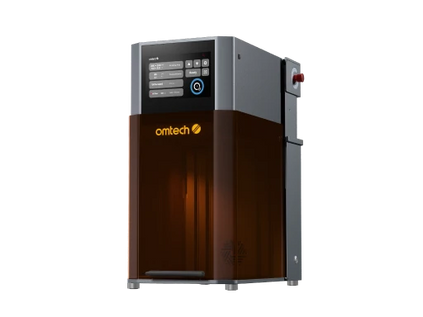
Polar Lite 55W — Art Rooms • Entry STEM Labs This is the machine to recommend for most art rooms and lighter makerspaces. The fully enclosed design with a built-in water chiller means there’s no separate cooling unit to manage — one less thing to explain to students. At 55W, it cuts acrylic, wood, leather, and cardboard cleanly. LightBurn compatibility means students are learning industry-standard software from day one. |
|
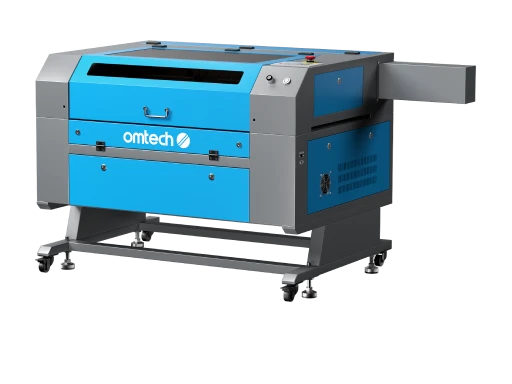
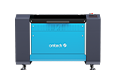
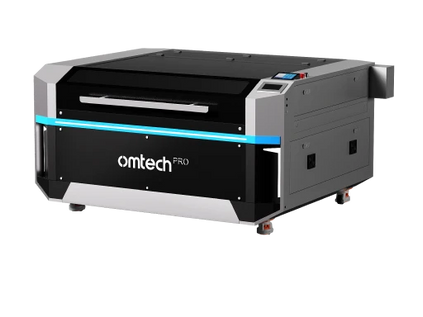
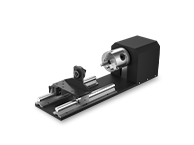
AF2028-60 60W — Active STEM Labs • Engineering Classes The 20” × 28” working area is what separates this from desktop machines. In a busy STEM lab, bed size translates directly to throughput — larger pieces, fewer job resets, more projects completed per class period. Camera support, rotary compatibility, and built-in air assist make it capable of everything from basic wood cuts to detailed engravings on coated surfaces. |
|
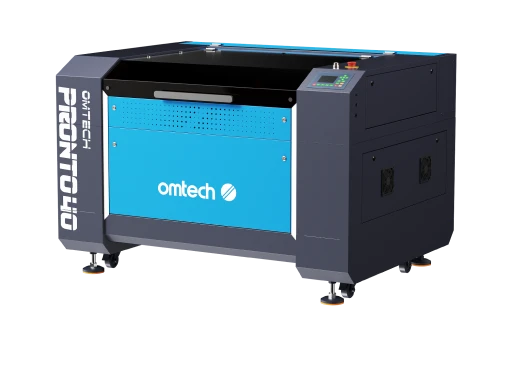
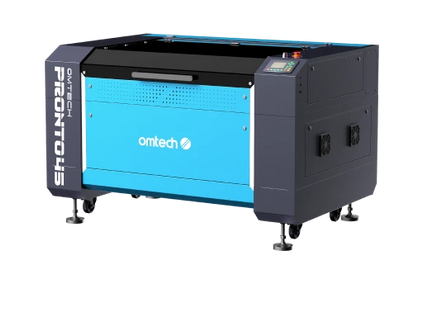
Pronto 45 100W — CTE Programs • Fabrication Labs The 100W tube cuts thick plywood and dense acrylic that smaller machines handle slowly or not at all. At 1,000 mm/s engraving speed, it handles high-volume project days — multiple student groups, multiple material types — without creating a backlog. This is the machine for CTE programs, advanced manufacturing tracks, or schools producing work at near-professional level. |
Step-by-Step: Setting Up Your School's Laser Cutting Program
Follow these steps in order. Skipping ahead — buying the machine before sorting ventilation, for example — is how programs get delayed by weeks after delivery.
-
Define your curriculum goal — Know which subjects, grade levels, and projects will use the machine before choosing a model
-
Assess your space — Measure the room, check for exterior walls or HVAC access for ventilation ducting
-
Set your full budget — Machine + extraction + software + materials + training. Not just the machine cost.
-
Research grant options — CTE Perkins grants, NSF education funds, local foundations, and corporate STEM sponsorships
-
Choose the machine — Match wattage and bed size to your actual project needs, not the highest spec you can afford
-
Schedule installation and training — OMTech's professional laser setup support gets teachers confident before students ever arrive
-
Build a written safety protocol — Signed student agreements, a demonstrated safety test, and a posted SOP near the machine at all times
-
Start with one project type — Master one complete workflow before expanding across subject areas
|
Ready to build your school's laser cutting program? Browse OMTech's full range or book a consultation to talk through your classroom needs. |
Frequently Asked Questions
Q What is the best laser cutter for schools?
For most K–12 programs, a fully enclosed CO2 laser cutter in the 55W–100W range is the right fit. It handles the widest material range, integrates with LightBurn software students will encounter in industry, and includes safety features required for student operation. The OMTech Polar Lite 55W and AF2028-60 are both proven classroom options.
Q How much does a laser cutter for schools cost?
Entry-level machines start at $800–$1,600. Mid-range models for active STEM labs run $1,800–$3,300. High-output CTE machines run $3,500–$7,000+. Add $150–$2,500 for fume extraction. A complete, well-equipped classroom setup typically runs $2,500–$6,000 including materials and training.
Q Can I buy a used laser cutter for schools?
Yes. OMTech's pre-owned collection includes tested, inspected machines at reduced prices. These are returned or traded-in units with minor wear — a practical path for programs with limited budgets who still need professional-grade hardware.
Q What materials can a school laser cutter cut and engrave?
CO2 laser cutters work on wood, acrylic, leather, cardboard, paper, glass, slate, and rubber. They can engrave non-metallic surfaces and coated metals. For direct metal cutting, a fiber laser cutter is needed — better suited for advanced CTE programs than general classroom use.
Q Is laser cutting safe for students?
Yes, when the correct machine class and safety protocols are in place. Class 1 enclosed machines are safe for supervised student use. Establish a written safety procedure, require students to pass a safety demonstration before operating the machine, and keep proper ventilation running at all times.
Q What software do school laser cutters use?
LightBurn is the industry standard. It runs on Windows and Mac, supports SVG, DXF, AI, and PNG files, and is used in schools, makerspaces, and professional shops. A perpetual license costs around $60. Students learning LightBurn are learning software they'll encounter in manufacturing and design careers.
Q Does a school laser cutter need a water chiller?
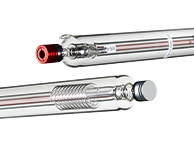
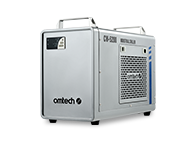
Some CO2 machines include a built-in water chiller — the Polar Lite 55W is one example. Others require an external unit. For machines 80W and above, a dedicated water chiller is recommended to protect the laser tube during extended classroom sessions with back-to-back jobs.
Q Can students with no prior experience use a laser cutter?
Yes. Most students are operational within one to two supervised sessions. LightBurn's visual interface is intuitive, and autofocus machines remove the most error-prone manual step. The bigger learning curve is design software — not the laser itself. Pairing laser time with basic Inkscape instruction helps significantly.
Q What grants are available to fund a laser cutter for schools?
CTE Perkins grants, NSF STEM education funds, local community foundation grants, and corporate STEM sponsorships are the most common routes. Many schools also use PTA or booster fundraising. When applying, budget the full system — machine, extraction, software, materials, and training — not just the hardware cost.





