
















How to Start a Profitable Laser Engraving Business on Etsy: Complete Step-by-Step Guide
Turn Your Laser Engraver Into a Money-Making Etsy Shop
You've got a laser engraver. You've made some beautiful projects. Friends and family love your work and keep saying, "You should sell these!"
But how do you actually turn laser engraving into a real business—one that generates consistent income, not just occasional sales?
This guide walks you through every step of building a profitable laser engraving business on Etsy, from your first product idea to your hundredth sale and beyond. Whether you're starting from scratch or already have a machine gathering dust in your garage, this is your roadmap to Etsy success.

Why Etsy for Your Laser Engraving Business?
Before we dive into the how, let's talk about why Etsy is the perfect platform for laser engravers:
Built-In Customer Base
- 96+ million active buyers already searching for handmade, personalized items
- Customers specifically looking for custom, one-of-a-kind products
- Higher willingness to pay for personalization
Lower Barrier to Entry
- No need to build a website from scratch
- Established trust and payment processing
- Mobile app makes managing shop easy
Search Traffic Advantage
- Etsy listings rank in Google search
- Internal search connects buyers to your products
- Algorithm favors new shops that generate sales
Maker-Friendly Culture
- Buyers understand and value handmade/custom items
- Community appreciates craftsmanship
- Premium pricing accepted for quality work
The Numbers Don't Lie: Successful laser engraving Etsy shops regularly generate $3,000-$10,000+ monthly. Some top sellers exceed $50,000/month. Your results will vary, but the opportunity is real.
Etsy rewards three things:
- Personalization
- Handmade feel
- Fast fulfillment
Laser engraving hits all three.
Typical Profit Example
- Product: Engraved wooden name sign
- Cost: $4–$10
- Selling price: $25–$80
- Production time: 5–15 minutes
With batching, you can produce 50–100+ items per day.
That’s why many Etsy sellers recover their machine cost in 1–3 months.

What You'll Need to Get Started
Equipment (The Essentials)
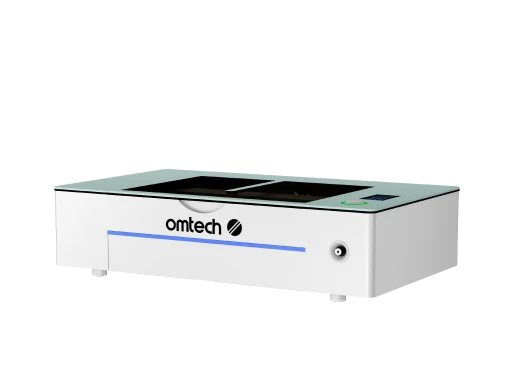
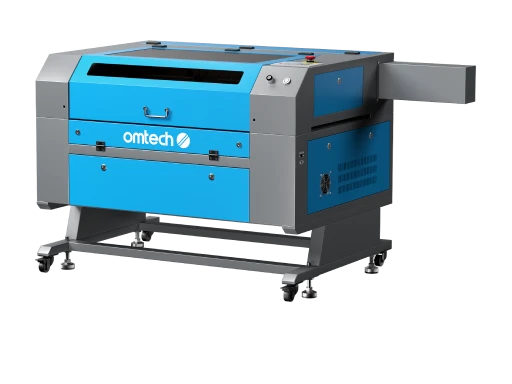
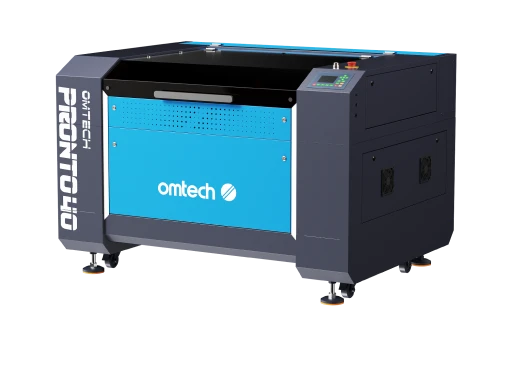
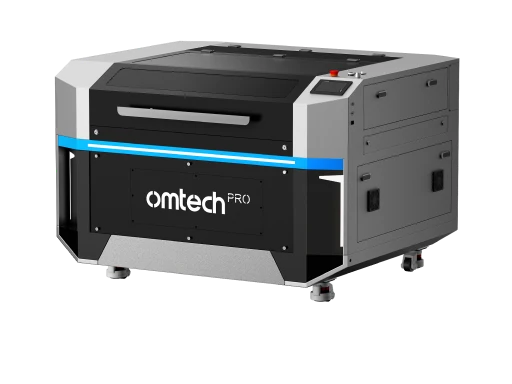
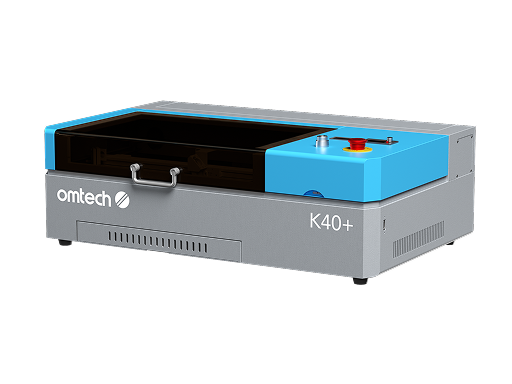
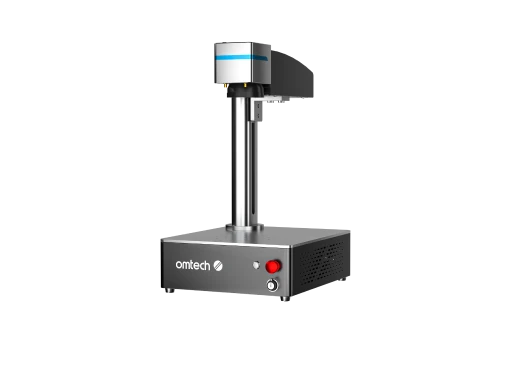
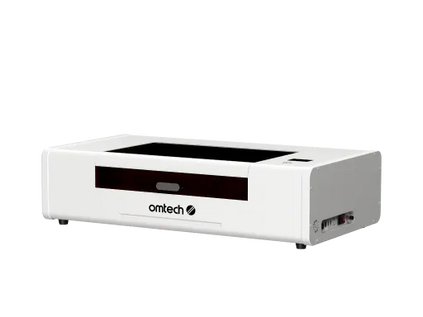
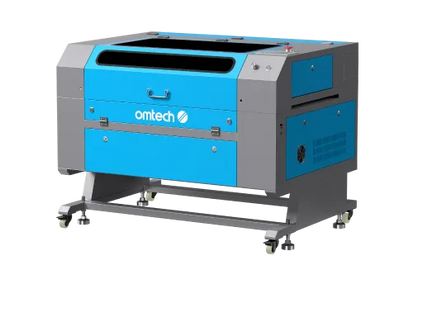
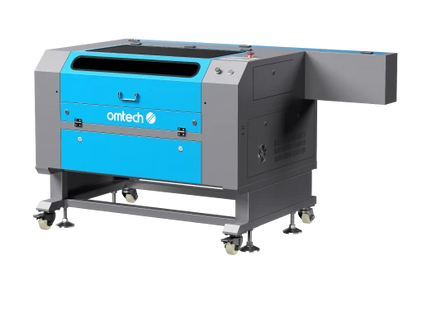
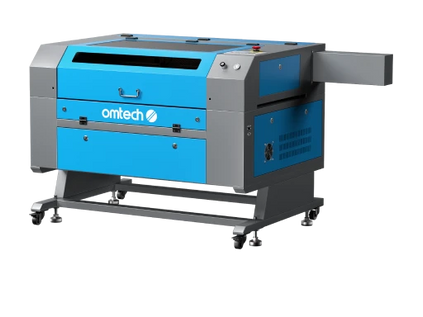
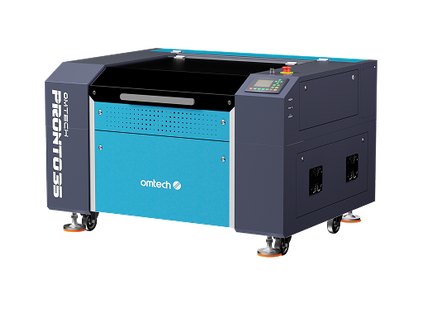
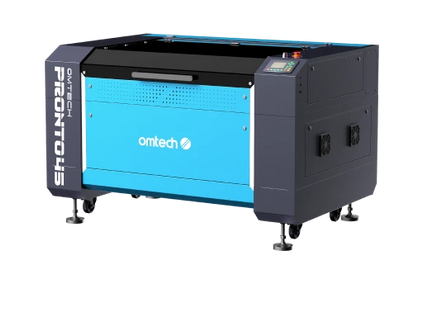
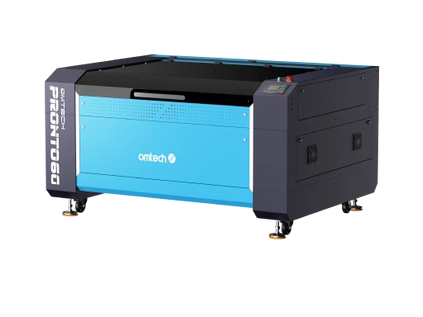
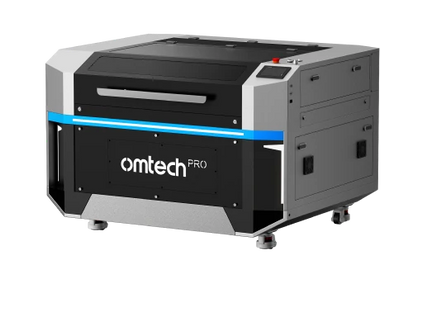
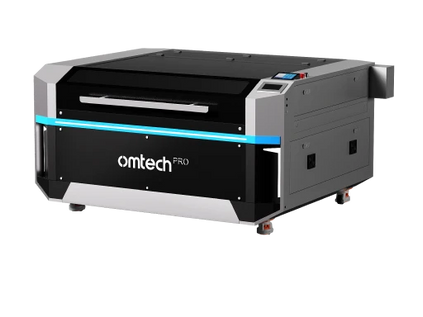
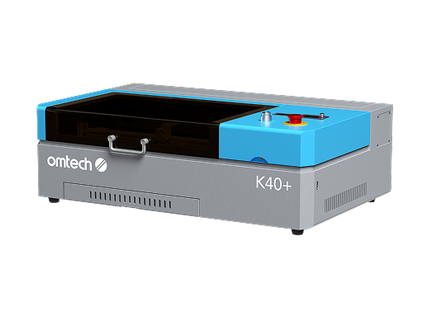
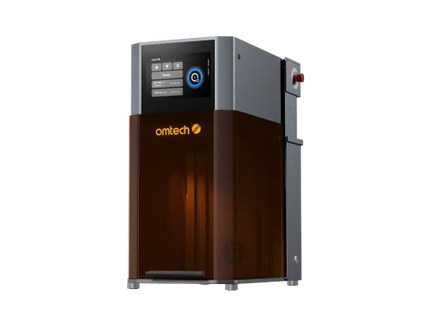
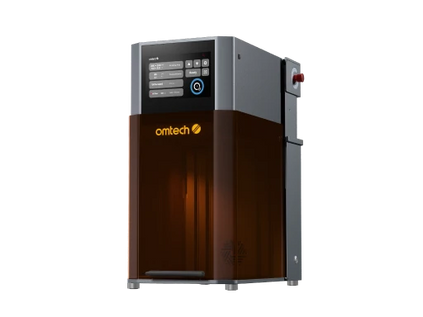
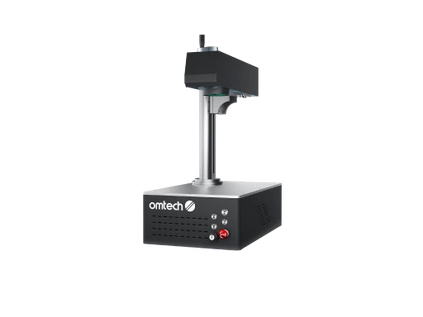
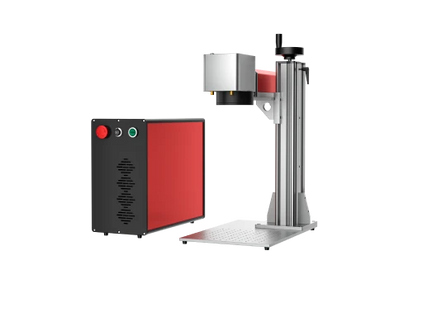
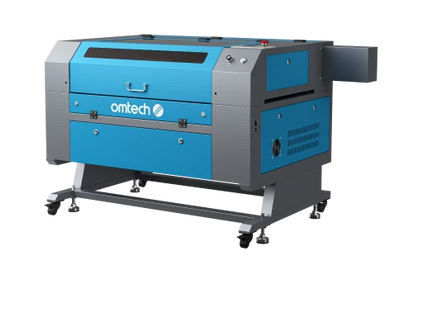
Laser Engraver: The heart of your business. For Etsy success, consider:
Your machine determines:
- What you can make
- How fast you can produce
- How much you can scale
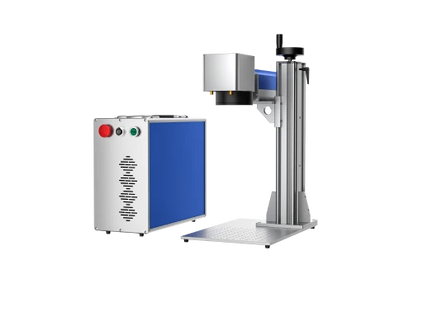
1. For Beginners (Home-Based Etsy Shops)
Best for:
- Wood, acrylic, leather
- Small to medium products
- Limited workspace
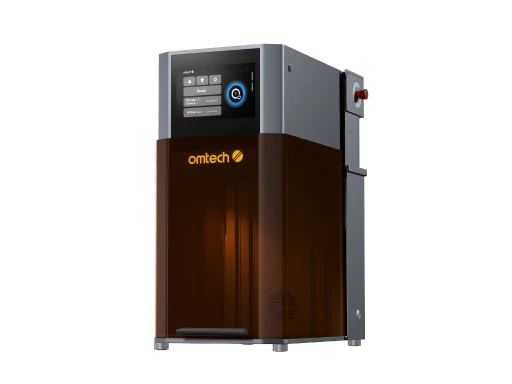
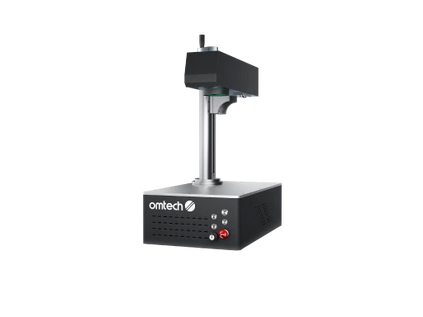
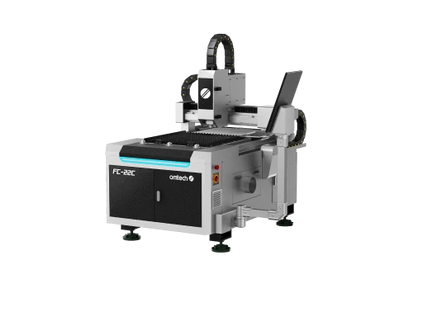
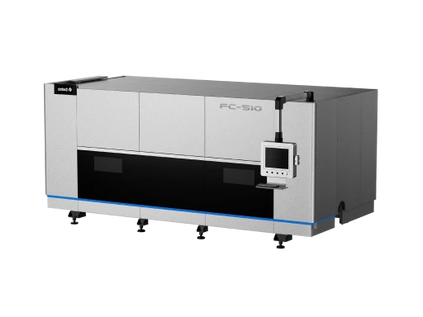
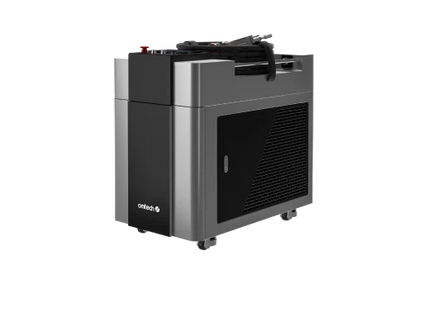
2. For Growing Shops (Serious Sellers)
Best for:
- Batch production
- Larger signs
- Faster cutting (more orders per day)
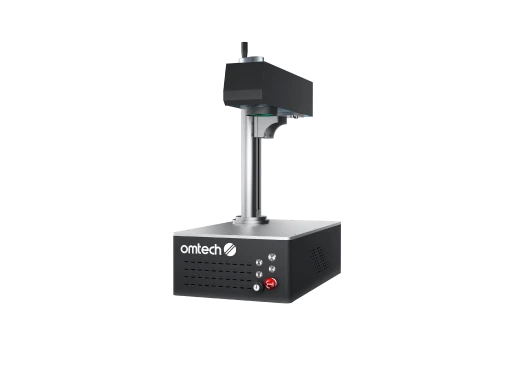
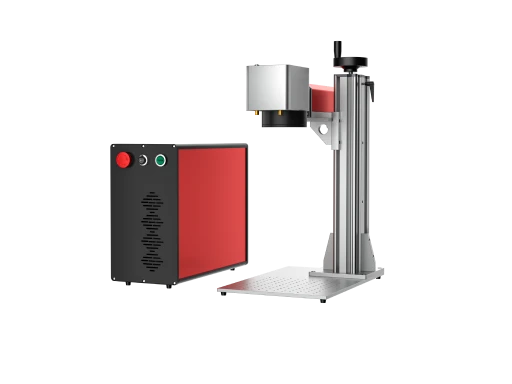
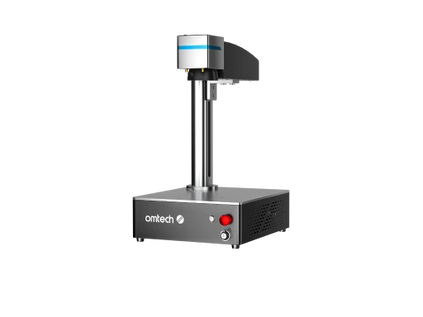
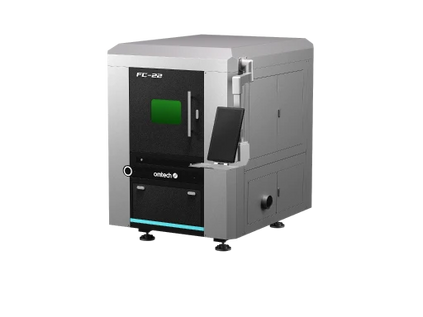
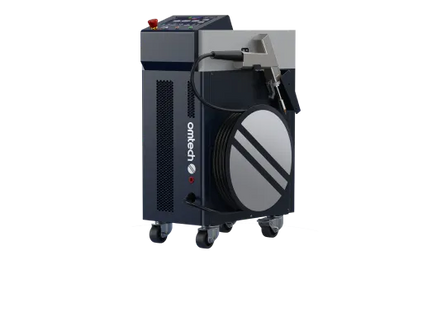
3. For Metal Products
Best for:
- Jewelry
- Stainless steel tags
- Industrial engraving
Pro Tip:
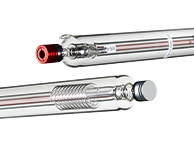
Most Etsy businesses start with CO2 lasers because they handle the widest range of materials.
Computer Setup
- Laptop or desktop with design software
- Minimum: Intel i5, 8GB RAM, 256GB storage
- Mac or Windows both work fine
Design Software
- LightBurn ($60 one-time): Best for laser work, easy learning curve
- Adobe Illustrator (Student/teacher discount available): Professional design
- Inkscape (FREE): Great starting point, fully capable
- Canva Pro ($13/month): Quick mockups and product photos
Photography Equipment
- Smartphone camera (iPhone/Android with good camera)
- Simple lighting setup ($30-50 on Amazon)
- White foam boards for background ($10)
- Photo editing app (free options available)
Workspace Requirements
- Dedicated space for laser (garage, spare room, workshop)
- Proper ventilation (exhaust fan + ducting)
- Sturdy work table
- Material storage
- Finishing/packaging area
Materials Budget (First Month)
Starting Material Stock: $300-500
- Birch plywood (1/8" thick): $100-150
- Bamboo cutting boards (bulk): $75-100
- Acrylic sheets (clear, frosted): $50-75
- Leather scraps: $25-50
- Cork sheets: $20-30
- Sandpaper, finishes, tools: $30-50
Packaging Supplies: $100-150
- Branded tissue paper
- Thank you cards
- Protective packaging (bubble wrap, cardboard)
- Shipping boxes (various sizes)
- Labels and tape
Total Startup Investment:
- Minimal: $3,500-4,500 (entry laser + essentials)
- Recommended: $5,500-7,000 (better laser + materials + buffer)
- Optimal: $8,000-10,000 (professional setup + inventory)

Step 1: Research Your Niche (Week 1)
Don't skip this step! Your niche determines everything else.
Finding Profitable Product Ideas
Use Etsy's Search Bar
Type "laser engraved" and note the autocomplete suggestions:
- laser engraved cutting board
- laser engraved wedding gift
- laser engraved jewelry box
- laser engraved ornament
- laser engraved leather wallet
Each suggestion = proven customer demand
Analyze Top Sellers
Search "laser engraved [your idea]" and filter by:
- Best Selling
- Highest price
- Most reviews
What to note:
- Price points (sweet spot usually $25-75)
- Product descriptions
- Photo styles
- Number of reviews (sales indicator)
- Shipping times offered
Popular Laser Engraved Niches on Etsy:
Wedding & Gifts (Year-Round Demand):
- Custom cutting boards ($45-95)
- Engraved wine glasses/bottles ($35-65)
- Wedding signs ($75-150)
- Ring boxes ($35-65)
- Cake toppers ($25-45)

Home Décor (Steady Sellers):
- Family name signs ($40-85)
- Kitchen signs ($30-60)
- Door hangers ($25-45)
- Key holders ($35-65)
- Shelf décor ($30-60)
Seasonal Products (High Volume):
- Christmas ornaments ($8-20 each, sold in volume)
- Holiday décor ($25-75)
- Teacher gifts ($15-35)
- Mother's/Father's Day items ($30-60)
Business & Professional:
- Desk name plates ($25-45)
- Business card holders ($30-50)
- Office décor ($35-75)
- Corporate gifts ($40-100)
Pet Products:
- Custom pet tags ($15-25)
- Memorial items ($35-75)
- Pet photo frames ($30-55)
- Pet signs ($35-65)
The Niche Selection Matrix
Rate potential niches on these factors (1-5 scale):
1. Passion/Interest Can you create 50+ variations without getting bored?
2. Profit Margin Material cost vs. selling price (aim for 70%+ margin)
3. Competition Level Too much = hard to stand out Too little = maybe no demand Sweet spot = moderate competition with room for your angle
4. Repeatability Can you produce efficiently at scale?
5. Shipping Ease Fragile items = higher costs + risk Flat, durable items = easier + cheaper
6. Seasonality Year-round demand = consistent income Seasonal = plan for slow months
Your Ideal Starting Niche:
- Score 4-5 on passion (you'll be making LOTS of these)
- Score 4-5 on profit margin (materials under 30% of retail)
- Score 3-4 on competition (proven demand, room for you)
- Score 4-5 on repeatability (can make efficiently)
- Total score 18+ out of 30 = viable niche
Validation Test
Before committing, validate your niche:
1. Make 3 Sample Products Create actual products in your chosen niche
2. Show 20 People Friends, family, coworkers - get honest feedback
3. Ask Specific Questions:
- Would you buy this?
- What would you pay?
- What would you change?
- Who would you gift this to?
4. Social Media Test Post photos on Instagram/Facebook
- Watch engagement
- Note comments
- Track saves/shares
If 50%+ say "I'd buy that" at your target price = proceed
Step 2: Set Up Your Etsy Shop (Week 1)

1. Go to Etsy.com
- Click "Sell on Etsy"
- Sign in or create account
- Follow shop setup wizard
2. Choose Shop Name
Naming Strategy:
- Memorable and easy to spell
- Hints at what you sell
- Available on Instagram too
- Check trademark database
Good Examples:
- "TimberAndType" (wood + personalization)
- "EngravedElegance" (clear + premium feel)
- "CustomCraftCo" (custom + professional)
- "PersonalizedPieces" (exactly what it is)
Avoid:
- Hard to spell names
- Numbers and special characters
- Names too similar to big brands
- Generic names (hard to remember)
3. Set Shop Preferences
- Language: English
- Country: Your location
- Currency: Local currency
- Language for buyers: English (can add more later)
4. Stock Your Shop You need at least 10 listings to launch effectively (We'll create these in Step 3)
5. Payment Setup
- Connect bank account
- Set up Etsy Payments
- Consider PayPal as backup
6. Billing
- Add payment method for fees
- Etsy charges: $0.20/listing + 6.5% transaction fee + 3% payment processing
Step 3: Create Winning Product Listings (Week 2)
Your listings are your sales team. Make them work hard for you.
Product Photography That Sells
90% of Etsy success is great photos
Photo Requirements:
- Minimum 5 photos per listing
- 2000 x 2000 pixels minimum
- Clear, well-lit, professional-looking
Photo Lineup:
Photo 1: Hero Shot
- Product prominently displayed
- Clean white or neutral background
- Perfect lighting
- This appears in search - make it pop!
Photo 2: Detail Shot
- Close-up of engraving quality
- Show texture and depth
- Prove craftsmanship
Photo 3: Scale/Context
- Show size (next to common object)
- Or in-use situation
- Helps buyer visualize
Photo 4: Personalization Example
- Show customization options
- Different names/dates
- Variation possibilities
Photo 5: Packaging
- Show how it arrives
- Builds excitement
- Shows professionalism
Photo 6-10: Lifestyle/Variations
- Different wood types
- Color options
- Gift situations
- Happy customers (with permission)
Simple Photo Setup ($50 total):
- White foam board backdrop ($10)
- Clamp lights from hardware store ($30)
- Natural window light (free!)
- Smartphone camera (you have this)
Photo Tips:
- Shoot in RAW if possible
- Natural daylight is best
- Avoid harsh shadows
- Edit for brightness/contrast
- Keep style consistent across listings
Pricing for Profit
Cost Calculation:
Material Costs:
- Raw material (wood, acrylic, etc.)
- Finishing supplies (oil, stain, etc.)
- Packaging
- Business cards/thank you cards

Example: Bamboo Cutting Board
- Bamboo board: $8
- Mineral oil: $0.50
- Packaging: $2
- Thank you card: $0.25
- Total Materials: $10.75
Time Costs:
- Design time: 15 minutes
- Laser time: 10 minutes
- Finishing: 5 minutes
- Photography: 5 minutes (averaged)
- Packaging: 5 minutes
- Total Time: 40 minutes
Your hourly rate goal: $30-50/hour 40 minutes = $20-35 in labor
Overhead & Fees:
- Etsy listing fee: $0.20
- Etsy transaction fee (6.5%): $3.25 (on $50 sale)
- Payment processing (3%): $1.50
- Shipping label: $5-8
- Electricity/laser maintenance: $1-2
- Total Fees/Overhead: $11-15
Pricing Formula: (Materials + Labor + Overhead + Fees) ÷ 0.6 = Retail Price
Example: ($10.75 + $25 + $13) ÷ 0.6 = $81.25 Round to $79.99 or $85
40% profit margin built in
Pricing Psychology:
Price Tiers:
- Basic: $35-45 (simple designs)
- Standard: $50-75 (popular items)
- Premium: $80-120 (complex/large)
- Luxury: $125+ (exceptional pieces)
Psychological Pricing:
- $49 vs $50 (huge psychological difference)
- $79.99 performs well
- $95 suggests premium
- $125 = luxury territory
Test Your Pricing: Start at calculated price Monitor:
- Views to favorites ratio
- Favorites to sales conversion
- If high views but no sales = price too high
- If fast sales = price too low (you can charge more!)
Tags and Categories
Use all 13 tags!
Tag Strategy:
Broad Tags (2-3):
- laser engraved
- personalized gift
- custom wood
Specific Tags (5-7):
- wedding cutting board
- recipe board
- bamboo cutting board
- engraved kitchen gift
- housewarming present
Long-Tail Tags (3-4):
- personalized wedding gift
- custom recipe cutting board
- engraved bamboo board
Tag Research:
- Use eRank.com (free tier)
- Check competitor tags
- Monitor your shop stats for search terms
Categories: Choose most specific category possible
- Home & Living > Kitchen & Dining > Cutting Boards (vs just Home & Living)
Better categorization = better Etsy search placement
Variations and Options
Offer choices without creating separate listings:
Common Variations:
- Size (Small, Medium, Large)
- Wood type (Bamboo, Walnut, Maple)
- Finish (Natural, Dark stain, Light stain)
- Font style (Script, Block, Modern)
Variation Strategy:
- Charge more for premium options
- Small → Medium: +$10
- Standard wood → Premium wood: +$15
- Showcase options in photos
Personalization Field: Enable "Personalization" in listing Buyers can enter custom text directly
Example prompts:
- "Enter name(s) for engraving (max 20 characters)"
- "Enter date (format: MM/DD/YYYY)"
- "Enter special message (max 50 characters)"
Step 4: Launch Strategy (Week 3)
The First 10 Listings
Don't wait for perfection!
Listing Mix:
- 4 listings: Your hero product (main niche)
- 3 listings: Variations of hero product
- 3 listings: Complementary products
Example - Wedding Niche:
- 4 listings: Custom cutting boards (different sizes/woods)
- 3 listings: Recipe cards to match boards
- 3 listings: Kitchen signs/décor
Why 10 minimum?
- Shows you're serious seller
- Gives customers options
- Better Etsy search placement
- Looks professional
Pre-Launch Checklist
Before you open shop:
✅ Shop name finalized and branded
✅ About section complete with story
✅ Shop announcement written
✅ Shop icon/banner created (Canva template free)
✅ 10+ listings ready with all photos
✅ All product descriptions complete
✅ Pricing set and tested
✅ Shipping profiles configured
✅ Payment methods active
✅ Policies clearly stated
✅ Social media accounts created
✅ First batch of products made (for fast shipping)
Launch Week Activities
Day 1: Grand Opening
- Activate all listings
- Post on personal social media
- Message friends/family
- Join relevant Facebook groups (after reading rules)
Day 2-3: Etsy Ads
- Start with $5/day budget
- Focus on best listings
- Monitor which ads perform
Day 4-5: Social Media Push
- Instagram: Behind-the-scenes content
- Facebook: Join laser/craft groups
- Pinterest: Create product pins
- TikTok: Show creation process
Day 6-7: Engagement
- Respond to any messages FAST
- Check stats daily
- Adjust as needed
First Sale Celebration: When it comes (and it will!):
- Ship FAST (same or next day)
- Include thank you note
- Request review (after delivery)
- Package beautifully
Step 5: Marketing Your Etsy Shop
Etsy's Internal Marketing
Etsy Ads
How they work:
- You set daily budget ($1-50+)
- Etsy shows your listings in search
- You pay per click (not per sale)
- Typical cost: $0.20-0.80 per click
Strategy:
- Start small: $5/day
- Focus on 3-5 best listings
- Monitor what converts
- Scale what works
When to use:
- New shop (build momentum)
- Seasonal pushes
- Testing new products
- Scaling proven sellers

Step 6: Operations & Fulfillment
Production Workflow
Efficient system = more profit
1. Batch Processing Don't make one at a time!
Example Day:
- Morning: Cut 10 cutting boards
- Mid-day: Engrave all 10
- Afternoon: Sand and finish all 10
- Evening: Package ready-to-ship orders
2. Material Prep
- Buy materials in bulk
- Pre-cut standard sizes
- Organize by material type
- Keep "ready to engrave" stock
3. Design Templates
- Create reusable templates
- Save common layouts
- Document laser settings
- Build design library
4. Quality Control Check before shipping:
✅ Engraving clean and deep
✅ No burn marks or residue
✅ Edges sanded smooth
✅ Finish applied and dry
✅ Spelling/details correct
✅ Packaging secure
Step 7: Customer Service Excellence
Communication
Response Time:
- Under 24 hours: Good
- Under 12 hours: Great
- Under 2 hours: Exceptional (star seller status)
Design proof:
Hi [Name]!
Here's your design proof! Please review:
[Image attached]
Does this look perfect, or would you like any changes? I want to make sure you absolutely love it!
Once approved, I'll get started right away.
Thanks!
[Your Name]
Getting Reviews
Why reviews matter:
- Social proof
- Etsy search ranking
- Conversion rate
- Trust building
Step 8: Analytics and Growth
Key Metrics to Track
Daily:
- Orders
- Messages
- Shop views
- Listing views
Weekly:
- Revenue
- Conversion rate
- Traffic sources
- Best-selling items
Monthly:
- Total sales
- Profit margin
- Ad spend ROI
- Customer acquisition cost
- Repeat customer rate
Use Etsy Stats:
- Built-in analytics
- Free with shop
- Shows trends
Use eRank (Free Tier):
- Keyword research
- Competitor analysis
- Trend spotting
- SEO grading
When to Expand Product Line
Signs you're ready:
- Consistent 20+ sales/month
- One product dominates
- Customer requests similar items
- You're comfortable with process
Expansion Strategy:
- Add complementary products
- Test variations first
- Launch one at a time
- Monitor performance
Example Progression:
- Start: Custom cutting boards
- Add: Matching recipe cards
- Add: Kitchen signs
- Add: Serving platters
- Add: Cheese board sets
Scaling to $10k/Month
Path to $10,000:
At $50 average order:
- 200 sales per month
- 6-7 sales per day
- Doable with systems!
Growth stages:
$1k/month: Part-time hustle
- 20 sales
- You do everything
- Evenings/weekends
$3k/month: Serious side business
- 60 sales
- Streamlined processes
- Consider help for shipping
$5k/month: Full-time potential
- 100 sales
- Systems essential
- Hire part-time help
$10k/month: Real business
- 200 sales
- Team required
- Multiple product lines
- Automation tools
What changes at scale:
Production:
- Batch processing essential
- Quality control systems
- Inventory management
- Backup equipment (downtime = disaster)
Operations:
- Hire help (VA, shipper, photographer)
- Automated review requests
- Email marketing system
- Inventory software
Marketing:
- Increased ad spend
- Influencer collaborations
- Email campaigns
- Wholesale inquiries
Success Story: What's Possible
Real Example: "CustomCraftCo"
Month 1:
- 8 sales
- $320 revenue
- Learning phase
Month 3:
- 45 sales
- $2,250 revenue
- Found winning products
Month 6:
- 120 sales
- $6,000 revenue
- Hired part-time helper
Month 12:
- 280 sales
- $14,000 revenue
- Full-time business
Keys to their success:
- Exceptional product photos
- Fast shipping (same-day)
- Responsive customer service
- Consistent new listings
- Built email list from day one
Your Laser Engraving Journey
Starting an Etsy shop isn't a get-rich-quick scheme. It's a real business that requires:
- Quality products
- Professional presentation
- Excellent customer service
- Consistent effort
- Smart marketing
- Good systems
But it's absolutely achievable.
Thousands of laser engravers are making $3k-10k+ monthly on Etsy. Many started exactly where you are now—with a laser, some ideas, and determination.
Your Next Steps:
This Week:
- Choose your niche
- Create Etsy account
- Make 5 sample products
- Take photos
This Month:
- Complete shop setup
- Create 10 listings
- Launch shop
- Get first sale
This Quarter:
- Reach 50 sales
- Build systems
- Expand product line
- Hit $2k+ revenue
Ready to turn your laser engraver into a profitable business?
The market is waiting. Your products are needed. Your customers are searching right now.
Stop overthinking. Start creating.
Your Etsy shop is ready to launch.





