















How to Choose the Best Laser Engraver for Wood
The main goal when shopping for a laser engraving machine specifically for wood should be to get a machine that is efficient, consistent, versatile, and suitable for your use case.
In other words, it should give you clean, consistent burns, handle different wood types, and support your long-term goals, whether that’s hobby crafting, Etsy sales, or scaling a full-on engraving business.
The good news is that the right laser engraver will help you produce sharper details, reduce waste, and speed up your workflow. But to get it, you need to know precisely what to look for.
So let’s break it down.

Choosing a Laser Engraver for Wood: Key Features and Specs
There are six key features you must focus on when choosing a laser engraver for wood: the laser power, how precise the engraving is, the size of its work area, the kinds of wood it is compatible with, whether it has an air assist system attached, and how many laser engraving software programs it supports.
1. Ensure it Has Sufficient Laser Power (usually 60W+)
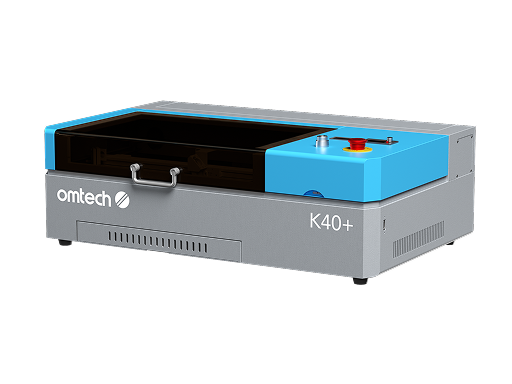
For engraving wood, you can choose between a diode laser engraver and a CO2 laser engraver. It depends on what kind of wood you (mostly) work with, and how deep you want the engraving to be.
- 10W–20W diode lasers are good if you want engraving and light cutting
- 40W+ CO₂ lasers are better for deeper engraving and faster cutting
Wood varies a lot; softwoods like pine are easy to engrave, while hardwoods like oak or walnut require more power.
What is Sufficient Power for a Laser Engraver for Wood?
Most people go for 60W+CO2 laser engravers for wood. The higher wattage results in faster engraving speeds, deeper cuts, and cleaner outcomes, especially on dense wood. It also reduces the number of passes needed, saving time.
That said, a 10 or 20W diode laser does a decent job, is more affordable, and is definitely a more good option option if you are just starting.
 2. Check the Engraving Precision (Resolution and Spot Size)
Look for a machine with:
- A fine laser spot size (e.g., 0.08mm or smaller)
- High DPI capability (dots per inch)
Better precision gives you sharper lines, smoother gradients, and more professional-looking results, which is critical if you are building your skills or intend to sell your work at any point.
Wood engraving involves logos, text, and artwork, which all require extreme detail. So, when buying a laser engraving machine for wood, the size of the laser is crucial.
3. A Sizeable Working Area (Bed Size)
When you are working with wood projects, you generally require a laser engraving machine with a lot of workspace. However, it depends on the average size of your wood projects
- For Crafts, small items, a small working area (e.g., 5" x 5") may be sufficient.
- For signs, cutting boards, etc, you need a laser engraver with at least a medium (e.g., 15" x 15") working area.
- For batch production, furniture pieces and other sizable projects, you need a large working area.
A larger workspace allows you to engrave bigger items or run multiple pieces at once, improving productivity. Remember, your machine is only as versatile as the space it can handle.
4. Compatibility with Wood Types
When choosing a laser engraver for wood, keep in mind that there are many types of wood for laser engraving. Ideally, you want a machine with:
- adjustable power and speed settings.
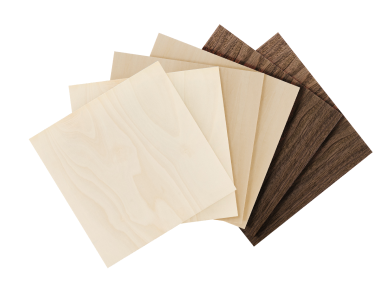
- compatibility with common woods like birch plywood, maple, cherry, and MDF.
This flexibility is important because it lets you fine-tune settings for each wood type, resulting in better contrast and fewer mistakes. Not all woods engrave the same. Some burn cleanly, others char or produce uneven results.
 5. A Good Air Assist System
A good air assist system is a non-negotiable for a laser engraver for wood. Look for a laser engraver with a built-in or attachable air assist system.
Burning wood produces smoke and debris that can interfere with engraving quality. Air assist blows debris away, giving you cleaner edges, less charring, and better visibility during engraving.
6. Software Compatibility
Ensure that the machine is compatible with tools like LightBurn or LaserGRBL, and can support common file formats like SVG, PNG, and DXF.
Your engraver is only as easy to use as the software behind it. Good software makes it easier to design, edit, and optimise your engravings, saving time and reducing trial-and-error.
You certainly want to make sure your laser engraver is compatible with as many of the 12 best laser engraving software in 2026 as possible.
7. Enough Cooling and Ventilation Features
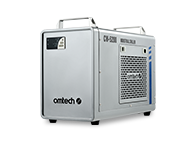
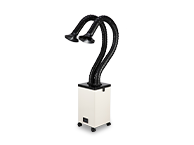
Laser engraving wood produces smoke and heat. Ensure that the machine has a proper ventilation system or exhaust fan, and sufficient cooling features (especially if it is a CO₂ laser). An inline duct fan is especially necessary for CO₂ laser engravers, and it helps you strengthen your cooling system.
Good airflow keeps your workspace safer and ensures consistent engraving performance without overheating.
Best Laser Engravers For Wood From OMTech
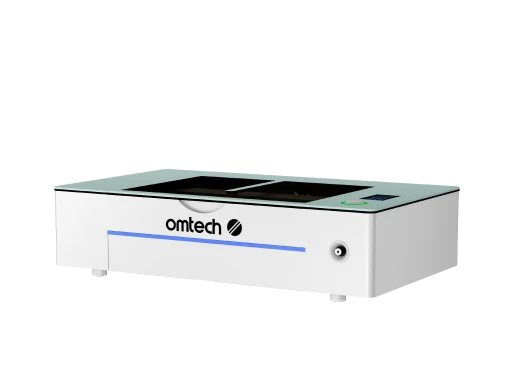
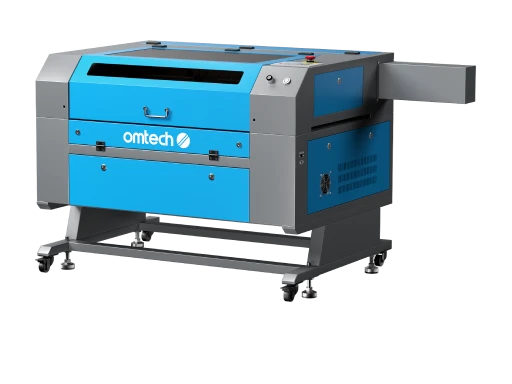
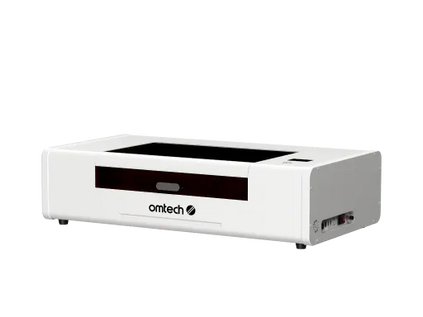
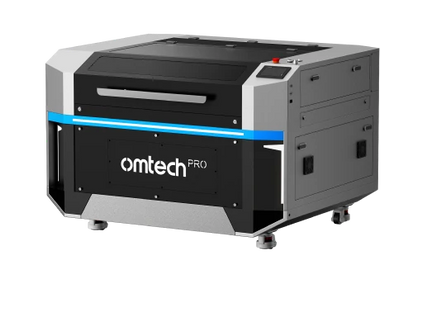
The OMTech Maker Series: Best for Small Businesses
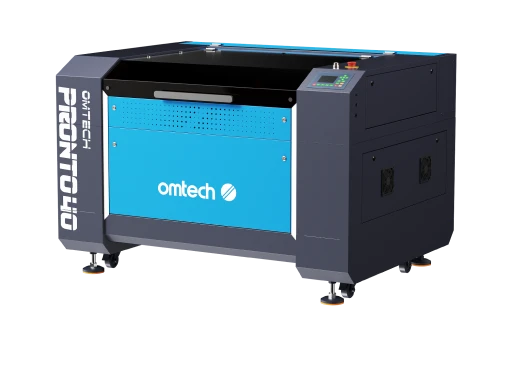
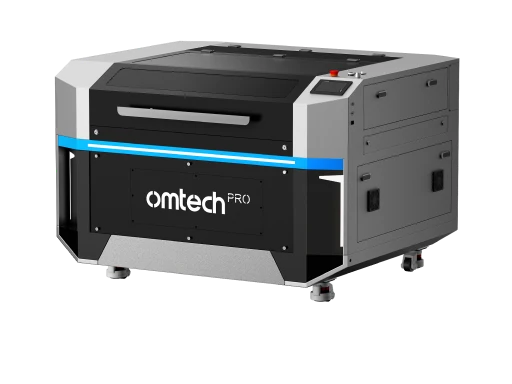
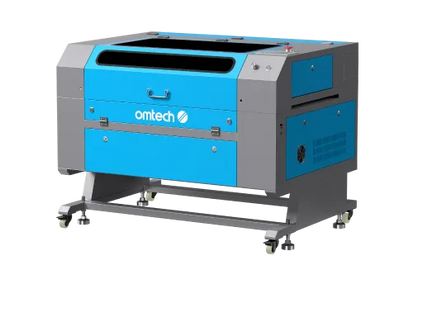
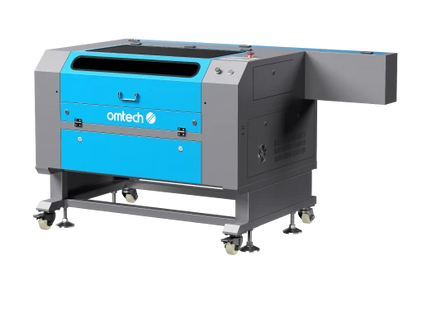
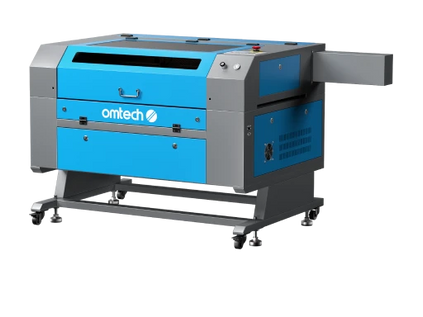
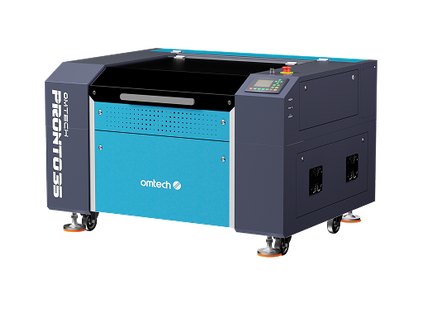
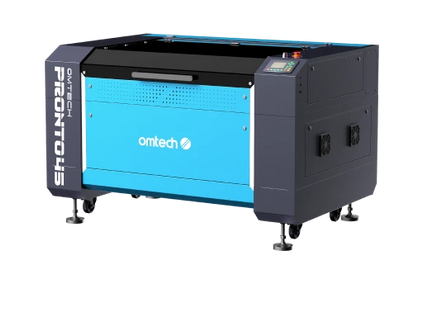
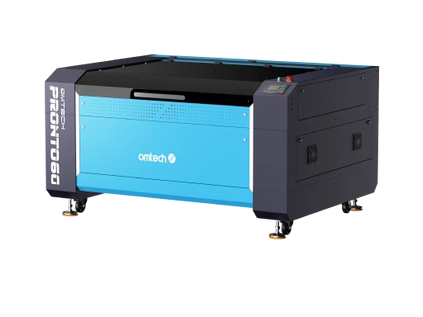
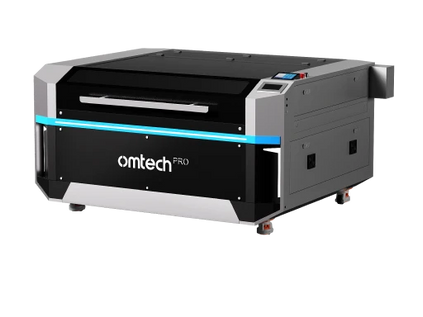
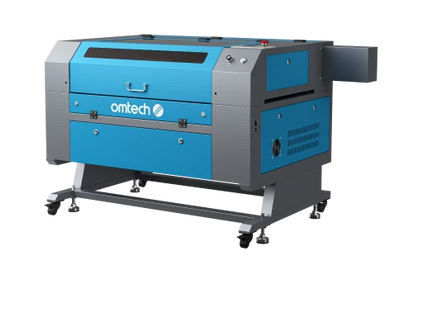
From 60W to 130W CO2 laser engraver models, the Omtech Pronto series contains some of the most versatile laser engravers for wood. These laser engravers are known for their robust laser output, speedy and efficient performance, and their expansive work areas for tackling wood projects of every kind.
Consider the Omtech Pronto 35 Laser Engraver and Cutter, a beginner model, which has become a favorite for small wood businesses.
- Increased power output for faster cutting speeds (60W, engraves at 100 mm/s)
- Larger working area for handling bigger projects (20"x28")
- Advanced software compatibility for intricate designs (Lightburn, RDWorks, CorelLaser, etc.)
- Durable construction suitable for continuous use in small business settings.
For bigger wood engraving businesses, consider the Pronto 45(100W) or the Pronto 60 (130W), both of which feature even faster engraving/cutting speeds, larger working areas, and are equally compatible with laser engraving software.
Laser Engravers for Wood and Acrylic: Why People Choose Them
Even if your focus is on wood, choosing a laser engraver for wood that can also handle acrylic is a smart decision. A good number of laser engravers, including all of OMTech's Pronto laser engravers, support both wood and acrylic. With a laser engraver for wood and acrylic, you can boost your business prospects in many ways:
- You can expand your product line: You can offer signs, LED-lit engravings, and custom displays
- Higher profit margins: Acrylic products often sell at premium prices
- More creative flexibility: Combine wood and acrylic for layered designs
In short, you’re not just buying a tool, you’re opening the door to more revenue streams and more design possibilities.

Mistakes to Avoid When Buying a Laser Engraver for Wood
- Going too cheap: Low-end machines often lack precision and consistency
- Ignoring the machine’s power needs: Underpowered lasers struggle with hardwoods
- Overlooking the importance of software: A powerful machine with poor software is frustrating to use
- Skipping ventilation planning: Smoke buildup can ruin both your work and your workspace
- Buying too small: Many people outgrow their engraving area quickly
Avoiding these mistakes will save you from upgrading too soon, or worse, replacing your machine entirely.
Tips for Safely and Properly Setting Up Your Laser Engraver
- Choose the right location: Use a well-ventilated area that is stable and level, and keep away from flammable materials
- Set up proper ventilation: Install an exhaust fan or ducting system, and consider a window vent or air filtration unit for proper ventilation. These machines heat up
- Calibrate the machine properly: Check focus distance, align the laser if needed, and run as many test engravings on scrap wood as you need to.
- Use safety gear: To protect yourself, wear laser safety glasses (if required). Always keep a fire extinguisher nearby, and never leave the machine unattended when it is running.
- Organise your workflow. Keep all your laser engraving materials dry and flat. Remember to store wood properly so that it does not warp, and label your test settings for future reference.
Before you even start engraving, setup matters more than most people think. Getting these little details right from the beginning helps you avoid costly mistakes and ensures consistent, high-quality results from day one.
Final Thoughts on Getting a Laser Engraver for Wood
Choosing the best laser engraver for wood comes down to understanding what actually affects your results: power, precision, workspace, and usability.
When you combine the right machine with proper setup and smart buying decisions, you’re setting yourself up for smoother projects, better products, and a more profitable workflow.
If you approach it strategically, your laser engraver won’t just be a tool; it’ll be the backbone of your entire creative or business operation.
You might want to start by understanding wood laser engraver settings and why these are especially important for your first project.





