














Laser Engraving Speed Chart: Understanding Optimal Laser Speed Settings
The first thing to know about laser engraving speeds is that the right speed will depend heavily on two things: the acceleration of the laser engraver and the material you are working on. The general approach is to use faster speed settings with lower power to prevent over-burning. But a more sophisticated understanding of laser engraving speeds always helps, especially if you run a business and need to do batch production.
In many ways, understanding how your laser engraving speed and power settings affect your end product is essential, regardless of your laser-cutting goals.

What Does “Speed” Mean in Laser Engraving?
To understand laser engraver speeds, it is important to differentiate between “maximum speed” and “effective speed”. Some laser engraving machines claim speeds over 1,000 mm/s, but in most cases, effective engraving speeds typically range from 200 to 600 mm/s to maintain quality.
The maximum speed is the limit at which the engraver can engrave.
The effective speed of a laser engraving machine is the optimal speed at which the laser engraves to maintain quality.
Acceleration and mechanical stability are often more important than the maximum "advertised" speed of a laser engraver.
Laser Engraver Speed vs. Acceleration
There is a difference between laser engraving "speed" and "acceleration". Acceleration (measured in Gs) matters much more than top speed. If you are working on a small or intricate piece, a laser head rarely has enough physical runway to hit its top speed before it has to slow down and turn around.
Even if a laser engraving machine boasts a top speed of over 1,000 mm/s, running it that fast on a hobbyist frame can cause what is known as "whiplash" or machine flexing. This will ruin the definition of the image.

Common Laser Engraver Speed Ranges by Laser Type
Laser engraver speed differs depending on the type of laser engraver. Generally, fiber lasers have the fastest engraving speeds, CO2 lasers engrave at moderate speeds, and diode lasers are much slower.
1. Diode Lasers (5W–20W)
Diode laser engraving speeds are much slower, often running at 100–250 mm/s for engraving. Increasing the power can proportionally increase speed, but diode machines are often limited by the stiffness of the gantry. The heavy laser module sits directly on the moving gantry head. Higher speeds may lead to vibrations.
2. CO2 Lasers (40W–100W)
The average speed for the average CO2 laser engraver is about 300–600 mm/s. They are generally considered to be the medium-fast option. High-end CO2 machines with RF tubes or advanced servos can reach 600–700 mm/s or higher because they only move lightweight mirrors and lenses instead of the whole laser unit.
Some may even hit 1,200 mm/s but rarely run at that speed, but for many CO2 laser hobbyists, 200–300 mm/s is considered the "sweet spot" where you maintain high definition without losing steps or causing excess mechanical wear.
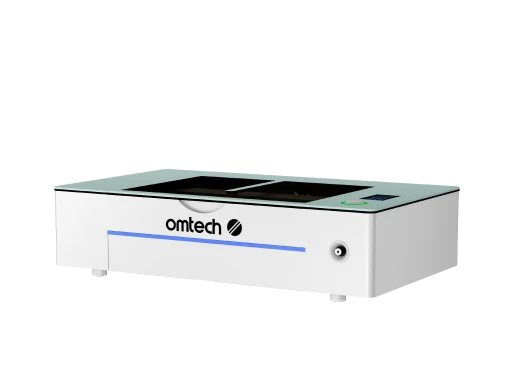
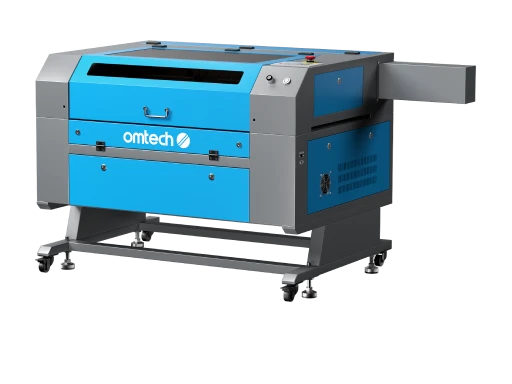
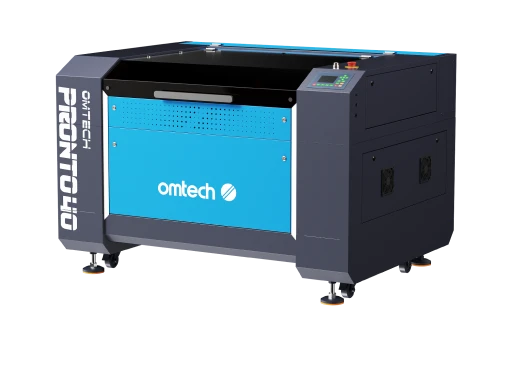
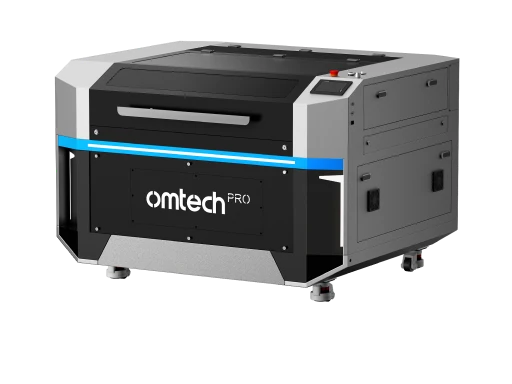
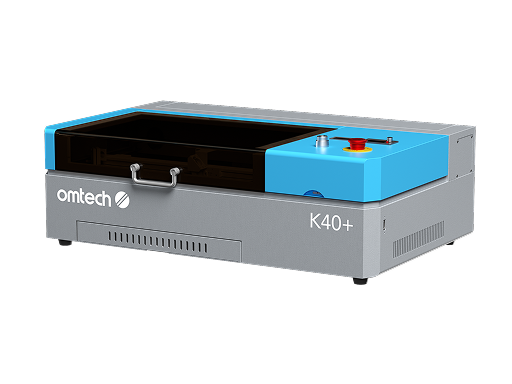
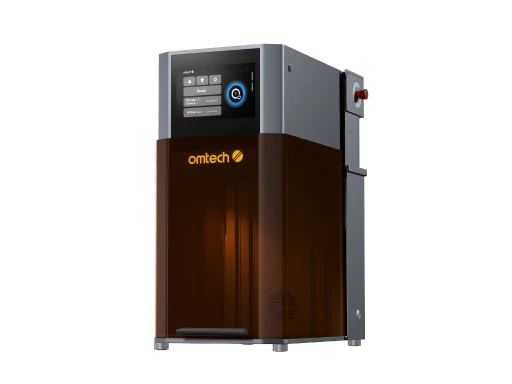
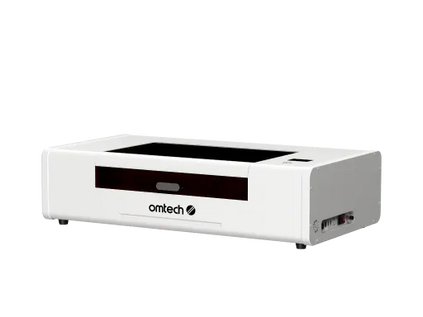
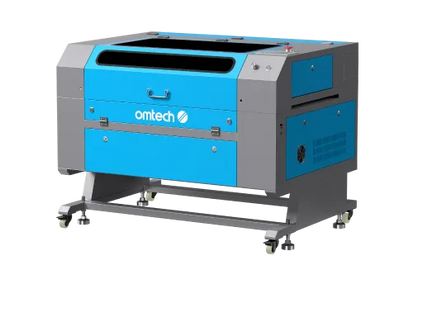
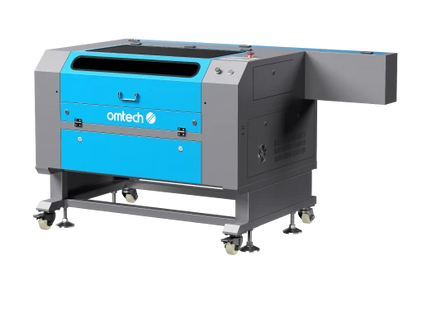
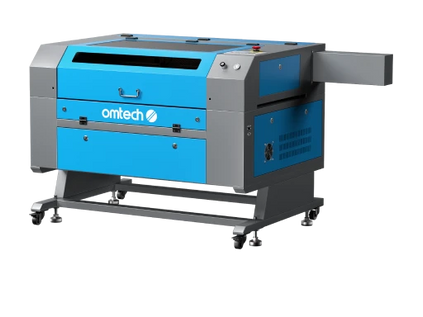
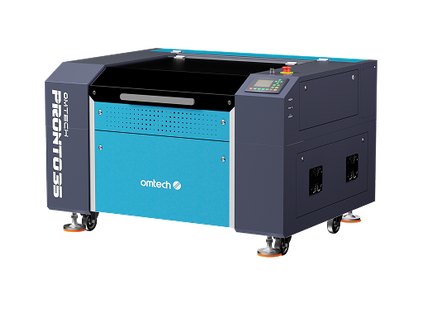
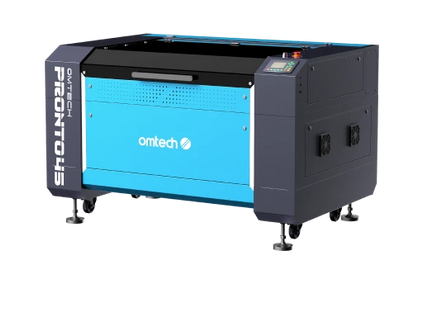
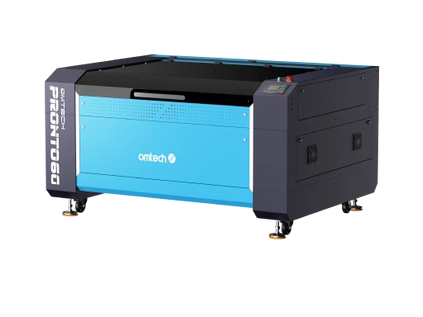
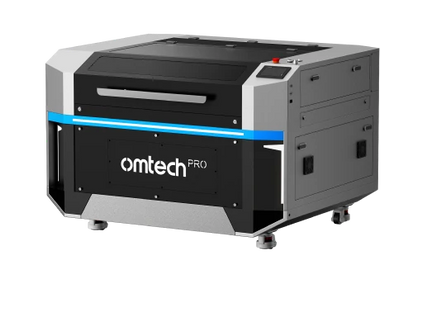
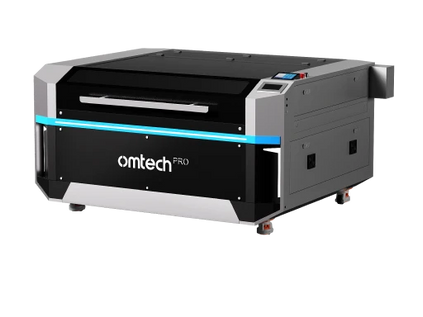
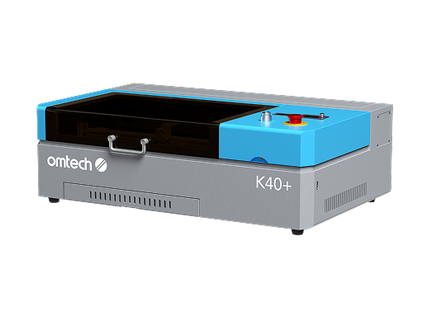
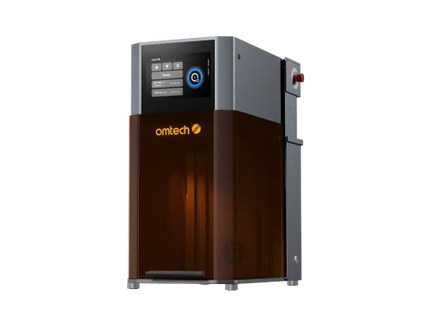
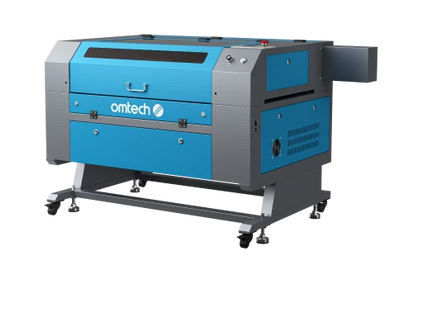
CO2 laser machines, from compact desktop models like the Polar series to powerful workhorses like the Pronto series, are capable of engraving and cutting with accuracy and precision. Just so you know, making sure you have optimal settings for your project is only one part of the equation. Partner with OMTech and get the best products at ideal price points.
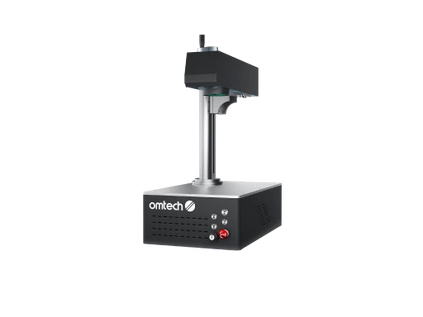
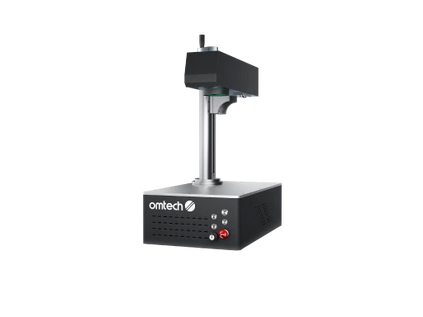
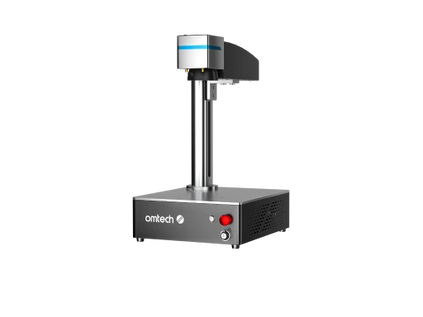
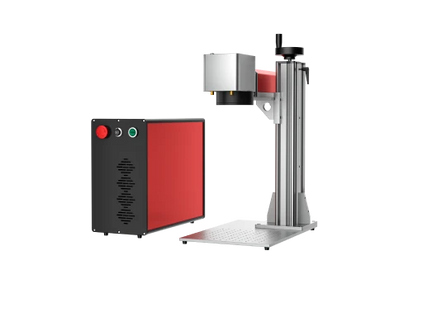
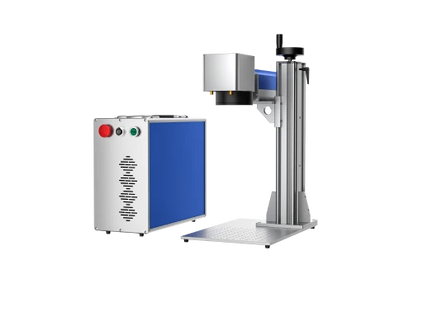
3. Fiber/Galvo Lasers
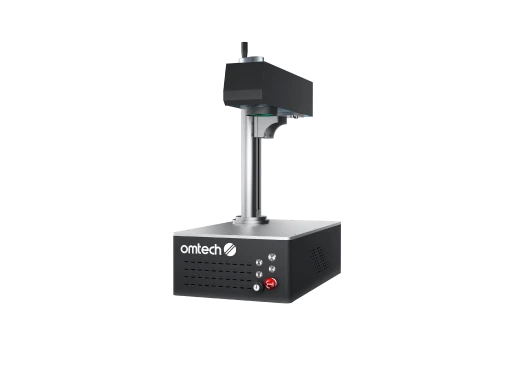
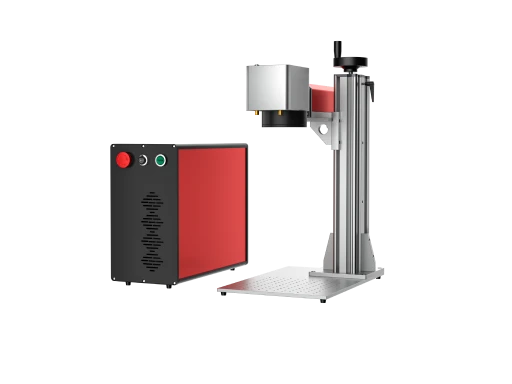
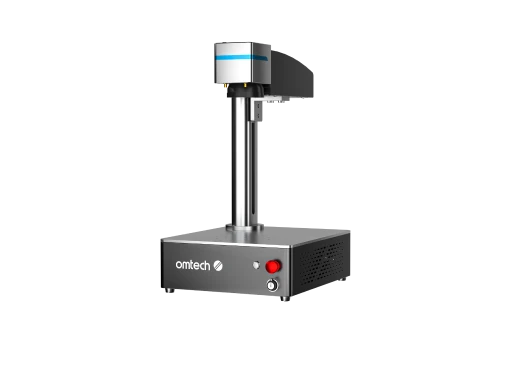
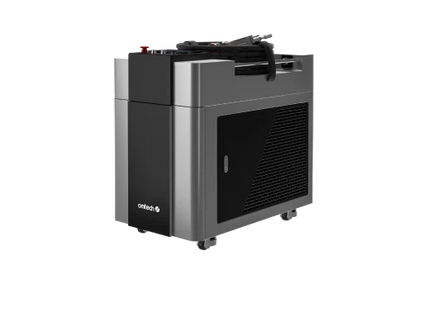
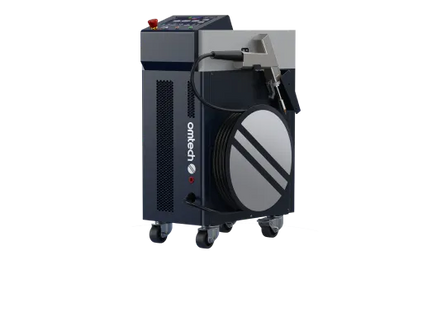
Fiber laser engravers have significantly higher speeds because the mirrors (galvo) are moving rather than a heavy gantry. A good fiber laser engraver can reach speeds of 1,500-6,000+ mm/s for industrial marking. They use internal oscillating mirrors to steer the beam instantly rather than moving a physical gantry.
Laser Engraver Speed and Power Chart by Laser Type
| Laser Type | Typical Power Range | Average Engraving Speed | High-End / Max Speed | Why Speed Differs | Best Use Cases |
| Diode Lasers | 5W–20W | 100–200 mm/s | Higher speeds are possible with more power, but are often limited mechanically | Uses a moving gantry system; lightweight but less rigid at high speed | Hobby: engraving, crafts, wood, light-duty personalization |
| CO2 Lasers | 40W–100W | 300–600 mm/s | 600–700+ mm/s on advanced RF tube or servo systems | More powerful beams and faster motion systems than diode machines | Wood, acrylic, signage, production engraving, school/business use |
| Fiber / Galvo Lasers | Commonly 20W–100W+ | Much faster than gantry systems | 6,000–12,000 mm/s for industrial marking | Uses fast-moving galvo mirrors instead of moving the entire laser head | Metal marking, serial numbers, jewelry, and industrial production |
Key Insights on Laser Engraving Speed vs. Quality
Manufacturers often advertise laser engraving speeds based on long straight lines. On small, detailed graphics, the machine never actually hits these speeds because it spends most of its time accelerating and decelerating.
- For many CO2 hobbyists, 200–300 mm/s is considered the "sweet spot" where you maintain high definition without losing steps or causing excess mechanical wear.
- Power/Speed Ratio: A common rule of thumb is that doubling your speed requires roughly doubling your power to achieve the same engraving depth. It is non-linear.
- DPI and Time: Reducing your DPI (dots per inch) or LPI (lines per inch) is one of the most effective ways to speed up a job without actually changing the laser's travel speed.
Material-Specific Laser Engraver Settings For Different Materials
| Material | Laser Type | Recommended Speed | Power |
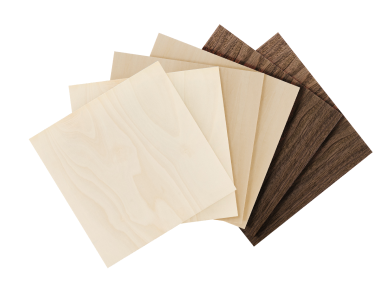
| Softwood (Pine/Cedar) | CO2 (40-60W) | 200–300 mm/s | 20–40% |
| Hardwood (Oak/Maple) | CO2 (40-60W) | 150–250 mm/s | 30–50% |
| Plywood/MDF | CO2 (100W) | 400 mm/s | Varies |
| Stainless Steel | Fiber Laser | 1,000+ mm/s | High |
Breaking Down Key Variables in Laser Engraving
Speed and power are the two most critical variables you must understand when operating your laser engraving machine. This will give you a fundamental command of the items you produce and your overall experience with the device.
A crucial first step is accessing a reputable laser cutting speed and power chart. This resource can guide you as you continue your laser cutting journey.
At first glance, a laser cutting speed chart may seem complex and difficult to understand. The good news is, this article can help you navigate the terminology and new information to gain more confidence with your laser-cutting machine.
Laser Engraving Speed
Laser speed is a critical aspect of a laser engraving speed and power chart. A laser beam works by melting away surface layers of materials to create your chosen design. When you guide a laser to move, it travels vertically on the Y-axis and horizontally on the X-axis to execute the pattern. When you place a piece of material on a laser cutter's workbed, the laser engraving speed setting will determine how quickly the laser beam moves on each axis and cuts the material. A faster speed equals a quicker processing time.
Learn more: Laser Engraver Mirror Alignment
However, simply calibrating your settings to the fastest speed for every project will only sometimes be beneficial. If you direct your laser to move too quickly, you risk skipping over critical components of your image or not cutting deep enough. Alternatively, if you decrease the speed too much, your laser will spend too much time in one place, which could burn your workpiece.
Laser Power
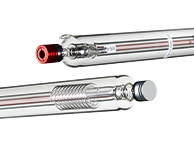
Laser power is another vital element in a laser engraving power and speed chart. CO2 laser cutters generate their lasers in a glass tube loaded with CO2 gas. As the device pumps high-voltage electricity through the tube, it interacts with the gas and produces light. The speed at which the laser emits the resulting energy is what determines the laser's power.
A laser's power is independent of its speed, although a perfectly balanced combination of the two is essential for optimal results. A laser with a higher power setting can forge deeper and darker cuts. Further, thicker materials will require more power than thinner ones. Also, if your power is too high, you could char your workpiece and create undesirable smoke.
Finding the Perfect OMTech Laser Engraving Speed and Power Settings

As you can see, properly adjusting your laser engraving speed and power settings is essential to achieving the perfect cuts for your projects. However, even after you've decided what your settings should be, there are a couple of final steps you should follow.
Learn more: OMTech laser settings for different types of materials
Run Tests on Different Types of Materials
Materials can be costly, so using a scrap piece to test how they will react to your settings is wise. Testing is essential if your workpiece is unique or if you only have a small amount. The minimal portion that you sacrifice will pay off in the long run. Even if you have a lot of engraving experience, you should always test on unfamiliar materials or materials that are oddly shaped or have uneven surfaces.
Different materials will require different laser engraving speeds and power calibrations. Even if you're using different types of the same materials, their respective properties could be vastly different, severely altering your final product.
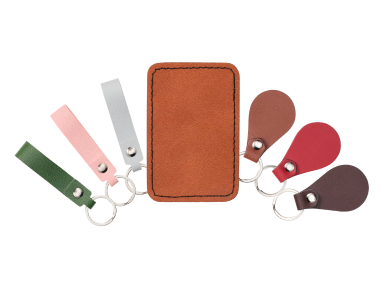
For example, even though lambskin and cowhide are both types of leather, they need different laser engraving settings due to their differing qualities. Cowhide is more durable and can withstand high power, while sheepskin is too delicate for such a power setting. You will achieve very different results if you use the same speed and power settings for these two materials.
Adjust Speed and Power Levels
Finally, if your laser engraving tests do not come out exactly as you had hoped, take the time to readjust your speed and power levels and retest. Keep an eye on things like the edges of your cuts. Smooth edges mean your settings are set correctly, while rough or jagged edges mean you need to either increase power or decrease speed.
It's also important to note that how you prepare your materials will impact how they react to laser engraving.
For example, applying moisture to organic materials significantly affects their burn patterns. Dry leather can scorch or create unwanted fumes, so get it wet and supple before engraving. However, if you saturate leather too much, the lines you forge will not be crisp, and the design will look muddled.
Similarly, how you condition wood will drastically affect its withstands engraving. Wood that is not sanded, cleaned, and lightly finished will get smoke burns from the laser's heat.

3 Tips For Speeding Up Your Laser Engraving Time.
The best way to speed up your laser engraving is usually to adjust the settings in your software( like Lightburn). Consider these tips:
- Lower the DPI/LPI: Dropping your Lines Per Inch (LPI) slightly reduces the number of passes your laser head has to make, and this significantly cuts down how long the job takes without any (noticeable) loss in quality.
- Use offset fill: Instead of the traditional raster function (which moves left or right across the entire image blank space), use the "Offset Fill" function to make the laser trace the inward shapes continuously.
- Scan the offset adjustment: If your engraving lines look jagged or misaligned when you increase the speed, the best approach is to calibrate your machine's scanning offset. This way, you can compensate for the lag of the mechanical components.
Experience Stellar Engraving Quality With OMTech Laser Engraving Machines
 Projects by OMTech CO2 Lasers
When you invest in an OMTech machine, you receive our stellar two-year warranty, exceptional customer service, and an invitation to join our fantastic laser community.
Do you have more questions about CO2 laser engraving? Visit our FAQ page or check out our blog posts. We look forward to joining you on your laser engraving adventure.





