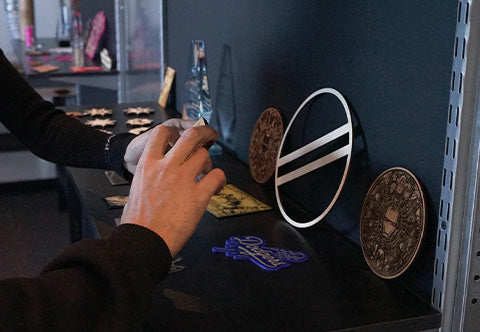
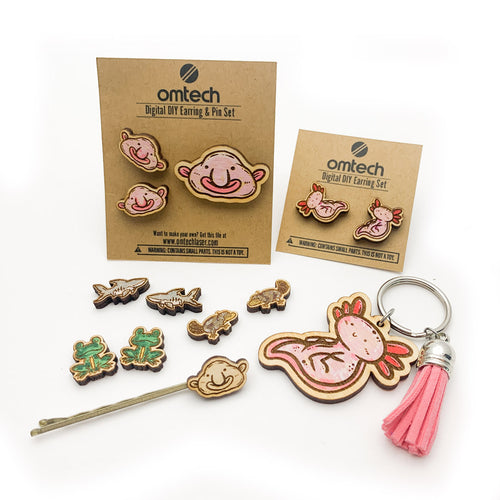
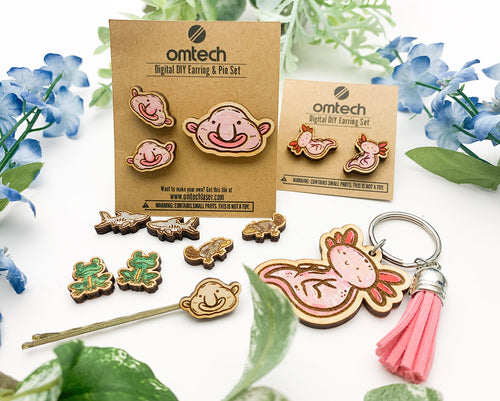
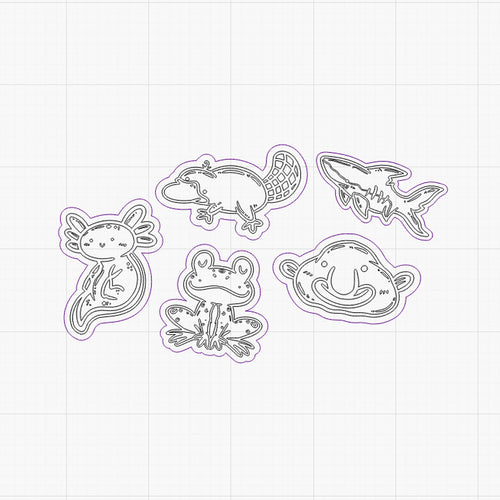
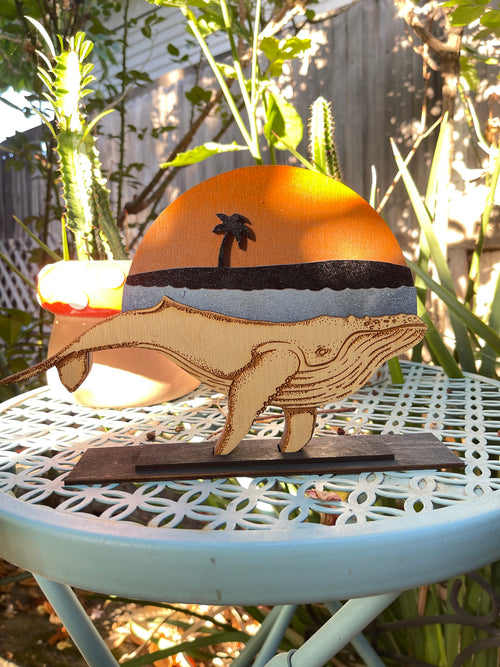
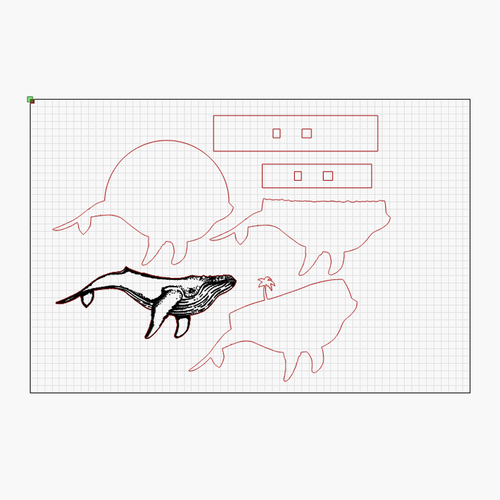
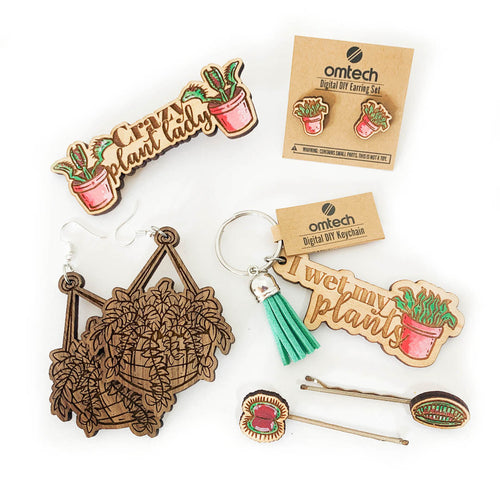
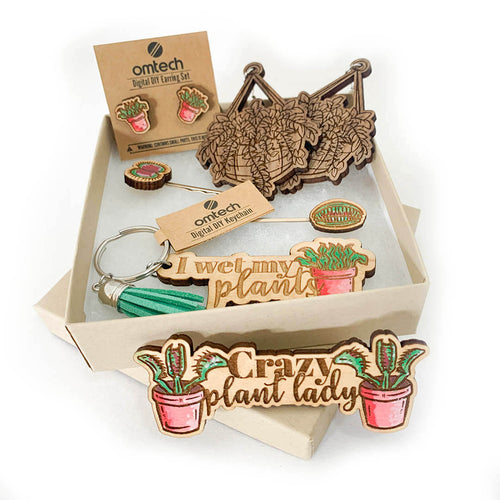
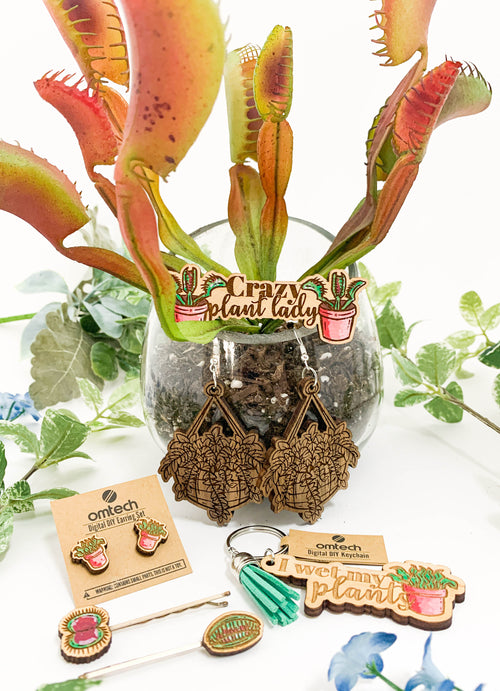
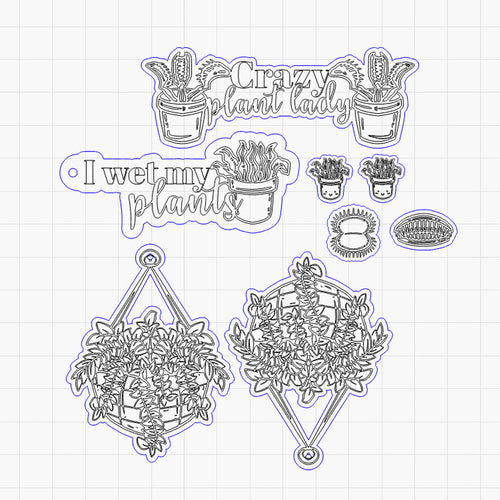
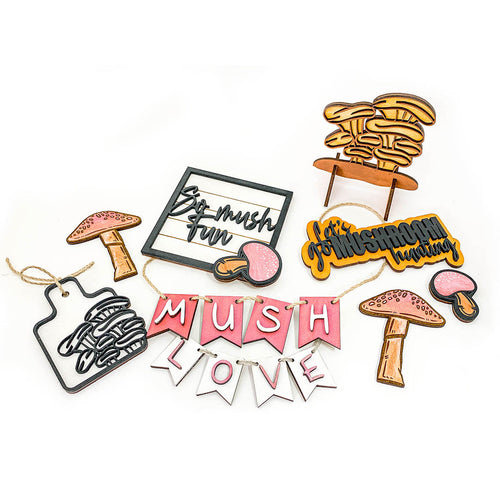
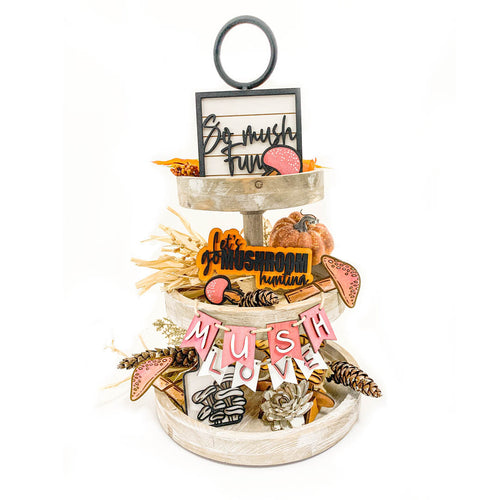
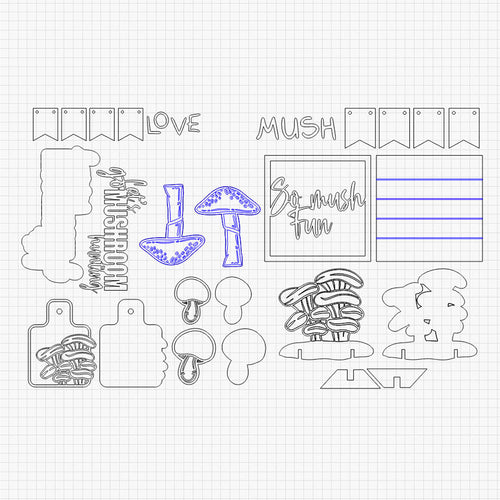
While OMTech laser machines are always beaming with possibilities, sometimes you need a little laser design inspiration to get started. Begin your laser engraving journey by browsing our brand-new DIY laser engraving ideas for game-changing Scalable Vector Graphics (SVGs). Our FREE laser cut files library will continuously update with holiday projects, special occasion gifts, and more. Explore more free SVG files here.
Please Note: This is a digital download and NOT a physical product. The following is compatible with LightBurn. Don’t forget to SUBSCRIBE to our newsletter for the latest ideas and events!
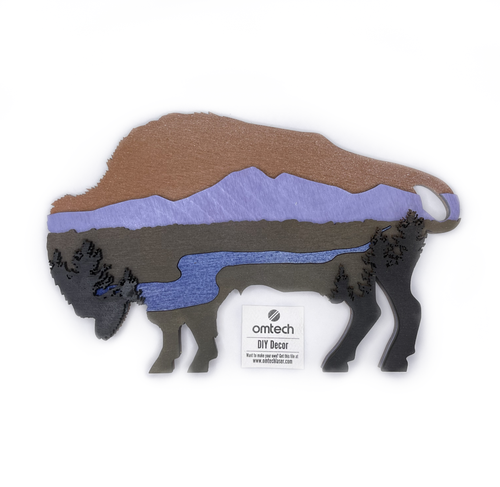
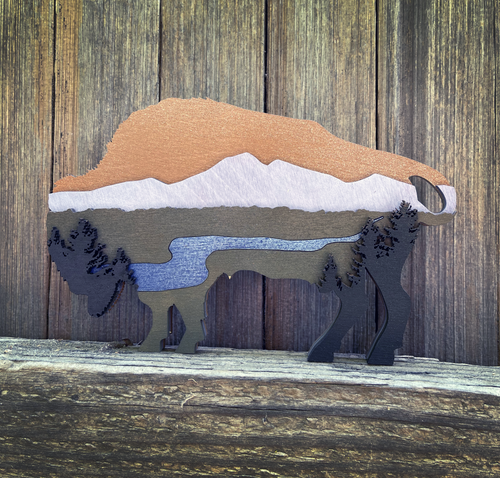
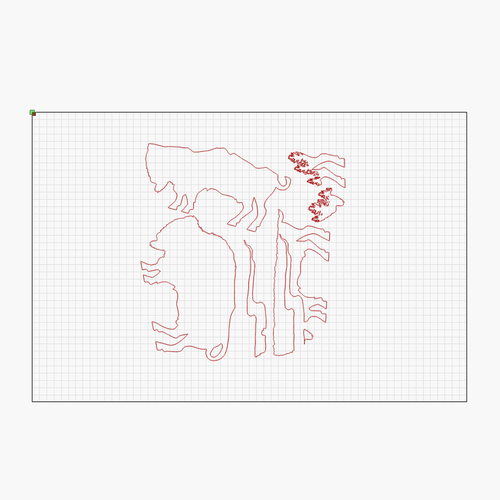
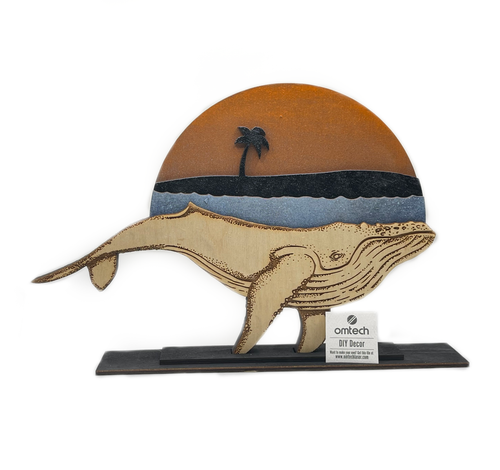
FAQ
Our SVG library is primarily designed for personal use and to inspire your creativity. While many files are perfect for small-scale gifting, please check the specific licensing notes included with the download if you plan to sell the physical products made from these designs.
No expensive software is required! These are Scalable Vector Graphics (SVG), which can be opened and edited with free tools like Inkscape or directly imported into laser-specific software like LightBurn and RDWorks.
Because SVGs are XML-based graphics, your computer often defaults to opening them in a web browser (like Chrome or Edge). To use them for lasering, simply open your laser software (e.g., LightBurn) and go to File > Import to bring the design onto your workspace.
This is usually a layer setting issue. In LightBurn, check your "Cuts and Layers" window. Ensure the layer is set to "Fill" if you want an engraving, or "Line" if you want a cut. If shapes aren't filling, they might be "open paths"—you can use the "Auto-Join" tool in LightBurn to close them.
Most of our files are optimized for 1/8" (3mm) or 1/4" (6mm) wood and acrylic. However, our library includes designs for leather patches, slate coasters, and glass etching. Always perform a small "test cut" on scrap material to calibrate your power and speed settings before starting the full project.
To keep your DIY projects looking professional, we recommend applying paper masking tape to the surface of the wood before cutting. This prevents "flashback" and smoke staining. Once the cut is finished, simply peel off the tape to reveal a clean, burn-free surface.
Yes, it is fully compatible with LightBurn software, offering customizable features and user-friendly controls.